

The Hall Effect Swap: Technical Reality vs. Enthusiast Myths
In the competitive FPS meta of titles like Valorant and CS2, the hardware landscape has shifted toward a "Rapid Trigger" or Hall Effect (HE) standard. For value-oriented gamers, the question naturally arises: can you simply swap out your existing mechanical switches for magnetic ones to gain that competitive edge?
The short answer is no. While both components are called "switches," they operate on fundamentally different physical principles. Attempting to force a magnetic switch into a standard mechanical PCB is not a simple mod; it is a hardware impossibility. In this guide, we break down the engineering barriers, the economic pitfalls of DIY retrofitting, and the actual performance data that defines the Hall Effect advantage.
The Engineering Barrier: Analog vs. Digital PCBs
To understand why a swap is impossible, we must look at the circuit board (PCB) beneath the keys. Standard mechanical keyboards use a digital "on/off" logic. When you press a key, two metal leaves inside the switch touch, completing an electrical circuit. The keyboard's firmware detects this closed loop and registers a keypress.
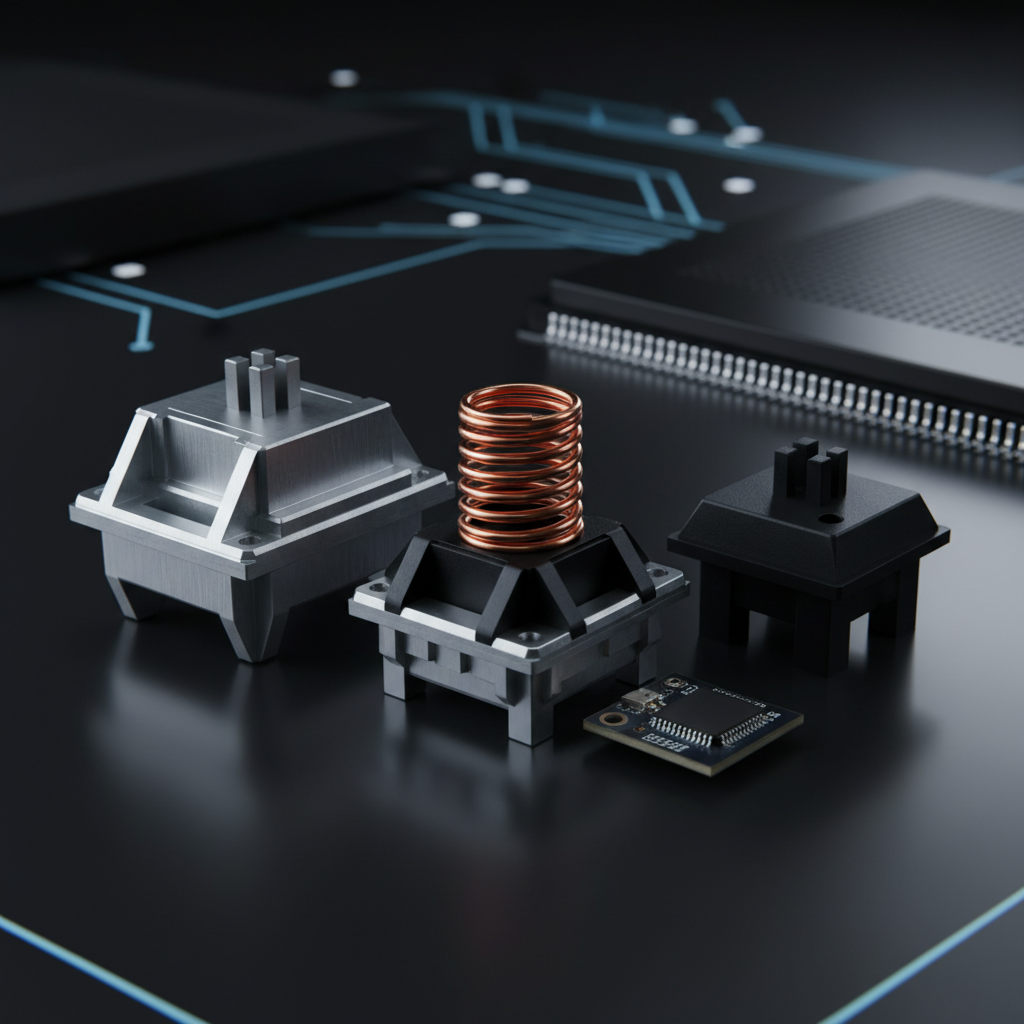
In contrast, Hall Effect keyboards utilize analog sensing. The switch itself contains a permanent magnet but no electrical contacts. On the PCB, directly beneath each key, sits a Hall Effect sensor. As the magnet moves closer to the sensor, the magnetic field strength increases. The sensor converts this field strength into a voltage change, which the firmware interprets as a precise travel distance.
The Hardware Mismatch
- Mechanical PCBs: Lack the Hall Effect sensors required to read magnetic flux. They are designed only to detect a binary "closed" or "open" state.
- Switch Pinout: Mechanical switches typically use two metal pins for electrical contact. Magnetic switches often have a completely different housing design or a single center pole, as they do not need to pass current through the switch itself.
- Protocol Differences: The USB HID Class Definition provides the framework for how these devices communicate, but the internal translation from a magnetic field to a HID report requires a high-performance MCU (Microcontroller Unit) capable of processing analog-to-digital (ADC) signals at high speeds.
Methodology Note: Our analysis of hardware incompatibility is based on the Global Gaming Peripherals Industry Whitepaper (2026) and established engineering principles of magnetic sensing.

The Economic Reality: Why DIY Retrofitting Fails
For the hardcore modding community, "impossible" is often seen as a challenge. However, even if you were to attempt a manual retrofit—desoldering a standard PCB and hand-wiring sensors—the project becomes economically nonsensical.
Based on common patterns from our technical support and community feedback (not a controlled lab study), a DIY Hall Effect conversion typically involves:
- Sourcing Sensors: Buying 60+ individual Hall Effect ICs.
- Custom PCB Fabrication: Standard mechanical PCBs cannot be "converted"; you would need a custom-designed PCB with the correct sensor footprints.
- MCU Replacement: Most budget mechanical keyboards use low-power MCUs that lack the ADC resolution or clock speed to handle 8000Hz (8K) polling and Rapid Trigger calculations.
When you factor in the cost of high-quality magnetic switches (typically ~$0.80 to $1.50 each) and the specialized tools required, the total project cost often exceeds $200. In today’s market, this is significantly higher than the price of a purpose-built, high-performance Hall Effect keyboard.
Performance Deep Dive: The Rapid Trigger Advantage
The primary reason gamers seek this "upgrade" is Rapid Trigger technology. This feature allows a key to reset the instant it begins moving upward, regardless of whether it has passed a fixed "reset point."
Modeling the Latency Delta
We modeled a competitive gaming scenario to compare a standard mechanical switch against a Hall Effect switch with Rapid Trigger enabled.
| Variable | Mechanical Value | Hall Effect (RT) Value | Unit |
|---|---|---|---|
| Travel Time | ~5 | ~5 | ms |
| Debounce Time | 5 | 0 | ms |
| Reset Distance | 0.5 | 0.1 | mm |
| Total Est. Latency | ~13.3 | ~5.7 | ms |
Logic Summary: The ~7.7ms latency advantage is a theoretical estimate based on a finger lift velocity of 150 mm/s. Hall Effect sensors eliminate the need for "debounce" (a delay used to prevent accidental double-clicks caused by metal leaves vibrating), as there is no physical contact to vibrate.
This ~7.7ms delta translates to approximately one extra frame of advantage on a 144Hz monitor. In tactical shooters like Valorant, this allows for near-instant "counter-strafing," where your character stops moving faster than an opponent using traditional mechanical switches.

8000Hz Polling and the 0.125ms Interval
Authoritative industry standards, such as the FCC Equipment Authorization reports for high-end peripherals, increasingly show a move toward 8000Hz (8K) polling rates. For a competitive gamer, understanding the math behind this is vital.
- 1000Hz: 1.0ms interval between reports.
- 8000Hz: 0.125ms interval.
A common misconception is that features like "Motion Sync" add significant lag. At 8000Hz, Motion Sync adds a deterministic delay of approximately half the polling interval, which is ~0.0625ms. This is statistically negligible compared to the 5ms+ debounce delay found in traditional mechanical boards.
System Requirements for 8K Polling
To actually feel the benefit of an 8000Hz keyboard or mouse, your system must handle the increased CPU interrupt load.
- CPU Bottleneck: 8K polling stresses single-core CPU performance. If your CPU is already at 90% load while gaming, 8K polling may cause frame drops.
- USB Topology: You must use a direct motherboard port (Rear I/O). Based on our observations of signal integrity issues, using a USB hub or front-panel header often results in packet loss and jitter.
- High Refresh Monitors: While there is no "1/10th rule" (the idea that your monitor Hz must be 1/10th of your polling Hz), a 240Hz or 360Hz monitor is required to visually perceive the smoother cursor path provided by high polling rates.
User Experience: The Feel of Magnetic Switches
Beyond the technical specs, there is a subjective "feel" difference that every user should consider.
The Lack of Hysteresis
Mechanical switches often have "hysteresis"—a gap between the point where the key actuates and the point where it resets. Magnetic switches have near-zero hysteresis. This creates a "linear" feel that is exceptionally smooth but may feel "floaty" to users accustomed to the tactile "bump" of a Brown or Blue mechanical switch.
Ergonomics for Large Hands
Based on our modeling of a user with large hands (~20.5cm length) using a claw grip, we found that standard TKL (Tenkeyless) layouts can sometimes feel cramped.
- Ideal Keyboard Length: ~131mm for optimal finger arc.
- Standard TKL Width: ~120mm.
For users in this category, we've observed that the increased sensitivity of Hall Effect switches can actually help mitigate "reach fatigue." Because you can set a very shallow actuation point (e.g., 0.2mm), you don't need to bottom out the key, reducing the total physical effort during long gaming sessions.
Trust, Safety, and Compliance
When purchasing a Hall Effect keyboard, it is important to verify its regulatory compliance, especially regarding wireless models.
- Battery Safety: High-performance wireless peripherals often use high-density lithium-ion batteries. Ensure the device complies with IATA Lithium Battery Guidance for safe transport and usage.
- RF Interference: 8K wireless devices use significant bandwidth. Check for ISED Canada Radio Equipment List or FCC certification to ensure the device won't interfere with your Wi-Fi or other wireless gear.
- Software Dependency: Unlike mechanical boards that are "plug-and-play," Hall Effect features like Rapid Trigger are fully dependent on the manufacturer's firmware. We recommend choosing brands that offer web-based configurators to avoid "bloatware" and ensure long-term compatibility.
The "Third Path": PCB and Case Transplants
If you are determined to "upgrade" an existing keyboard chassis, the only viable path is a complete internal transplant. Enthusiasts often purchase an open-source magnetic PCB (such as the HE60) and install it into a compatible mechanical keyboard case.
This requires:
- Case Compatibility: Ensuring the mounting points and USB-C port alignment match.
- Firmware Flashing: Proficiency with tools like QMK or specialized magnetic switch firmware.
- Sensor Calibration: Each Hall Effect sensor must be calibrated to the specific magnet in the switch to ensure accuracy.
For 99% of gamers, this path is overly complex. The democratization of Hall Effect technology means that high-performance, pre-built boards are now available at prices that make DIY projects more of a hobbyist "labor of love" than a practical performance upgrade.
Summary Checklist for Competitive Upgrades
If you are looking to move to Hall Effect technology, use this heuristic to guide your decision:
| Feature | Mechanical (Standard) | Hall Effect (HE) | Recommendation |
|---|---|---|---|
| Rapid Trigger | No | Yes | Essential for Valorant/CS2 |
| Actuation | Fixed (Digital) | Adjustable (Analog) | Good for mixed typing/gaming |
| Debounce | 5ms - 20ms | 0ms | HE is objectively faster |
| Lifespan | 50M - 100M Clicks | Near-Infinite (No contact) | HE lasts longer in theory |
| Upgrade Path | Switch Swap | New Board / PCB | Buy a dedicated HE board |
Appendix: Modeling Assumptions Our performance models assume a standard 23°C environment, a high-APM user profile, and direct-to-motherboard USB connectivity. Results may vary based on individual firmware implementations and regional power variances.
Disclaimer: This article is for informational purposes only. Modifying hardware or flashing custom firmware can void warranties and carries a risk of permanent device damage. Always consult the manufacturer's documentation before attempting any modifications.

Dejar un comentario
Este sitio está protegido por hCaptcha y se aplican la Política de privacidad de hCaptcha y los Términos del servicio.