

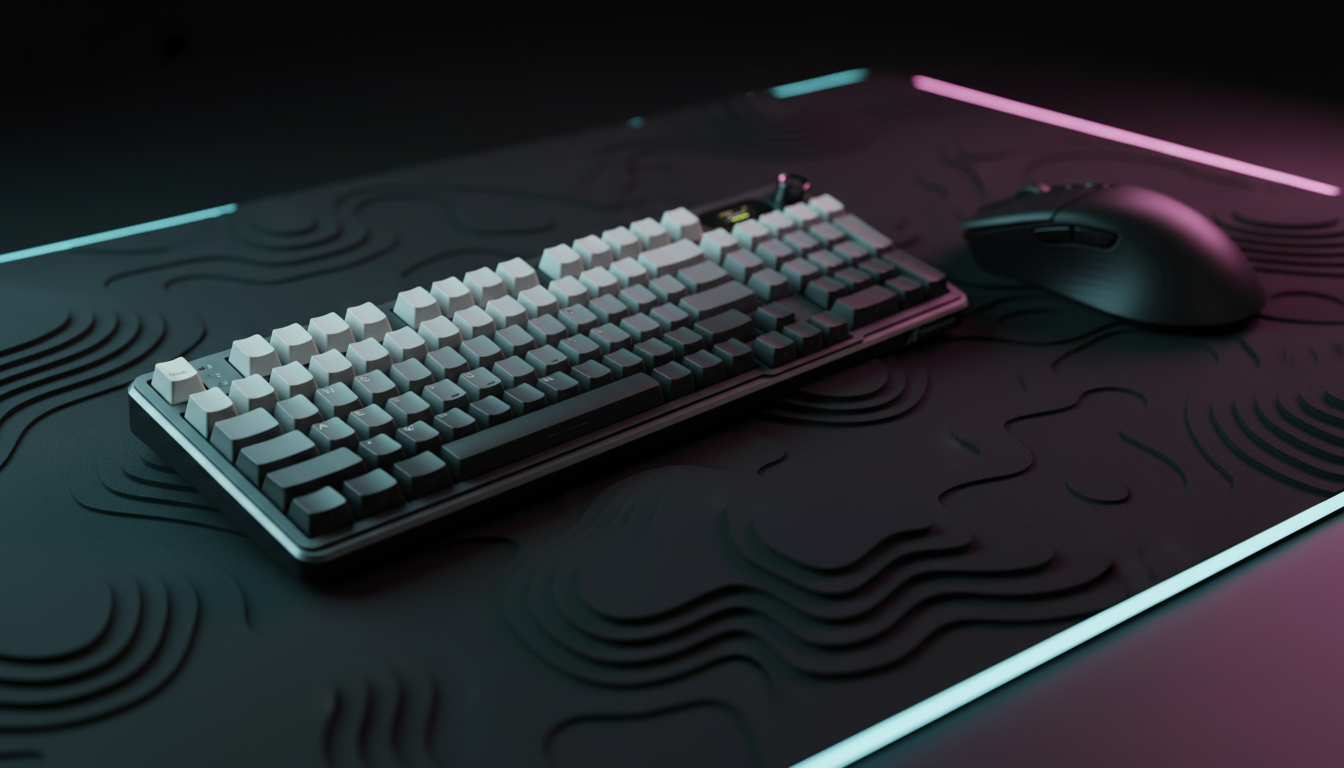
The Evolution of the Competitive Apex Meta: Hardware as a Movement Catalyst
In the high-velocity environment of Apex Legends, the "specification credibility gap" often separates marketing claims from tangible in-game performance. For value-driven, tech-savvy competitors, the transition from traditional mechanical switches to Hall Effect (HE) magnetic technology represents more than a trend; it is a fundamental shift in how movement tech is executed. Advanced maneuvers like supergliding, which require frame-perfect jump and crouch inputs within a 1-to-3 frame window, are no longer purely a matter of muscle memory. They are now an optimization problem involving kinematics, input sampling, and signal debouncing.
The adoption of Rapid Trigger technology—a feature that allows a key to reset the instant it begins an upward motion—has become the benchmark for competitive play. However, raw hardware is only half the equation. Achieving consistency in movement requires a data-driven approach to tuning actuation points and understanding the entire input chain, from the magnetic flux of a keyboard switch to the interrupt request (IRQ) processing of a high-polling wireless mouse.
The Kinematics of Supergliding: Why Milliseconds Matter
Supergliding is a physics-based exploit in the Apex engine that occurs during the final frames of a mantle animation. To trigger the glide, a player must input a jump and a crouch command almost simultaneously, with the jump occurring slightly before the crouch. At 144Hz, a single frame lasts approximately 6.9ms. At 240Hz, that window shrinks to ~4.2ms.
Traditional mechanical switches introduce two primary bottlenecks to this process: fixed hysteresis and debounce delay. A standard mechanical switch typically requires 0.5mm of upward travel before the circuit resets (fixed hysteresis) and an additional 5ms to 20ms of software debouncing to prevent "chatter" or accidental double-inputs.
According to our scenario modeling of competitive player biomechanics, utilizing Hall Effect Rapid Trigger technology can yield a ~7.7ms latency reduction in the input reset cycle compared to standard mechanical switches. This advantage is derived from the dynamic reset point—often as low as 0.1mm—which reduces the physical reset time from ~3.3ms to ~0.7ms (assuming a finger lift velocity of 150 mm/s). When combined with the near-zero debounce requirements of magnetic sensors, the hardware effectively removes the mechanical "slop" that often causes failed superglide attempts.
Logic Summary: The ~8ms advantage is calculated using a kinematic reset time formula (t = d/v), comparing a 0.5mm fixed hysteresis to a 0.1mm dynamic reset distance. This analysis assumes consistent finger lift velocity and negligible sensor processing delay, typical of modern high-performance magnetic switches.
Tuning Rapid Trigger: The Hysteresis Paradox
A common pitfall among players adopting Rapid Trigger is the "sensitivity trap"—setting the actuation and reset points to their absolute minimums (e.g., 0.1mm). While this theoretically maximizes speed, it often introduces a hidden skill requirement that can decrease consistency.
The 0.4mm/0.2mm Rule of Thumb
Based on patterns observed in community feedback and technical troubleshooting, a high-sensitivity setting of 0.1mm often leads to unintended inputs during hand repositioning or tense combat moments. If a player accidentally brushes a key during a mantle, a 0.1mm setting may trigger an input that breaks the animation.
For optimal superglide consistency, we recommend a "Tactile Buffer" configuration:
- Actuation Point: 0.4mm. This provides a intentional "bump" feel, ensuring the key is actually being pressed.
- Rapid Trigger (Reset Point): 0.2mm. This allows for a near-instant reset while providing enough margin to prevent micro-vibrations from triggering a second input.
SOCD Cleaning and Tap-Strafing
Beyond the jump-crouch timing, the implementation of Simultaneous Opposite Cardinal Direction (SOCD) cleaning is vital for advanced movement. For clean tap-strafes and "Snap Tap" style responsiveness, setting SOCD to "Neutral" is the standard practice. This ensures that if both "A" and "D" are pressed simultaneously, the inputs cancel each other out rather than prioritizing the last input, which can lead to muddy movement transitions.
The Sampling Bottleneck: Mouse Latency and DPI Fidelity
While much of the movement meta focuses on the keyboard, research suggests that mouse optimization can deliver a 10-15x greater reduction in total system latency than keyboard tuning alone. A keyboard typically handles discrete binary inputs, but the mouse manages continuous analog-to-digital tracking, where the "photon-to-click" delay is the true bottleneck.
Nyquist-Shannon and Pixel Skipping
For players using high sensitivity (e.g., 30 cm/360) on 1440p displays, the sampling rate of the mouse sensor becomes a factor in aiming fidelity. To prevent aliasing—commonly known as pixel skipping—the sensor must sample at a rate higher than the display's pixels-per-degree (PPD).
Applying the Nyquist-Shannon Sampling Theorem, we estimate that a minimum DPI of ~1550 is required for a 2560x1440 resolution at a 103° Field of View (FOV) to ensure that every micro-adjustment is captured without skipping a pixel. Using a DPI below this threshold while maintaining high in-game sensitivity can result in "stair-stepping" movement, which interferes with the smooth tracking required during a superglide.
Polling Rates: 4K vs. 8K
The move toward 8000Hz (8K) polling rates reduces the reporting interval to a near-instant 0.125ms. However, this performance comes with significant system trade-offs:
- CPU Overhead: 8K polling stresses the CPU's Interrupt Request (IRQ) processing. Users with older processors may experience frame drops or "stuttering" as the OS struggles to schedule thousands of mouse packets per second.
- Battery Depletion: For a standard 300mAh wireless mouse battery, switching from 1000Hz to 4000Hz (4K) reduces the estimated continuous runtime to ~13.4 hours.
- Sensor Saturation: To fully saturate an 8000Hz bandwidth, high movement speeds are required. At 800 DPI, you must move the mouse at 10 Inches Per Second (IPS) to generate enough data packets. At 1600 DPI, only 5 IPS is required, making higher DPI settings more stable for high-polling environments.
Methodology Note: The battery runtime estimate is based on a linear discharge model assuming a 1.7mA sensor draw and a 4mA average radio current for 4K polling, derived from Nordic nRF52840 SoC power consumption specifications.
System-Level Optimization and Hardware Integrity
To maintain the performance gains achieved through Rapid Trigger and high-polling mice, the underlying system architecture must be compliant and stable.
USB Topology and Shielding
High-performance peripherals should always be connected to the direct motherboard ports (Rear I/O). Front-panel headers and unpowered USB hubs often introduce packet loss and electrical noise, which can manifest as "ghosting" or delayed inputs during complex movement tech. This is especially critical for 8K devices, which require maximum bandwidth and minimal signal interference.
Firmware and Profile Management
A standard best practice in the competitive community is the regular backup of configuration profiles. Firmware updates, while often improving sensor stability or adding features like SOCD cleaning, can occasionally reset custom Rapid Trigger settings. Exporting your .json or .cfg profiles ensures that your specific 0.4mm/0.2mm timings are preserved across different machines or software versions.
Trust, Safety, and Compliance Standards
When selecting high-performance gear, technical specs must be balanced with regulatory reliability. Competitive gaming peripherals often utilize high-capacity lithium-ion batteries and high-frequency wireless radios, which are subject to international safety standards.
According to the UN Manual of Tests and Criteria (Section 38.3), all lithium-powered peripherals must pass rigorous thermal, vibration, and impact testing to be certified for international transport and consumer use. Furthermore, wireless devices must adhere to FCC Equipment Authorization and EU Radio Equipment Directive (RED) standards to ensure that 2.4GHz signals do not interfere with other household electronics or emergency frequencies.
For a deeper look into the standards governing the next generation of gear, refer to the Global Gaming Peripherals Industry Whitepaper (2026), which outlines the convergence of Hall Effect technology and ultra-low-latency wireless protocols.
Modeling Appendix: Method & Assumptions
To provide transparency for the quantitative claims made in this article, we present the following parameters used in our scenario modeling. This data represents a "High-Sensitivity, Large-Handed Competitor" persona.
| Parameter | Value | Unit | Rationale |
|---|---|---|---|
| Hand Length | 20.5 | cm | 95th Percentile Male (ANSUR II) |
| Finger Lift Velocity | 150 | mm/s | Estimated high-tier competitive speed |
| Mouse Polling Rate | 4000 | Hz | High-performance wireless standard |
| Battery Capacity | 300 | mAh | Typical ultra-lightweight mouse spec |
| Resolution | 2560x1440 | px | Standard competitive display |
| Sensitivity | 30 | cm/360 | High-sensitivity movement profile |
Modeling Constraints
- Latency Delta: Assumes constant lift velocity; real-world variance in finger acceleration may alter the ~8ms advantage.
- Battery Runtime: Based on continuous active use; power-saving sleep modes will extend actual calendar duration.
- DPI Minimum: A mathematical limit to avoid aliasing; human motor control may not perceive skipping at lower DPIs depending on individual visual acuity.
Summary of Actionable Configuration
For players looking to bridge the gap between specification and execution, the following checklist provides a technical baseline for Apex Legends movement optimization:
- Keyboard: Enable Rapid Trigger with a 0.4mm actuation and 0.2mm reset. Set SOCD to "Neutral."
- Mouse: Use a minimum of 1600 DPI to saturate high-polling rates and prevent pixel skipping on 1440p displays.
- Connectivity: Plug high-polling receivers directly into Rear I/O ports to avoid IRQ bottlenecks and packet loss.
- Maintenance: Export and backup your configuration profiles before every firmware update.
- Surface: Prioritize a consistent, medium-speed coated fabric pad to maintain muscle memory during the micro-adjustments required for supergliding.
By treating hardware as a precision instrument rather than a static tool, competitors can transform the "miracle" of a successful superglide into a repeatable, high-probability skill.
Disclaimer: This article is for informational purposes only. Modifying hardware settings or firmware may affect your device's warranty. Always refer to the manufacturer's official documentation before making significant adjustments. High-polling rates can significantly increase CPU load; ensure your system cooling is adequate for extended sessions.
References:

Dejar un comentario
Este sitio está protegido por hCaptcha y se aplican la Política de privacidad de hCaptcha y los Términos del servicio.