

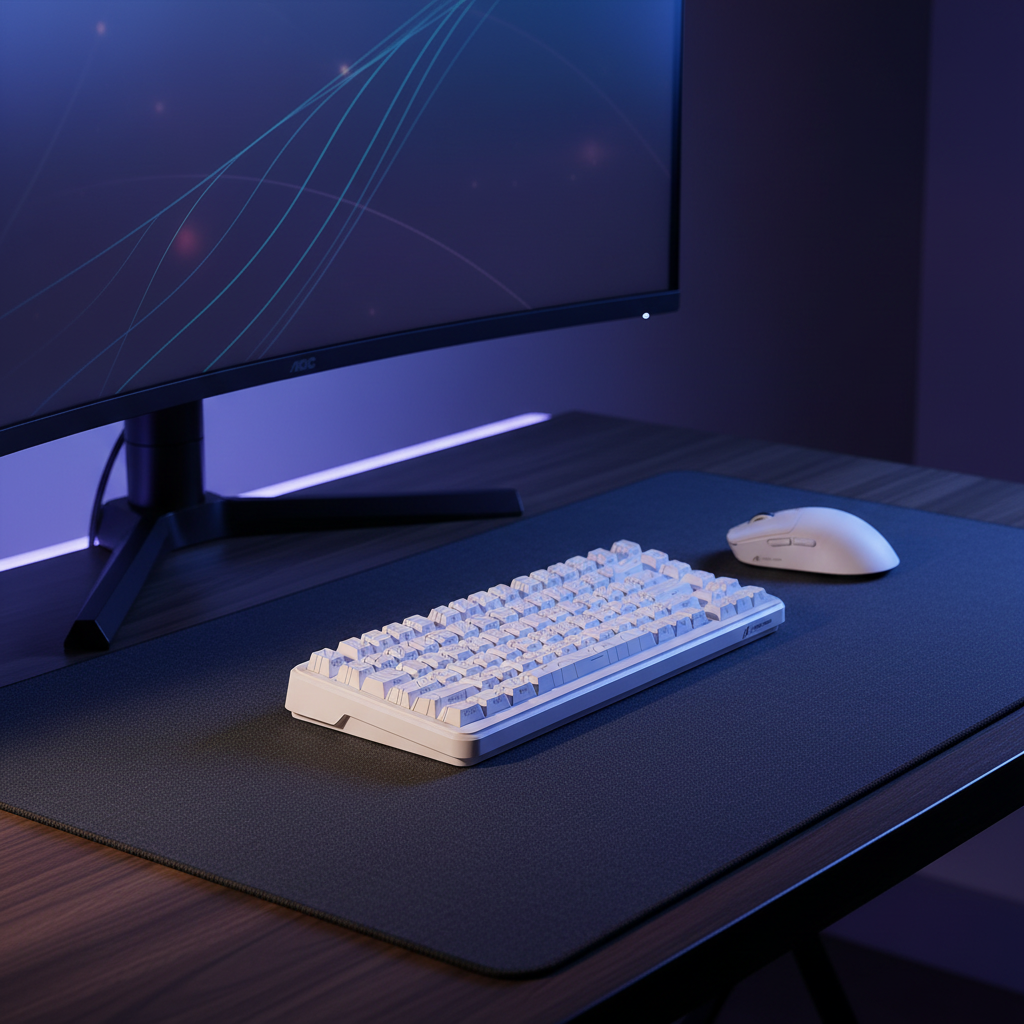
The Geometry of Space Constraints: Vertical Depth and the Gaming Setup
For value-oriented gamers, the physical environment often dictates performance more than the hardware itself. While much of the industry focuses on "desk width" to accommodate large mousepads, we frequently observe in customer support inquiries that the true bottleneck for spatially constrained users is vertical depth. A shallow desk—typically defined as having a depth of 20 to 24 inches (50–60cm)—presents a unique set of mechanical and ergonomic challenges that standard peripheral advice fails to address.
The primary conflict arises from the monitor's footprint. According to common ergonomic guidelines, such as those discussed by Eureka Ergonomic, a 24-to-27-inch monitor requires a viewing distance of 20 to 30 inches to prevent eye strain. On a shallow desk, the monitor stand and the screen itself often consume 80% to 100% of the available depth. This leaves near-zero space for mouse movement, forcing the user to choose between neck strain (monitor too close) or restricted vertical mouse travel.
Furthermore, we must distinguish between the "shallow desk problem" and what we identify as the "short arm constraint." Based on patterns seen in ergonomic modeling, users with shorter arm lengths (under 25 inches from shoulder to fingertip) cannot comfortably reach a mouse placed at the far edge of even a standard desk without significant shoulder protraction. In a tight workspace, this mechanical disadvantage is amplified. If the mouse is too long or the desk too shallow, the user loses the ability to perform vertical "flicks"—the rapid upward or downward movements required in competitive FPS titles.
Mouse Dimensions and the Vertical Flick Test
In limited-depth environments, the physical dimensions of the mouse become hard constraints. A common mistake we see is overestimating the usable vertical space. Practitioners should measure from the front edge of the desk to the point where their forearm naturally rests, not to the monitor base.
To determine if a mouse is compatible with your specific setup, we recommend the Vertical Flick Test. Anchor your wrist in its natural resting position and perform a full vertical swipe. If the rear hump of the mouse strikes your palm or wrist before the sensor reaches the top of its intended travel, the mouse is too long for your setup.
Heuristic: The 120/40 Rule Through scenario modeling of compact workspaces, we have established a shop baseline for sub-30cm usable depths:
- Length: Keep the mouse under 120mm.
- Height: Keep the mouse under 40mm.
- Why this works: This ratio preserves enough "air gap" between the palm and the mouse hump to allow for micro-adjustments using fingertip pressure alone, which is essential when arm travel is physically blocked by a monitor stand.

Selecting a mouse with a lower profile (sub-40mm) is often a necessary trade-off. While taller mice provide better palm support for long-term comfort, they consume the vertical "swing room" required in tight spaces. For gamers in these environments, an ultra-low-profile mouse allows for a hybrid or fingertip grip, which maximizes the effective range of motion within a 4-to-6-inch vertical window.
Performance Specifications for Constrained Areas
When physical movement is restricted, digital sensitivity must compensate. However, this is not as simple as just "turning up the DPI." High-performance gaming on a shallow desk requires a sophisticated synergy between the sensor, the polling rate, and the display.
The High DPI Heuristic
On a shallow desk, available horizontal and vertical space is often less than 6 inches (15cm). To perform a 180-degree turn in a game like CS2, which typically requires ~24cm of movement at 800 DPI, a user on a shallow desk will physically run out of room. According to data on best mouse settings in CS2, the solution is to increase DPI to the 1600–3200 range.
However, high DPI settings demand a flawless sensor. We recommend sensors like the PixArt PAW3395 or the newer PAW3950, which offer high-precision tracking and "Motion Sync" technology. In tight spaces, every millimeter of travel counts; any sensor "jitter" or "spinout" at high DPI will be magnified, leading to missed shots.
8000Hz Polling: The 0.125ms Advantage
For gamers prioritizing raw specs, 8000Hz (8K) polling is the current benchmark. To understand the value, we must look at the base math:
- 1000Hz: 1.0ms interval.
- 8000Hz: 0.125ms interval.
In a constrained setup where you are making tiny, high-DPI micro-adjustments, the 0.125ms near-instant response time provides a measurable competitive edge. It reduces the input delay between your hand's movement and the cursor's reaction on screen. Furthermore, Motion Sync latency scales with the polling rate. At 8000Hz, the added delay is approximately 0.0625ms (half the polling interval), which is virtually negligible compared to the ~0.5ms delay seen at 1000Hz.

System Requirements for 8K Polling:
- CPU Load: 8K polling stresses the CPU's Interrupt Request (IRQ) processing. High single-core performance is mandatory.
- USB Topology: You must use Direct Motherboard Ports (Rear I/O). Avoid USB hubs or front panel headers, as shared bandwidth and poor shielding can cause packet loss.
- Sensor Saturation: To fully saturate the 8K bandwidth, movement speed and DPI must align. While you need ~10 IPS (inches per second) at 800 DPI, you only need ~5 IPS at 1600 DPI to maintain 8K stability. This makes high DPI settings even more beneficial for shallow desks.
Weight, Friction, and Micro-Adjustments
In a workspace where you cannot use your full arm for "sweeping" motions, you become reliant on your fingers and wrist. This shift in mechanics makes mouse weight a critical factor. Based on our analysis of high-intensity flick patterns, a mouse weighing sub-60g is the optimal choice for shallow desks.
A lighter mouse requires less initial force to move (lower static friction). When combined with pure PTFE (Teflon) skates, a sub-60g mouse allows you to make precise micro-adjustments with minimal effort. This preserves wrist stamina, which is often the first thing to fail in a cramped ergonomic setup.
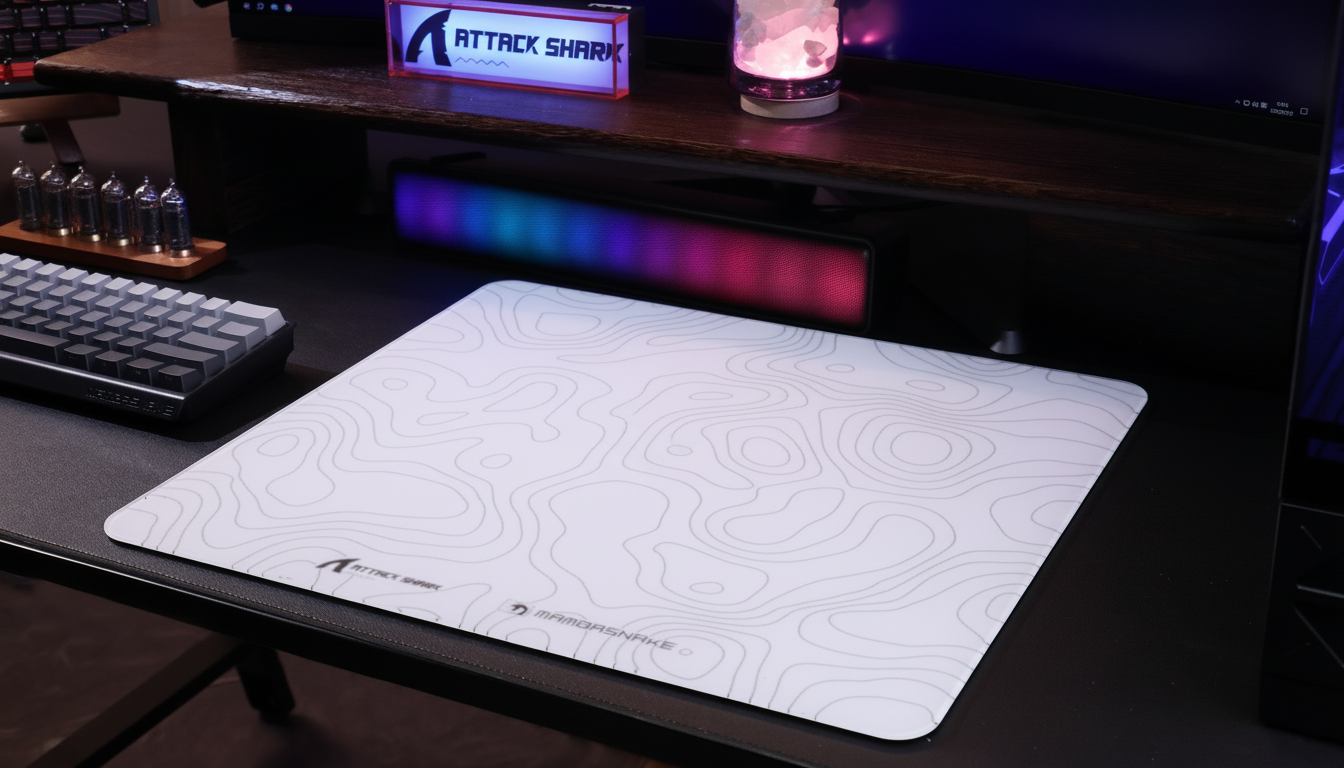
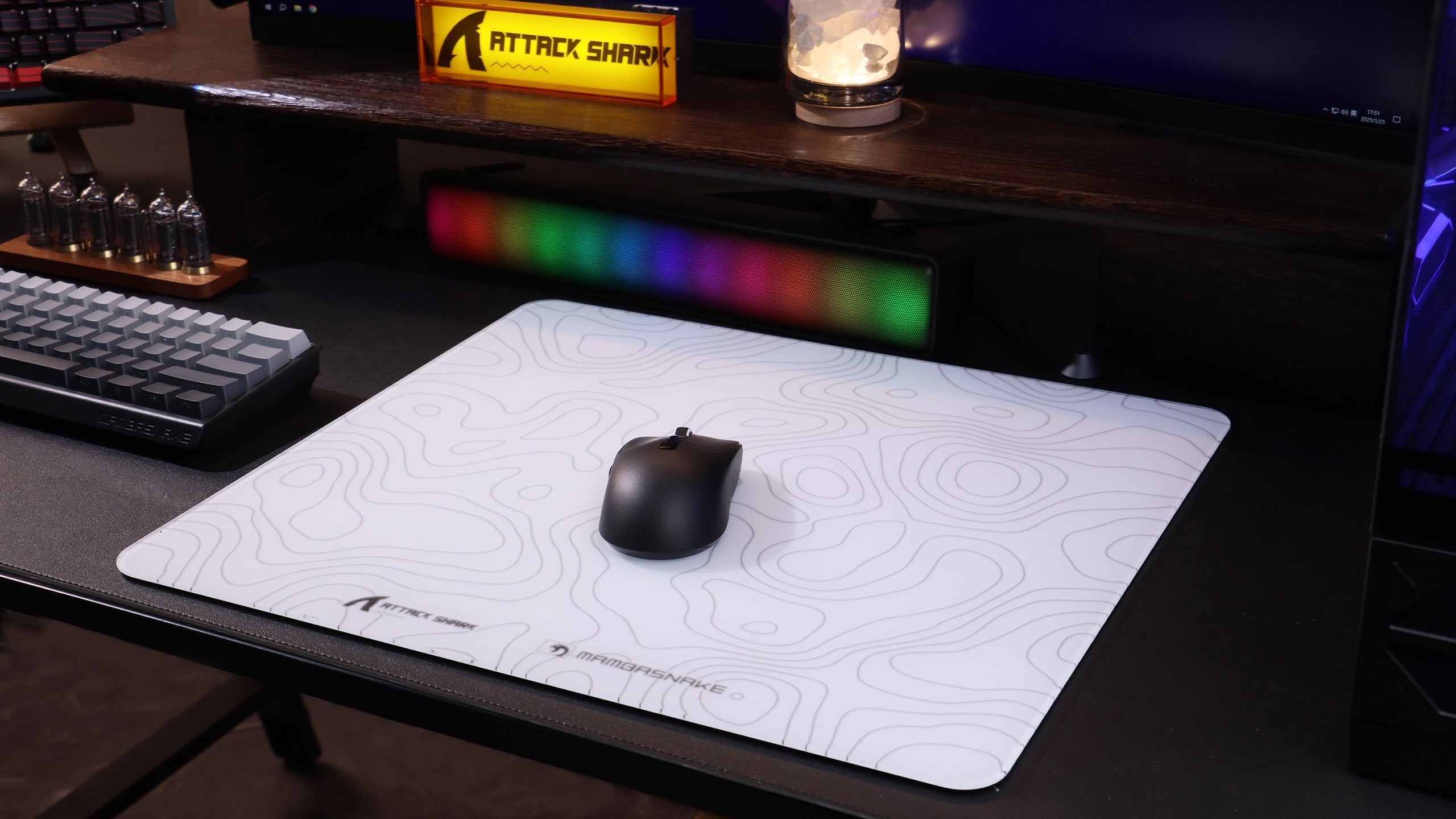
However, there is a "Stopping Precision" trade-off. High DPI and low weight can lead to "overshooting" your target. To counter this, we recommend a mousepad with consistent static friction, such as the ATTACK SHARK CM03, which provides enough "control" to stop the mouse precisely despite the high sensitivity.
Setup Optimization: Reclaiming the Vertical
If choosing a smaller mouse isn't enough, you must look at the setup holistically. There are several professional "hacks" to reclaim vertical depth:
- The Keyboard Tilt: Rotating your keyboard (often called the "gamer tilt") can free up several inches of horizontal and vertical space. By angling the keyboard 45 to 70 degrees, you move the corner of the board away from the mouse's travel path. For a deep dive into this technique, see our guide on The Keyboard Tilt.
- Monitor Arms: Replacing a bulky monitor stand with a desk-mounted arm is the single most effective way to reclaim depth. An arm allows you to push the monitor further back, often past the edge of the desk, effectively "expanding" your workspace.
- Wrist Rest Considerations: While a wrist rest can improve comfort, it consumes valuable vertical depth. If you are already depth-constrained, a firm rest like the ATTACK SHARK Black Acrylic Wrist Rest is preferable to soft foam, as it provides a stable anchor point for the wrist without allowing it to "sink," which can limit finger mobility. For more on the spatial costs of these accessories, refer to Wrist Rests' Hidden Desk Space Cost.

Modeling the Shallow Desk Solution
To provide a clear decision framework, we have modeled the relationship between desk depth and hardware requirements. This model assumes a standard 24-inch monitor and a user focusing on competitive FPS titles.
Modeling Note: This is a scenario-based analysis derived from common industry heuristics and physical measurements, not a controlled laboratory study.
| Parameter | Value / Range | Unit | Rationale |
|---|---|---|---|
| Usable Vertical Depth | 120–150 | mm | Remaining space after monitor stand |
| Target Mouse Length | < 120 | mm | Heuristic for vertical flick clearance |
| Target Mouse Height | < 40 | mm | Ensures "air gap" for fingertip grip |
| Optimal DPI | 1600–3200 | DPI | Compensates for limited physical travel |
| Polling Rate | 8000 | Hz | Minimizes micro-stutter at high DPI |
| Target Weight | < 60 | g | Reduces force required for micro-adjusts |
Boundary Conditions:
- This model may not apply to users with exceptionally large hands (>21cm), where a <120mm mouse may cause cramping.
- The 8K polling benefits require a high-refresh-rate monitor (240Hz+) to be visually perceptible.
- Users with pre-existing carpal tunnel or wrist issues should prioritize height/support over spatial compliance and consult a professional.
Optimizing for the Minimal Footprint
Choosing a mouse for a shallow desk is an exercise in managing trade-offs. You are trading the palm support of a larger ergonomic mouse for the mechanical freedom of a compact, high-DPI performer. By prioritizing a length under 120mm and a weight under 60g, you ensure that your hardware doesn't become a physical obstacle to your aim.
For those operating in these tight environments, the goal is to maximize digital precision (via sensors like the PAW3395 and 8K polling) to compensate for physical constraints. When you combine the right hardware with setup tweaks like keyboard tilting and monitor arms, even the most spatially constrained desk can become a high-performance gaming station.
For more technical standards on the future of gaming hardware, refer to the Global Gaming Peripherals Industry Whitepaper (2026).
Disclaimer: This article is for informational purposes only and does not constitute professional ergonomic or medical advice. Proper desk setup can vary significantly based on individual anatomy. If you experience persistent pain or discomfort, please consult a qualified healthcare professional or ergonomics specialist.
Sources:

Dejar un comentario
Este sitio está protegido por hCaptcha y se aplican la Política de privacidad de hCaptcha y los Términos del servicio.