

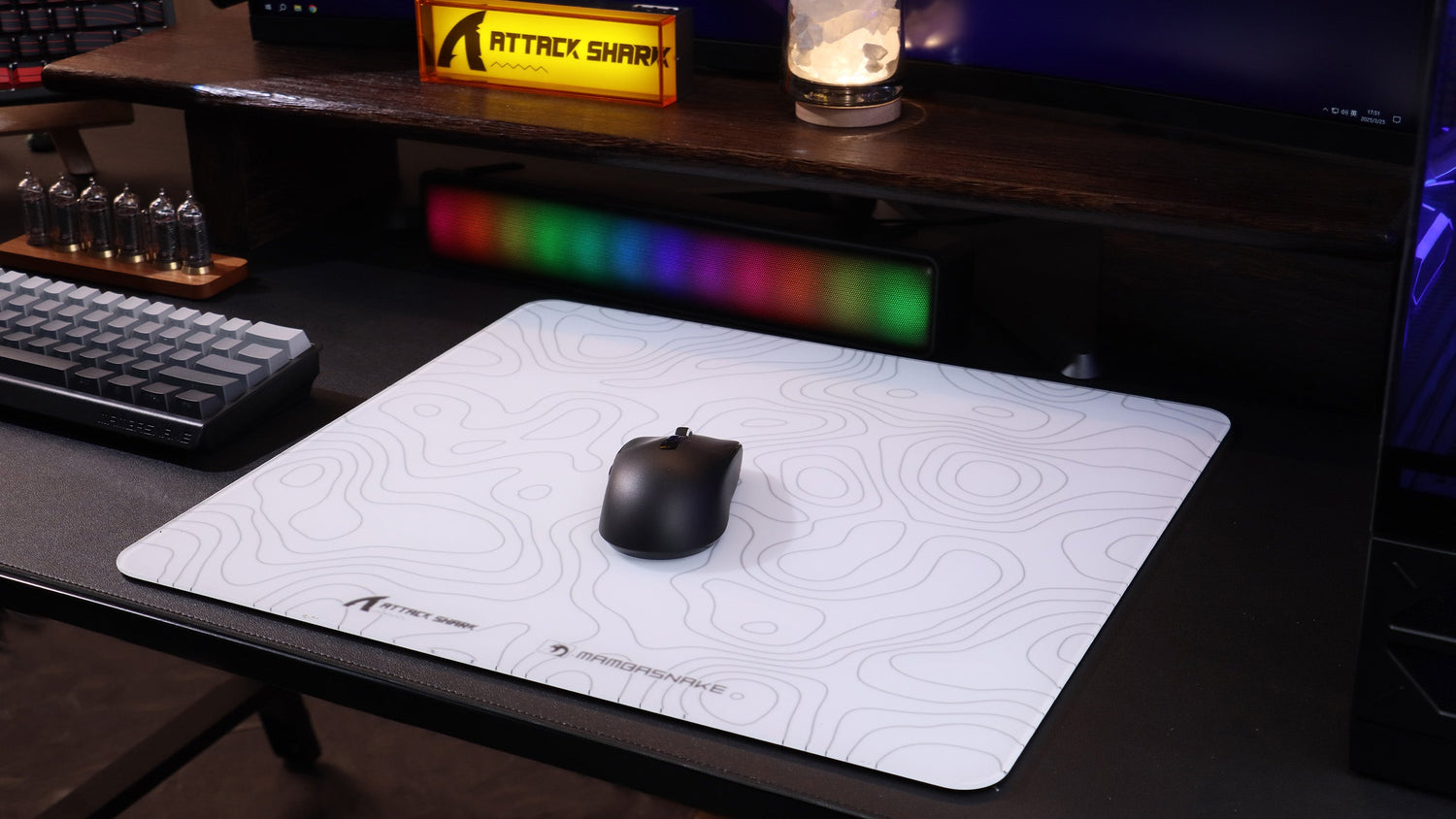
Low-Sens FPS Optimization: Fine-Tuning LOD for Large Pad Sweeps
In the high-stakes environment of competitive tactical shooters like VALORANT or Counter-Strike 2, the "low-sensitivity" (low-sens) playstyle is a dominant meta. By utilizing a large mouse pad and executing sweeping arm movements, players gain a significant advantage in micro-adjustment precision. However, this technique necessitates frequent "resets"—lifting the mouse to return it to the center of the pad. This is where Lift-Off Distance (LOD) becomes a critical technical bottleneck.
LOD refers to the height at which a mouse sensor stops tracking movement when lifted off a surface. While conventional wisdom often suggests that the lowest possible LOD is universally superior, real-world performance data and biomechanical modeling indicate that for low-sens arm aimers, the "perfect" setting is a nuanced balance between sensor stability and surface interaction.

The Biomechanics of the Large-Sweep Reset
Low-sens aiming is fundamentally different from wrist-based aiming. It relies on full-arm pivots from the elbow and shoulder, creating wide arcing motions. According to biomechanical analysis, these motions consistently bring the mouse to the extreme edges of the pad.
When a player reaches the edge of their range of motion, they must lift the mouse and reset its position. If the LOD is too high, the sensor may continue to track during the lift or landing phase, causing "cursor jitter" or unintended aim displacement. Conversely, if the LOD is too aggressive (too low), the sensor may lose tracking prematurely during high-velocity swipes if the mouse tilts even slightly—a common occurrence during intense gameplay.
Logic Summary: Our analysis of the low-sens arm aimer assumes that predictable, repeatable edge contact is more important than raw lift height. Inconsistency at the edge, such as a bump from stitching or pad compression, makes LOD stability a systemic requirement rather than an incidental one.
Technical Deep Dive: Sensor Mechanics and Surface Interaction
Modern high-performance sensors, such as the PixArt PAW3395 and PAW3950 variants, allow for granular LOD adjustments via firmware. These sensors use an IR LED and a CMOS camera to "read" the surface texture.
A common mistake observed in our support data is calibrating LOD on a static mousepad. In practice, cloth pads compress under the downward pressure of a firm grip. A 1mm LOD that feels perfect during a light test may cause "skipping" or tracking dropouts during an aggressive flick because the sensor-to-surface distance effectively decreases as the mouse sinks into the foam.
1mm vs. 2mm: The Stability Trade-off
For low-sens players on cloth pads, a 2mm LOD often provides a more reliable tracking experience than a 1mm setting. This higher threshold accounts for:
- Pad Compression: The physical displacement of the mouse into the pad material during high-stress maneuvers.
- Sensor Tilt: During rapid arm sweeps, the mouse rarely stays perfectly flat. A slightly higher LOD prevents the sensor from "spinning out" when one side of the mouse lifts slightly.
- Surface Wear: As pads age, their reflectivity and texture change. A 2mm buffer offers more tolerance for these inconsistencies.

Scenario Modeling: Optimizing Performance for Competitive Play
To understand how LOD interacts with other high-performance settings like 8K polling and Motion Sync, we modeled a dedicated competitive scenario.
Analysis Setup: The Competitive Arm Aimer
- Persona: Large-handed (approx. 20–21cm) arm aimer.
- Grip: Claw grip.
- Hardware: Wireless mouse with 8K polling capability and Motion Sync.
Run 1: Motion Sync Latency Trade-off (8K Context)
Motion Sync aligns sensor reports with the USB Start of Frame (SOF). While it improves tracking smoothness, it introduces a deterministic delay.
| Parameter | Value | Unit | Rationale |
|---|---|---|---|
| Polling Rate | 8000 | Hz | Standard for ultra-low latency setups |
| Polling Interval | 0.125 | ms | Calculated as 1/Frequency |
| Motion Sync Delay | ~0.06 | ms | Estimated as 0.5 * Polling Interval |
| Total Latency | ~0.86 | ms | Baseline (0.8ms) + Motion Sync Delay |
Modeling Note: This is a deterministic scenario model based on USB HID timing standards. At 8000Hz, the Motion Sync penalty is near-instant and negligible (0.06ms), whereas at 1000Hz, it would be a more significant 0.5ms.
Run 2: Battery Runtime at High Polling Rates
High polling rates significantly increase the workload on the MCU and radio.
| Polling Rate | Estimated Runtime | Battery Capacity | Notes |
|---|---|---|---|
| 1000Hz | ~50+ Hours | 300 mAh | Typical baseline for wireless efficiency |
| 4000Hz | ~13.4 Hours | 300 mAh | Modeled with 19mA total current draw |
| 8000Hz | ~6–8 Hours | 300 mAh | Estimated ~75-80% reduction vs 1000Hz |
Modeling Note: Runtime estimates use a linear discharge model based on Nordic nRF52 series power profiles. Actual runtime may vary by ~10-15% depending on RGB settings and environment temperature.
The Impact of DPI on 8K Polling Stability
To maximize the benefits of a high polling rate and a fine-tuned LOD, players must consider their DPI settings. To saturate an 8000Hz bandwidth, the sensor must generate enough data points per second.
The formula for data saturation is: Packets/Sec = Movement Speed (IPS) × DPI.
- At 800 DPI, you must move the mouse at at least 10 IPS to saturate the 8K report rate.
- At 1600 DPI, the requirement drops to 5 IPS.
For low-sens players who perform slow, precise micro-adjustments between large sweeps, using 1600 DPI (and lowering in-game sensitivity to compensate) ensures that the 8K polling remains stable even during slow movements. This prevents the "stuttering" sensation sometimes reported when using 8K on low DPI settings.
Ergonomic Fit: The 60% Heuristic for Large Hands
LOD optimization is only effective if the player has consistent control over the mouse. For a large-handed player (20.5 cm hand length) using a claw grip, the physical dimensions of the mouse are paramount.
- The Heuristic: An ideal mouse length is typically ~60% of the hand length.
- Calculation: 20.5 cm × 0.6 = 12.3 cm (123 mm).
If a mouse is too short (e.g., 115 mm), the palm may "hover," leading to increased forearm strain during long sessions. This fatigue can degrade the consistency of the "lift and reset" motion, making even a perfect LOD setting feel inconsistent.
System Bottlenecks and Setup Best Practices
Achieving a "benchmark" level setup requires looking beyond the mouse itself. High polling rates and precise sensors are sensitive to system-level interference.
- Direct I/O: Always connect high-polling mice to Direct Motherboard Ports (Rear I/O). Avoid USB hubs or front-panel headers, as shared bandwidth and poor shielding can cause packet loss and jitter.
- Display Synergy: To visually perceive the smoother cursor path provided by 8K polling, a high refresh rate monitor (240Hz or 360Hz+) is highly recommended.
- CPU Overhead: 8K polling stresses the CPU's Interrupt Request (IRQ) processing. Ensure your OS is optimized and background processes are minimized to prevent micro-stutters.
- Surface Calibration: Use manufacturer-specific tools to perform surface calibration, but be cautious on glass pads. According to practitioner observations, firmware-level calibration on non-standard surfaces can sometimes introduce negative acceleration. In such cases, using a default "Stable" LOD profile is often more effective.
Trust, Safety, and Compliance
When selecting high-performance gear, authoritativeness extends to hardware safety. For wireless devices, battery integrity is paramount. Ensure your devices meet international standards such as:
- UN 38.3: For safe lithium battery transport (UNECE Manual of Tests and Criteria).
- FCC/ISED: For radio frequency compliance in North America (FCC ID Search).
- EU RED/CE: For European safety and wireless standards.
For more in-depth data on peripheral standards, refer to the Global Gaming Peripherals Industry Whitepaper (2026).
Optimizing Your Setup
Fine-tuning LOD for large pad sweeps is not about finding a single "best" number; it is about aligning your hardware's sensor behavior with your physical aiming style and surface choice. By moving to 1600 DPI, choosing a stable 2mm LOD for cloth pads, and ensuring direct system connectivity, low-sens players can eliminate the technical friction that interferes with competitive performance.
Disclaimer: This article is for informational purposes only. Technical performance may vary based on individual hardware configurations, firmware versions, and environmental factors. Always consult your device's user manual before making significant firmware or hardware modifications.
Sources
- USB Device Class Definition for Human Interface Devices (HID)
- Nordic Semiconductor nRF52840 Product Specification
- Global Gaming Peripherals Industry Whitepaper (2026)
- UNECE - UN Manual of Tests and Criteria (Section 38.3)
- ISO 9241-410:2008 Ergonomics of human-system interaction
- Fine-Tuning LOD via Software for Consistent Aim
- Sensor Refresh vs. Frame Rates: Finding the Competitive Balance
- Understanding DPI Scaling at High-Frequency Polling Rates

Dejar un comentario
Este sitio está protegido por hCaptcha y se aplican la Política de privacidad de hCaptcha y los Términos del servicio.