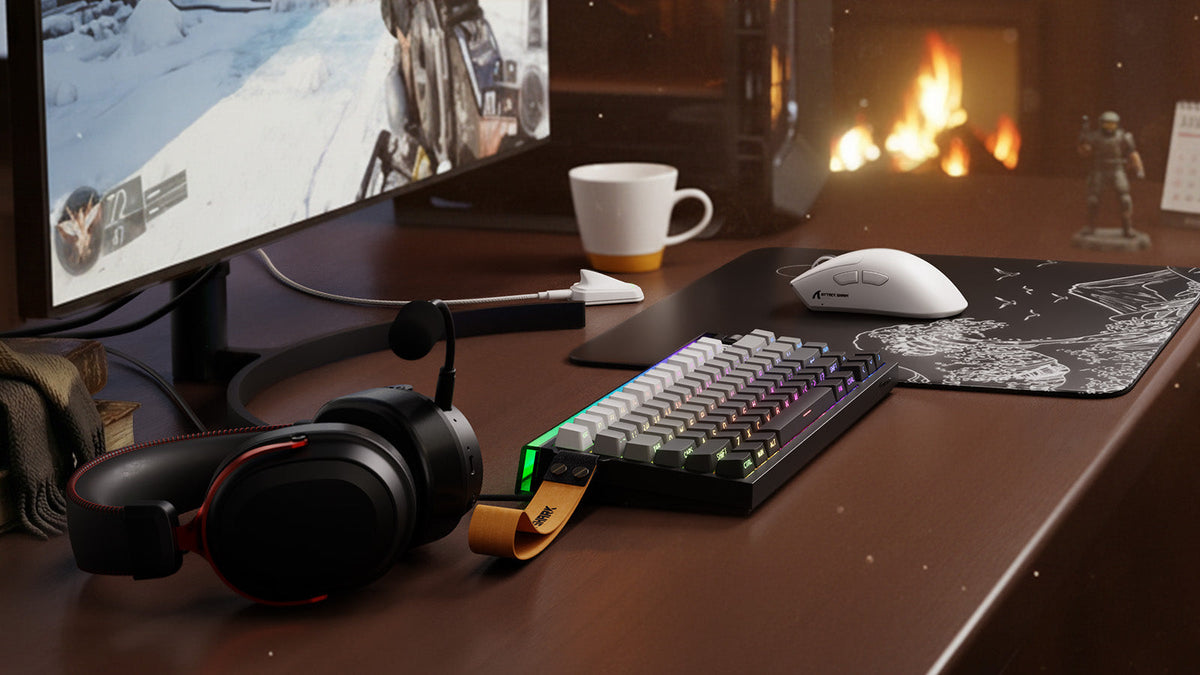
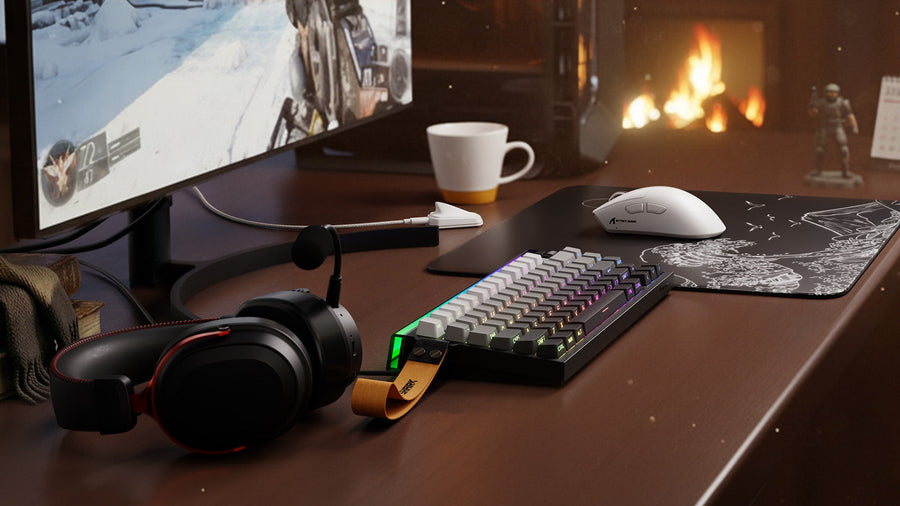
Un presupuesto de 500 $ puede mejorar notablemente tu configuración gaming si ya tienes el PC o la consola, el escritorio y una pantalla básica. El plan adecuado depende de lo que actualmente limite la experiencia. Puede ser una silla incómoda, un monitor lento, periféricos que no se ajustan bien o un audio poco claro. Al identificar primero ese problema, puedes repartir el presupuesto entre rendimiento, comodidad y accesorios útiles sin malgastar dinero en mejoras que apenas notarás.
Decide qué incluye tu configuración gaming de 500 $
Esta guía considera los 500 $ como un presupuesto para mejorar la configuración, por lo que no incluye el PC gaming ni la consola. El monitor es opcional porque algunos usuarios ya tienen una pantalla adecuada, mientras que otros necesitan que sea su compra más importante.
Prueba tu configuración actual durante los juegos a los que más juegas. Observa cuándo la puntería se vuelve inconsistente, la imagen se ve entrecortada, el chat de voz deja de oírse con claridad o tu posición al sentarte se vuelve incómoda. Conserva el equipo que todavía funcione bien y destina el dinero a los problemas que se produzcan con regularidad.
Los tres planes siguientes muestran cómo el mismo presupuesto puede adaptarse a distintas prioridades. Cada cifra es una asignación de ejemplo, no un precio minorista fijo.
| Categoría | Plan equilibrado | Plan centrado en la pantalla | Plan centrado en la comodidad |
|---|---|---|---|
| Monitor | Usar los que ya tienes | $180 | Usar los que ya tienes |
| Silla y ergonomía | $220 | $100 | $300 |
| Teclado y ratón | $110 | $100 | $90 |
| Auriculares o audio | $60 | $50 | $40 |
| Alfombrilla, cables e iluminación | $80 | $50 | $50 |
| Reserva del presupuesto | $30 | $20 | $20 |
| Total | $500 | $500 | $500 |
Elige el plan equilibrado cuando varias partes de tu escritorio necesiten mejoras moderadas. El plan centrado en la pantalla es adecuado para un PC o una consola capaces de producir más fotogramas de los que puede mostrar el monitor actual. El plan centrado en la comodidad tiene más sentido cuando una mala postura al sentarte termina tus sesiones antes de que el hardware cause problemas.
Reserva ese dinero hasta que hayas comprobado los gastos de envío, los impuestos, los cables, los adaptadores y los requisitos de montaje.
Establece un presupuesto práctico para el teclado y el ratón
Para este tipo de configuración gaming de 500 $, destina aproximadamente entre 90 $ y 130 $ al teclado y al ratón en conjunto. Los jugadores de FPS pueden gastar más en encontrar un ratón adecuado y en una alfombrilla uniforme. Quienes comparten el escritorio entre juegos, trabajo y estudio pueden valorar más el teclado.
Elige un teclado que se adapte al escritorio
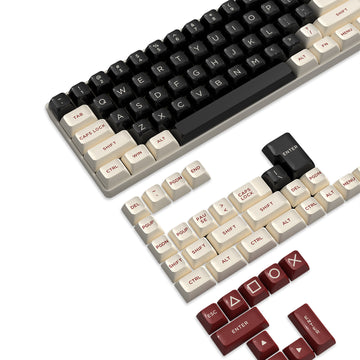
Empieza por las teclas que utilizas y el espacio disponible para el ratón. Una distribución TKL o del 75 % conserva muchas teclas conocidas y ocupa menos ancho que un teclado completo. Un teclado del 60 % o 65 % crea más espacio para el ratón, pero coloca algunos comandos detrás de las capas de función.
Un teclado compacto solo ayuda cuando sus dimensiones exactas dejan un espacio utilizable para el ratón. Aplica las mismas comprobaciones del tamaño del teclado al ancho, la profundidad, el recorrido del cable y las teclas que necesitas antes de elegir una distribución.
La elección de los switches debe basarse en la sensación que prefieras y el nivel de sonido que consideres aceptable. Los switches lineales suelen ofrecer una sensación suave, pero su sonido depende del switch, la carcasa, las teclas, la amortiguación interna y la fuerza al teclear. Los zócalos hot-swap son útiles si esperas cambiar los switches más adelante, mientras que las funciones Hall Effect son más relevantes para quienes desean una activación ajustable o rapid trigger.
Elige el ajuste del ratón antes que los DPI máximos
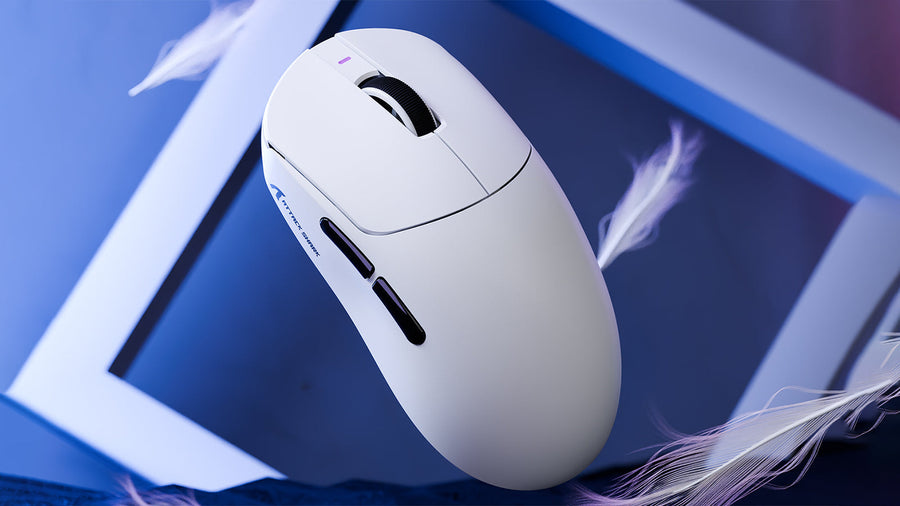
Un sensor fiable es importante, pero los DPI máximos por sí solos dicen poco sobre cómo se sentirá un ratón durante el juego. Compara la longitud y el ancho de la carcasa, la posición de la joroba, la ubicación de los botones laterales y el apoyo para el agarre con el tamaño de tu mano y tu estilo de agarre.
Un ratón más ligero requiere menos fuerza para iniciar y detener el movimiento, lo que puede adaptarse a los movimientos rápidos en juegos FPS. Algunos jugadores prefieren más peso para obtener estabilidad. Considera el peso una preferencia personal de control, no una regla universal de rendimiento.
Para jugar de forma competitiva sin cables, prioriza un modo gaming de 2,4 GHz documentado. Bluetooth es útil para trabajar y para dispositivos móviles, pero normalmente cumple una función diferente. Una frecuencia de sondeo estable de 1000 Hz cubre muchas configuraciones gaming. Las frecuencias más altas cobran mayor relevancia cuando el juego, la CPU, la velocidad de fotogramas y una pantalla de alta frecuencia de actualización pueden aprovechar las actualizaciones adicionales.
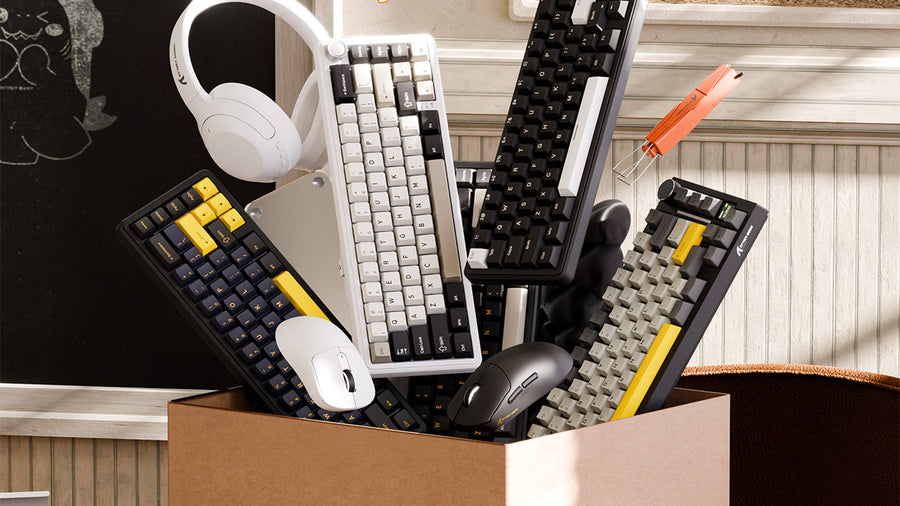
Una vez que conozcas la distribución, la forma del ratón, el tipo de conexión y el límite de gasto, una comparación de periféricos gaming puede ayudarte a reducir las combinaciones disponibles.

Actualiza el monitor cuando limite el sistema
Reserva aproximadamente entre 150 y 200 USD para un monitor cuando la pantalla actual no pueda mostrar el rendimiento que produce tu PC o consola. Una mayor frecuencia de actualización puede hacer que el movimiento se vea más fluido cuando el sistema ofrece velocidades de fotogramas adecuadas, pero el monitor también debe adaptarse a tus juegos y ajustes gráficos preferidos.
Compara estos cuatro factores en conjunto:
- Resolución: Las resoluciones más altas producen una imagen más nítida, pero requieren un mayor rendimiento gráfico.
- Frecuencia de actualización: Las frecuencias de actualización más altas resultan más útiles cuando el sistema puede proporcionar suficientes fotogramas.
- Conexión: El monitor, el dispositivo de origen, el puerto y el cable deben ser compatibles con la resolución y la frecuencia de actualización seleccionadas.
- Encaje en el escritorio: Incluye la profundidad del soporte, la distancia de visualización y el ancho disponible.
En los juegos competitivos, una pantalla de 1080p con buena respuesta puede ofrecer un equilibrio mejor que un monitor de mayor resolución que obligue al sistema a funcionar con frecuencias de fotogramas más bajas. Los juegos narrativos y el uso mixto para trabajo pueden dar más importancia a la resolución y la calidad de imagen.
Conserva un monitor existente que ya sea compatible con tu sistema y tus juegos. El dinero ahorrado puede destinarse a una silla mejor, periféricos más adecuados o un audio más claro.
Elige el audio según tus dispositivos y necesidades de comunicación
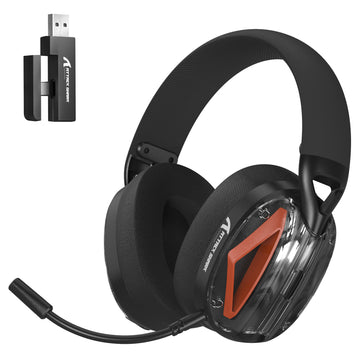
Destina aproximadamente entre 40 y 70 $ al audio en una configuración equilibrada. Unos auriculares gaming suelen ser la opción más sencilla porque combinan el sonido del juego y el chat de voz en un solo dispositivo. Los IEM ofrecen una alternativa intraauricular más ligera, pero el detalle direccional varía según el modelo, la afinación, el ajuste y el diseño de audio del juego.
Comprueba la conexión antes de comparar funciones adicionales. Unos auriculares con cable evitan la necesidad de cargarlos, mientras que un modelo inalámbrico de 2,4 GHz ofrece mayor libertad de movimiento alrededor del escritorio. El Bluetooth puede resultar útil para teléfonos y una escucha informal, aunque los modos compatibles y la latencia varían según el producto.
La comodidad también depende de más factores que el peso indicado. El espacio de las copas, la presión de sujeción, el contacto de la diadema, el acolchado y el rango de ajuste influyen en el uso durante sesiones largas. En los modelos inalámbricos, compara las cifras de batería en condiciones similares de volumen e iluminación y comprueba si se pueden seguir usando con cable mientras se cargan.
Un micrófono independiente resulta útil para hacer streaming, grabar o atender llamadas con frecuencia. La mayoría de los jugadores puede empezar con un micrófono de auriculares nítido y actualizarlo después de identificar una limitación específica en la calidad de voz. Comprueba que cada conexión y receptor sean compatibles con tus dispositivos mediante las comprobaciones de compatibilidad de los auriculares correspondientes.

Mejora la posición de la silla y el escritorio
Reserva entre $200 y $300 cuando el principal problema sea el asiento. Una silla de oficina con buen soporte puede funcionar tan bien como una silla de estilo gaming cuando se adapta a tu cuerpo y ofrece los ajustes que necesitas.
Comprueba que los pies descansen firmemente, que el borde del asiento no ejerza presión detrás de las rodillas y que el respaldo sostenga tu postura habitual al sentarte. Los reposabrazos deben permitir que los hombros permanezcan relajados y mantener el teclado y el ratón al alcance cómodamente.
Las sillas de oficina usadas y reacondicionadas pueden ofrecer mejores ajustes con un presupuesto limitado. Inspecciona en persona, cuando sea posible, el elevador de gas, las ruedas, el mecanismo de inclinación, el tapizado y los controles de ajuste. Si la silla actual sigue siendo cómoda y estable, gasta el dinero en otra cosa.
La altura de la silla y la posición del escritorio deben funcionar en conjunto. Mantén los codos cerca del cuerpo y los antebrazos aproximadamente paralelos al suelo. Las recomendaciones de OSHA para estaciones de trabajo informáticas también sitúan la parte superior del monitor a la altura de los ojos o ligeramente por debajo y recomiendan suficiente espacio en el escritorio para mantener el teclado y el ratón al alcance.
Añade apoyo para las muñecas solo cuando sea adecuado para el teclado
Un reposamuñecas puede salvar la diferencia de altura entre el escritorio y un teclado alto. Debe apoyar la base de las palmas durante las pausas sin obligar a las muñecas a elevarse ni presionar contra ellas al escribir.
Adapta su anchura y altura al teclado. Un reposamuñecas grueso puede crear un ángulo incómodo junto a un teclado de perfil bajo, mientras que uno estrecho puede dejar las manos con un apoyo desigual.
El material cambia principalmente la sensación y el mantenimiento. El acrílico es firme y fácil de limpiar. La espuma es más suave, pero puede comprimirse con el uso. La tela puede resultar menos resbaladiza, pero normalmente requiere más limpieza. La madera y el bambú ofrecen un soporte firme con una superficie más cálida.
Un reposamuñecas no puede corregir una silla o un escritorio ajustados a una altura incorrecta, así que ajusta toda la estación de trabajo antes de añadirlo.
Deja la iluminación y la gestión de cables para el final
La gestión de cables normalmente solo requiere entre $15 y $30. Una bandeja bajo el escritorio, bridas reutilizables y anclajes adhesivos pueden despejar la superficie de trabajo y mantener accesibles los cables de carga. Planifica rutas separadas para los cables de alimentación y los accesorios que desenchufas con frecuencia.
Coloca los receptores inalámbricos lejos de obstrucciones metálicas grandes y mantenlos razonablemente cerca de sus dispositivos. Un cable de extensión adecuado puede ayudar cuando un receptor funciona mal en un puerto trasero del PC abarrotado.
Utiliza el presupuesto restante para accesorios en iluminación solo después de que el monitor, la silla, los controles y el audio cubran tus necesidades. Coloca una iluminación ambiental regulable junto a la pantalla o detrás de ella, y evita que los reflejos incidan en la pantalla. Puede que las lámparas que ya tienes resuelvan el problema, dejando más dinero para equipos que influyan en todas las sesiones.

Compra la configuración en dos rondas
Empieza con las dos mejoras que probablemente mejoren más el uso diario. Podrían ser una silla y un teclado, un monitor y un ratón, o unos auriculares y una mejor distribución del escritorio. Prueba esos cambios durante varias sesiones de juego normales antes de gastar el resto.
Utiliza la segunda ronda de compras para resolver los problemas restantes, organizar los cables y adquirir una alfombrilla de ratón, un reposamuñecas o iluminación. Este enfoque también te da tiempo para comparar precios y evita que un único pedido llene el escritorio de equipos que resuelvan dos veces el mismo problema.
Preguntas frecuentes
P1. ¿Pueden los jugadores con portátil utilizar el mismo plan de configuración de 500 $?
Sí. Los usuarios de portátiles pueden seguir la misma estructura presupuestaria, aunque un monitor externo, un soporte para el portátil y un concentrador USB pueden requerir parte del presupuesto para accesorios. Confirma que los puertos del portátil admitan la resolución y la frecuencia de actualización previstas para el monitor antes de comprarlo.
P2. ¿Deberías actualizar los componentes del PC antes de comprar periféricos nuevos?
Actualiza primero el PC cuando no pueda ejecutar tus juegos con una configuración aceptable o mantener frecuencias de fotogramas estables. Da prioridad a los periféricos cuando los juegos ya funcionen bien y los principales problemas estén relacionados con el control, la calidad de imagen, el audio, la comodidad o el espacio del escritorio.
P3. ¿Debería incluirse un mando en el presupuesto de 500 $?
Incluye un mando si los juegos de carreras, lucha, deportes, plataformas o en tercera persona constituyen una parte importante de tu biblioteca. Resta su coste del presupuesto destinado al teclado, el ratón, el audio o los accesorios, según cuál de tus dispositivos actuales pueda seguir utilizándose.
P4. ¿Necesitas altavoces si ya tienes unos auriculares gaming?
Los altavoces son opcionales cuando los auriculares ya cubren los juegos, las llamadas y la escucha ocasional. Añádelos si compartes audio con frecuencia, ves contenido sin llevar auriculares o quieres sonido de fondo mientras trabajas. No deberían desplazar una mejora más necesaria.
P5. ¿Un paquete de teclado y ratón siempre es más barato?
Un paquete puede reducir el precio combinado, pero solo ofrece una buena relación calidad-precio cuando ambos dispositivos cumplen tus requisitos. Compara la distribución del teclado, la forma del ratón, las conexiones y los precios por separado antes de comprar. Un teclado excelente combinado con un ratón inadecuado aún te obliga a reemplazarlo más adelante sin necesidad.