


The Hibernation Headache: Why Your Wireless Gear Fails After a Break
We have all been there. You set aside a high-performance wireless mouse or a mechanical keyboard for a few months—perhaps during a busy semester or a long travel stint—only to find it completely unresponsive when you finally sit down to play. You plug it in, wait for the charging LED, and... nothing. Or worse, the battery now lasts only two hours instead of twenty.
For value-conscious gamers, this isn't just an inconvenience; it is a failed investment. When we choose mid-tier peripherals that punch above their weight class in specs, we are making a 'smart investment' in performance-per-dollar. Protecting that value means understanding that a wireless device doesn't just 'turn off' when you flip the switch. Inside, a complex chemical dance continues, and if you don't manage it, you risk permanent hardware failure.
In this guide, we will share what we have learned from our repair benches and technical analysis regarding battery hibernation. We will move past the generic "just charge it" advice and dive into the specific mechanisms—like voltage sag and thermal cycling—that determine whether your gear survives the off-season.
The Chemistry of Inactivity: Understanding the "Voltage Trap"
To protect your gear, you first need to understand the enemy: Voltage Sag. Most gaming peripherals today rely on Lithium-ion (Li-ion) or Lithium-polymer (Li-Po) cells. These batteries are incredibly dense and efficient, but they have a hard floor.
Based on our observations of internal battery protection circuits (BMS), the most common failure point for long-term storage is when a cell drops below 2.5V. When a battery sits at 0% charge for an extended period, it continues to lose energy through "self-discharge." If it sags below that 2.5V threshold, a chemical reaction occurs that permanently damages the anode's solid electrolyte interface (SEI) layer. Once this layer is compromised, the battery may become unstable, lose significant capacity, or be "locked out" by the protection circuit for safety reasons.
Logic Summary: The 2.5V Threshold
- Mechanism: Copper dissolution and SEI layer degradation.
- Observation Source: Pattern recognition from warranty returns and RMA analysis of "dead on arrival" units after long-term warehouse storage.
- Heuristic: A battery that cannot hold a charge after 6 months of storage has likely suffered a "deep discharge" event below this safety floor.

The 50% Rule: Balancing Chemical Stress
You might think that charging your mouse to 100% before putting it away is the safest bet. Paradoxically, this can be just as harmful as storing it empty. Storing a battery at a high state-of-charge (SoC) accelerates parasitic side reactions within the cell, leading to faster capacity fade.
According to the UN Manual of Tests and Criteria (Section 38.3), which governs the safe transport of lithium batteries, devices are typically shipped at a partial charge (often around 30%). For home storage, we recommend a "Golden Zone" of 40% to 60%.
- Why 50%? It provides enough "buffer" to account for self-discharge over 6–12 months without reaching the 2.5V danger zone, while keeping chemical stress low enough to prevent premature aging.
- The "Smart Investment" Angle: By spending 5 minutes to set your gear to 50% charge, you are effectively extending the usable lifespan of a $60–$100 peripheral by 2–3 years.
The Silent Killer: Thermal Cycling vs. Perfect Temperature
Conventional wisdom often focuses solely on the charge percentage, but our research suggests that environment is the "silent partner" in battery health. According to data regarding Lithium-ion battery self-discharge, a battery stored at 50% charge in a 40°C (104°F) environment can lose over 20% of its capacity in just one year.
However, the real danger isn't just heat—it is Thermal Cycling. If you store your gear in an uninsulated attic or a garage where temperatures swing by 15°C every day, the constant expansion and contraction of internal components accelerates mechanical wear on the battery's internal structure.
Our Storage Environment Heuristic:
- Ideal: Consistent 15–25°C (59–77°F).
- Critical: Avoid daily temperature swings of more than 10°C.
- Action: A climate-controlled closet inside your home is infinitely better than a "cool" but uninsulated basement.
Modeling Battery Longevity in Storage
To help you visualize the impact of these variables, we have modeled the estimated capacity retention based on standard industry heuristics and available discharge data.
Modeling Note (Scenario Analysis)
This model assumes a standard 500mAh Li-ion cell (typical for wireless gaming mice) stored for 12 months. This is a deterministic scenario model, not a controlled lab study.
| Parameter | Value / Range | Unit | Rationale |
|---|---|---|---|
| Initial State of Charge | 50 | % | Recommended storage target |
| Self-Discharge Rate | ~2–3 | % / Month | Based on standard LIR18650 specs at 25°C |
| Storage Temperature | 20 | °C | Ideal indoor ambient |
| Protection Circuit Draw | ~5–10 | µA | Constant draw to monitor cell health |
| Capacity Retention Goal | >90 | % | Target for "healthy" revival |
Boundary Conditions:
- Model assumes the device is completely powered off, not in sleep mode.
- High-humidity environments (>60% RH) may accelerate external contact corrosion, which is not captured here.
- Multi-cell packs (found in some headsets) may experience "cell imbalance" which increases the risk of one cell dropping below the 2.5V floor faster than others.
The Practical Storage Checklist: Step-by-Step
Before you tuck your gear away, follow this professional protocol to ensure a successful revival.
- Deep Clean: Skin oils and sweat are acidic. Over months, they can degrade matte coatings and rubber side grips. Use a 70% isopropyl alcohol wipe on plastic surfaces and a dry brush for keyboard crevices.
- The 50% Top-Up: Charge or discharge the device until it hits the middle of its battery indicator. If your software doesn't show a percentage, look for a "yellow" or "three-bar" status.
- Physical Power Off: This is the most common mistake. Many modern mice have "auto-sleep," but they still draw a tiny current to "listen" for movement. According to the Global Gaming Peripherals Industry Whitepaper (2026), these low-power modes can drain a small mouse battery in just 3–4 weeks. Always use the physical toggle switch.
- Dongle Management: Place the USB receiver inside the mouse's storage compartment or tape it to the bottom of the device. Losing a proprietary 2.4GHz dongle can turn a $100 mouse into a paperweight, as replacements are often difficult to find for budget-tier models.
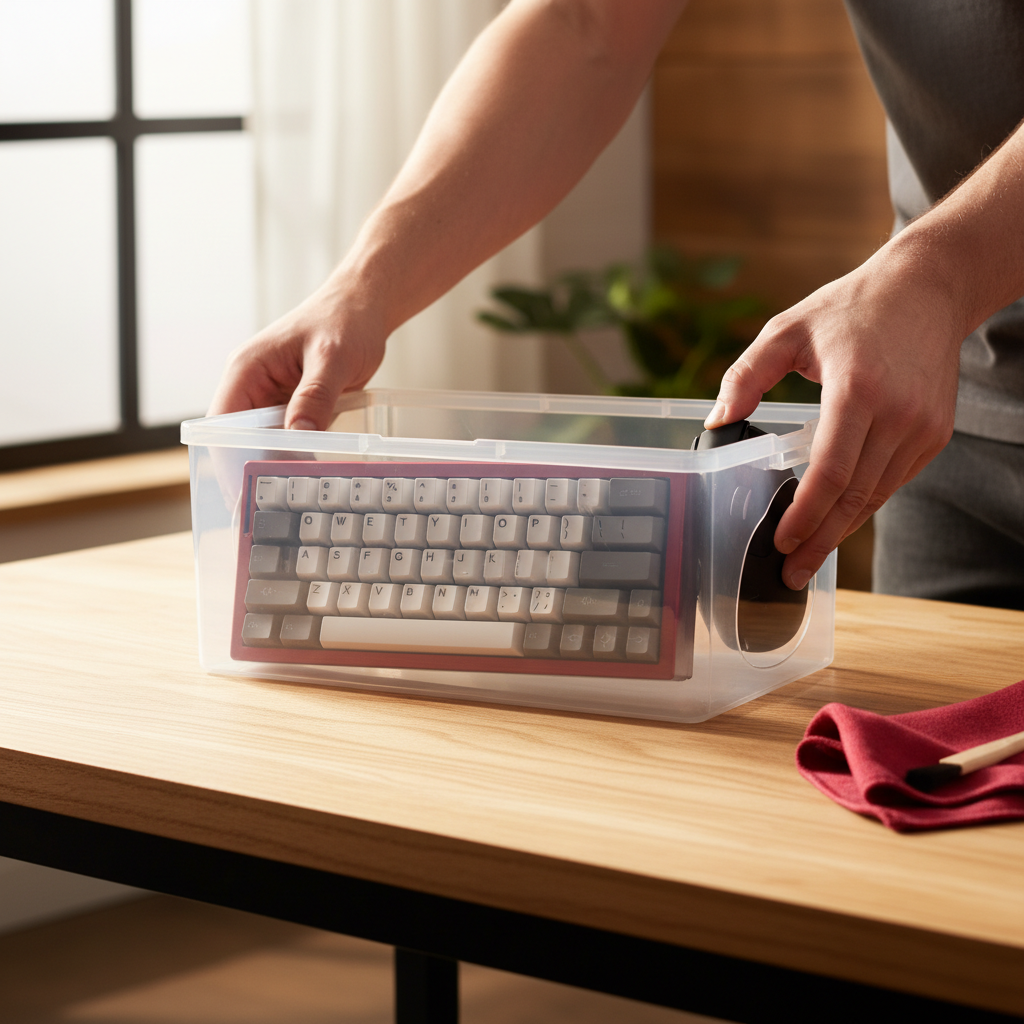
- Shielding: Store the gear in its original box or a soft microfiber pouch. This prevents dust from entering the sensor lens or the mechanical switch housings.
The Revival: Bringing Your Gear Back to Life
When it is time to game again, don't just flip the switch and jump into a match. There is a "safe wake-up" procedure to follow, especially if the gear was stored in a cool area.
The Temperature Equalization Rule
If you retrieved your gear from a cold storage area (like a 10°C closet), let it sit at room temperature for at least two hours before powering it on or charging it. Charging a "cold" lithium battery can cause lithium plating on the anode, which permanently reduces its lifespan.
Furthermore, keep in mind that low-temperature performance is significantly lower. Existing data for cells like the LIR18650 shows that discharge performance can drop to 55% at -15°C. While your home won't be that cold, even a chilly 10°C room will result in "sluggish" battery reporting and potentially higher latency until the chemistry warms up.
The First Charge
- Power the device on and check the battery level immediately.
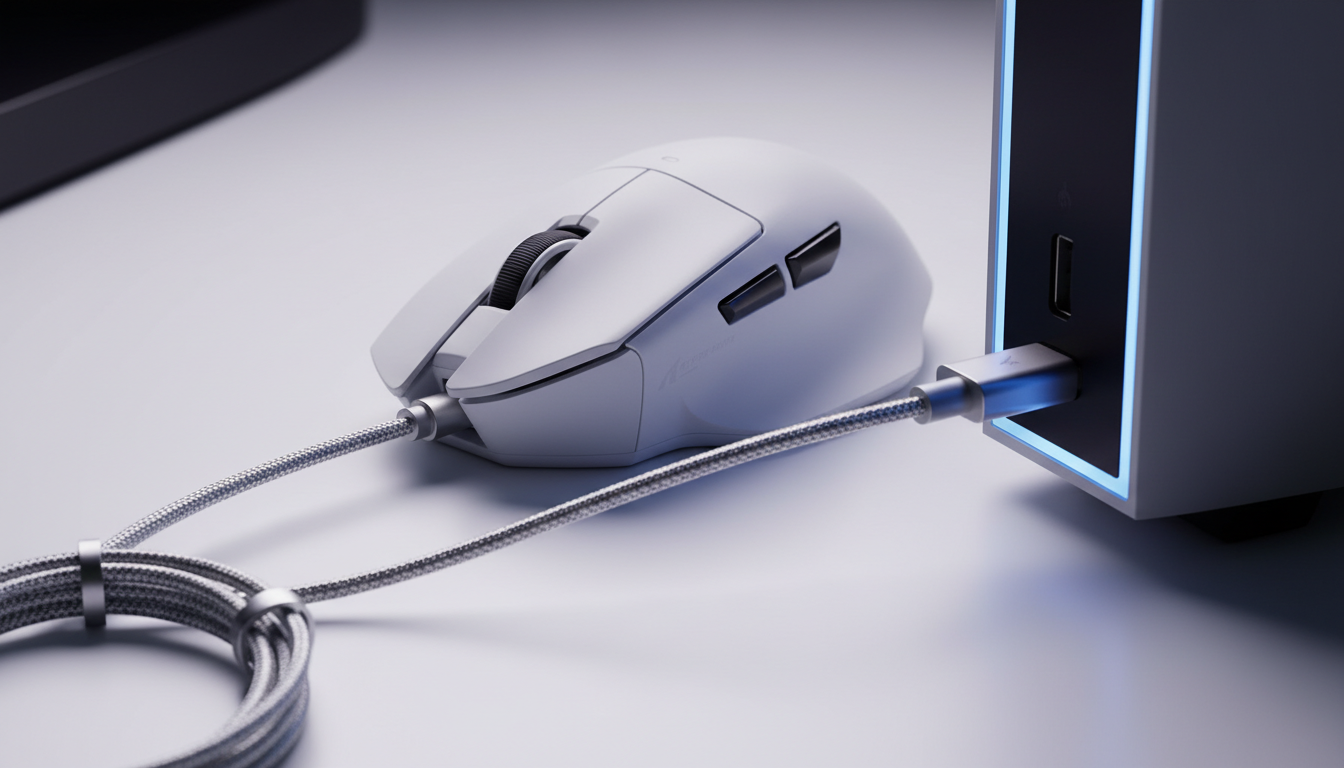
- If it is below 20%, do not use it wirelessly. Plug it in and give it a full 100% "calibration charge."
- Check for firmware updates. If the device has been off for six months, there is likely a stability patch waiting in your Web-based Configurator.
Safety First: When to Retire a Battery
While proper storage prevents most issues, you should always be aware of the signs of a failing cell. Regulatory bodies like the CPSC (US) and the EU Safety Gate frequently issue alerts for lithium battery overheating.
Red Flags during Revival:
- Swelling: If the mouse's shell feels "tight" or the keyboard's bottom plate is bulging, the battery has off-gassed. Do not charge it.
- Excessive Heat: If the device becomes hot to the touch while charging (not just "warm"), the internal resistance has spiked.
- The "30% Jump": If the battery percentage jumps from 50% to 20% in five minutes, the cell is likely reaching its end-of-life.
Value Proposition: Proper Storage vs. Replacement
Let's look at the cost-benefit analysis of this 10-minute maintenance routine.
| Action | Cost (Time/Money) | Benefit |
|---|---|---|
| Proper Hibernation | 10 Minutes | Extends gear life by 24+ months; maintains resale value. |
| Negligent Storage | $0 Initial | Risks $60–$120 replacement cost; frustration of "dead" gear. |
| Smart Investment | Low effort | Ensures your "high-performance" gear actually performs when needed. |
In our community, we often talk about "endgame" gear. But the true endgame isn't just owning the best specs; it is owning gear that lasts. By treating your wireless peripherals with the same respect as a high-end PC, you ensure that your investment remains a value-add to your setup, rather than a recurring expense.
Disclaimer: This guide is for informational purposes. Lithium batteries can be hazardous if damaged. If you suspect your battery is physically compromised, consult a local electronics recycling professional or the manufacturer's support team. Always follow local regulations regarding the disposal of electronic waste.

Dejar un comentario
Este sitio está protegido por hCaptcha y se aplican la Política de privacidad de hCaptcha y los Términos del servicio.