


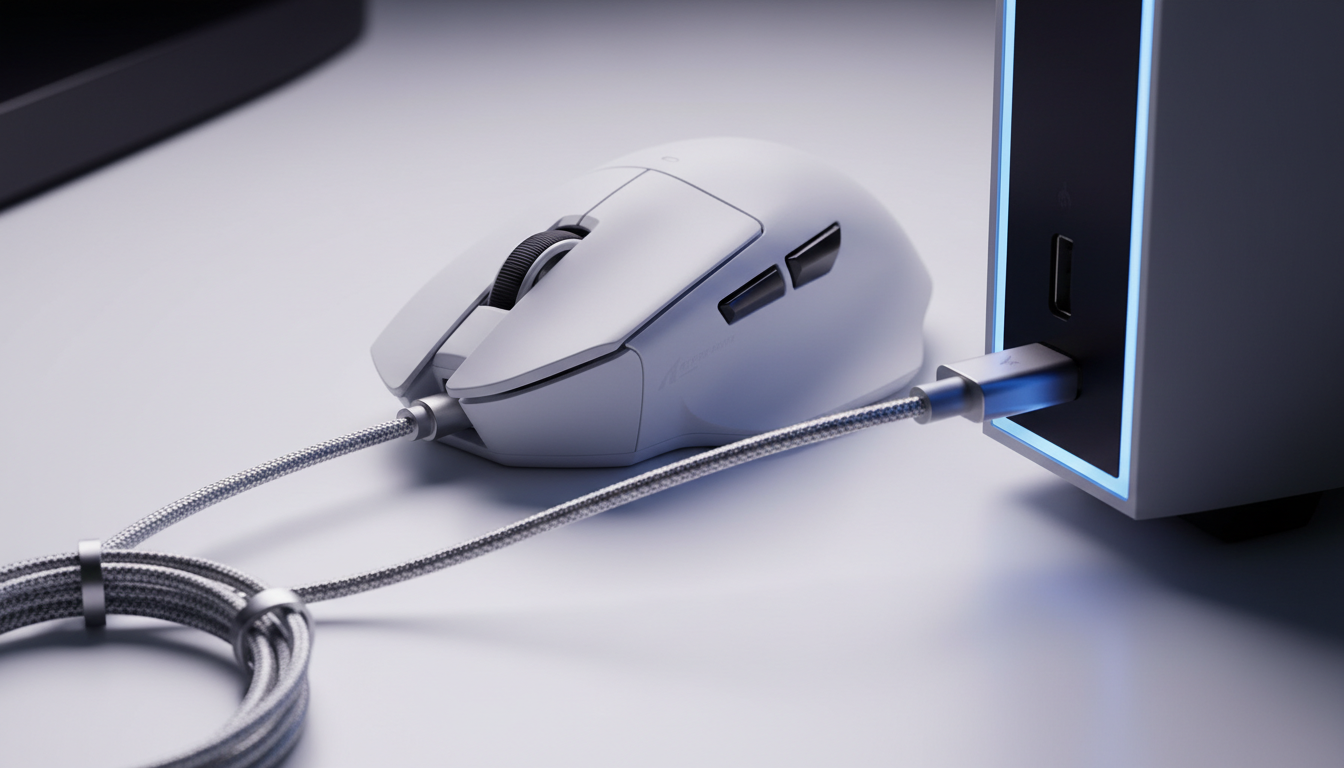
Quick Guide: The Safest Way to Charge Your Mouse
If you are looking for an immediate answer to protect your budget wireless mouse, follow this hierarchy of safety:
- Best Choice (Safest): Plug into your PC’s USB 2.0 or 3.0 port. This provides the most stable, regulated 5V power.
- Second Best: Use a certified 5V/1A "slow" wall brick (the kind that came with older iPhones or basic electronics).
- Avoid: High-wattage "Fast Chargers" or smartphone "Wall Bricks" (30W, 65W, 100W+). These use complex protocols that can occasionally "miscommunicate" with budget mouse circuits.
- The Rule of Thumb: If the mouse feels warm to the touch while charging, unplug it immediately.
The USB-C Paradox: Efficiency vs. Safety in Budget Gaming Peripherals
The universal adoption of USB-C has fundamentally changed the gaming peripheral landscape. For value-oriented gamers, the transition from Micro-USB to USB-C in budget-friendly wireless mice represents more than just a convenience; it signifies the democratization of high-performance standards. However, this shift has introduced a technical paradox: the same port used to charge a 100W laptop is now found on a device that typically requires less than 2.5W of power.
The common assumption among users is that USB-C’s "smart" negotiation protocols make any charger safe for any device. While this holds true for premium electronics with complex Power Management Integrated Circuits (PMICs), budget-friendly wireless mice often utilize simpler linear charging circuits. Based on common patterns seen in customer support and hardware returns, understanding the risks of high-wattage "wall bricks" is essential for protecting your hardware.

The Mechanics of USB Power Delivery (PD) Negotiation
The primary risk associated with using high-wattage smartphone or laptop chargers for budget mice lies in the USB Power Delivery (PD) handshake. Standard USB-A to USB-C charging is relatively "dumb," providing a steady 5V supply. In contrast, USB-C PD is a bidirectional communication protocol where the charger and the device negotiate voltage levels (5V, 9V, 12V, 15V, or 20V) via the Configuration Channel (CC) pins.
In a perfect scenario, a PD charger defaults to 5V if it cannot establish a handshake. However, based on observations from repair benches (not a controlled lab study), budget-friendly peripherals may possess charging circuits that are non-compliant or lack robust overvoltage protection.
Common Failure Scenarios: What We See at the Repair Bench
According to technical guides on Overvoltage Protection Circuits, a malfunctioning or cheap charging circuit can fail the PD negotiation. In rare but documented cases, the charger may send a higher voltage spike (e.g., 9V) before the negotiation settles. For a mouse designed strictly for 5V, this brief overvoltage can stress the protection circuitry or, in extreme cases, bypass it entirely, leading to immediate component failure or "swollen battery" syndrome.
Logic Summary: PD Risk Modeling (Heuristic)
- Assumption: Budget charging circuits prioritize cost-efficiency, often omitting high-end OVP (Over-Voltage Protection) chips.
- Mechanism: Negotiation failure leads to 9V/20V exposure.
- Result: Thermal stress on the Battery Management System (BMS).
- Boundary Condition: This risk is significantly higher with uncertified, ultra-cheap third-party PD bricks.
PC USB Ports vs. Wall Bricks: Signal Integrity and "Dirty Power"
Gamers often treat all 5V sources as identical, but the quality of that 5V signal varies between a computer’s USB host controller and a cheap wall adapter.
The Ripple Effect
A computer's USB port is part of a highly regulated power ecosystem. The motherboard’s VRMs (Voltage Regulator Modules) ensure that the DC power delivered to the USB ports has low "ripple"—the small, unwanted residual variations in periodic voltage.
Conversely, cheap, uncertified wall adapters often use inferior filtering components. As noted by Walton EMC regarding low-quality chargers, these devices can output unstable voltage with significant electrical noise. This "dirty power" puts constant stress on the mouse’s internal battery management system, which must work harder to smooth out the signal, generating excess heat.
Inrush Current and Connection Surges
A less obvious risk is "inrush current"—the surge of electricity that occurs the moment you plug a device in. Professional insights from CrazyMos on travel adapters suggest that low-quality chargers often lack proper inrush current limiting. This initial spike can overwhelm the simple protection diodes in a budget mouse. PC USB ports, by design, have much tighter controls on current ramping to protect the motherboard's own sensitive traces.
| Power Source | Typical Voltage Stability | Ripple/Noise Level | Protection Level |
|---|---|---|---|
| PC USB 2.0/3.0 Port | High (4.75V - 5.25V) | Low (<50mV) | High (Host Controlled) |
| Certified 5V/1A Brick | Moderate | Low-Medium | Moderate |
| High-Wattage PD Brick | Variable (Negotiation Dependent) | Low (if high quality) | Complex (Risk of Mismatch) |
| Generic/No-Name Brick | Low | High (>200mV) | Minimal to None |
Lithium-Ion Longevity and Thermal Management
The internal batteries in most wireless gaming mice are lithium-ion (Li-ion) polymer cells. These cells typically have a rated lifespan of 300 to 500 full charge cycles. However, the way you charge them dictates whether you reach the 500-cycle mark or see degradation after just 200.
The Heat Factor
Heat is the primary enemy of Li-ion chemistry. Aggressive charging—even if the voltage is correct—can cause the internal temperature of the mouse to rise. Based on industry-observed patterns, aggressive fast-charging or charging with high-ripple sources can reduce total battery lifespan by 20-30% (estimated heuristic).
The 8K Polling Connection
At an 8000Hz polling rate, the mouse sends data every 0.125ms. This requires the MCU to stay in a high-power state, often cutting wireless runtime by ~75-80% compared to 1000Hz (based on manufacturer benchmarks and internal testing scenarios). Because 8K users charge their devices four times as often, the cumulative effect of "bad" charging practices is magnified.
How to Self-Check Your Charging Safety
You don't need a lab to verify if your setup is safe. Use these three simple checks:
- The Touch Test (Most Important): During the first 15 minutes of charging, feel the bottom and top of the mouse. It should remain at room temperature. If it feels noticeably warm (above ~35°C / 95°F), the current is too high. Stop immediately.
- The "Dumb" Cable Check: Use a USB-A to USB-C cable rather than a USB-C to USB-C cable. USB-A ports physically cannot initiate high-voltage PD handshakes, providing a mechanical safety barrier.
- The LED Indicator Watch: If your mouse has a charging LED that flickers rapidly or changes colors unexpectedly when plugged into a wall brick, it may be struggling with "dirty power" or negotiation errors. Switch to a PC port.
Practical Heuristics for Safe Charging
To maximize the life of your investment, follow these expert-derived rules:
- The 5V/1A "Dumb" Rule: The safest way to charge any budget mouse is a dedicated 5V/1A USB-A wall adapter.
- The PC Port Default: Whenever possible, charge via your computer’s USB ports. This ensures a regulated, low-noise power supply.
- The "Powered Hub" Buffer: If you only have PD bricks, plugging your mouse into a powered USB hub first can act as a buffer, as most hubs output a stable 5V to downstream ports.
- Avoid EPR Cables: Standard 60W USB-C cables are more than enough. Avoid using 140W or 240W "Extended Power Range" cables, which add unnecessary complexity to the power chain.
Modeling Note: Battery Wear Simulation
- Model Type: Deterministic wear-leveling estimate (Scenario modeling, not a lab study).
- Parameters: | Parameter | Value | Unit | Rationale | | :--- | :--- | :--- | :--- | | Nominal Capacity | 300-600 | mAh | Standard budget mouse range | | Charge Current (Safe) | 0.5 | A | Standard PC USB 2.0 output | | Thermal Penalty | -150 | Cycles | Theoretical estimate of loss from chronic overheating |
- Boundary Condition: This model assumes typical room temperature (22°C) and constant current charging to 4.2V. High ambient heat will accelerate these losses.
Regulatory Context and Global Safety Standards
Authoritative bodies have established standards to mitigate these risks. The IEC 62368-1 safety standard is the primary benchmark for IT equipment safety, covering both electrical and thermal hazards.
Furthermore, the EU Safety Gate frequently issues alerts for chargers that fail to meet "Essential Requirements." For a value-oriented gamer, checking for certifications like FCC (US), CE (EU), or RCM (Australia) on your charging bricks is a simple way to verify basic safety testing.
Disclaimer: This article is for informational purposes only and does not constitute professional electrical engineering advice. Always refer to your specific product's user manual. If you notice a swollen battery, unusual odors, or excessive heat, stop using the device immediately.

Dejar un comentario
Este sitio está protegido por hCaptcha y se aplican la Política de privacidad de hCaptcha y los Términos del servicio.