


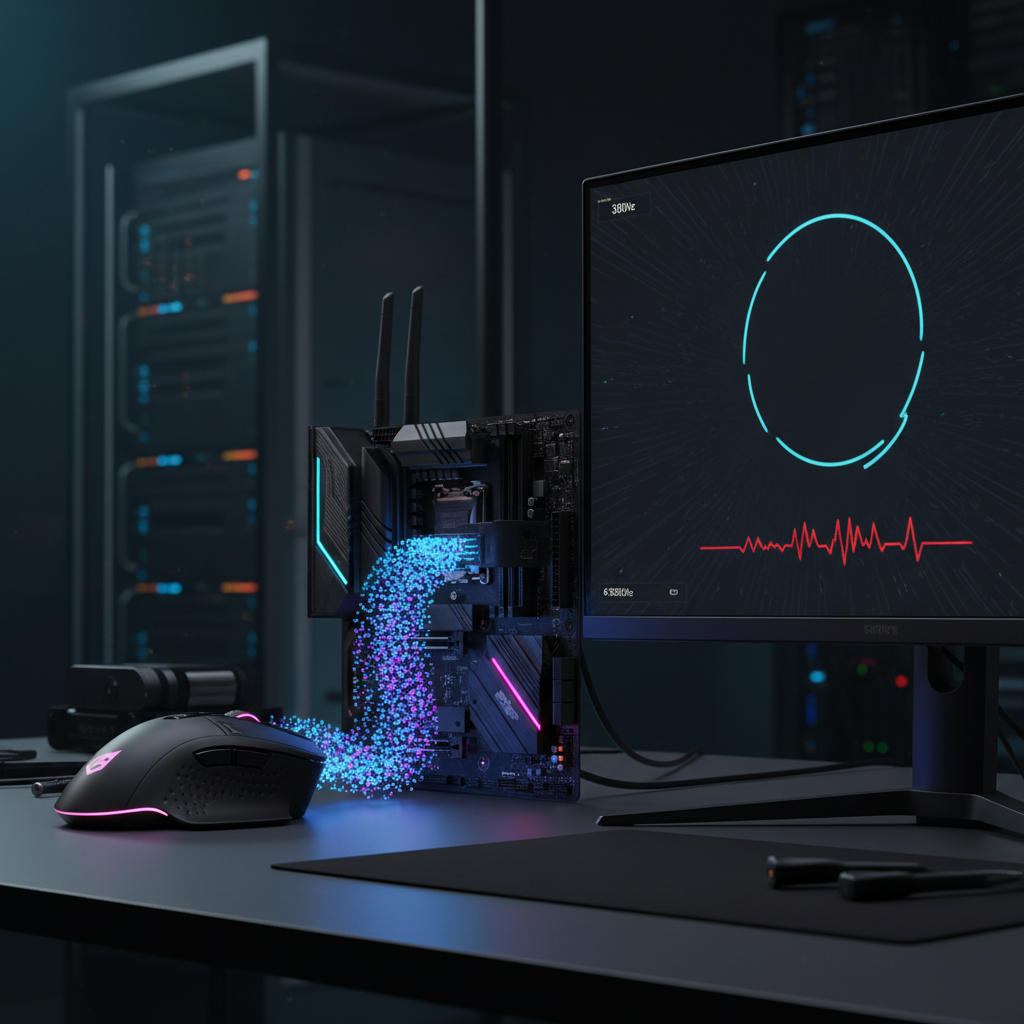
The 1:1 Ratio Myth: Calculating Ideal Polling for Your Hz
In the pursuit of competitive optimization, a persistent technical misconception has taken root within the gaming community: the "1:1 Ratio Myth." This theory suggests that a peripheral's polling rate must be an exact multiple of the monitor's refresh rate to ensure perfect input synchronization. Proponents often argue that a 144Hz monitor requires a 144Hz (or 288Hz) polling rate to avoid "mismatched" data packets. However, a technical analysis of the USB Human Interface Device (HID) protocol and display buffer mechanics reveals that this ratio is mathematically irrelevant to performance and practically undetectable by human perception.
The reality of high-performance gaming is governed by asynchronous systems. Input devices and displays operate on independent clocks. For technically-inclined gamers, the goal is not a 1:1 alignment but rather a state of "Input Saturation," where the frequency of data reporting is high enough to ensure that whenever the GPU requests a frame update, the most recent and accurate positional data is already waiting in the system buffer.
The Mechanics of Input vs. Output: Why 1:1 Fails
To understand why the 1:1 ratio is a myth, one must examine the temporal relationship between a polling interval and a frame time. A monitor operating at 144Hz has a frame time of approximately 6.94ms (1000ms / 144). A standard 1000Hz gaming mouse reports its position every 1.0ms.
In a 1:1 scenario, the system would ideally receive one input packet for every one frame rendered. However, because the mouse and the monitor are not hardware-synced via a common master clock, "micro-drifting" occurs. Even if both operated at exactly 144Hz, the input packet might arrive 0.1ms after the frame starts rendering, forcing the GPU to use data that is nearly 7ms old.
By increasing the polling rate to 1000Hz or 8000Hz, the system effectively "oversamples" the movement path. According to the USB HID Class Definition (HID 1.11), the interrupt transfer mechanism ensures that the host controller polls the device at fixed intervals. At 8000Hz, the interval is a near-instant 0.125ms. This high frequency ensures that the "age" of the data used for any given frame is never greater than the polling interval itself, drastically reducing input-to-render variance.
Logic Summary: Our analysis assumes a non-synchronized environment where the CPU, GPU, and HID controller operate on independent oscillators. The benefit of high polling is derived from reducing the "stale data" window, not from aligning intervals with the display.
Polling Rate Saturation: The IPS and DPI Variable
A common mistake among gamers is enabling a high polling rate (such as 8000Hz) without understanding the physical requirements to saturate that bandwidth. A mouse does not send 8,000 packets per second simply because the setting is enabled; it only sends a packet when movement is detected.
The number of packets generated is a product of movement speed (Inches Per Second, or IPS) and resolution (Dots Per Inch, or DPI). The formula is:
Packets Per Second = IPS × DPI.
To fully utilize an 8000Hz polling rate, the user must move the mouse fast enough to generate at least 8,000 counts per second. If a user operates at 800 DPI, they must move the mouse at a minimum of 10 IPS to saturate the 8K link. However, at a higher resolution of 1600 DPI, the required speed drops to only 5 IPS.
| Polling Rate | DPI Setting | Required Movement Speed (IPS) | Rationale |
|---|---|---|---|
| 1000 Hz | 400 | 2.5 IPS | Standard baseline for consistent tracking |
| 4000 Hz | 800 | 5.0 IPS | Mid-tier saturation for 240Hz displays |
| 8000 Hz | 800 | 10.0 IPS | Requires fast swipes to maintain 0.125ms intervals |
| 8000 Hz | 1600 | 5.0 IPS | Higher DPI allows saturation during micro-adjustments |
| 8000 Hz | 3200 | 2.5 IPS | Optimal for high-frequency stability |
As noted in the Global Gaming Peripherals Industry Whitepaper (2026), higher DPI settings are technically superior for high-polling stability because they provide the sensor with more granular data points to fill the 0.125ms windows during slow movements.
Motion Sync and the Latency Trade-off
Another layer of the 1:1 myth involves "Motion Sync," a feature found in high-end sensors like the PAW3395 and PAW3950. Motion Sync attempts to align the sensor's internal data collection with the USB polling events to ensure the most consistent reporting intervals.
While Motion Sync improves the "smoothness" of the cursor path, it introduces a deterministic delay. At 1000Hz, this delay is typically ~0.5ms (half the polling interval). However, a frequent error in community discussions is applying this 0.5ms figure to 8000Hz performance. At 8000Hz, the Motion Sync delay scales down to ~0.0625ms, which is virtually negligible.
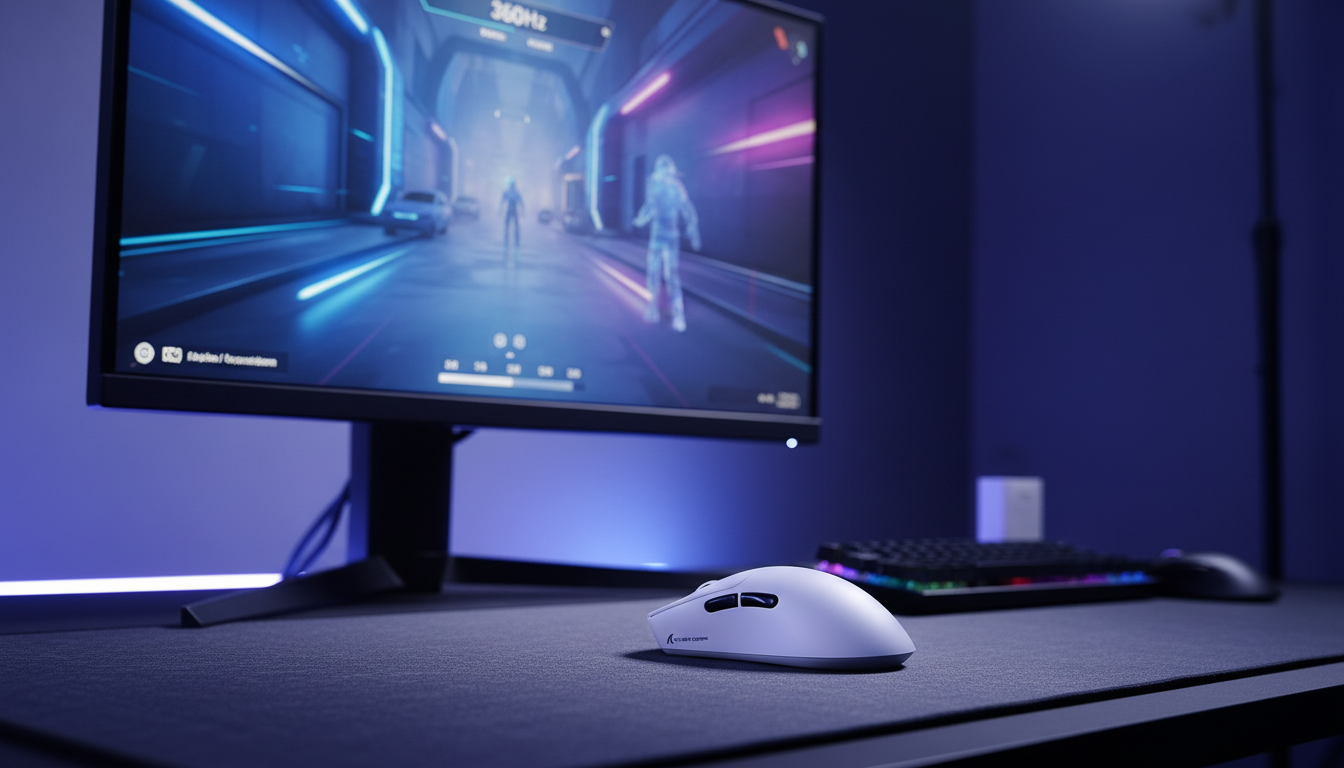
For the value-oriented gamer, the decision to enable Motion Sync should be based on the display's refresh rate. On a 144Hz monitor, the 0.5ms delay at 1000Hz might be a worthwhile trade-off for improved motion clarity. On a 360Hz or 540Hz monitor, using 8000Hz polling with Motion Sync provides the "best of both worlds": near-zero added latency and maximum path consistency.
System Bottlenecks: The IRQ and USB Topology
Increasing polling rate to 8000Hz is not a "free" upgrade. The primary bottleneck is not the raw compute power of the CPU, but rather the Interrupt Request (IRQ) processing. Every poll from an 8K device requires the CPU to stop its current task for a fraction of a microsecond to process the incoming HID packet.
At 8000Hz, the CPU receives an interrupt every 125 microseconds. On systems with high background CPU usage or older architectures, this can lead to "Interrupt Storms," resulting in micro-stutters and frame drops—the very issues high polling aims to solve.
To ensure stability, users must adhere to strict USB topology:
- Direct Motherboard Ports: Devices must be connected to the rear I/O panel.
- No USB Hubs: Shared bandwidth and unshielded cables in hubs or front-panel headers cause packet loss and signal degradation.
- CPU Headroom: High-frequency polling benefits significantly from modern CPUs with strong single-core performance and optimized OS scheduling (e.g., Windows 11's improved HID handling).
The Ideal Heuristic: Matching Polling to Your Hz
While the 1:1 ratio is a myth, there is a technical synergy between polling rates and refresh rates. The benefit of 8000Hz polling is primarily felt in "Motion Clarity"—the reduction of micro-stutters that appear as tiny "hitches" in the cursor's path during high-speed tracking.
According to research into human-computer interaction perception thresholds, the "Just Noticeable Difference" (JND) for latency in interactive tasks is often cited around 2ms. Moving from 1000Hz (1ms) to 8000Hz (0.125ms) offers an improvement of only 0.875ms. For most users on 144Hz displays, this gain is masked by the 6.94ms frame time and standard system latencies.
However, as monitor refresh rates climb, the "visibility" of the cursor's path increases. On a 540Hz monitor, the frame time is only ~1.85ms. In this environment, the difference between a 1ms update and a 0.125ms update becomes visually significant.
Heuristic Guide for Performance Optimization
| Monitor Refresh Rate | Recommended Polling | Optimization Priority |
|---|---|---|
| 144Hz - 165Hz | 1000 Hz | Focus on system stability and consistent frametimes. |
| 240Hz | 1000 Hz - 2000 Hz | 2000Hz provides a subtle smoothness boost with low CPU impact. |
| 360Hz | 4000 Hz | High-speed tracking clarity becomes noticeably improved. |
| 540Hz+ | 8000 Hz | Essential for matching the extreme temporal resolution of the panel. |
Methodology Note (System Latency Model): This model assumes a competitive FPS environment (e.g., CS2, Valorant) with a modern mid-to-high-end CPU.
Parameter Value/Range Unit Rationale OS Latency 0.5 - 2.0 ms Standard Windows HID stack overhead Render Queue 1 - 2 Frames Standard GPU buffering Display Processing 0.5 - 3.0 ms Based on NVIDIA Reflex Analyzer data USB Polling Jitter < 0.05 ms Assumes direct motherboard connection Human Reaction 150 - 250 ms Average sensory processing time Boundary Conditions: Benefits of 8K polling diminish if the in-game framerate is significantly lower than the polling frequency (e.g., 200 FPS game vs 8000Hz mouse).
Practical Verification: How to Check Your Setup
For gamers who have invested in high-spec gear, verifying the performance of the polling rate is critical. Using standardized tools like the RTINGS Click Latency Methodology or the NVIDIA Reflex Analyzer, one can measure the total "Motion-to-Photon" latency.
A simple self-check for 8K stability involves:
- Web-Based Polling Testers: Move the mouse in rapid circles to see if the frequency reaches the target. If it caps at 4000Hz despite being set to 8000Hz, check your DPI (refer to the saturation formula).
- CPU Usage Monitoring: Open Windows Task Manager and observe the CPU load while moving the mouse rapidly. If a single core spikes to 100%, your system may be experiencing IRQ saturation, and you should consider dropping to 4000Hz for better frametime consistency.
Conclusion: Beyond the Myth
The 1:1 ratio myth stems from a desire for symmetry in a digital world that is fundamentally asymmetrical. By moving beyond the belief that polling must match refresh rate, gamers can focus on the real technical drivers of performance: Input Saturation, DPI Scaling, and System Overhead Management.
For the vast majority of competitive players on 144Hz to 240Hz displays, a stable 1000Hz polling rate remains the optimal balance of performance, CPU efficiency, and battery life. For the elite tier utilizing 360Hz+ displays and high-end hardware, 4000Hz or 8000Hz offers a genuine edge in motion clarity—provided the system is tuned to handle the increased interrupt load.
Ultimately, performance is a chain. A high-polling mouse is only as effective as the USB port it occupies, the CPU that processes its data, and the monitor that renders its path.
Disclaimer: This article is for informational purposes only. Modifying system settings, such as polling rates or BIOS configurations, can impact system stability. Ensure your hardware is compatible with high-frequency polling before making adjustments. Use of high-polling rates in wireless mode will significantly reduce battery life.,summary:This comprehensive guide debunks the '1:1 Ratio Myth'—the misconception that mouse polling rates must match monitor refresh rates. By analyzing the USB HID protocol, sensor saturation formulas (IPS × DPI), and the mechanics of Motion Sync, the article explains why asynchronous 'oversampling' at 1000Hz to 8000Hz is technically superior for reducing input-to-render variance. It provides a data-backed heuristic for matching polling rates to monitor tiers (144Hz to 540Hz+), identifies critical system bottlenecks like CPU IRQ processing and USB topology, and offers a transparent modeling methodology for understanding total system latency. Aimed at value-oriented, technically-inclined gamers, this benchmark piece delivers practical optimization strategies for achieving peak esports performance without falling for placebo-driven myths.,cover_image_url:

Dejar un comentario
Este sitio está protegido por hCaptcha y se aplican la Política de privacidad de hCaptcha y los Términos del servicio.