

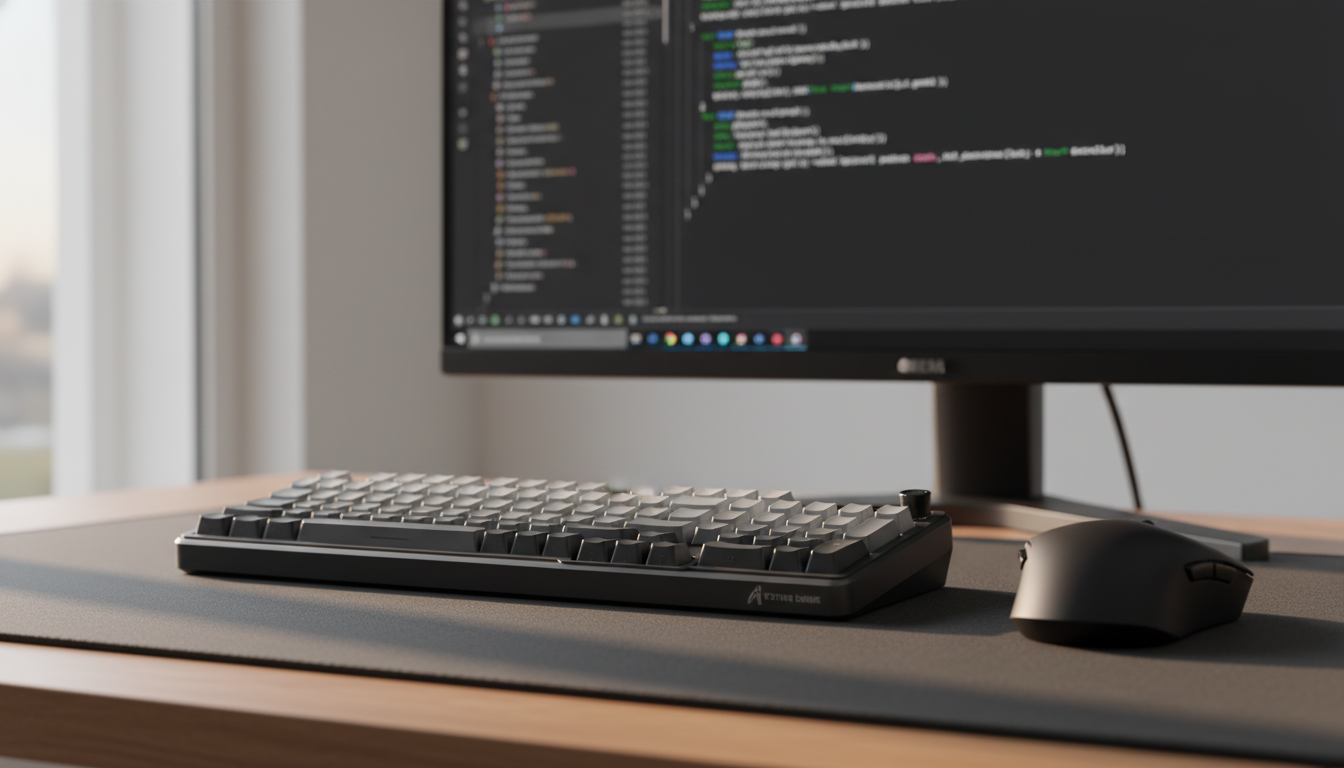
The Technical Convergence of Gaming and Development
The modern prosumer—the professional developer who transitions into competitive gaming at night—faces a unique hardware paradox. High-performance gaming peripherals are engineered for raw speed, often prioritizing ultra-low actuation points and near-instantaneous reset times. However, the requirements for long-form coding are fundamentally different. Programming demands extreme precision, tactile feedback for error reduction, and ergonomic endurance to withstand eight-hour sessions.
For those bridging this gap, the "Specification Credibility Gap" is a common frustration. A keyboard that boasts a 0.1mm actuation point may be a formidable tool in a first-person shooter, but it often becomes a liability in an Integrated Development Environment (IDE). The slightest resting weight of a finger can trigger a "float typing" error, leading to excessive typos and the cognitive fatigue of constant backspacing. Finding the balance between these two worlds requires a data-driven approach to actuation force, polling rates, and peripheral geometry.
According to the Global Gaming Peripherals Industry Whitepaper (2026), the industry is moving toward "dynamic response profiles" that allow hardware to adapt to these divergent workloads. Understanding the underlying mechanisms of Hall Effect technology and the biomechanics of the hand is the first step in optimizing a setup for both productivity and play.

The Physics of the Keypress: Hall Effect and Rapid Trigger
Traditional mechanical switches rely on physical contact between metal leaves to complete a circuit. This mechanism introduces "contact chatter," which requires a firmware-level debounce delay (typically 5ms to 10ms) to ensure a single press is registered. For a coder, this delay is largely imperceptible, but the physical reset—the distance the key must travel back up before it can be pressed again—creates a bottleneck during rapid refactoring or repetitive delimiter entry.
Hall Effect (HE) switches replace physical contact with magnetic sensing. A sensor on the PCB measures the magnetic flux as a magnet in the switch stem moves closer. This allows for "Rapid Trigger" (RT) technology, where the reset point is dynamic rather than fixed.
The Latency Advantage for Accuracy
While gamers focus on speed, the primary benefit of RT for coders is the reduction of "hovering finger" fatigue. In a deliberate typing style (characterized by a finger lift velocity of approximately 50 mm/s), the latency difference between a standard mechanical switch and an HE switch with Rapid Trigger is significant.
- Mechanical baseline: ~20ms (5ms travel + 5ms debounce + 10ms mechanical reset).
- Hall Effect RT: ~7ms (5ms travel + 2ms RT reset).
- The Delta: A ~13ms theoretical advantage (based on kinematic modeling of a 0.1mm reset distance vs. 0.5mm mechanical hysteresis).
Logic Summary: The reset time is calculated using the formula $t = d/v$ (time = distance / velocity). By reducing the reset distance from 0.5mm to 0.1mm, the time the finger must spend in the "lift" phase is cut by 80%, allowing for a more relaxed hand posture during high-intensity coding.
Ergonomic Modeling: The Cost of Sustained Input
The strain of long-form coding is cumulative. To quantify the risk, we can look at the Moore-Garg Strain Index (SI), a validated tool for assessing the risk of distal upper extremity disorders. For a developer working an 8-hour day with moderate typing intensity, the numbers reveal a hidden hazard.
Scenario Modeling: The Deliberate Coder
Consider a professional with large hands (~20–21cm) using a standard 45g to 55g actuation force switch. In a model of this scenario, spending 50% of the day typing at a moderate pace (30 efforts per minute) results in a Strain Index score of approximately 5.06.
- Risk Threshold: Any SI score above 5.0 is classified as "Hazardous" according to standard ergonomic job analysis screening (Source: Moore & Garg, 1995).
- The Implication: Even with a "neutral" posture, the sheer volume of keystrokes required for software development necessitates hardware intervention to prevent Repetitive Strain Injury (RSI).
| Parameter | Value | Unit | Rationale |
|---|---|---|---|
| Intensity Multiplier | 1.5 | - | 45-55g actuation force |
| Duration Multiplier | 0.5 | - | 50% of workday typing |
| Efforts per Minute | 3 | - | 30 keystrokes/min (sustained) |
| Posture Multiplier | 1.0 | - | Neutral wrist positioning |
| Speed Multiplier | 1.5 | - | Moderate typing speed |
| Duration per Day | 1.5 | - | 8-hour standard |
Methodology Note: This is a scenario model used for risk screening, not a medical diagnosis. The multipliers are calibrated to a professional development workload rather than extreme gaming.
Tuning Actuation for the IDE
The most common mistake among prosumers is applying "gaming-first" settings to their work environment. Setting an actuation point to 0.1mm is highly effective for counter-strafing in a shooter, but it is a primary cause of typos in a code editor.
The Accuracy Heuristic
A highly effective configuration strategy is to utilize dual software profiles. Based on practitioner observations and pattern recognition from user feedback, the following settings offer a balanced approach:
- Coding Profile: Set base actuation to 1.2mm–1.5mm. This provides enough "pre-travel" to support the weight of resting fingers without accidental triggers.
- Gaming Profile: Utilize a 0.4mm–0.6mm actuation point with a 0.1mm Rapid Trigger reset.
- The "Break-In" Rule: Magnetic switches often yield more consistent force readings after a "break-in" period of several thousand keystrokes. Calibrating the sensors after this period ensures the 0.005mm precision claims of high-end sensors are actually realized in practice.
Software and Firmware Integrity
When utilizing advanced features like "zero dead zone" (where the key registers at the absolute start of travel), the driver software must employ a sophisticated debounce algorithm. Without this, users often experience "chatter" during sustained keyholds—a critical issue when holding the backspace key or navigating through lines of code with arrow keys.
It is vital to ensure your hardware complies with international standards to avoid interference or stability issues. For example, wireless devices should be verified through the FCC Equipment Authorization database to ensure radio frequency (RF) stability in environments crowded with other 2.4GHz devices.
The 8000Hz (8K) Polling Rate in Professional Workflows
While 8000Hz polling is marketed as a gaming feature, its impact on the "feel" of a professional workstation is often overlooked.
Consistency over Raw Speed
A 1000Hz polling rate sends data every 1.0ms. An 8000Hz rate reduces this interval to 0.125ms. In a standard text editor, this difference is imperceptible. However, modern IDEs are heavy applications with real-time linting, autocomplete, and background compilation.
High polling rates reduce "input buffer variability." By providing a more frequent stream of data to the OS, the hardware reduces micro-stutter in the cursor path and the perceived input lag during rapid refactoring.
Critical Constraints for 8K Performance:
- CPU Overhead: 8K polling stresses the CPU's Interrupt Request (IRQ) processing. On older systems, this can actually cause lag in the IDE.
- USB Topology: To maintain a true 8000Hz signal, the device must be plugged into a Direct Motherboard Port (Rear I/O). Shared bandwidth from USB hubs or front-panel headers often leads to packet loss and inconsistent performance.
- Motion Sync: At 8000Hz, the Motion Sync delay is reduced to approximately 0.0625ms (half the polling interval), making it virtually deterministic and visually smoother on high-refresh-rate monitors (240Hz+).
Peripheral Synergy: Mouse Fit for the Large-Handed Coder
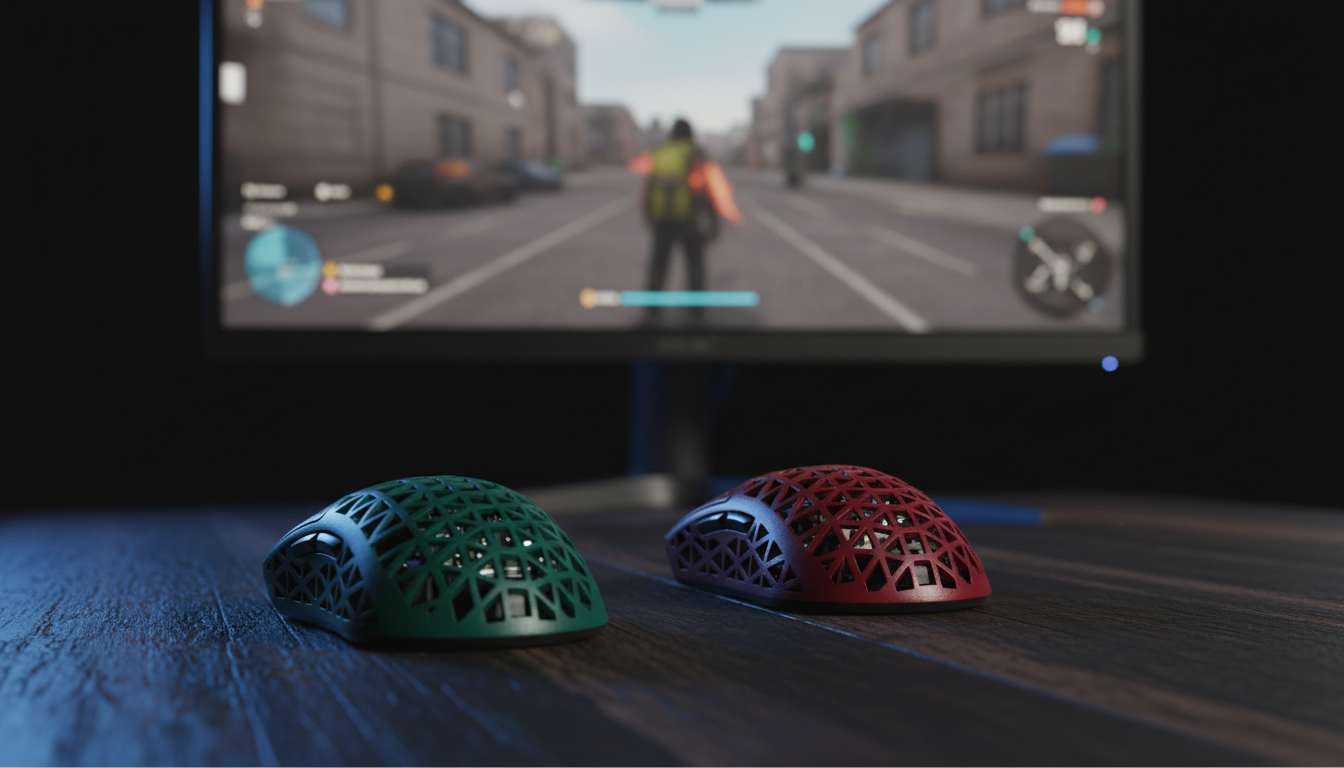
The keyboard is only half of the ergonomic equation. For developers with large hands (95th percentile, ~20.5cm), the "standard" gaming mouse is often too small, leading to metacarpal strain during long sessions of IDE navigation.
The 60% Rule and Fit Ratios
Based on ISO 9241-410 ergonomic guidelines for physical input devices, we can derive heuristics for mouse selection:
- Ideal Length: For a claw grip (common among precision-focused developers), the ideal mouse length is approximately 64% of hand length. For a 20.5cm hand, this is ~131mm.
- Ideal Width: The grip width should be approximately 60% of hand breadth. For a 95mm breadth, this is ~57mm.
- The Reality Gap: Most high-performance mice average 120mm in length. This creates a Grip Fit Ratio of 0.91 (9% shorter than ideal).
For a coder, this 9% deficit forces the hand into a more aggressive claw posture. Over an 8-hour day, this increases the Strain Index significantly. To compensate, developers should prioritize mice with ergonomic "humps" that provide palm support or utilize specialized grip tapes to increase the effective width of the device.
Optimizing the Workflow: A Practical Checklist
To bridge the specification credibility gap, follow this technical setup routine:
- Verify Firmware: Ensure your device is running the latest stable firmware. For prosumer brands, this often involves a web-based configurator or a dedicated PC driver.
- Calibrate Magnetic Sensors: If using Hall Effect switches, perform a full calibration in the software to account for magnetic variance in your specific environment.
- Adjust Debounce: If you experience double-typing in your IDE, increase the "Debounce" or "Filter" setting in the driver. A setting of 2ms–5ms is typically a safe baseline for coding.
- Manage USB Bandwidth: Keep high-polling devices on dedicated USB 3.0+ ports. Avoid daisy-chaining through monitor hubs.
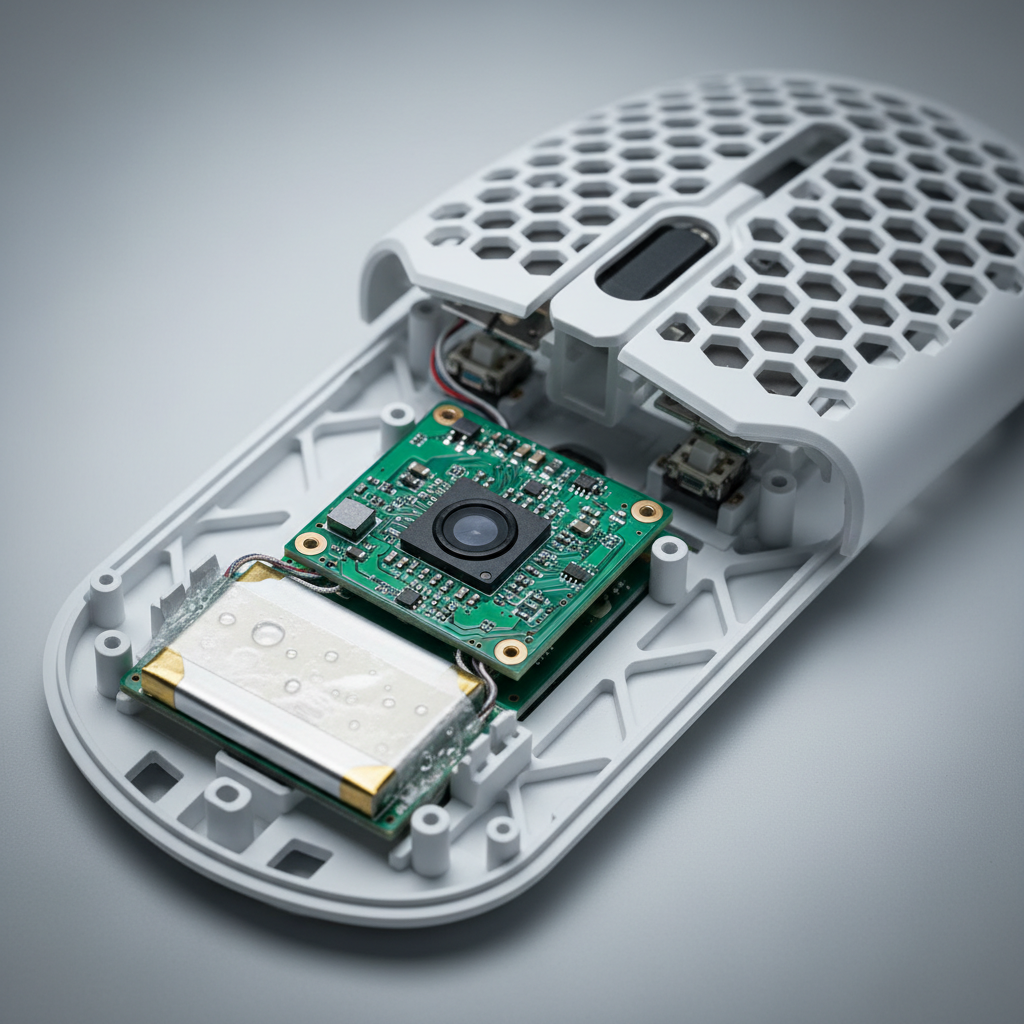
- Monitor Battery Health: High polling rates (4K/8K) can reduce wireless battery life by up to 80%. For work sessions, switching to a wired mode or 1000Hz is a practical necessity.
Modeling Note: Reproducible Parameters
The conclusions in this article are derived from deterministic scenario modeling. The following parameters were used to generate the latency and strain metrics:
| Variable | Value | Unit | Source / Rationale |
|---|---|---|---|
| Finger Lift Velocity | 50 | mm/s | Deliberate accuracy-focused typing |
| Mechanical Debounce | 5 | ms | Standard mechanical firmware baseline |
| RT Reset Distance | 0.1 | mm | High-precision Hall Effect sensor spec |
| Hand Length | 20.5 | cm | ANSUR II 95th percentile (Large Male) |
| Workday Duration | 8 | hours | Standard professional shift |
Boundary Conditions: These models assume constant finger velocity and neutral wrist posture. Individual results may vary based on joint flexibility, specific switch spring weights, and OS-level interrupt handling.
YMYL Disclaimer: This article is for informational purposes only and does not constitute professional medical or ergonomic advice. The Strain Index and Fit Ratios provided are screening tools and heuristics; they are not diagnostic. If you experience persistent pain, numbness, or tingling in your hands or wrists, consult a qualified healthcare professional or an occupational therapist.

Dejar un comentario
Este sitio está protegido por hCaptcha y se aplican la Política de privacidad de hCaptcha y los Términos del servicio.