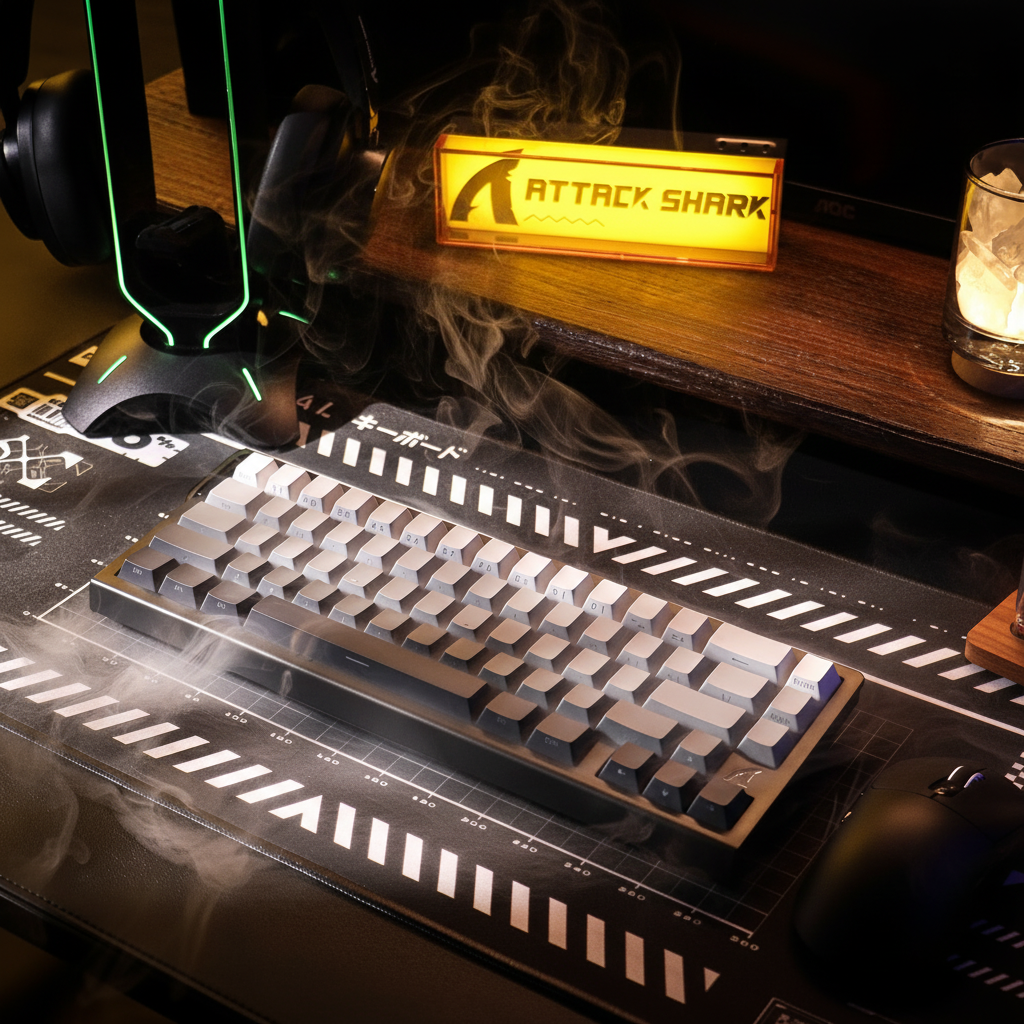
La mecánica del strafing de alta frecuencia
En los shooters competitivos en primera persona, el movimiento es una capa defensiva crítica. El strafing de alta frecuencia—la rápida alternancia entre las teclas 'A' y 'D'—está diseñado para interrumpir el seguimiento del oponente. Sin embargo, la ejecución técnica de estos micro-movimientos a menudo está limitada por las propiedades físicas del interruptor del teclado. Específicamente, el peso del resorte del grupo WASD determina el equilibrio entre la entrada rápida y la "confianza en el reinicio."
Cuando un jugador realiza strafing de alta frecuencia, los músculos de los dedos experimentan una carga de trabajo de alta intensidad caracterizada por contracción y extensión rápidas. Basándonos en nuestro modelado biomecánico para un escenario competitivo (detallado en la sección de Metodología), esta carga puede alcanzar un Índice de Tensión (SI) estimado de 13.5. En el contexto del modelo Moore-Garg, las puntuaciones en este rango se categorizan como "Peligrosas", sugiriendo un mayor riesgo de tensión durante sesiones intensas y repetitivas. Elegir el peso correcto del interruptor es por lo tanto una optimización destinada a mejorar la agilidad en el juego mientras se mitiga potencialmente el riesgo de fatiga en los dedos.
Impacto biomecánico del peso del interruptor
La fuerza requerida para presionar una tecla (fuerza de actuación) y la fuerza necesaria para que la tecla regrese a su posición neutral (fuerza de reinicio) están dictadas por el resorte interno. En escenarios prácticos de juego, la diferencia entre un interruptor lineal de 45g y uno de 55g tiene menos que ver con la velocidad inicial de pulsación y más con la tolerancia al error y la resistencia con el tiempo.
El umbral de fatiga: estimaciones modeladas
A través del análisis de patrones comunes en el juego competitivo y simulaciones ergonómicas, observamos que los interruptores que superan una fuerza de actuación de 60g pueden provocar una caída perceptible en la consistencia del strafing durante sesiones prolongadas. Para un jugador con manos grandes (~20.5cm) que ejecuta maniobras rápidas ADAD, la carga acumulativa en los extensores de los dedos aumenta.
- Menos de 45g: Estos interruptores "ultra-ligeros" minimizan la resistencia, permitiendo un spam casi sin esfuerzo. Sin embargo, algunos usuarios reportan falta de "confianza en el reinicio": la certeza física de que la tecla ha regresado completamente antes de la siguiente pulsación.
- De 45g a 55g: Esta es una ventana de rendimiento común. Generalmente proporciona suficiente resistencia para ayudar a prevenir activaciones accidentales mientras sigue siendo lo suficientemente ligera para retrasar la aparición de fatiga en muchos jugadores.
- Más de 60g: A menudo preferido por mecanógrafos con mucha fuerza. En un contexto de strafing de alta frecuencia, nuestros modelos sugieren que estos resortes pueden contribuir a dolor en el pulgar y los dedos dentro de 2 a 3 horas de juego continuo, ya que los músculos trabajan más para superar repetidamente la tensión del resorte.
Nota sobre la modelización: La estimación del Índice de Tensión (SI) de 13.5 asume una alta frecuencia de esfuerzos (200-300 por minuto) y una duración sostenida. Este valor es una proyección teórica; las respuestas fisiológicas individuales al peso del resorte varían significativamente.
El efecto Hall y la ventaja del disparo rápido
Los interruptores mecánicos tradicionales tienen un punto fijo de activación y reinicio, a menudo separados por un espacio de "histéresis". Este espacio requiere que el jugador levante el dedo significativamente antes de que se pueda registrar una segunda pulsación.
La introducción de sensores Hall Effect (HE), que usan imanes para detectar la posición de la tecla, permite la tecnología "Rapid Trigger" (RT). Esto habilita que el interruptor se reinicie en el instante en que el dedo comienza a levantarse, sin importar la distancia física de recorrido.
Comparación teórica de latencia: Mecánico vs. Hall Effect
Basado en modelado cinemático de la velocidad de levantamiento del dedo durante strafing rápido (estimada en 120 mm/s), la transición a tecnología Hall Effect puede producir una reducción medible en la latencia de reinicio.
| Tipo de interruptor | Recorrido/Rebote (asumido) | Distancia de reinicio | Latencia de reinicio calculada | Latencia total estimada (ms) |
|---|---|---|---|---|
| Mecánico estándar | 5ms de recorrido + 5ms de rebote | 0.5mm | 4.17 ms | ~14.17ms |
| Hall Effect (RT) | 5ms de recorrido + 0ms de rebote | 0.1mm | 0.83 ms | ~5.83ms |
Calculado como: Latencia de reinicio = Distancia de reinicio / Velocidad de levantamiento del dedo (120 mm/s).
Este delta de ~8.3ms es particularmente relevante para el "counter-strafing", donde el objetivo es detener el movimiento instantáneamente para ganar precisión al disparar. El interruptor Hall Effect desacopla el peso físico del resorte del punto de reinicio digital, permitiendo a los jugadores usar un resorte ligeramente más pesado (por ejemplo, 50g) para control sin sacrificar la velocidad de entradas de alta frecuencia.

Igualando el peso del interruptor con la sensibilidad de puntería (heurísticas)
Una heurística común entre los entusiastas del rendimiento es igualar el peso del interruptor del teclado con la sensibilidad del ratón (DPI) para crear una "sensación de entrada" coherente. Estas son reglas prácticas, no requisitos absolutos.
La heurística DPI-peso del resorte
- Alta sensibilidad (Puntería nerviosa): Los jugadores que usan configuraciones de DPI altas a menudo dependen de microajustes rápidos. Los resortes más ligeros (35-45g) pueden complementar este estilo al requerir una fuerza mínima para iniciar el movimiento.
- Baja sensibilidad (Arm Aimers): Los jugadores que usan todo el brazo suelen hacer movimientos más pocos y deliberados. Un resorte de peso medio (45-55g) puede proporcionar una plataforma más estable para WASD, ayudando a prevenir activaciones "flotantes" no intencionadas durante barridos intensos del brazo.
Sinergizando con ratones de alta tasa de sondeo
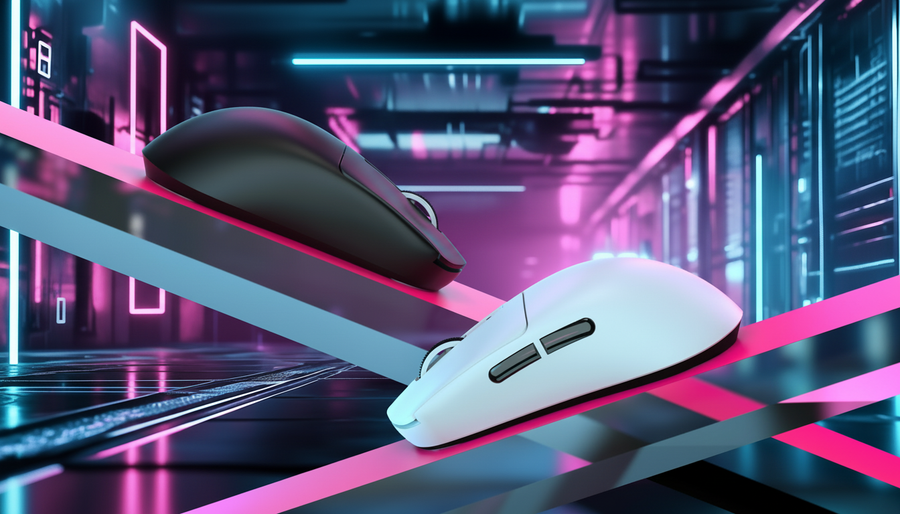
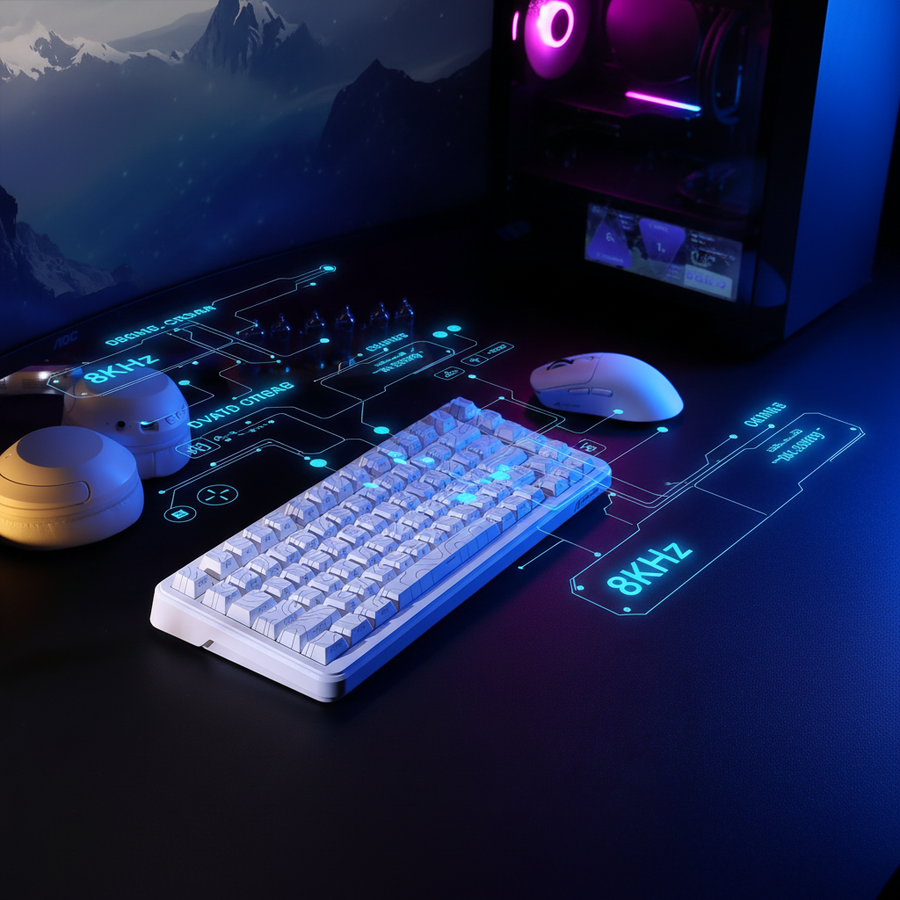
Al usar un ratón con una tasa de sondeo de 8000Hz (8K), la sincronización entre el movimiento del teclado y la puntería del ratón se vuelve más granular. Según el Global Gaming Peripherals Industry Whitepaper (2026) (una fuente industrial de Attack Shark), las altas tasas de sondeo reducen el micro-tartamudeo perceptual pero exigen un mayor procesamiento de la CPU.
Para ayudar a mantener la consistencia, recomendamos conectar los periféricos de rendimiento directamente a los puertos traseros de E/S de la placa base. Usar concentradores USB o conectores del panel frontal puede introducir pérdida de paquetes o jitter, lo que podría anular los beneficios de latencia de los interruptores Hall Effect y sensores de alta frecuencia de sondeo.
El papel de la masa de la tecla y la estabilidad
Aunque el resorte es la fuente principal de resistencia, la masa de la tecla y la estabilidad del vástago del interruptor también influyen en la sensación efectiva de activación.
Inercia de la tecla
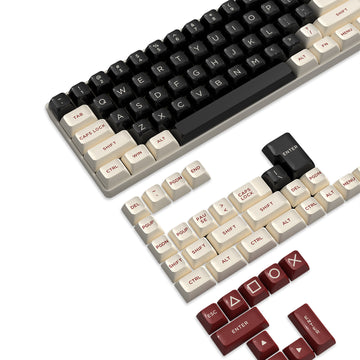
Una tecla pesada y de paredes gruesas añade masa al conjunto del interruptor. Durante el spam rápido ADAD, la inercia de una tecla pesada puede teóricamente retrasar la velocidad de reinicio de un resorte ligero. Las teclas de PBT de alta calidad, como las ATTACK SHARK Custom OEM Profile PBT Colored Keycaps, están diseñadas para proporcionar una textura duradera para el agarre sin añadir peso excesivo que pueda entorpecer el retorno del interruptor.
Para quienes priorizan la claridad visual, el ATTACK SHARK 120 Keys PBT Dye-Sublimation Pudding Keycaps Set utiliza un diseño de doble capa. La capa superior de PBT asegura una sensación consistente, mientras que la mitad inferior translúcida está pensada para ayudar con la orientación visual en ambientes con poca luz.
Soporte ergonómico y mitigación de fatiga
El ángulo de la muñeca afecta directamente la eficiencia de los músculos de los dedos. Una posición neutral de la muñeca reduce la carga estática en los extensores del antebrazo.
Cuando la muñeca está extendida (inclinada hacia arriba), los tendones pasan por un espacio más estrecho, lo que puede aumentar la fricción y el esfuerzo requerido para cada pulsación. Usar un soporte ergonómico como el ATTACK SHARK 87 KEYS ACRYLIC WRIST REST ayuda a alinear la mano con la altura del teclado. Para jugadores que prefieren una interfaz más suave durante sesiones largas, el ATTACK SHARK Cloud Keyboard Wrist Rest usa espuma viscoelástica para distribuir la presión.
Metodología: Cómo modelamos el rendimiento
Para proporcionar estas recomendaciones, utilizamos tres modelos basados en escenarios. Estos resultados representan a un jugador competitivo teórico con un perfil de mano grande (percentil 95 masculino) usando agarre tipo garra.
Ejecución 1: Cálculo del Índice de Tensión Moore-Garg (SI)
El Índice de Tensión es un método de análisis laboral semi-cuantitativo usado para identificar trabajos con alto riesgo de trastornos en las extremidades superiores distales. Lo aplicamos a un contexto de juegos usando la fórmula: $SI = IM \times EM \times DM \times PM \times SM$.
| Tipo de multiplicador | Valor asignado | Justificación |
|---|---|---|
| Intensidad del esfuerzo (IM) | 3.0 | Esfuerzo "Fuerte" para una activación rápida y repetida de teclas. |
| Esfuerzos por minuto (EM) | 1.5 | Alta frecuencia (estimada 200-300 APM). |
| Duración por esfuerzo (DM) | 1.0 | Ráfagas cortas y discretas (movimiento lateral). |
| Postura de mano/muñeca (PM) | 1.5 | Postura "Aceptable"; asume extensión moderada de la muñeca. |
| Velocidad de trabajo (SM) | 2.0 | Ritmo "Muy rápido" requerido para competencia FPS. |
| Puntuación SI resultante | 13.5 | Peligroso (Umbral de referencia: > 5) |
Aviso legal: Esta puntuación SI es una estimación modelada para juegos de alta intensidad y no ha sido validada por ensayos clínicos en eSports.
Ejecución 2: Modelo cinemático de latencia
- Fórmula: $Tiempo = Distancia / Velocidad$
- Suposiciones: La velocidad de levantamiento del dedo es constante a 120 mm/s. El rebote es de 5ms para mecánicos y 0ms para efecto Hall (según especificaciones del fabricante).
- Sensibilidad: Un cambio del 10% en la velocidad de levantamiento resulta en un cambio de ~0.4ms en la latencia de reinicio mecánico.
Ejecución 3: Heurísticas de ajuste ergonómico
- Longitud ideal del ratón: ~131mm (Longitud de la mano 20.5cm * 0.64).
- Ancho ideal del ratón: 57mm (Anchura de la mano 9.5cm * 0.60).
- Observación: Las proporciones fuera de ±10% de estos valores pueden aumentar la tensión en el antebrazo durante el juego intensivo con WASD.
Marco sugerido para la optimización de WASD
Seleccionar el peso correcto del interruptor es un proceso de equilibrar velocidad, control y resistencia. Basándonos en nuestro análisis, sugerimos el siguiente marco:
- Identifique la sensibilidad: Los "apuntadores de muñeca" con alta DPI deberían probar resortes más ligeros (35-45g). Los "apuntadores de brazo" con baja DPI pueden beneficiarse de la estabilidad de resortes medianos (45-55g).
- Evalúe la tecnología: Priorice interruptores de efecto Hall con Rapid Trigger. Esta tecnología es el factor técnico más impactante para reducir la latencia de reinicio, independientemente del peso del resorte.
- Monitoree señales físicas: Si experimenta dolor persistente, entumecimiento o una caída en la consistencia, sus interruptores pueden ser demasiado pesados para su nivel actual de resistencia. Detenga el juego y consulte a un profesional si el dolor persiste.
- Verifique el peso de las teclas: Asegúrese de que las teclas sean de PBT de alta calidad pero no demasiado gruesas o pesadas para mantener una sensación de reinicio nítida.
- Optimice la conectividad: Use conexiones directas a la placa base para periféricos de alto rendimiento y evite cuellos de botella en la topología USB.
Aviso legal: Este artículo es solo para fines informativos y no constituye asesoramiento médico o ergonómico profesional. Los juegos competitivos implican movimientos repetitivos que pueden causar tensión o lesiones. Si experimenta dolor persistente, entumecimiento o molestias en las manos o muñecas, consulte a un profesional de la salud calificado.
Fuentes
- Independiente: Moore, J. S., & Garg, A. (1995). El índice de tensión: Un método propuesto para analizar trabajos con riesgo de trastornos en las extremidades superiores distales. American Industrial Hygiene Association Journal.
- Técnico/Normas: Allegro MicroSystems. Circuitos integrados de sensores de efecto Hall: Principios de funcionamiento.
- Industria: Attack Shark. Documento técnico de la industria global de periféricos para juegos (2026). (Fuente del fabricante).
- Normas: ISO 9241-410:2008. Ergonomía de la interacción humano-sistema -- Parte 410: Criterios de diseño para dispositivos de entrada físicos.
- Guía técnica: Guía de configuración de NVIDIA Reflex Analyzer. (Guía del proveedor de hardware).