La variable oculta: la colocación del sensor en la puntería competitiva
En la búsqueda del "flick" perfecto, los jugadores competitivos de FPS a menudo se obsesionan con el peso, DPI y tasas de sondeo. Sin embargo, una variable mecánica crítica permanece en gran medida ignorada: la posición del sensor. La ubicación física del sensor en la parte inferior del ratón—ya sea con sesgo delantero (cerca de los botones), centrado o con sesgo trasero (cerca de la palma)—altera fundamentalmente la relación entre el movimiento físico y el recorrido del cursor en pantalla.
Para entusiastas técnicos y modders de hardware, entender este "efecto palanca" es esencial. Cuando un sensor se mueve solo 10 mm hacia adelante en un ratón estándar de 125 mm, puede aumentar la distancia de recorrido del cursor aproximadamente un 8-12% para la misma rotación física de la muñeca. Este efecto explica por qué dos ratones con configuraciones DPI idénticas pueden sentirse radicalmente diferentes durante movimientos rápidos del brazo.
La biomecánica del efecto palanca
El ratón actúa como una palanca, y la muñeca o el codo del usuario sirven como fulcro. La distancia desde este punto de pivote hasta el sensor determina el "arco" que recorre el sensor.
Alineación delantera vs. trasera
- Sensores con sesgo delantero: Colocados más cerca de las puntas de los dedos, estos sensores experimentan un brazo de palanca más largo. Para una rotación angular dada, el sensor cubre más distancia física en la alfombrilla. Esto crea una sensación de "mayor velocidad", que suele preferirse en shooters de arena como Quake o Apex Legends, donde los movimientos amplios y rápidos de 180 grados son frecuentes.
- Sensores con sesgo trasero: Colocados más cerca de la palma, estos sensores están más próximos al fulcro de la muñeca. Esto reduce la distancia de recorrido por grado de rotación, otorgando un control más fino. Los jugadores profesionales de shooters tácticos (por ejemplo, CS2 o Valorant) suelen preferir esta estabilidad para microajustes y mantener ángulos cerrados, ya que minimiza el "sobre-movimiento".
Nota de metodología (heurística): El "8-12% de aumento en el recorrido" es una heurística basada en la geometría estándar del ratón (120-125 mm de largo) y la dinámica típica del pivote de la muñeca. Esto puede variar según la presión del agarre individual y el arco específico del movimiento rápido del usuario (dominante del brazo vs. dominante de la muñeca).

Modelando al jugador con manos grandes y puntería de brazo
Para demostrar cómo la posición del sensor interactúa con la ergonomía, modelamos un usuario específico: un jugador competitivo con manos grandes (20 cm de largo, 95 mm de ancho) que utiliza un estilo de puntería dominante del brazo.
Ajuste del ratón y proporciones de agarre
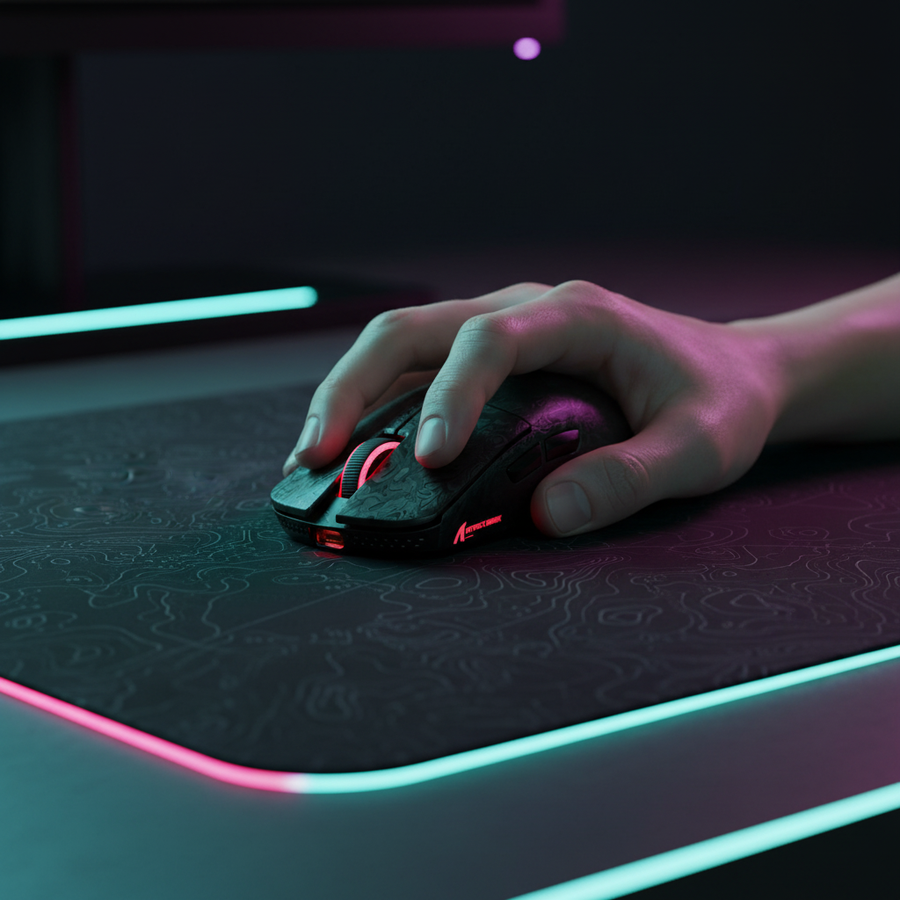
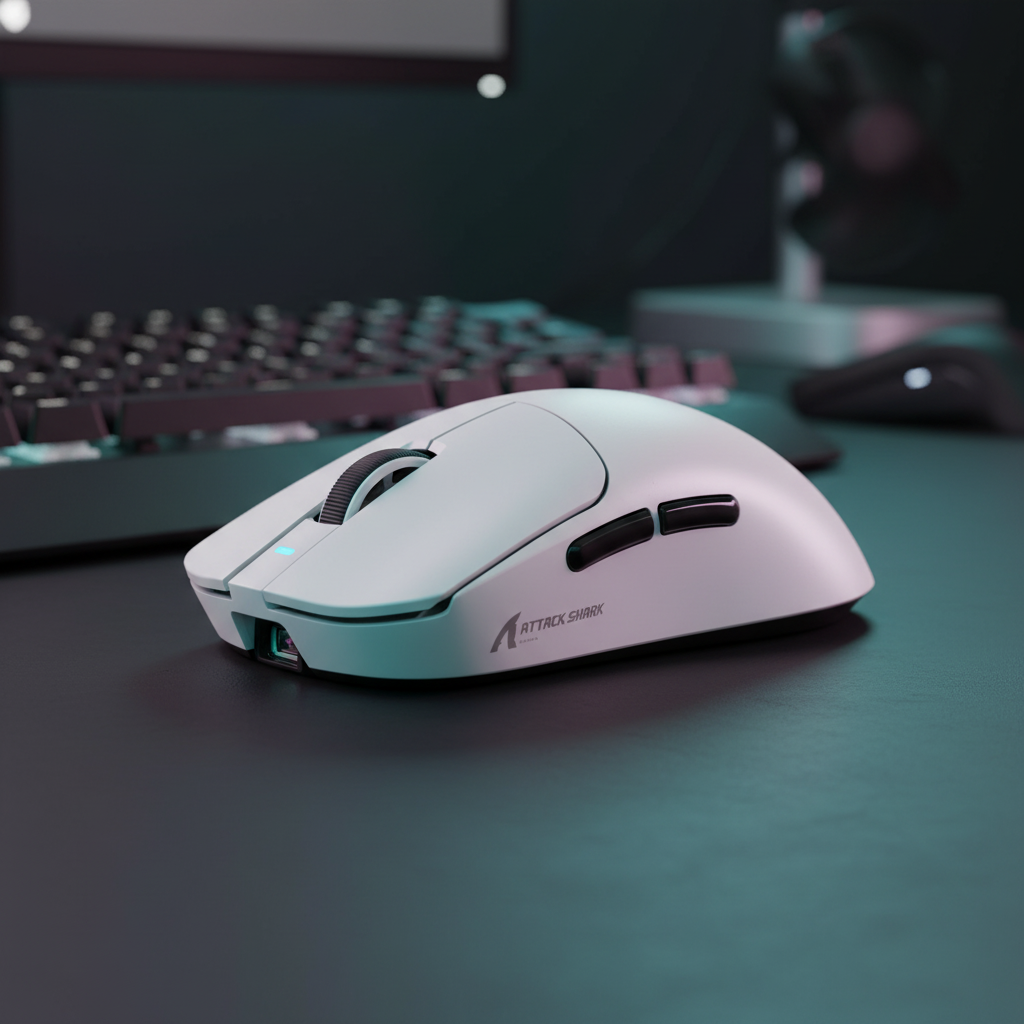
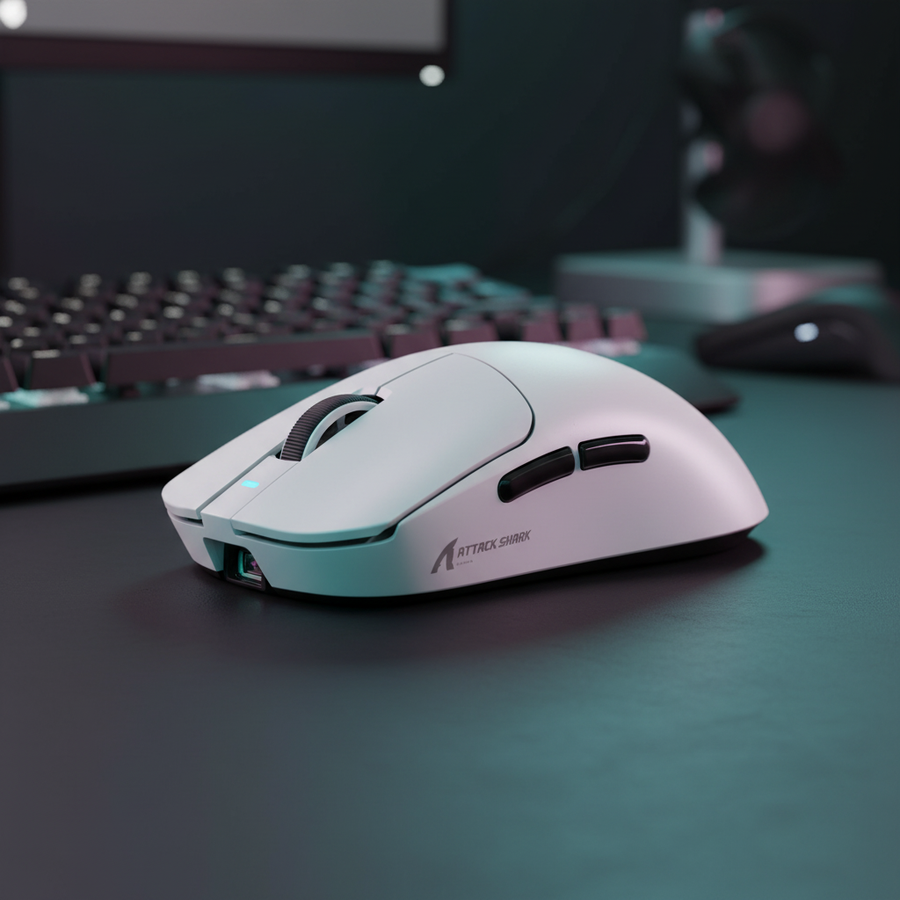
Para una mano de 20cm usando agarre de garra, la longitud ideal del ratón es aproximadamente 128mm. Usar un ratón estándar de 120mm, como el ATTACK SHARK X8 Series Tri-mode Lightweight Wireless Gaming Mouse, resulta en una proporción de ajuste de agarre de ~0.94. Aunque es un poco más corto que el ideal estadístico, esto a menudo fuerza un agarre de garra agresivo, que naturalmente mueve el sensor más cerca de las puntas de los dedos, creando efectivamente una sensación de sensor "hacia adelante".
| Parámetro | Valor | Unidad | Justificación |
|---|---|---|---|
| Longitud de la mano | 20 | cm | Tamaño de mano masculino en el percentil 95 |
| Longitud ideal del ratón | 128 | mm | Calculado mediante coeficientes ISO 9241-410 |
| Longitud del ratón de prueba | 125 | mm | Dimensiones estándar de ratones de rendimiento |
| Proporción de ajuste de agarre | 0.94 | proporción | Indica un ajuste compacto para manos grandes |
| Desplazamiento estimado del recorrido | 8-12 | % | Aumento proyectado en el recorrido del cursor mediante efecto palanca |
Análisis: Por qué la "sensación" es engañosa
En nuestro modelo de escenario, el apuntador con brazo grande experimenta un desplazamiento angular mayor en el codo. Debido a que la distancia del codo al sensor es significativamente mayor que la distancia de la muñeca al sensor, cualquier desplazamiento hacia adelante en la colocación del sensor se magnifica. Un desplazamiento de 10mm no solo se siente más rápido; requiere un ajuste de sensibilidad en el juego de ~10% para mantener la misma distancia de rotación de 360 grados.
Rendimiento de alta frecuencia: 8000Hz y Motion Sync
El hardware moderno como la ATTACK SHARK X8 Series (con el sensor PAW 3950MAX) soporta frecuencias de sondeo de hasta 8000Hz (8K). A estas frecuencias, la precisión del posicionamiento del sensor se vuelve aún más crítica porque el sistema captura datos cada 0.125ms.
La compensación de latencia
Al usar altas frecuencias de sondeo, a menudo se emplea "Motion Sync" para alinear los datos del sensor con el Inicio de Trama USB (SOF).
- A 1000Hz: Motion Sync añade un retraso determinista de ~0.5ms.
- A 8000Hz: Este retraso se reduce a ~0.0625ms, lo que es prácticamente imperceptible.
Sin embargo, para saturar un ancho de banda de 8000Hz, el usuario debe mantener una cierta velocidad de movimiento. A 800 DPI, se requiere una velocidad de 10 IPS (pulgadas por segundo). Si el usuario aumenta su DPI a 1600, solo se necesitan 5 IPS para mantener la estabilidad 8K. Esto sugiere que para un rendimiento de alta frecuencia de sondeo, configuraciones de DPI ligeramente más altas combinadas con una sensibilidad en el juego más baja proporcionan un flujo de datos más suave y consistente.
Nota de modelado (latencia): Nuestras estimaciones de latencia a 8000Hz (~0.925ms de latencia total del sistema a 4K) asumen conexión directa a la E/S de la placa base. Según la Definición de clase HID USB (HID 1.11), el uso de hubs externos puede introducir fluctuaciones que anulan los beneficios de una alta frecuencia de sondeo.
Calibración práctica: la prueba del rollo de papel de cocina
Como la carcasa externa de un ratón no siempre se alinea con su centro de masa interno o la ubicación del sensor, los usuarios deben realizar una comprobación manual.
- Encuentra el punto de equilibrio: Coloca un objeto cilíndrico (como un rollo de papel de cocina) sobre una superficie plana.
- Equilibra el ratón: Coloca el ratón sobre el rodillo y muévelo hasta que esté perfectamente equilibrado.
- Marca el sensor: Observa dónde se sitúa el sensor en relación con este punto de equilibrio.
Si el sensor está delante del punto de equilibrio, estás usando una configuración con sesgo hacia adelante. Para los que apuntan con el brazo y notan que sus movimientos rápidos "sobrepasan" en shooters tácticos, cambiar a un ratón con sensor más centrado o sesgado hacia atrás, o usar un agarre de palma más relajado para desplazar el ratón hacia adelante en la mano, puede proporcionar la estabilización necesaria.
Sinergia de hardware: superficies y sensores
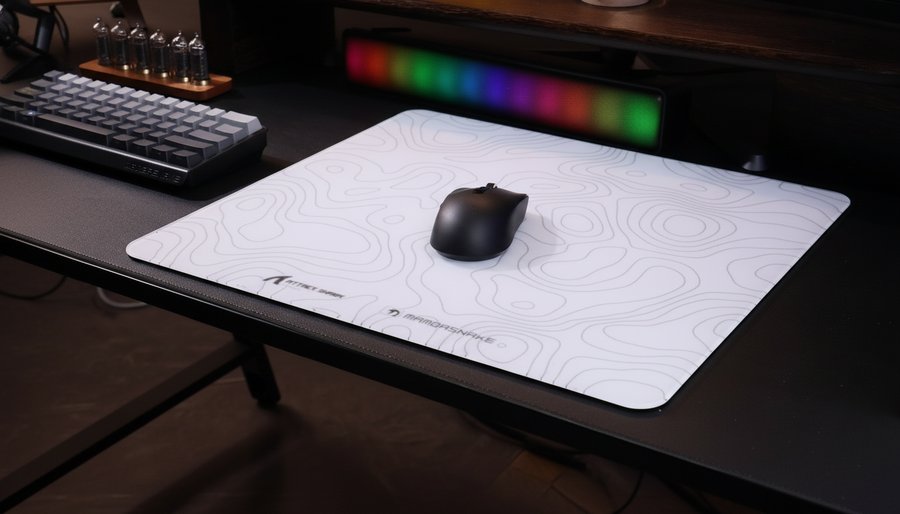
La interacción entre el sensor y la superficie de seguimiento es la pieza final del rompecabezas. Las alfombrillas de fibra de alta densidad, como la ATTACK SHARK CM02 eSport Gaming Mousepad, están diseñadas para minimizar el "ripple del sensor" durante movimientos rápidos de alta velocidad.
Para usuarios que prefieren la comodidad ergonómica de un reposamuñecas, el ATTACK SHARK Cloud Mouse Pad ofrece una base de espuma viscoelástica. Sin embargo, los que apuntan con el brazo deben asegurarse de que el reposamuñecas no actúe como un fulcro involuntario que limite artificialmente el rango de movimiento necesario para el seguimiento en superficies grandes.
Comparación de especificaciones técnicas
Al seleccionar hardware basado en la posición del sensor y el rendimiento bruto, los siguientes datos (basados en las especificaciones de PixArt Imaging) son vitales para los entusiastas técnicos.
| Característica | X8 ULTRA / ULTIMATE | G3PRO |
|---|---|---|
| Sensor | PAW 3950MAX | PAW 3311 |
| DPI máximo | 42,000 | 25,000 |
| Frecuencia de sondeo | 8000Hz (Inalámbrico) | 1000Hz |
| IPS (Velocidad de seguimiento) | 750 IPS | 400 IPS |
| Peso | ~55g | ~62g |
| Conexión | Tri-modo (8K Nano) | Tri-modo (Nano) |
El ATTACK SHARK G3PRO Tri-mode Wireless Gaming Mouse ofrece una posición equilibrada del sensor y una base de carga dedicada, convirtiéndolo en una opción muy eficaz para usuarios que priorizan la facilidad de uso y el seguimiento constante en el juego diario.
Confianza, seguridad y cumplimiento
Al modificar o comprar periféricos de alto rendimiento, verificar la legitimidad del hardware es un paso clave en E-E-A-T. Bases de datos autorizadas como la Autorización de Equipos FCC (Búsqueda FCC ID) permiten a los usuarios verificar la exposición a RF y los componentes internos de dispositivos inalámbricos. Además, el Documento técnico de la industria global de periféricos para juegos (2026) proporciona los últimos puntos de referencia para latencia y precisión del sensor.
Apéndice: Suposiciones del modelado
Los datos cuantitativos presentados en este artículo se derivan de modelado de escenarios (no un estudio de laboratorio controlado) usando los siguientes parámetros:
- Resolución: 2560x1440 (1440p).
- Sensibilidad: 40cm/360°.
- Campo de visión (FOV): 103° (Estándar para shooters tácticos).
- DPI mínimo Nyquist-Shannon: Calculado en ~1150 DPI para evitar saltos de píxeles a 1440p.
- Modelo de sincronización de movimiento: Basado en estándares de temporización USB HID con un retraso determinista que promedia 0.5-1.0x el intervalo de sondeo.
Resumen de estrategias de optimización
- Para precisión táctica: Busca un sensor con sesgo hacia atrás o centrado. Esto reduce el efecto palanca, haciendo que los microajustes sean más predecibles.
- Para movimientos rápidos: Un sensor con sesgo hacia adelante amplifica el movimiento de la mano, permitiendo una adquisición de objetivo más rápida en juegos de estilo arena.
- Para manos grandes: Una proporción de ajuste inferior a 1.0 (como 0.94) generalmente indica un ratón que se sentirá más "ágil" pero puede requerir un agarre más agresivo para mantener la alineación del sensor.
- Para estabilidad 8K: Usa al menos 1600 DPI para asegurar que el sensor proporcione suficientes paquetes de datos (5+ IPS) para saturar la alta tasa de sondeo.
Al comprender la "palanca" biomecánica de tu ratón, puedes dejar de luchar contra tu hardware y comenzar a calibrarlo según tu estilo específico de puntería.
Descargo de responsabilidad: Este artículo es solo para fines informativos. Las métricas de rendimiento se basan en modelos teóricos y especificaciones típicas de hardware; los resultados individuales pueden variar según la configuración del sistema y la técnica personal.