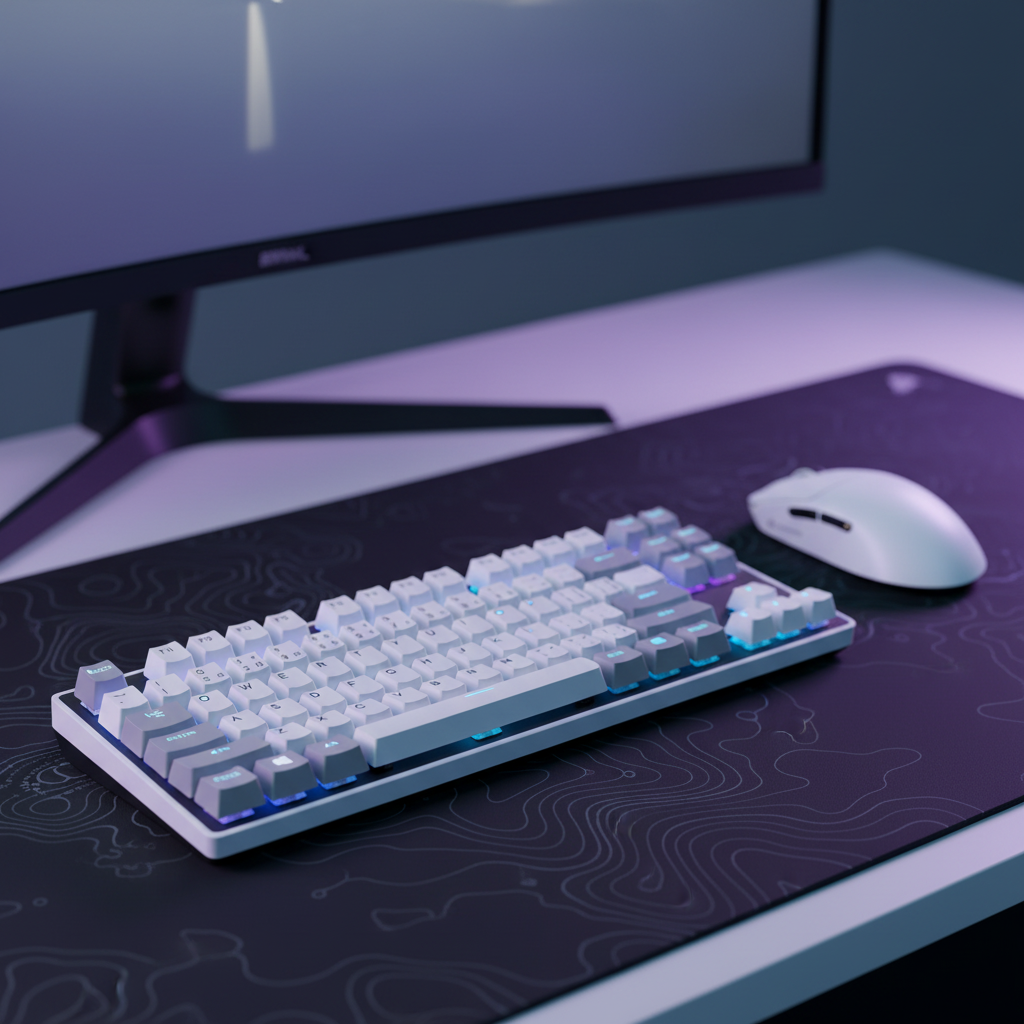
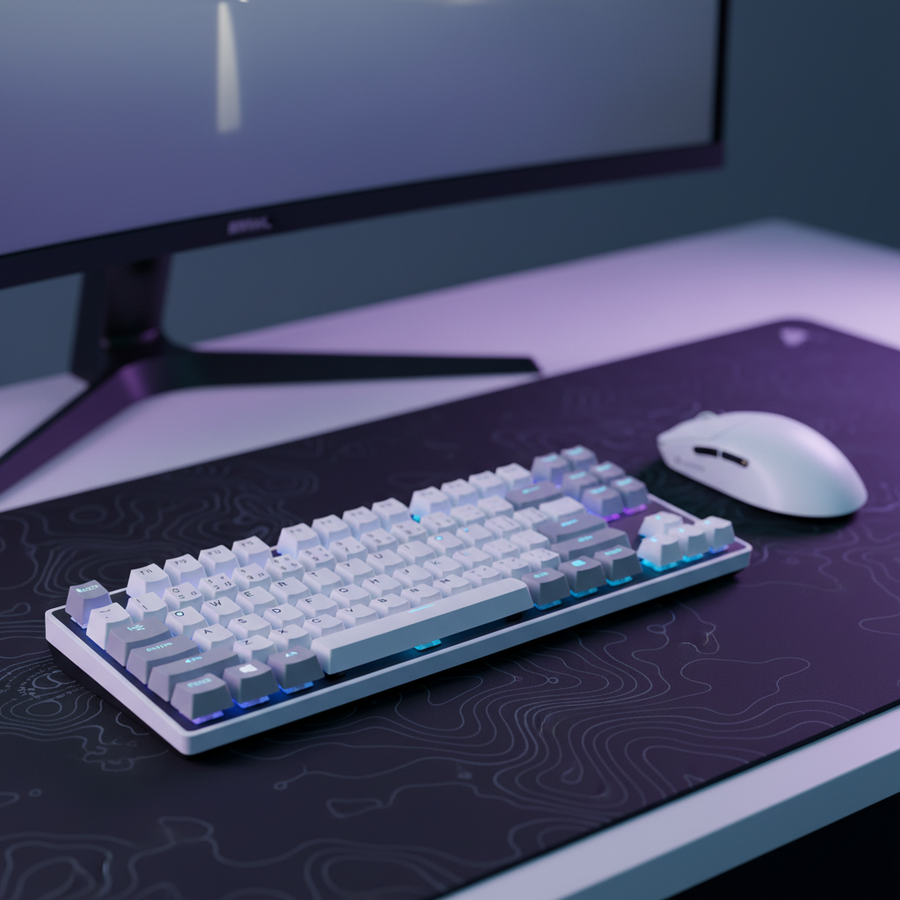
La biomecánica de la sincronización de entrada: entendiendo la desincronización
En el juego de alto nivel en First-Person Shooter (FPS), la relación entre la mano izquierda (movimiento) y la mano derecha (puntería) a menudo se trata como dos sistemas separados. Sin embargo, la eficiencia biomecánica depende de un concepto conocido como "sincronización de entrada". Una falla técnica común ocurre cuando un jugador utiliza un teclado con un punto de activación profundo y blando—típico de interruptores de membrana o mecánicos no lineales—mientras lo combina con un ratón de alta DPI y baja latencia. Esto crea una "desincronización de entrada" donde el ratón está listo para ejecutar un microajuste antes de que el comando de movimiento del teclado sea completamente registrado por el motor del juego.
El resultado es un fenómeno de sobrecompensación. Si un jugador intenta contramoverse (detener el movimiento para ganar precisión), pero el recorrido de reinicio del teclado es demasiado largo, el cerebro percibe un retraso. La mano derecha comienza el movimiento de puntería mientras el personaje todavía está técnicamente en movimiento, lo que conduce a una "puntería inestable" y disparos fallidos. Según practicantes y registros de soporte técnico (basados en patrones comunes de atención al cliente y manejo de garantías), esta desincronización es una causa principal de la "inconsistencia" percibida en el rendimiento que los jugadores a menudo atribuyen erróneamente a fallos del sensor.
Para mitigar esto, las configuraciones de élite priorizan interruptores lineales o de activación rápida con puntos de activación consistentes y superficiales (normalmente de 1.2 mm a 1.5 mm). Esto permite una confirmación de movimiento casi instantánea, que el sistema cognitivo puede asociar de manera confiable con los movimientos del ratón. El modelo fundamental para este rendimiento es la Ley de Fitts, que describe la compensación entre velocidad y precisión basada en el tamaño y la distancia del objetivo. En el contexto de los juegos FPS, reducir el "tiempo muerto" entre la pulsación física de una tecla y la acción en el juego es crucial para mantener el ritmo del seguimiento a alta velocidad.

Cuantificando la ventaja del efecto Hall: el delta de 7.7 ms
La transición de los interruptores mecánicos tradicionales a los interruptores magnéticos de efecto Hall (HE) representa un salto significativo en la fidelidad de entrada. Los interruptores mecánicos tradicionales dependen del contacto físico y un punto de reinicio fijo, lo que introduce "histéresis": la diferencia entre el punto de activación y el punto de reinicio. Para un jugador de entrada con alta APM (acciones por minuto), esta diferencia es un cuello de botella.
Nuestro análisis de un escenario de alto rendimiento (modelando una velocidad de levantamiento del dedo de 150 mm/s) revela una ventaja determinista de latencia para el hardware de efecto Hall. En un interruptor mecánico estándar, la latencia total desde la pulsación hasta el reinicio es aproximadamente 13.3ms. Esto incluye aproximadamente 5ms de recorrido físico, un período electrónico de rebote de 5ms para evitar doble clic, y un tiempo de reinicio de 3.3ms basado en un espacio de histéresis de 0.5mm.
En contraste, un interruptor de efecto Hall con tecnología Rapid Trigger—como el que se encuentra en el ATTACK SHARK X68MAX HE Rapid Trigger CNC Aluminum Keyboard Magnetic Switch with C01Ultra RGB Coiled Cable—elimina el punto fijo de reinicio. Al utilizar sensores magnéticos para detectar la posición exacta del vástago, el reinicio puede ocurrir dentro de 0.1mm de movimiento hacia arriba.
Nota de modelado (Delta de tiempo de reinicio):
- Latencia total mecánica: ~13.3ms (5ms de recorrido + 5ms de rebote + 3.3ms de reinicio).
- Latencia total del efecto Hall: ~5.7ms (5ms de recorrido + 0.7ms de reinicio).
- Ventaja de hardware: reducción teórica de latencia de ~7.7ms.
- Suposiciones: Velocidad constante de levantamiento del dedo de 150 mm/s; histéresis mecánica de 0.5mm; distancia de reinicio HE de 0.1mm.
Esta ventaja de ~8ms se traduce en un registro más temprano del comando de movimiento durante el contra-estrafado. En una batalla de asomarse, esto puede ser la diferencia entre un disparo estacionario y preciso y un disparo "en movimiento" que falla el objetivo. Sin embargo, los jugadores deben ser conscientes de que cambiar la profundidad de actuación de la mano izquierda puede introducir una carga cognitiva oculta. Alterar la memoria muscular establecida para la sensibilidad a la presión puede desestabilizar temporalmente el ritmo de seguimiento de la mano derecha hasta que el usuario se recalibre a la respuesta más rápida.
Ritmo de seguimiento del ratón y saturación del sensor
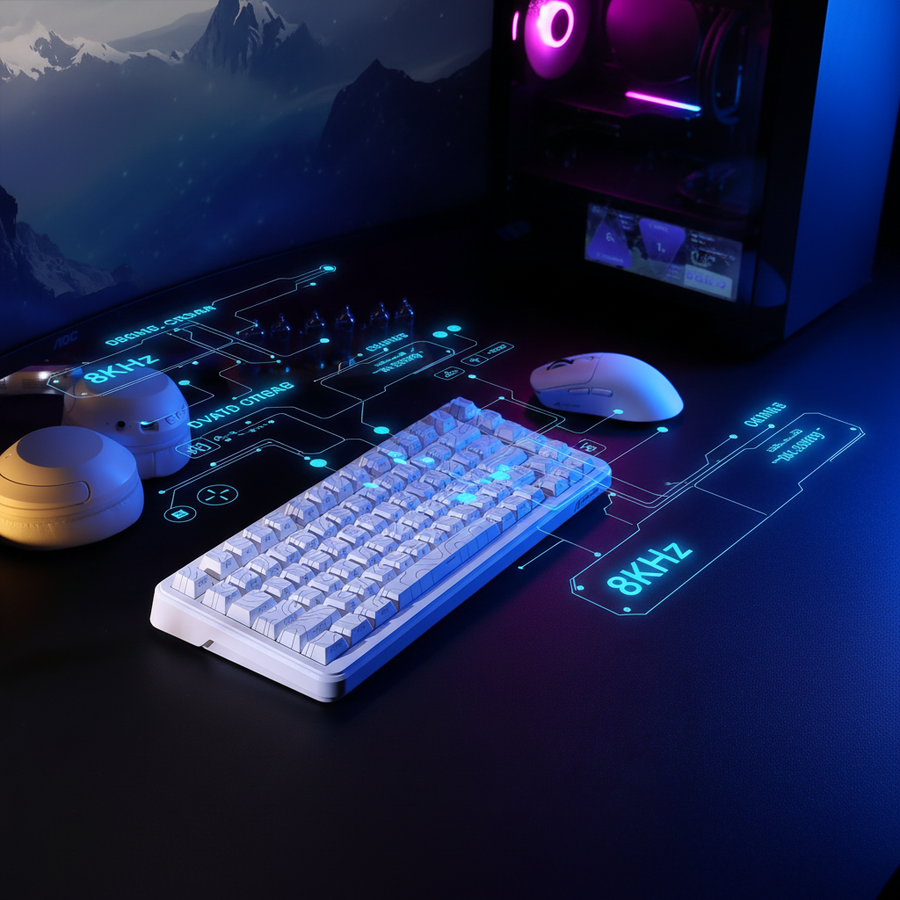
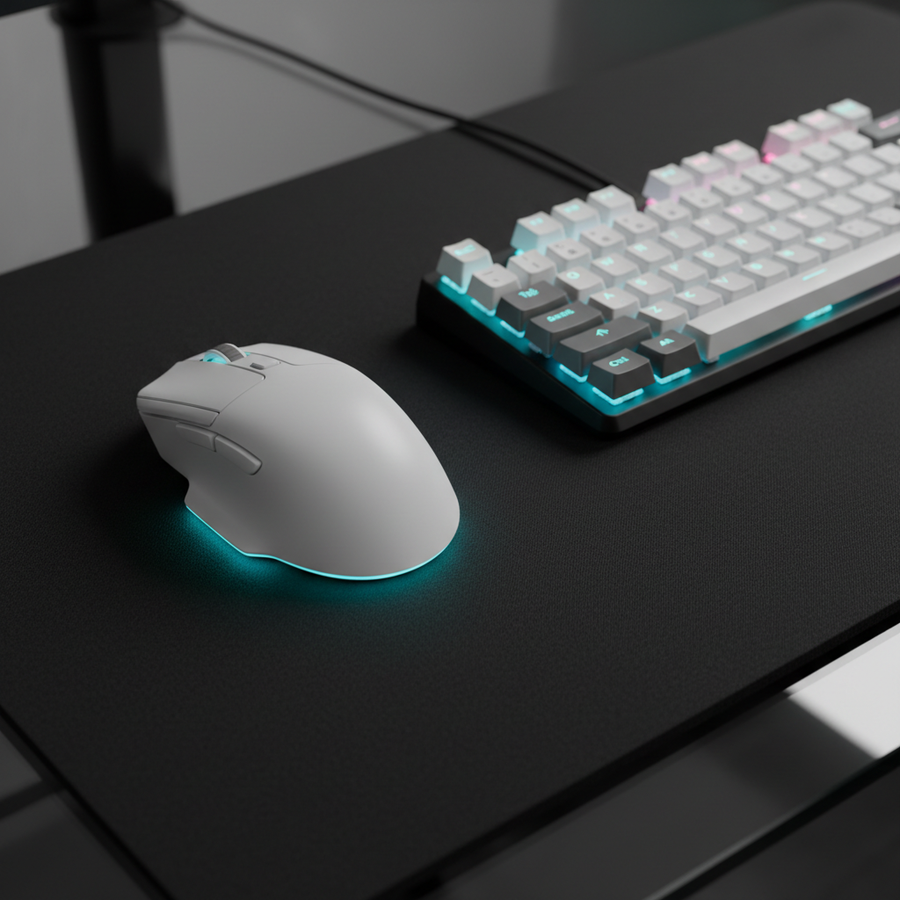
Mientras que el teclado maneja la mecánica de "parar y avanzar", el ratón dicta el ritmo de seguimiento. Los ratones modernos de alto rendimiento, como el ATTACK SHARK X8 Series Tri-mode Lightweight Wireless Gaming Mouse, ahora ofrecen tasas de sondeo de hasta 8000Hz (8K). Entender las matemáticas detrás de estas tasas es esencial para evitar malentendidos impulsados por el marketing.
La realidad del 8000Hz (8K)
Un ratón estándar de 1000Hz reporta datos cada 1.0ms. Un ratón de 8000Hz reporta cada 0.125msEste aumento de 8 veces en la densidad de datos reduce significativamente el microtartamudeo en monitores de alta tasa de refresco (240 Hz+ o 360 Hz+). Sin embargo, para saturar realmente este ancho de banda, el movimiento físico debe ser suficiente.
- Lógica DPI vs. IPS: Para mantener un flujo de datos estable a 8000 Hz durante microajustes, el sensor debe generar suficientes conteos. A 800 DPI, un usuario debe mover el ratón al menos 10 pulgadas por segundo (IPS) para enviar un paquete cada 0.125 ms. Sin embargo, al aumentar la sensibilidad a 1600 DPI, la velocidad de movimiento requerida baja a solo 5 IPS.
- Latencia de sincronización de movimiento: Muchos sensores de alta gama usan "Motion Sync" para alinear los cuadros del sensor con los intervalos de sondeo USB. Aunque algunos afirman que esto añade 0.5 ms de retardo, esa cifra aplica a 1000 Hz. A 8000 Hz, el retraso determinista es solo ~0.0625 ms (la mitad del intervalo de sondeo), haciéndolo prácticamente insignificante para el juego competitivo.
Salto de píxeles y el límite de Nyquist-Shannon
Para jugadores que usan monitores 1440p (2560x1440) con un campo de visión horizontal estándar (FOV) de 103°, existe un DPI mínimo matemático requerido para evitar el "salto de píxeles". Aplicando el Teorema de Muestreo de Nyquist-Shannon — que establece que la tasa de muestreo debe ser al menos el doble del ancho de banda de la señal — podemos calcular el umbral de fidelidad. Para un jugador de alta sensibilidad (25 cm/360), el DPI mínimo para mantener microajustes perfectos en píxeles es aproximadamente 1818 DPI (redondeado a 1850 DPI para uso práctico). Usar un DPI inferior a este en una pantalla 1440p puede resultar en que la mira "salte" sobre píxeles durante movimientos lentos.
Sinergia de hardware: La Regla del 60% y el ajuste del agarre
La interfaz física entre la mano y el dispositivo es el último cuello de botella en el ritmo de seguimiento. Una regla empírica común en configuraciones profesionales es la "Regla del 60%" para el ancho del ratón: el ancho del agarre del ratón debe ser aproximadamente el 60% del ancho de la mano del jugador.
Para un jugador con manos grandes (20.5 cm de largo, 95 mm de ancho), el ancho ideal del ratón es aproximadamente 57 mm. Usar un ratón como el ATTACK SHARK X8PRO Ultra-Light Wireless Gaming Mouse & C06ULTRA Cable, que tiene un ancho de 60 mm, proporciona una proporción de ajuste de agarre de ~1.05. Aunque es un poco más ancho que el estándar del 60%, sigue dentro del rango aceptable para un agarre tipo garra, preferido por jugadores competitivos de FPS por su equilibrio entre estabilidad y potencial de microajuste.
Heurística de ajuste de agarre (Escenario: mano de 20.5cm):
- Longitud ideal del ratón (garra): ~131mm (basado en los coeficientes ergonómicos ISO 9241-410).
- Longitud real (Serie X8): 125mm.
- Relación de ajuste de agarre: 0.91 (ligeramente corto).
- Implicación: Un ratón ligeramente pequeño obliga a una posición de garra más agresiva. Esto aumenta la tensión en los dedos pero permite un levantamiento y reajuste más rápido durante el seguimiento de alta intensidad.
Para asegurar consistencia, también se debe considerar la superficie. Un teclado inestable o una alfombrilla de ratón con deslizamiento inconsistente pueden introducir microvibraciones que interrumpen el control motor fino. La ATTACK SHARK CM02 eSport Gaming Mousepad utiliza fibras de ultra alta densidad para proporcionar un coeficiente de fricción uniforme, asegurando que el ritmo físico de seguimiento establecido por la mano no se interrumpa por irregularidades en la superficie.
Implementación técnica y cuellos de botella del sistema
La transición a periféricos de alto rendimiento (sondeo 8K, interruptores HE) requiere más que solo conectar y usar. Los cuellos de botella a nivel de sistema pueden anular las ventajas del hardware.
- Procesamiento de CPU e IRQ: El principal cuello de botella para el sondeo a 8000Hz no es la potencia bruta de cálculo, sino el procesamiento de Solicitudes de Interrupción (IRQ). Esto exige el rendimiento de CPU de un solo núcleo y el planificador del sistema operativo. Los usuarios pueden notar caídas de frames en juegos que dependen mucho de la CPU si su procesador no puede seguir el ritmo de interrupción de 0.125ms.
- Topología USB: Los dispositivos de alta frecuencia de sondeo deben conectarse a Puertos Directos de la Placa Base (E/S trasera). Usar hubs USB o conectores frontales del chasis introduce ancho de banda compartido y posible pérdida de paquetes debido a un apantallamiento deficiente, lo que puede causar "jitter" en el ritmo de seguimiento.
- Compensaciones de batería: Usar un ratón inalámbrico a 8000Hz generalmente reduce la duración de la batería en un 75–80% en comparación con 1000Hz. Los jugadores competitivos suelen reservar el modo 8K para torneos y cambiar a 1K o 2K en sesiones casuales para preservar la longevidad de las celdas internas de ion de litio.
Según el Documento Técnico de la Industria Global de Periféricos para Juegos (2026), la integración de escaneo de alta frecuencia (por ejemplo, la tasa de escaneo de 256KHz en el X68MAX HE) y sondeo ultra alto se está convirtiendo en el estándar para los esports profesionales. Sin embargo, el verdadero valor de estas especificaciones solo se realiza cuando la configuración física del jugador y sus hábitos biomecánicos están alineados con las capacidades del hardware.
Metodología y Supuestos del Modelado
Los datos y afirmaciones técnicas presentados en este artículo se derivan de modelado de escenarios basados en los siguientes parámetros. Estas son estimaciones hipotéticas bajo supuestos específicos y no pretenden ser hechos universales.
| Parámetro | Valor | Unidad | Justificación / Categoría de Fuente |
|---|---|---|---|
| Velocidad de Elevación del Dedo | 150 | mm/s | Estimación de control motor para jugador FPS de alta APM |
| Histéresis Mecánica | 0.5 | mm | Línea base estándar de especificación Cherry MX |
| Distancia de Reinicio HE | 0.1 | mm | Especificación del fabricante Rapid Trigger |
| Frecuencia de Sondeo | 8000 | Hz | Hardware de alto rendimiento de última generación |
| Retraso de Sincronización de Movimiento | 0.0625 | ms | Modelo determinista (0.5 * intervalo) |
| Longitud de la Mano | 20.5 | cm | Mano masculina en percentil 95 (ISO 7250) |
Condiciones de Frontera:
- Control Variable del Motor: Los cálculos asumen velocidad constante; el movimiento real del dedo es no lineal.
- Jitter del Firmware: Los modelos asumen un tiempo ideal USB HID; el rendimiento real puede variar según la implementación del MCU.
- Percepción Humana: Aunque la latencia del hardware es medible, el umbral humano para percibir cambios menores a 5 ms varía significativamente.
Aviso: Este artículo es solo para fines informativos. Las especificaciones técnicas y las mejoras de rendimiento pueden variar según la configuración individual del hardware, la optimización del motor del juego y la biomecánica del usuario. Para información de seguridad sobre baterías de litio, consulte las directrices oficiales de IATA.
Fuentes & Referencias:
- RTINGS - Metodología de Latencia de Clic del Ratón
- Guía de Configuración del NVIDIA Reflex Analyzer
- Definición de Clase USB HID (HID 1.11)
- Documento Técnico de la Industria Global de Periféricos para Juegos (2026)
- PixArt Imaging - Especificaciones del Producto
- Ley de Fitts - Referencia de Estudio Springer