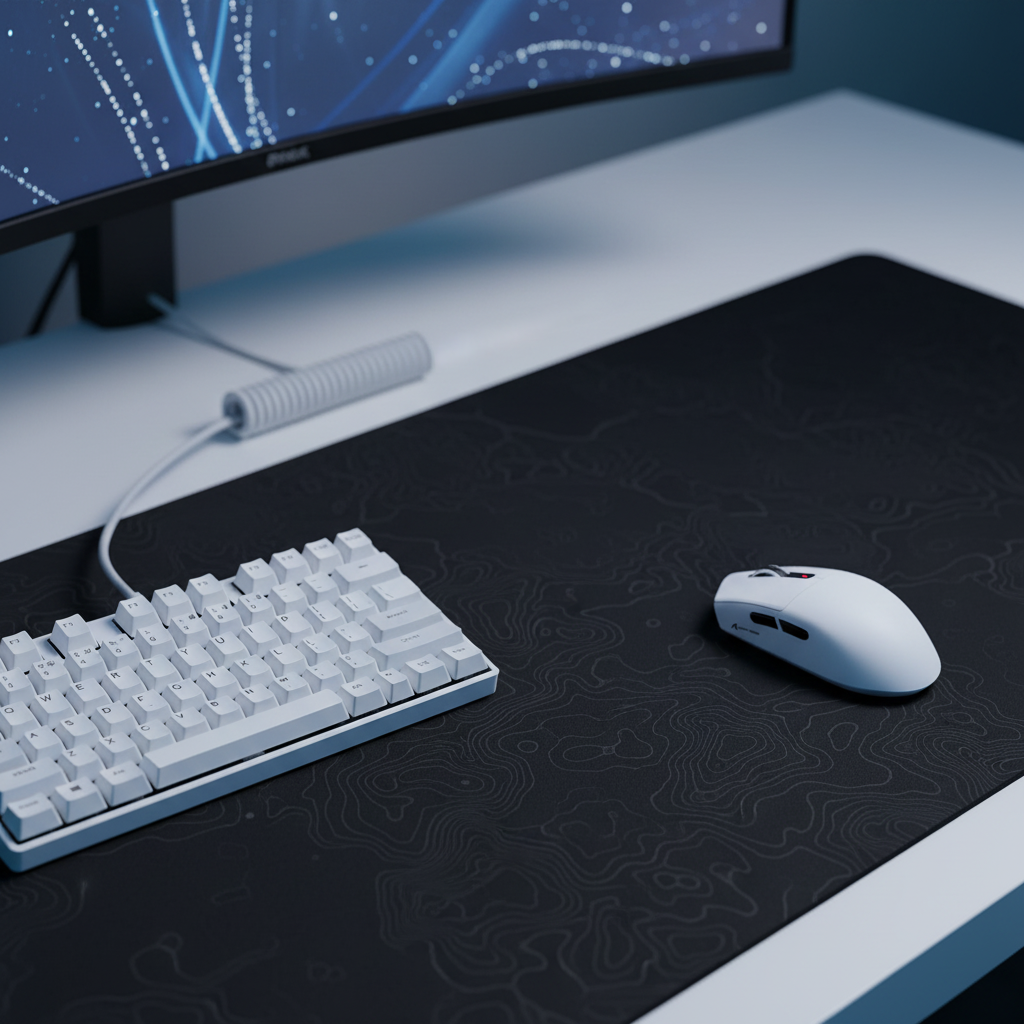
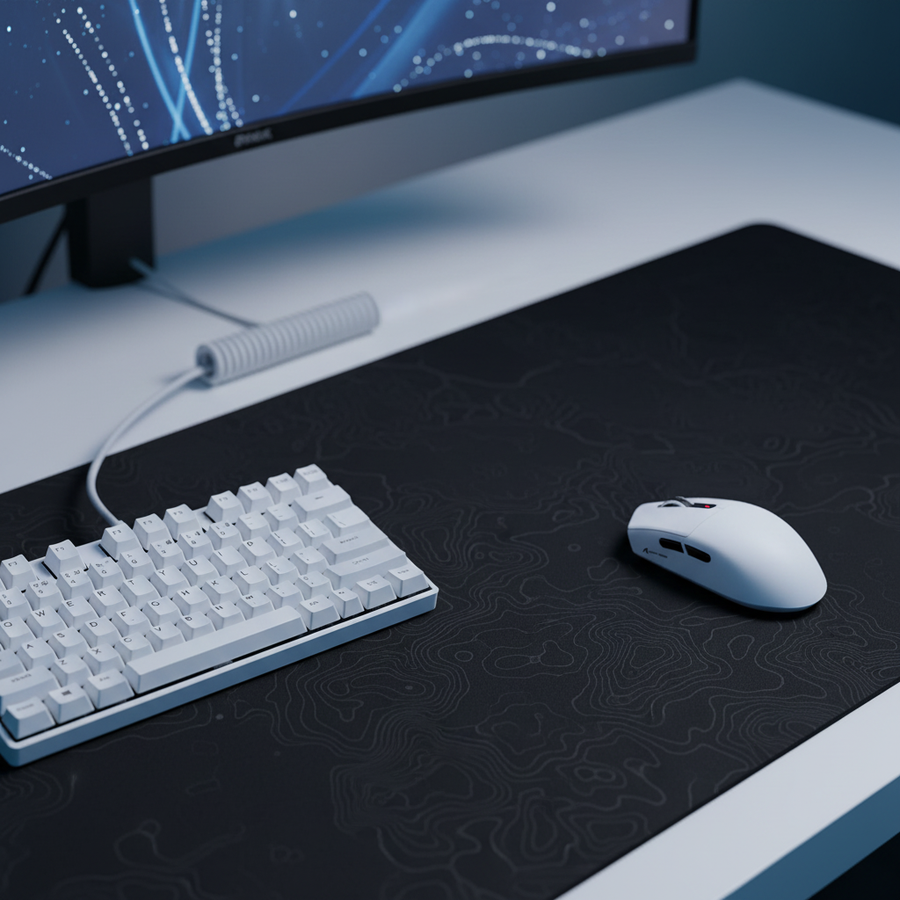
La biomecánica del barrido amplio: por qué el diseño supera al hardware
La transición de microajustes basados en la muñeca a la dinámica de barrido y baja sensibilidad de la puntería de brazo es un cambio fundamental en el rendimiento de FPS. Mientras que los sensores de alta gama y las carcasas ultra ligeras proporcionan las herramientas, el diseño del escritorio ofrece el espacio de trabajo. Para muchos jugadores competitivos, el principal cuello de botella para realizar un giro de 180 grados no es su tiempo de reacción, sino una colisión física con el borde del teclado o el soporte del monitor.
La puntería de brazo normalmente implica sensibilidades en el rango de 30 cm a 60 cm por giro de 360 grados. Esto requiere una "zona de barrido" que a menudo supera el ancho de configuraciones de oficina estándar. Cuando un jugador con manos grandes (aproximadamente 20–21.5 cm de longitud) intenta estos movimientos en un escritorio desordenado, la tensión ergonómica y la interferencia mecánica se convierten en factores que afectan el rendimiento. Esta guía desglosa los requisitos técnicos para un diseño optimizado para la puntería amplia de brazo, basado en modelado biomecánico y estándares actuales de la industria.
1. La geometría del espacio horizontal
El factor más crítico para el éxito en la puntería de brazo es el espacio horizontal sin restricciones. En nuestro análisis de configuraciones de jugadores, un error común es subestimar el "margen de seguridad" requerido en los bordes de una alfombrilla de ratón.
La regla de los 80 cm de profundidad
El consejo ergonómico convencional suele sugerir que la profundidad del escritorio es secundaria a la altura del monitor. Sin embargo, para la puntería de brazo, la profundidad del escritorio es la base de la estabilidad. Se recomienda una profundidad de al menos 80 cm (31.5 pulgadas) para acomodar una alfombrilla de ratón extendida y permitir que el jugador apoye todo el antebrazo sobre la superficie del escritorio. Apoyar el codo en el escritorio, en lugar de dejarlo colgar, desplaza el punto de pivote de la muñeca al hombro y codo, reduciendo la carga en el túnel carpiano.
Definiendo la zona de barrido
Un giro de 180 grados con una sensibilidad de 40 cm/360 requiere un deslizamiento lineal de 20 cm. Sin embargo, dado que los jugadores rara vez comienzan perfectamente centrados y deben considerar el tiempo de reinicio, un ancho mínimo de alfombrilla de ratón de 450 mm es la base. Para un seguimiento sin restricciones, se prefiere 500 mm o más ancho.
Nota de modelado (espacio para el barrido): Nuestro modelado de escenario para una mano masculina en el percentil 95 (21.5 cm de longitud) indica que un ratón pequeño (por ejemplo, 120 mm) obliga a que la mano sobresalga. Durante un deslizamiento lateral rápido, esta sobresalencia aumenta la huella efectiva en ~17%, incrementando significativamente el riesgo de colisión con el teclado si este está colocado en una orientación paralela estándar.
2. Ángulo del teclado y optimización del factor de forma
Si el ratón es el motor de tu puntería, el teclado es el obstáculo que debe sortear. Los teclados estándar de tamaño completo son incompatibles con la puntería de brazo a nivel avanzado porque el teclado numérico ocupa el espacio exacto necesario para el movimiento lateral izquierdo del ratón.
La necesidad de los diseños TKL y 60%
Pasar a un diseño Tenkeyless (TKL) o 60% es casi una necesidad. Al eliminar el teclado numérico, recuperas aproximadamente 10–12 cm de espacio horizontal. Esto permite posicionar el teclado más cerca del centro del cuerpo sin invadir la "zona de barrido" del ratón.
La inclinación de 45-60 grados
Los jugadores experimentados de FPS a menudo "tienden" su teclado, inclinando el lado izquierdo hacia el monitor en un ángulo de 45-60 grados. Esto cumple dos propósitos:
- Reducción del perfil frontal: Aleja la esquina inferior derecha del teclado del mousepad.
- Reducción de desviación cubital: Permite que la muñeca izquierda mantenga una alineación más neutral al alcanzar las teclas WASD, lo cual es crítico cuando el teclado se empuja más hacia la izquierda para dejar espacio al ratón.
Para quienes usan una configuración inclinada, un ATTACK SHARK ACRYLIC WRIST REST de alta transparencia puede proporcionar la elevación necesaria para mantener la muñeca en una posición neutral, evitando la "caída" que ocurre cuando el teclado está inclinado alejándose del usuario.
3. Integridad del sensor: sinergia entre DPI y tasa de sondeo
El rendimiento del hardware no tiene sentido si la disposición del escritorio obliga a configuraciones subóptimas. Para jugadores que apuntan con el brazo en pantallas de alta resolución (1440p o 4K), la elección del DPI es un requisito técnico, no solo una preferencia.
El DPI mínimo según Nyquist-Shannon
Al jugar con baja sensibilidad (por ejemplo, 40cm/360) en una pantalla de 2560x1440 con un campo de visión típico de 103°, existe un umbral matemático para la precisión. Para evitar el "salto de píxeles" —donde el punto de mira salta sobre un píxel porque el sensor no ha muestreado suficiente movimiento— el DPI debe ser lo suficientemente alto para proporcionar una densidad de muestreo adecuada.
| Parámetro | Valor | Justificación |
|---|---|---|
| Resolución | 2560 px | Horizontal estándar 1440p |
| Campo de visión | 103° | Campo de visión estándar en FPS |
| Sensibilidad | 40 cm/360 | Apuntado típico con el brazo |
| DPI mínimo | ~1150 DPI | Calculado para evitar aliasing |
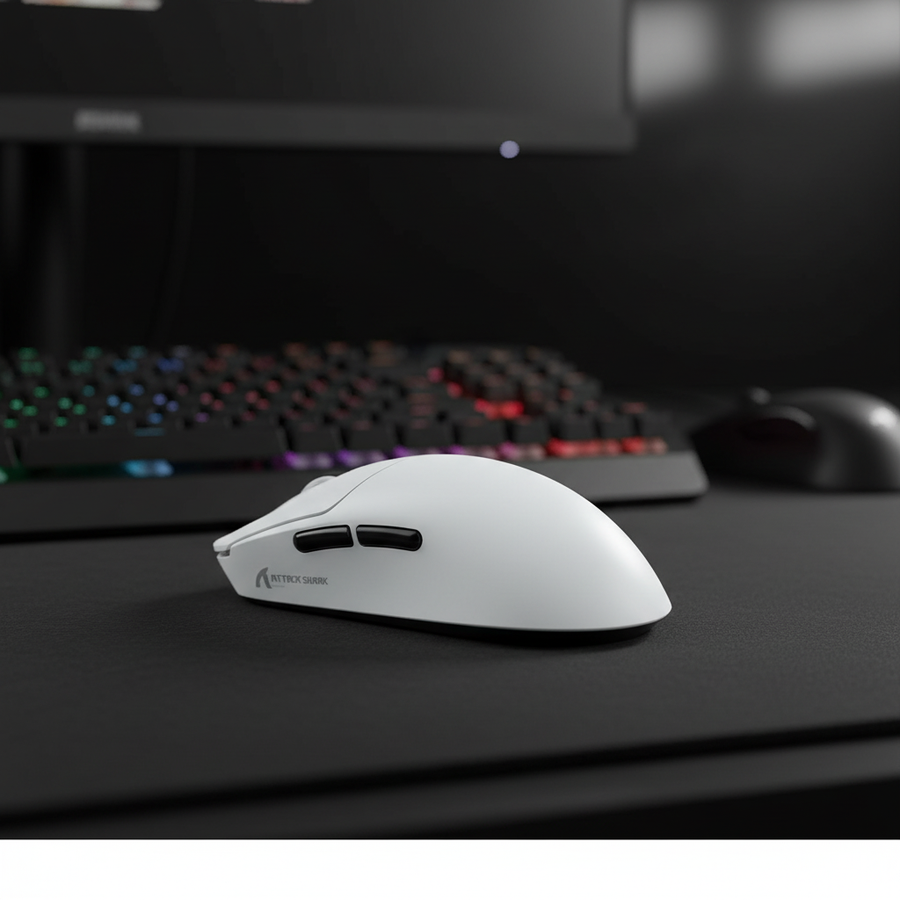
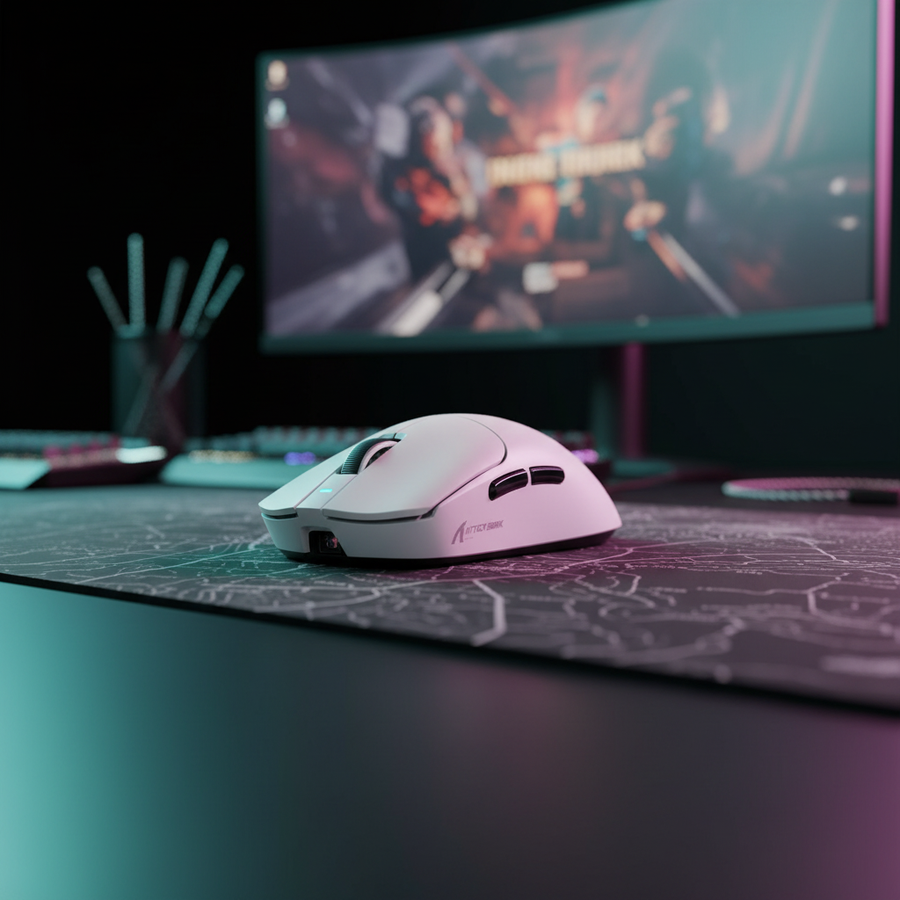
Usar una configuración común como 800 DPI en este escenario está por debajo de la frecuencia de muestreo requerida. Recomendamos una configuración de 1600 DPI (con sensibilidad en el juego reducida a la mitad) para asegurar un seguimiento perfecto de píxeles durante movimientos lentos y deliberados del brazo. Sensores de alto rendimiento, como el PixArt PAW3311 que se encuentra en el ATTACK SHARK G3 Tri-mode Wireless Gaming Mouse 25000 DPI Ultra Lightweight, proporcionan el margen necesario para estas configuraciones de DPI altas sin introducir vibraciones del sensor.
Dinámica de la tasa de sondeo de 8000Hz (8K)
Para jugadores que utilizan tasas de sondeo de 8000Hz, la disposición del escritorio se vuelve aún más crítica debido a los cuellos de botella del sistema. Una tasa de sondeo de 8K reduce el intervalo de reporte a casi instantáneo 0.125ms. Para mantener este rendimiento:
- Conectividad I/O Trasera: El ratón debe conectarse directamente a los puertos USB traseros de la placa base. Los conectores frontales o hubs USB introducen ancho de banda compartido y retrasos en el procesamiento de IRQ (Solicitud de Interrupción) que pueden causar pérdida de paquetes.
- Carga de CPU: El sondeo 8K estresa un solo núcleo de CPU. Un entorno de Windows saturado con aplicaciones en segundo plano puede causar microtartamudeos durante barridos amplios.
Según el Libro Blanco de la Industria Global de Periféricos para Juegos (2026), la integración de altas tasas de sondeo y monitores de alta frecuencia de actualización (240Hz+) es esencial para representar visualmente el camino más suave del cursor habilitado por el reporte 8K.
4. Gestión de la Superficie y Resistencia del Cable
La consistencia de tu puntería está directamente ligada a la consistencia de la fricción en tu escritorio.
El Gradiente de Fricción
Un error común es usar una alfombrilla demasiado pequeña, lo que hace que el ratón se desplace periódicamente sobre la superficie del escritorio. Esto crea un "gradiente de fricción" que destruye la memoria muscular. Una superficie consistente y de alta densidad como la ATTACK SHARK CM02 eSport Gaming Mousepad asegura que el deslizamiento sea idéntico desde el centro de la alfombrilla hasta el borde.
Gestión de Cables como Variable de Rendimiento
Para escenarios con cable o carga mientras se juega, la resistencia del cable es un importante "asesino de puntería". Un cable suelto puede engancharse en el borde del escritorio o en el soporte del monitor durante un barrido amplio, añadiendo resistencia impredecible. Un ATTACK SHARK C04-C COILED CABLE con un diseño profesional de resorte inverso proporciona una tensión predecible. Cuando se combina con un bungee o se enruta correctamente, asegura que el peso del cable no afecte tu puntería durante el seguimiento a larga distancia.

5. Ergonomía y Prevención de Lesiones (YMYL)
La puntería con el brazo es físicamente exigente. Se activan los grupos musculares grandes del hombro y la espalda, lo que puede causar fatiga si la disposición no está optimizada.
El Índice de Tensión Moore-Garg (SI)
En nuestro modelo de juego competitivo de alta intensidad, utilizamos el Índice de Tensión Moore-Garg para evaluar el riesgo de trastornos en la extremidad superior distal. Para un jugador con manos grandes que usa un ratón pequeño y una postura no neutral (por ejemplo, teclado demasiado cerca, forzando la extensión de la muñeca), el puntuación SI calculada fue 48. En ergonomía industrial, cualquier puntuación superior a 5 se considera peligrosa.
Factores de Riesgo en la Puntería con el Brazo:
- Intensidad del Esfuerzo: Barridos enérgicos con baja sensibilidad.
- Duración del Esfuerzo: Partidas competitivas largas.
- Velocidad de Trabajo: Movimientos rápidos de 180 grados.
Para mitigar estos riesgos, asegúrate de que tu monitor esté a la altura de los ojos para evitar tensión en el cuello y que la altura de tu escritorio permita que tus hombros permanezcan relajados. Para quienes tienen manos muy grandes (~21cm+), un ratón con carcasa ergonómica y una longitud cercana a 140mm es ideal para mantener una proporción de agarre 1:1, aunque ratones estándar de 125mm como el ATTACK SHARK G3 Tri-mode Wireless Gaming Mouse 25000 DPI Ultra Lightweight ofrecen un perfil equilibrado para la mayoría de los agarres competitivos.
Metodología: Cómo Modelamos Esto
Nuestras conclusiones se basan en un modelo parametrizado determinista diseñado para simular las limitaciones físicas del juego competitivo FPS.
| Parámetro | Valor / Rango | Unidad | Justificación |
|---|---|---|---|
| Longitud de la Mano | 21.5 | cm | Percentil 95 Masculino (ANSUR II) |
| Tasa de Sondeo | 4000 - 8000 | Hz | Estándar de Esports de Alta Gama |
| Sensibilidad | 40 | cm/360 | Base para "Apuntar con el Brazo" |
| Resolución de Pantalla | 2560 x 1440 | px | Objetivo para Cálculo de Nyquist |
| Profundidad del Escritorio | 80 | cm | Mínimo para Apoyo del Antebrazo |
Condiciones de Límite: Este modelo asume una postura sentada con un ángulo de codo de 90 grados. Los resultados pueden variar para jugadores que usan posturas "agresivas" inclinadas hacia adelante o aquellos con hipermovilidad articular preexistente.
Lista de Verificación Práctica para el Dominio de la Disposición del Escritorio
Para asegurar que tu configuración esté lista para apuntar con el brazo en amplios barridos, verifica lo siguiente:
- Prueba de Barrido: Siéntate en tu postura de juego y realiza un giro completo de 180 grados en el juego. Si tu mano o ratón golpea algo (teclado, monitor, bebida), debes reorientar tu teclado o aumentar el espacio horizontal.
- Chequeo de Profundidad: Asegúrate de que al menos el 75% de tu antebrazo esté apoyado en el escritorio o alfombrilla. Esto reduce la presión en la muñeca y traslada la carga de apuntar al codo y al hombro.
- Alineación del DPI: Si juegas a 1440p o más, configura tu ratón a al menos 1200 DPI para evitar saltos de píxeles con sensibilidades bajas en el juego.
- Gestión del Cable: Asegúrate de que el cable de tu ratón (si lo tiene) tenga suficiente holgura para un movimiento completo de esquina a esquina sin tensión.
Al tratar la disposición de tu escritorio como un componente técnico de tu rendimiento, eliminas las barreras físicas para mejorar. Apuntar con el brazo se trata de libertad de movimiento; no permitas que un teclado mal posicionado o un escritorio poco profundo te lo impidan.
Aviso Legal: Este artículo es solo para fines informativos y no constituye asesoramiento médico profesional. Los requisitos ergonómicos varían significativamente entre individuos. Si experimenta dolor persistente o entumecimiento en las manos, muñecas o hombros, consulte a un fisioterapeuta o profesional médico calificado.
Fuentes
- Documento Técnico de la Industria Global de Periféricos para Juegos (2026)
- ISO 9241-410: Ergonomía de la interacción humano-sistema - Dispositivos de entrada físicos
- Moore, J. S., & Garg, A. (1995). El Índice de Tensión
- Definición de Clase USB HID (HID 1.11)
- PixArt Imaging - Especificaciones del Producto