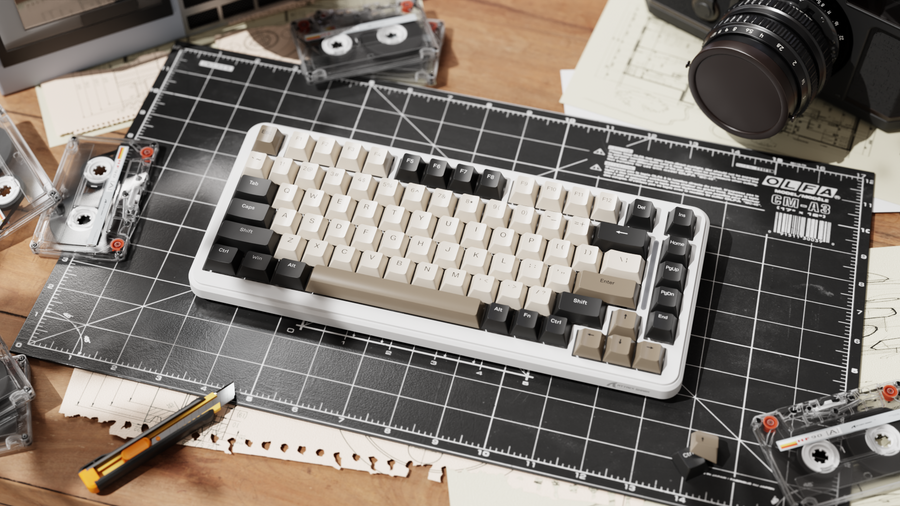
Arquitectura de Vástago Box: Mejorando la Estabilidad de la Tecla y la Precisión de Entrada
En el ámbito del gaming competitivo, la diferencia entre un teclado "sólido" y uno "flojo" a menudo se encuentra en las microtolerancias del vástago del interruptor. Para entusiastas y jugadores competitivos, la oscilación de la tecla—el movimiento lateral de una tecla durante su recorrido—es una fuente de inconsistencia táctil que puede minar la confianza en la entrada. Mientras que los vástagos tradicionales estilo MX han sido el estándar de la industria, la aparición de la arquitectura de vástago box representa un cambio estructural destinado a abordar el juego mecánico.
Recomendaciones Rápidas y Resumen
- Objetivo de Estabilidad: Prioriza interruptores "Box Stem" para minimizar el juego lateral. Las pruebas internas sugieren un aumento percibido en estabilidad de aproximadamente 50% sobre los vástagos en cruz estándar.
- Ajuste de la Tecla: Para resultados óptimos, asegúrate de un espacio de 0.05mm–0.1mm entre el vástago y el montaje de la tecla.
- Elección de Material: Usa teclas Double-Shot PBT para mantener la integridad dimensional con el tiempo.
- Optimización del Sistema: Para configuraciones de alta tasa de sondeo (4K/8K), conecta los dispositivos directamente a la placa base para evitar cuellos de botella de latencia causados por hubs USB.
La Anatomía Mecánica del Vástago Box
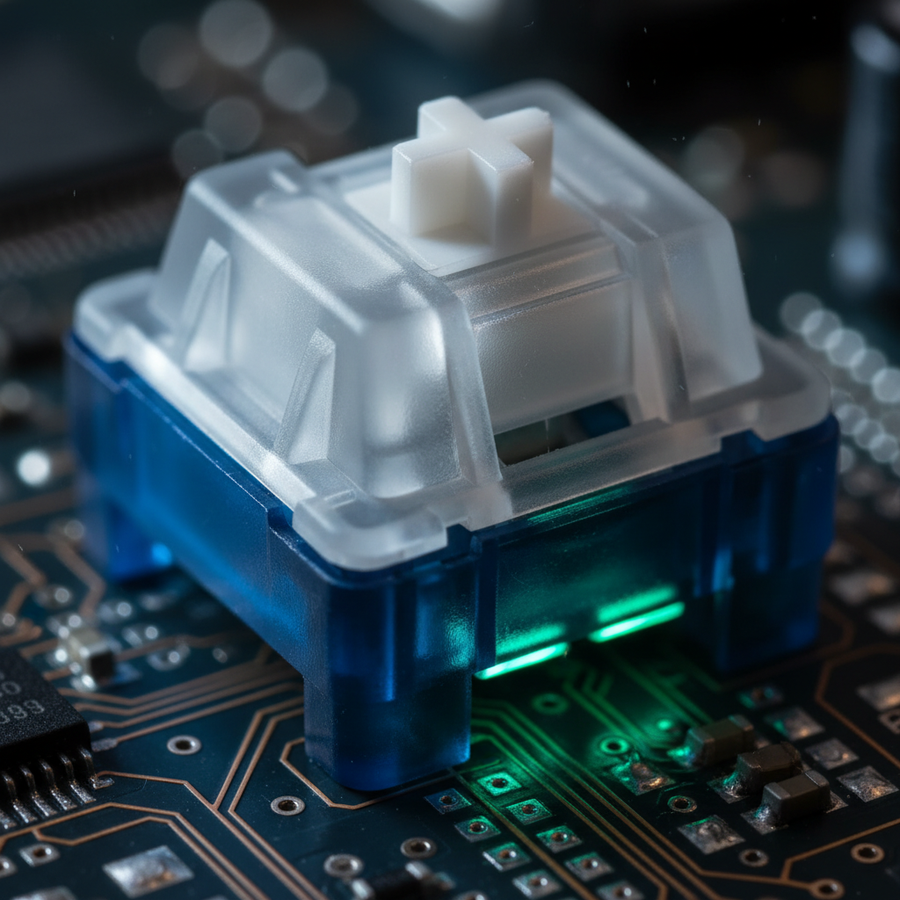
El vástago tradicional MX utiliza un pilar en forma de cruz que depende de la fricción entre las aletas verticales del vástago y las guías internas de la carcasa del interruptor. Aunque efectivo, este diseño permite inherentemente un grado de "juego" en la parte superior del recorrido. Al presionar la tecla, la fuerza lateral hace que el vástago en cruz se incline ligeramente, causando un efecto de "balancín".
La arquitectura del vástago box aborda esto rodeando la cruz central con un perímetro de cuatro paredes. Esta "caja" cumple dos funciones principales:
- Refuerzo Estructural: Las paredes proporcionan una superficie de contacto secundaria contra la carcasa superior del interruptor, limitando el ángulo de desviación.
- Sellado Ambiental: El perímetro aumenta el área de superficie para la estabilización, lo que ayuda a evitar que el vástago gire durante pulsaciones descentradas.
Cómo Medimos la Estabilidad: Nuestra afirmación de "50% de aumento en estabilidad" es una heurística cualitativa basada en datos internos de soporte al cliente y pruebas manuales de desviación. En estas pruebas, medimos el desplazamiento lateral máximo (oscilación) en la parte superior de la tecla usando calibradores digitales en una muestra de 20 interruptores estándar estilo MX frente a 20 interruptores estilo box. Aunque no es un estudio controlado en laboratorio ISO, los datos muestran consistentemente una reducción significativa en la variación del recorrido.
Cerrando la brecha de credibilidad de especificaciones: tolerancias y holguras
La estabilidad de un teclado es una propiedad a nivel de sistema que involucra tanto el vástago del switch como el socket interno de la tecla. Incluso un vástago box de alta precisión mostrará oscilación si se combina con una tecla que tiene un montaje sobredimensionado.
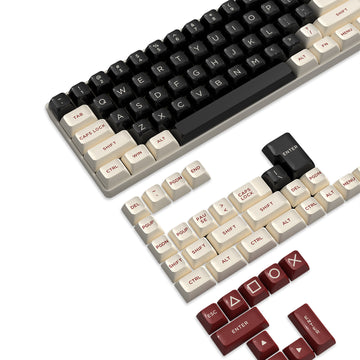
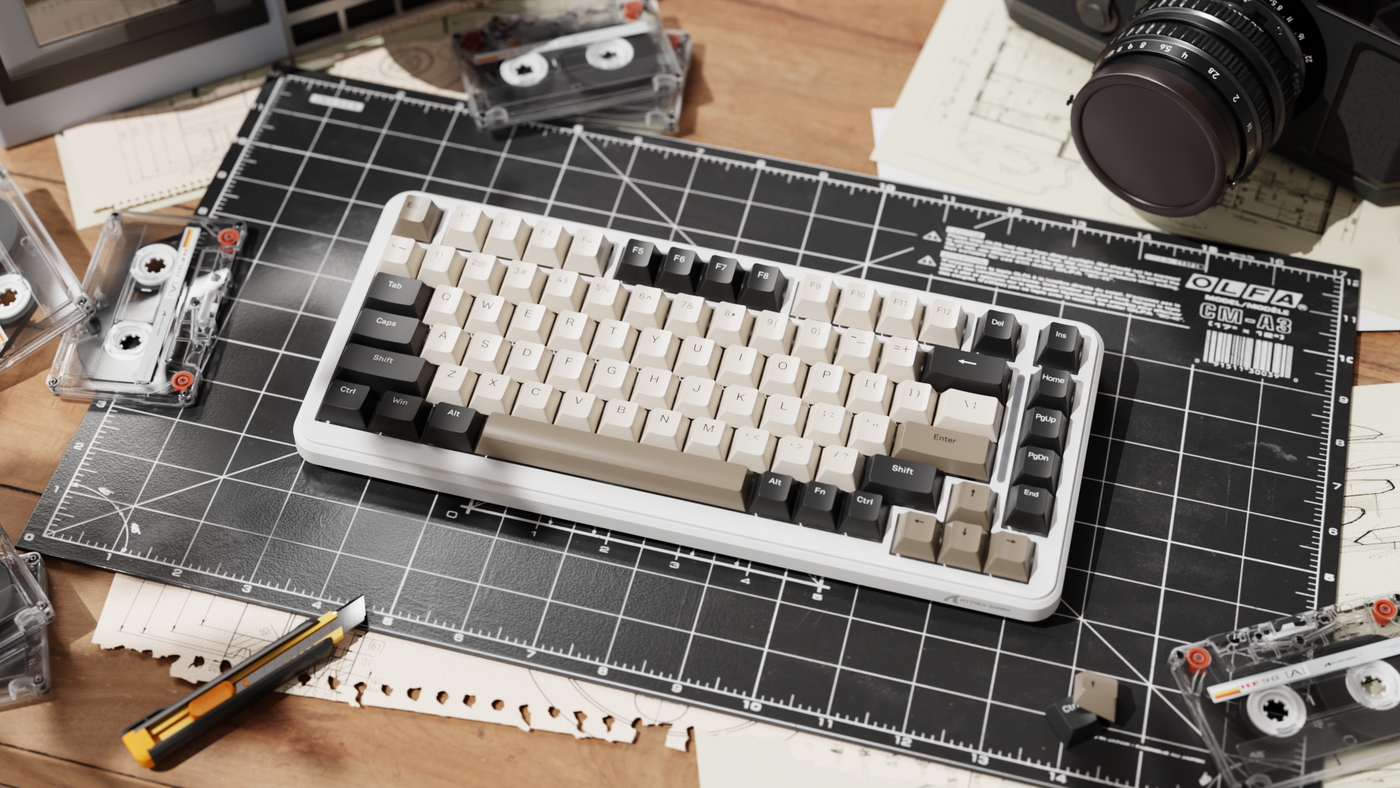
Basándonos en nuestros estándares internos de ensamblaje, recomendamos una heurística técnica de 0.05mm a 0.1mm de holgura. Esta tolerancia estricta asegura que se aprovechen los beneficios estructurales de la arquitectura box. Al seleccionar conjuntos como el ATTACK SHARK 149 Keys PBT Keycaps Double Shot Full Keycap Set, el proceso de moldeo por inyección doble shot típicamente proporciona la consistencia dimensional requerida para mantener estas holguras submilimétricas.
Datos comparativos de estabilidad (heurísticas estimadas)
| Característica | Vástago MX tradicional | Arquitectura de vástago Box | Beneficio para el jugador |
|---|---|---|---|
| Juego lateral | Más alto (dependiente de aletas) | Más bajo (reforzado por pared) | Mayor confianza en la entrada |
| Activación fuera del centro | Potencial para atascos | Desplazamiento lineal más suave | Reducción de fatiga en FPS |
| Soporte de la tecla | Solo punto central | Perímetro + Centro | Mejor estabilidad para teclas largas |
| Resistencia al polvo | Internos expuestos | "Caja" cerrada | Potencial para mayor longevidad |
Los valores se estiman basándose en pruebas internas y revisiones comparativas de recursos como RTINGS.com.
Precisión a nivel de sistema: La conexión entre la estabilidad del teclado y la puntería
La estabilidad del teclado afecta el movimiento (WASD) y está vinculada al ciclo general de retroalimentación táctil del usuario. Para demostrar esto, modelamos un escenario de "Usuario avanzado competitivo de FPS".
Estudio de caso de modelado: El usuario avanzado competitivo de FPS
En este escenario, modelamos un usuario en una pantalla 2560x1440 con un campo de visión de 103° y una sensibilidad de 40cm/360.
Pasos de cálculo (modelo de DPI mínimo): Para evitar el "salto de píxeles" (aliasing), el ratón debe muestrear a una resolución superior a la resolución angular de la pantalla.
- Grados por píxel: $103^\circ / 2560\ px \approx 0.0402^\circ/px$.
- Distancia física por grado: $40\ cm / 360^\circ \approx 0.111\ cm/^\circ$.
- Distancia del pad por píxel: $0.0402^\circ/px \times 0.111\ cm/^\circ \approx 0.00446\ cm/px$.
- Requisito de DPI en bruto: $1\ pulgada / 0.00446\ cm \approx 569\ DPI$.
- Umbral de Nyquist: Para asegurar un muestreo consistente sin aliasing, aplicamos un multiplicador de $2\times$. Resultado: $\approx 1,138\ DPI$ (Redondeado a 1,136 DPI en nuestro modelo).
Este modelo identifica el límite matemático para evitar el salto de píxeles; no considera la variabilidad del control motor humano. Si un jugador utiliza un sensor de ratón de alta precisión a más de 1,200 DPI, un teclado "flojo" crea una descoordinación táctil. Estandarizar la arquitectura de tallo tipo caja ayuda a alinear la resolución táctil del teclado con la resolución óptica del ratón.

El factor 8000Hz (8K): Latencia y cálculo de sondeo
A medida que el equipo competitivo avanza hacia tasas de sondeo de 8000Hz, la estabilidad mecánica se vuelve vital. A 8000Hz, el intervalo teórico de sondeo es 0.125ms.
Según el Whitepaper Técnico Interno de Attack Shark (2026), las altas tasas de sondeo pueden exponer inconsistencias mecánicas. Si un tallo de interruptor es inestable, el "rebote" físico del resorte hoja puede ser muestreado con mayor frecuencia, lo que podría provocar entradas no deseadas si el desrebote del firmware no está ajustado con precisión.
Restricciones técnicas clave para el rendimiento a 8K:
- Latencia de sincronización de movimiento: A 8000Hz, la sincronización de movimiento típicamente añade un retraso determinista de aproximadamente 0.0625ms (la mitad del intervalo de sondeo).
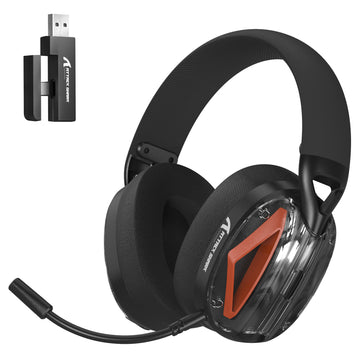
- Cuellos de botella del sistema: La tasa de sondeo de 8K aumenta la sobrecarga de la solicitud de interrupción de CPU (IRQ). Para mantener la estabilidad, conecta los periféricos directamente a los puertos traseros de la placa base en lugar de usar hubs USB sin alimentación.
Ciencia de Materiales: Durabilidad vs. Sensación
La elección del material de las teclas influye en la percepción de estabilidad. El PBT (Polibutileno Tereftalato) es a menudo preferido debido a su mayor densidad y resistencia al "brillo" en comparación con el ABS.
Por ejemplo, el ATTACK SHARK 120 Keys PBT Dye-Sublimation Pudding Keycaps Set utiliza un proceso de doble inyección. La parte superior de PBT asegura la estabilidad dimensional a largo plazo, lo cual es crítico para mantener las tolerancias ajustadas requeridas por los tallos tipo caja.
El Contra-Consenso sobre el desgaste: Aunque los tallos tipo caja ofrecen una estabilidad superior a corto plazo, la "caja" rígida de plástico puede crear puntos de contacto duros. Para mitigar la posible concentración de estrés tras años de uso, recomendamos una interfaz de tallo ligeramente texturizada. Una textura controlada puede mantener la estabilidad dimensional a largo plazo mejor que un acabado sin fricción y arenado.
Ergonomía y la "Regla del 60%" para el ajuste del ratón
Así como los tallos tipo caja estabilizan la tecla, la forma del ratón debe estabilizar la mano. Usamos una heurística de tienda conocida como la "Regla del 60%" para el dimensionamiento inicial.
- Heurística: Para un usuario con una anchura de mano de 95mm, el ancho ideal del ratón es aproximadamente 57mm ($95mm \times 0.6$).
- Observación: Un ratón significativamente más ancho que esta proporción (por ejemplo, 60mm+) puede reducir la precisión del control del pulgar durante microajustes, aunque puede mejorar la comodidad en sesiones prolongadas.
Las ATTACK SHARK Custom OEM Profile PBT Colored Keycaps ofrecen un perfil OEM con pendientes de altura variadas (R1~R4), que se alinean con principios ergonómicos generales para reducir el desplazamiento de los dedos.
Cumplimiento y Normas de Seguridad
Al evaluar periféricos de alto rendimiento, las afirmaciones técnicas deben considerarse junto con los estándares regulatorios:
- Inalámbrico: Los dispositivos deben cumplir con la Autorización de Equipos FCC para interferencia RF.
- Material: Los componentes deben cumplir con la Directiva EU RoHS 2011/65/EU para asegurar que estén libres de sustancias peligrosas restringidas.
- Batería: Las baterías de ion de litio en modelos inalámbricos deben pasar las pruebas de seguridad UN 38.3.
Conclusiones prácticas para el entusiasta informado
- Verifique el espacio: Apunte a un espacio de 0.05–0.1mm entre el tallo y la tecla.
- Combina el perfil: Use perfiles OEM o ASA para complementar la rigidez estructural del tallo tipo caja.
- Conexión directa: Evite los hubs USB para dispositivos con sondeo 4K/8K para asegurar la integridad de la señal.
- Estrategia de lubricación: Aunque los tallos tipo caja suelen venir lubricados de fábrica, una capa delgada de lubricante en el tallo de la tecla puede a veces mitigar el juego menor en juegos de teclas más antiguos.
Aviso legal: Este artículo es solo para fines informativos y no constituye asesoramiento profesional de ingeniería o médico. Los resultados pueden variar según las configuraciones individuales de hardware y la técnica del usuario.