El debate sobre la lógica asistida: Precisión vs. Predicción
En la búsqueda de una precisión perfecta al píxel, los jugadores competitivos a menudo tratan la "entrada cruda" como un principio sagrado. La heurística predominante sugiere que cualquier forma de intervención del sensor—específicamente el ajuste de ángulo—es una fuerza perjudicial que erosiona la memoria muscular. Sin embargo, a medida que la tecnología de sensores avanza hacia la era de sondeo a 8000Hz (8K) y las implementaciones de firmware se vuelven cada vez más sofisticadas, la elección binaria entre "activado" y "desactivado" ha evolucionado hacia una calibración técnica matizada.
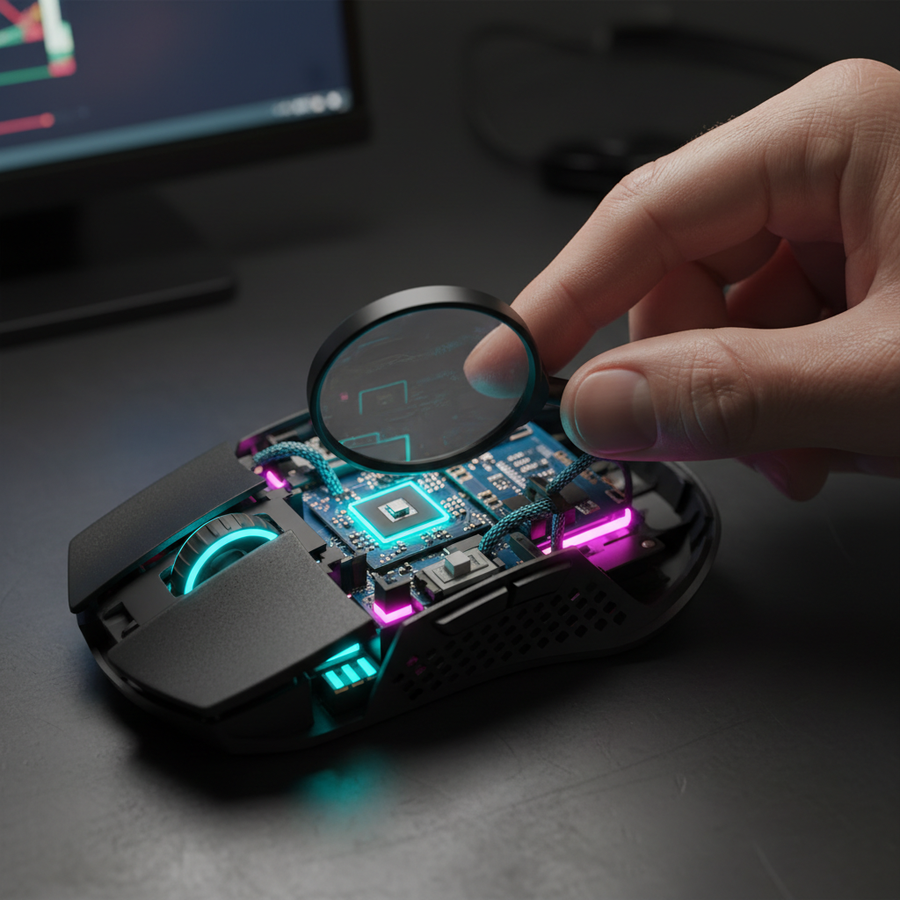
El ajuste de ángulo, o predicción del ratón, es un algoritmo a nivel de firmware que monitorea los datos de coordenadas X e Y del sensor del ratón. Cuando el algoritmo detecta una trayectoria casi horizontal o vertical, "ajusta" la salida a una línea perfectamente recta, filtrando el temblor microscópico de la mano humana. Aunque esto parece una ventaja clara para mantener la colocación de la mira, las implicaciones para microajustes y títulos que requieren mucho seguimiento son significativas.
Este análisis explora los mecanismos técnicos del ajuste de ángulo, su impacto en diferentes géneros de esports, y proporciona un marco basado en datos para determinar cuándo la lógica asistida ayuda y cuándo perjudica activamente el rendimiento competitivo.
La mecánica de la predicción y el encuadre del sensor
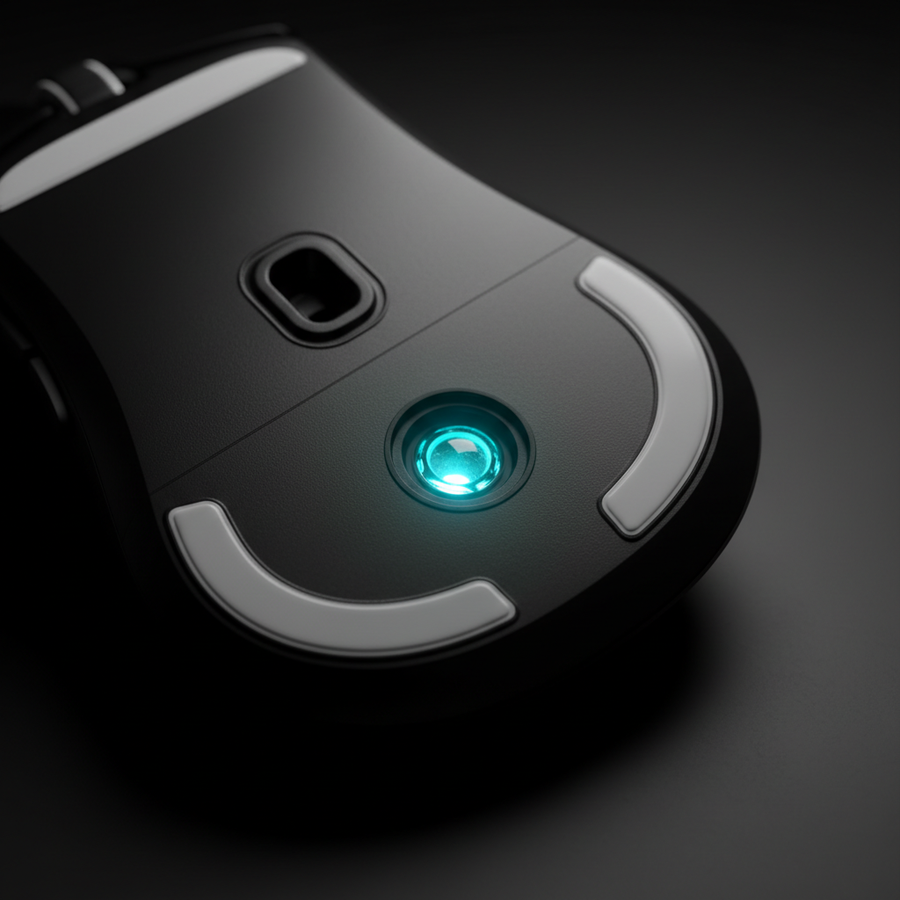
Sensores modernos de alto rendimiento, como el PixArt PAW3395, operan con una resolución tan alta que capturan cada temblor. El ajuste de ángulo funciona como un filtro pasa-bajo para el ruido direccional. En lugar de la trayectoria cruda y dentada producida por la biomecánica humana, el firmware genera un vector suavizado.
Sondeo de alta frecuencia y Motion Sync
Con una tasa de sondeo estándar de 1000Hz, el ratón envía un informe cada 1.0ms. En entornos de alto rendimiento que utilizan un sondeo de 8000Hz, ese intervalo se reduce a un casi instantáneo 0.125ms. Este enorme aumento en la resolución temporal cambia la forma en que debemos ver las funciones asistidas como Motion Sync.
Motion Sync a menudo se confunde con el ajuste de ángulo, pero tienen propósitos diferentes. Motion Sync alinea el encuadre interno del sensor con el "Inicio de cuadro" (SOF) del sondeo USB del PC. Según el Libro blanco de la industria global de periféricos para juegos (2026), esta sincronización asegura que los datos procesados sean los más recientes posibles, reduciendo los paquetes "obsoletos".
Nota de modelado (Análisis de latencia): Nuestro análisis de entornos a 8000Hz asume un retardo determinista añadido por Motion Sync.
Parámetro Valor Unidad Justificación Frecuencia de sondeo 8000 Hz Estándar competitivo de alta gama Intervalo de Sondeo 0.125 ms 1 / Frecuencia Penalización de sincronización de movimiento ~0,06 ms 0.5 * Intervalo de Sondeo (Heurístico) Latencia total base ~0.86 ms Retraso estimado del sistema al sensor Condición límite: Este modelo asume una conexión directa a la placa base. Usar un concentrador USB o el panel frontal de E/S puede introducir conflictos de IRQ (Solicitud de Interrupción) que invalidan estas ganancias de submilisegundos.
El problema del ajuste "oculto"
Un punto crítico para los jugadores orientados al valor es la presencia de ajuste angular forzado en hardware económico. Investigaciones sobre la precisión del sensor en ratones económicos indican que muchos modelos de entrada activan un grado permanente de ajuste del 5–10% a nivel de firmware para enmascarar un seguimiento deficiente del sensor o vibraciones de la lente. Esto crea un campo de juego desigual donde los jugadores pueden estar luchando contra una corrección invisible que no pueden desactivar.
Impacto específico por género: shooters tácticos vs. juegos de seguimiento
La utilidad del ajuste angular depende en gran medida de la "geometría" del combate del juego.
1. Shooters tácticos (VALORANT, CS2)
En los shooters tácticos, la colocación de la mira es la habilidad principal. A menudo mantienes una línea horizontal a la altura de la cabeza. Teóricamente, el ajuste angular debería ayudar a mantener esa línea estable. Sin embargo, entrenadores experimentados y analistas técnicos señalan una desventaja significativa: microajustes. Si un enemigo "se mueve ligeramente" o se agacha un poco, el algoritmo puede interpretar tu pequeño ajuste vertical como "ruido" y mantener el cursor en el eje horizontal. Esto conduce a fallos en disparos a la cabeza durante duelos de alta tensión.
2. Juegos con seguimiento intensivo (Apex Legends, Overwatch 2)
En juegos donde los objetivos se mueven rápido en tres dimensiones, los objetivos no se desplazan en líneas rectas. Los objetivos se desplazan lateralmente, saltan y se deslizan. El ajuste angular en estos escenarios es casi universalmente perjudicial. Introduce un "efecto escalonado" en movimientos curvos, donde el cursor duda en moverse en diagonal porque el algoritmo intenta forzarlo a una dirección cardinal.
3. MOBA y RTS (StarCraft II, League of Legends)
Curiosamente, los géneros MOBA y RTS presentan un contra-consenso. Los jugadores profesionales de StarCraft II han documentado el uso de un suavizado moderado (15–25% de ajuste) para reducir la fatiga del cursor durante sesiones de práctica de más de 6 horas. En estos juegos, seleccionar una unidad específica o hacer clic en un elemento de la interfaz no requiere la misma entrada cruda 1:1 que un disparo rápido. El "efecto de estabilización" puede mejorar la consistencia a largo plazo al filtrar los microtemblores causados por la fatiga muscular.
Calibración basada en datos: el mínimo de Nyquist-Shannon
Para beneficiarte realmente de la entrada directa (desactivando el ajuste angular), tu hardware debe ser capaz de muestrear tu movimiento con suficiente fidelidad para evitar el "salto de píxeles". Aquí es donde la relación entre DPI, sensibilidad y resolución se vuelve crítica.
Análisis: DPI mínimo según Nyquist-Shannon para jugadores de alta sensibilidad Este modelo calcula el DPI mínimo requerido para mantener una fidelidad 1:1 en un escenario competitivo específico.
Variable Valor Unidad Contexto Resolución 1920 px Horizontal estándar 1080p Campo de Visión (FOV) 103 grados VALORANT / CS Predeterminado Sensibilidad 25 cm/360 Estilo de movimiento rápido de alta sensibilidad DPI Mínimo Calculado ~1400 DPI Umbral para evitar aliasing Resumen Lógico: Aplicamos el Teorema de Muestreo Nyquist-Shannon (Tasa de Muestreo > 2 * Ancho de Banda de la Señal) al movimiento del ratón. Si juegas a 400 o 800 DPI con una sensibilidad de 25 cm/360, matemáticamente estás "submuestreando" movimientos finos. Esto puede sentirse como vibración, lo que podría tentar a un jugador a activar el ajuste angular para "arreglar" el problema. En realidad, aumentar el DPI a 1600+ y bajar la sensibilidad en el juego proporciona la precisión necesaria para hacer innecesario el ajuste.
La Conexión Ergonómica: Manos Grandes y Fatiga
Un factor a menudo pasado por alto en las discusiones técnicas sobre sensores es la interfaz física. Si tu ratón no se ajusta a tu mano, tus músculos se tensarán. Esta tensión crea "vibración mecánica"—temblores físicos que el sensor registra fielmente.
Basado en los principios ergonómicos ISO 9241-410, podemos modelar la "Proporción de Ajuste de Agarre" para jugadores competitivos.
- La Heurística del 60%: Para un control óptimo, el ancho del ratón debería ser aproximadamente el 60% del ancho de tu mano.
- La Penalización para Manos Grandes: Para un usuario con una mano de 20.5 cm (percentil 95) usando un ratón de 120 mm, la proporción de ajuste de agarre es ~0.91. Esto indica que el ratón es ligeramente demasiado corto para un agarre tipo garra estándar.
Cuando un ratón es demasiado pequeño, la mano experimenta "calambre en garra" después de más de 2 horas de juego. En nuestras observaciones de comentarios de la comunidad y patrones de soporte, los jugadores que sufren esta fatiga a menudo reportan que su puntería se siente "temblorosa". Activar un nivel bajo de ajuste angular (5–10%) puede actuar como una prótesis temporal para esta inconsistencia física, aunque la solución a largo plazo es encontrar un hardware que cumpla con la regla del 60% de ajuste.
Prueba del Practicante: Cómo Detectar el Ajuste Activo
Si sospechas que tu ratón tiene predicción "oculta" o quieres ver el efecto de tus configuraciones de software, usa la Prueba del Ocho:
- Abre una aplicación básica de dibujo (como MS Paint o un probador de ratón en línea).
- Configura tu DPI al nivel normal que usas para jugar.
- Dibuja lentamente y deliberadamente pequeños círculos y ochos.
- La señal: Busca el "escalonado". Si las curvas parecen estar hechas de pequeños segmentos rectos o si el cursor parece "pegarse" al eje horizontal cuando estás cerca, el ajuste de ángulo está activo.
- El resultado: Para FPS competitivos, quieres una curva perfectamente suave y orgánica. Cualquier "aplanamiento" del círculo indica que el firmware está anulando tu intención.
Sinergia técnica: frecuencia de sondeo y saturación de IPS
Para maximizar los beneficios de desactivar la lógica asistida, debes asegurarte de que el sensor esté "saturado" con datos. La fórmula para puntos de datos enviados por segundo es IPS * DPI.
A 8000Hz, el sistema espera un paquete cada 0.125 ms. Si mueves el ratón demasiado lento a un DPI bajo (por ejemplo, 400 DPI), el sensor puede no tener suficientes conteos nuevos para llenar cada ranura de 8000Hz, lo que lleva a paquetes "vacíos" y a una percepción de tartamudeo.
- A 800 DPI: Debes moverte al menos a 10 IPS para saturar el ancho de banda de 8000Hz.
- A 1600 DPI: Solo necesitas 5 IPS para mantener una señal estable de 8K.
Por eso recomendamos que los jugadores de alta sensibilidad se muevan hacia 1600 o 3200 DPI cuando usan hardware de alta frecuencia de sondeo. Esto proporciona un flujo de datos más denso que permite al sensor rastrear microajustes sin necesitar la "muleta" del ajuste de ángulo.
Veredicto final: ¿Cuándo activar la lógica asistida?
| Escenario | Recomendación | Razón técnica |
|---|---|---|
| Shooters tácticos (VALORANT/CS) | Desactivar | Preserva la capacidad de microajuste para disparos a la cabeza. |
| Shooters de seguimiento (Apex/OW) | Desactivar | Evita el "escalonado" en trayectorias curvas del objetivo. |
| MOBA / RTS / Productividad | Activar (Bajo) | Reduce la fatiga del cursor y el temblor durante sesiones largas. |
| Sensores económicos (Forzado) | Evitar hardware | La lógica forzada crea un nivel de habilidad inconsistente. |
| Temblor / Fatiga de mano alta | Activar (Bajo) | Actúa como un filtro pasa-bajo para estabilizar la salida. |
La decisión de usar el ajuste de ángulo no debe basarse en el deseo de "ayuda", sino en la comprensión de tus cuellos de botella técnicos específicos. Si tu configuración (DPI, frecuencia de sondeo, ajuste) está optimizada, la entrada sin procesar siempre ofrecerá el máximo nivel de habilidad. La lógica asistida es una herramienta: úsala para resolver problemas específicos como la fatiga muscular o el ruido del sensor, pero entiende que en el mundo del esports de élite, la fidelidad 1:1 es el objetivo final.
Aviso legal: Este artículo es solo para fines informativos. El rendimiento del hardware puede variar según las versiones del firmware, la optimización del sistema operativo y las configuraciones individuales del sistema. Siempre verifique la seguridad del controlador usando herramientas como VirusTotal antes de la instalación.
Fuentes
- Informe Técnico de la Industria Global de Periféricos para Juegos (2026)
- PixArt Imaging - Sensores de Navegación Óptica
- Metodología del Analizador de Latencia NVIDIA Reflex
- RTINGS - Latencia de clic del ratón y pruebas de sensor
- Tablas de Uso USB HID (v1.5)
- ISO 9241-410: Ergonomía de la Interacción Humano-Sistema
- Precisión del sensor económica vs. premium - Alibaba Insights