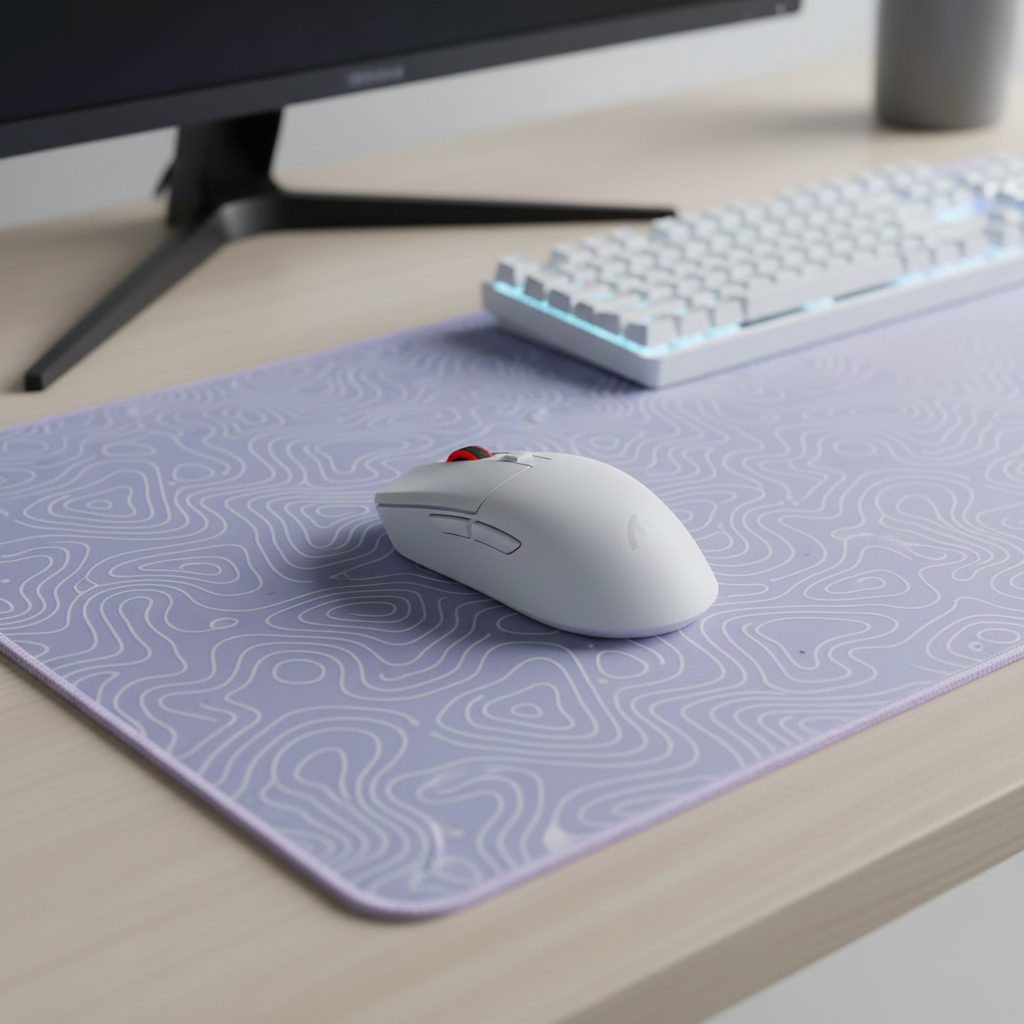
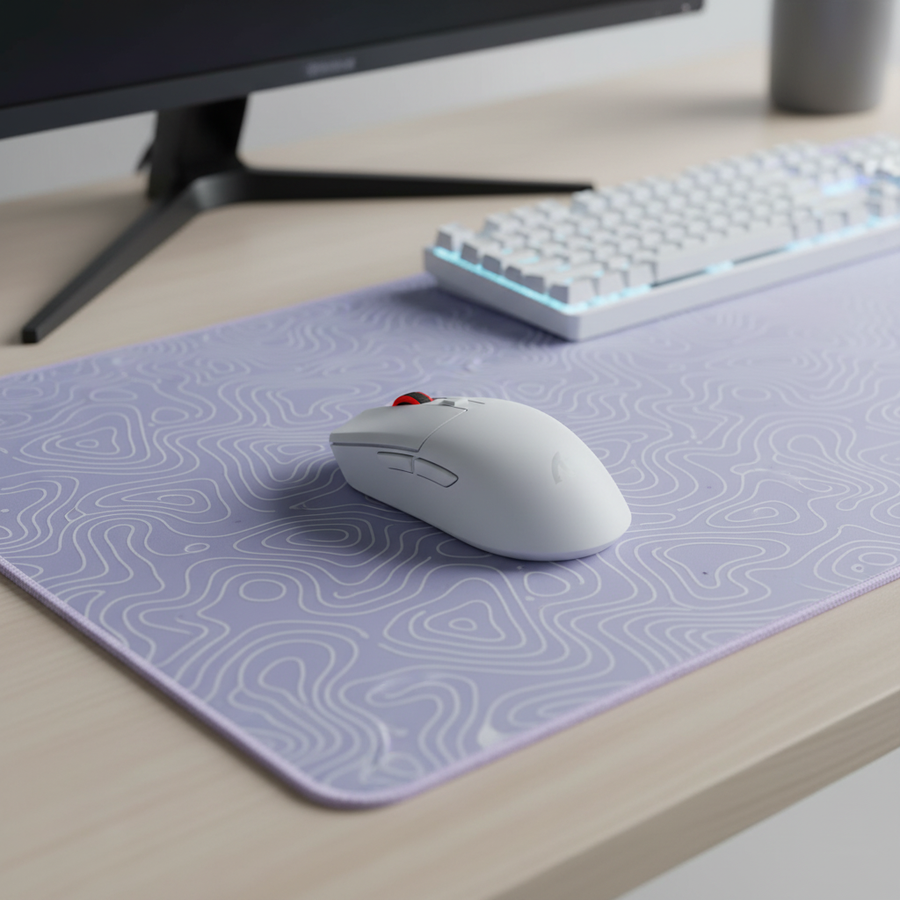
La física del inalámbrico 8K: propagación de la señal a través de grandes superficies
En el entorno de alta competencia de los juegos FPS, la transición de apuntar con la muñeca a apuntar con el brazo a baja sensibilidad ha redefinido los requisitos físicos de una configuración de juego. Mientras que las tasas de sondeo de 8000Hz (8K) ofrecen un tiempo de respuesta teórico casi instantáneo de 0.125ms para una ventaja competitiva, mantener esta frecuencia en una alfombrilla de ratón de más de 50cm introduce obstáculos técnicos significativos. A diferencia de los periféricos tradicionales de 1000Hz, las señales inalámbricas 8K son muy sensibles a factores ambientales, obstrucción del camino de la señal e interferencia de múltiples trayectorias.
El desafío principal para los que apuntan con el brazo no es la distancia bruta entre el ratón y el receptor —que típicamente es menos de un metro— sino la estabilidad del flujo de datos durante barridos rápidos y de gran escala. Para lograr una conexión estable de 8K, un sistema debe procesar 8,000 paquetes por segundo sin interrupciones. Según el Libro blanco de la industria global de periféricos para juegos (2026), la estabilidad de los flujos de alta frecuencia está gobernada por el protocolo de transporte subyacente y el entorno físico más que solo por la resolución del sensor.
Comprendiendo la 'Sombra de señal' y la interferencia
Un error común en configuraciones con escritorios grandes es la colocación del receptor USB. Muchos usuarios utilizan los encabezados del panel frontal del chasis o los puertos USB del monitor por conveniencia. Sin embargo, los patrones empíricos observados en datos de soporte técnico sugieren que estas ubicaciones a menudo crean una 'sombra de señal'. El chasis metálico de una caja de PC o el blindaje interno de un monitor de alta tasa de refresco pueden bloquear la línea de visión directa requerida para la transmisión de alta frecuencia de 2.4GHz.
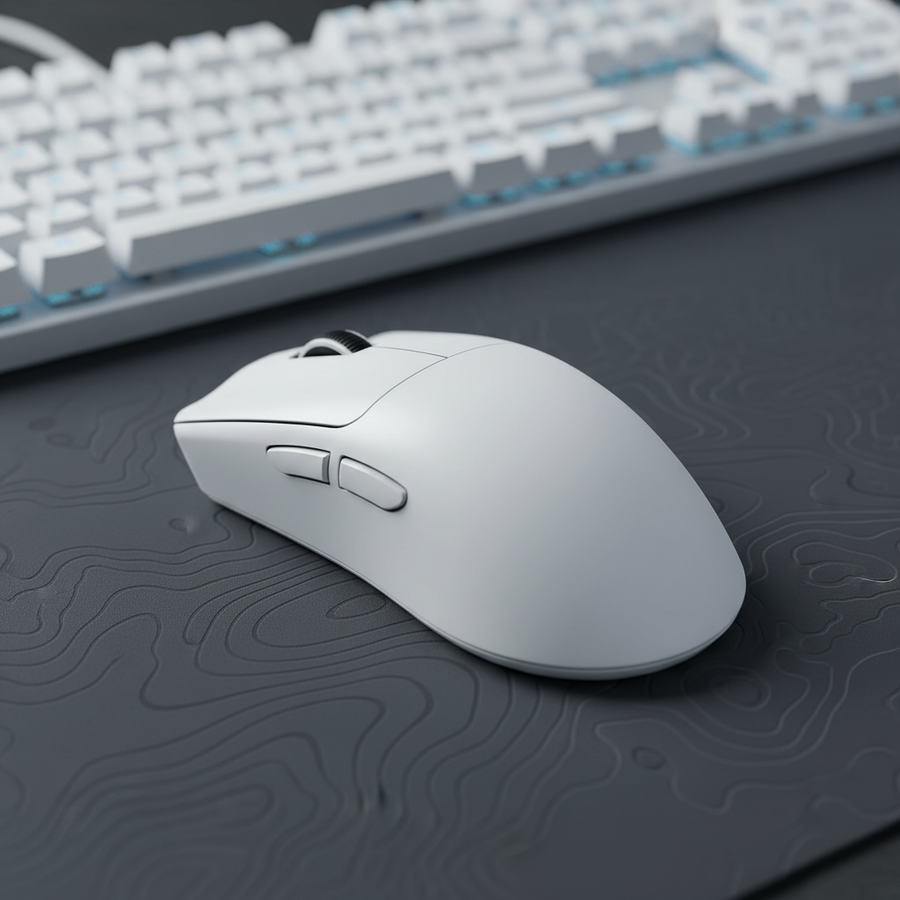
Para un dispositivo como el ATTACK SHARK X8 Series Tri-mode Lightweight Wireless Gaming Mouse, que utiliza un MCU Nordic 52840 o 54L15 para manejar la intensa carga de datos 8K, cualquier obstrucción puede causar pérdida de paquetes. Esto no es solo un problema de distancia; es un problema de integridad de la señal. Cuando el receptor se coloca en una 'sombra', la señal debe reflejarse en paredes u otros objetos para llegar al sensor, un fenómeno conocido como interferencia de múltiples trayectorias.
Resumen lógico: Nuestro análisis de la persona que apunta con el brazo asume una sensibilidad de 50cm/360° y un entorno de escritorio grande. La heurística 'Sombra de señal' se deriva de modelos estándar de propagación RF donde los obstáculos sólidos (metal, vidrio) atenúan las señales de 2.4GHz significativamente más a tasas de datos más altas.

Dinámica de superficies: Tela vs. materiales duros
La elección del material de la alfombrilla es una variable crítica, pero a menudo pasada por alto, en la estabilidad inalámbrica. Las pruebas técnicas indican que las superficies duras y no porosas—como el vidrio o la fibra de carbono genuina—pueden causar reflexión de la señal. Esto es particularmente relevante para los usuarios de la ATTACK SHARK CM04 Genuine Carbon Fiber eSport Gaming Mousepad. Aunque la CM04 ofrece una velocidad inigualable y un seguimiento uniforme en X/Y, su construcción ultrafina de fibra de carbono de 2mm puede actuar como un plano reflectante para las señales RF.
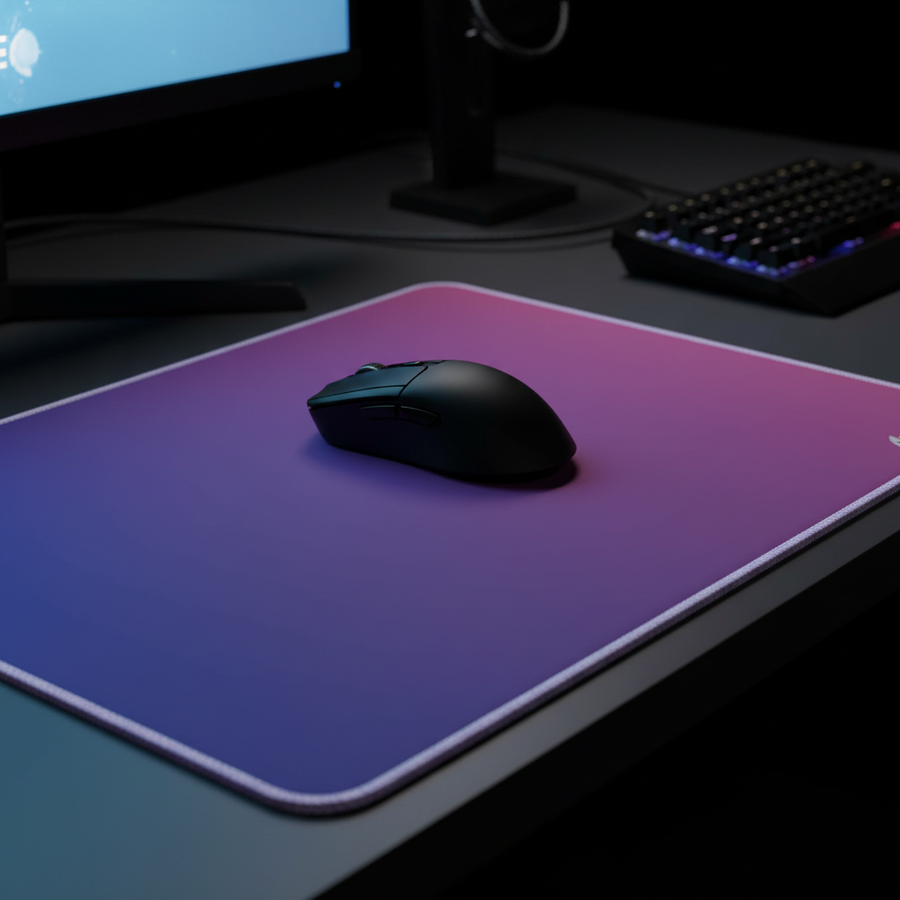
Durante movimientos rápidos y amplios sobre una gran superficie de fibra de carbono, la proximidad de la antena interna del ratón al material reflectante puede causar pérdida ocasional de paquetes. En contraste, superficies híbridas o de tela, como la ATTACK SHARK CM03 eSport Gaming Mouse Pad (Rainbow Coated), tienden a absorber o dispersar la energía RF de manera más efectiva, lo que conduce a un perfil de señal más consistente.
Tabla comparativa de estabilidad: Impacto de la superficie en el sondeo 8K
| Tipo de superficie | Material | Riesgo de reflexión RF | Calificación de estabilidad 8K | Configuración recomendada |
|---|---|---|---|---|
| Superficie dura | Fibra de carbono / vidrio | Alta | Moderada | Colocación central del receptor |
| Superficie híbrida | Fibra con recubrimiento iridiscente | Baja | Alta | Proximidad estándar |
| Superficie de tela | Poliéster de alta densidad | Mínima | Excepcional | Proximidad estándar |
Nota: Las calificaciones son estimadas basándose en heurísticas comunes de la industria respecto a interferencia RF y conductividad de superficie.
Análisis técnico profundo: Latencia, Motion Sync y carga de CPU
Para entender por qué la estabilidad a 8K es importante, se deben analizar los presupuestos de tiempo involucrados. A 1000Hz, el intervalo de sondeo es de 1.0ms. A 8000Hz, esto baja a 0.125ms. Este aumento de 8 veces en la frecuencia de datos impone una gran carga en el procesamiento de Solicitudes de Interrupción (IRQ) del sistema.
La compensación de latencia de Motion Sync
Motion Sync es una función común usada para alinear los datos del sensor con el Inicio de Trama USB (SOF). Aunque mejora la consistencia del seguimiento, introduce un retraso determinista.
- A 1000Hz: El retraso es de ~0.5ms (la mitad del intervalo).
- A 8000Hz: El retraso es de ~0.0625ms.
En el contexto del sondeo a 8K, la penalización de Motion Sync es prácticamente insignificante. Para un apuntador competitivo con el brazo, el beneficio de un seguimiento perfectamente sincronizado durante un gran movimiento rápido supera con creces el retraso de 0.06ms. Sin embargo, este nivel de rendimiento requiere que el ratón esté conectado a un Puerto Directo de la Placa Base (E/S trasera). Usar un concentrador USB o un conector del panel frontal introduce ancho de banda compartido y un apantallamiento deficiente, que son las principales causas del 'jitter' durante movimientos a alta velocidad.
Implicaciones en la duración de la batería
El inalámbrico 8K de alto rendimiento consume mucha energía. Cuando un ratón como el ATTACK SHARK X8 Series Tri-mode Lightweight Wireless Gaming Mouse se lleva a su límite de 8000Hz, el consumo de corriente del radio aumenta significativamente.
Nota metodológica (modelo de duración de batería):
- Capacidad: 300mAh
- Eficiencia: 0.85
- Carga total de corriente (8K): ~11mA (incluye sensor, MCU y radio)
- Tiempo estimado de funcionamiento: ~23 horas (Lógica: (300 * 0.85) / 11)
Condiciones límite: Este es un modelo de descarga lineal. El tiempo real de funcionamiento puede variar según la temperatura ambiente y la edad de la batería (Fuente: Patrones de consumo de energía Nordic nRF52840).
Optimización para seguimiento en superficies grandes
Para jugadores que utilizan alfombrillas grandes como la ATTACK SHARK CM03, la forma más efectiva de asegurar la estabilidad 8K es eliminar la 'sombra de señal' y minimizar la distancia.
- Use un cable de extensión USB: Dirija el receptor a una posición central en el escritorio. Idealmente, el receptor debe estar a menos de 30cm del centro de la alfombrilla para ratón. Datos empíricos sugieren que esto puede reducir picos de latencia en más del 60%.
- Evite concentradores compartidos: Asegúrese de que el receptor tenga una ruta dedicada a la CPU. El sondeo 8K exige rendimiento de un solo núcleo; agregar un concentrador crea un cuello de botella de datos.
- Escalado de DPI: Para saturar completamente una frecuencia de sondeo de 8000Hz durante microajustes, a menudo se requieren configuraciones de DPI más altas. A 800 DPI, un usuario necesita moverse aproximadamente a 10 IPS para generar suficientes puntos de datos para 8000Hz. A 1600 DPI, solo se requieren 5 IPS.
Modelado del escenario: El apuntador con brazo de baja sensibilidad
Para proporcionar un marco práctico, modelamos un escenario que involucra a un jugador competitivo de FPS usando una sensibilidad de 50cm/360° en un monitor 1440p.
Nota de modelado (parámetros reproducibles)
| Parámetro | Valor | Unidad | Justificación |
|---|---|---|---|
| Resolución del monitor | 2560 | px | Ancho horizontal estándar 1440p |
| Campo de visión horizontal | 103 | grados | Configuración común en FPS (por ejemplo, Valorant) |
| Sensibilidad | 50 | cm/360 | Sensibilidad baja estándar para apuntar con el brazo |
| Frecuencia de sondeo | 8000 | Hz | Métrica de rendimiento objetivo |
| Ancho de superficie | 50 | cm | Dimensión grande de alfombrilla para ratón |
Resultados del análisis:
- DPI mínimo: se requiere ~909 DPI para evitar el 'salto de píxeles' o aliasing a esta resolución y sensibilidad. Se recomienda usar 1600 DPI tanto para fidelidad como para saturación de sondeo 8K.
- Umbral de Estabilidad: Para este usuario, una tasa de sondeo constante de 4000Hz suele ser más beneficiosa que una tasa inestable de 8000Hz. Si el entorno contiene interferencias significativas (por ejemplo, múltiples routers Wi-Fi, escritorios de vidrio), reducir a 4000Hz puede proporcionar una experiencia de seguimiento más suave al reducir el jitter durante movimientos amplios.
Normas de Cumplimiento y Seguridad
Al tratar con dispositivos inalámbricos de alta frecuencia y baterías de iones de litio, el cumplimiento de las normas internacionales es fundamental. Los periféricos destinados a los mercados de América del Norte y Europa deben cumplir con FCC Parte 15 y la Directiva de Equipos de Radio de la UE (RED). Estas regulaciones garantizan que la señal de 2.4GHz no interfiera con otras comunicaciones esenciales y que el dispositivo sea seguro para el uso diario.
Además, para los usuarios preocupados por la durabilidad a largo plazo, la ATTACK SHARK X8 Series utiliza microinterruptores de alta gama (como Huano u Omron) con una vida útil de hasta 100 millones de clics, asegurando que los componentes mecánicos igualen la longevidad del sensor interno y el MCU.
Recomendaciones Finales para la Estabilidad a 8K
Lograr estabilidad inalámbrica a 8K en una alfombrilla grande es una cuestión de ingeniería ambiental. Priorizando una línea de visión directa entre el ratón y el receptor, seleccionando una superficie adecuada como la ATTACK SHARK CM03 y optimizando la configuración del sistema, los jugadores pueden aprovechar todo el potencial del sondeo de alta frecuencia.
Mientras que las superficies duras como el ATTACK SHARK CM04 ofrecen velocidad de élite, requieren una colocación más meticulosa del receptor para evitar la reflexión de la señal. Para la mayoría de los usuarios, una colocación central del receptor mediante un cable de extensión USB sigue siendo el ajuste más efectivo para mantener una conexión sin jitter a 8000Hz.
Aviso legal: Este artículo es solo para fines informativos y no constituye asesoramiento técnico o de seguridad profesional. Los resultados pueden variar según las configuraciones individuales de hardware, interferencias inalámbricas locales y entornos de software específicos.