

In the modern digital era, many individuals spend upwards of eight to twelve hours a day at a desk. Whether for professional work or high-level gaming, the repetitive nature of these activities often leads to chronic musculoskeletal issues. If a workstation is not properly optimized, the user is at high risk for developing Repetitive Strain Injury (RSI) or Carpal Tunnel Syndrome.
Physical fatigue is often the first sign that a setup is slowly causing damage to the back, neck, and wrists. This guide examines the critical hardware changes and habitual adjustments required to maintain long-term health while using a computer.

Protect the Wrists: The Importance of Support and Weight
The wrist is one of the most vulnerable parts of the body during computer use. Standard flat keyboards and heavy mice force the wrist into unnatural angles and require significant muscular effort for movement. Over time, this pressure causes inflammation of the tendons.
Elevation and Neutral Alignment
One of the most effective ways to combat wrist strain is through proper elevation. Using a cloud wrist rest can help bridge the gap between the desk surface and the keyboard. A cloud wrist rest is specifically designed to provide a soft, contoured surface that mimics the natural resting position of the palm. This prevents the wrist from bending upward (extension), which is a primary cause of nerve compression. By integrating a cloud wrist rest into your setup, you ensure that the blood flow to the fingers remains unobstructed during long sessions.
Reducing Movement Inertia
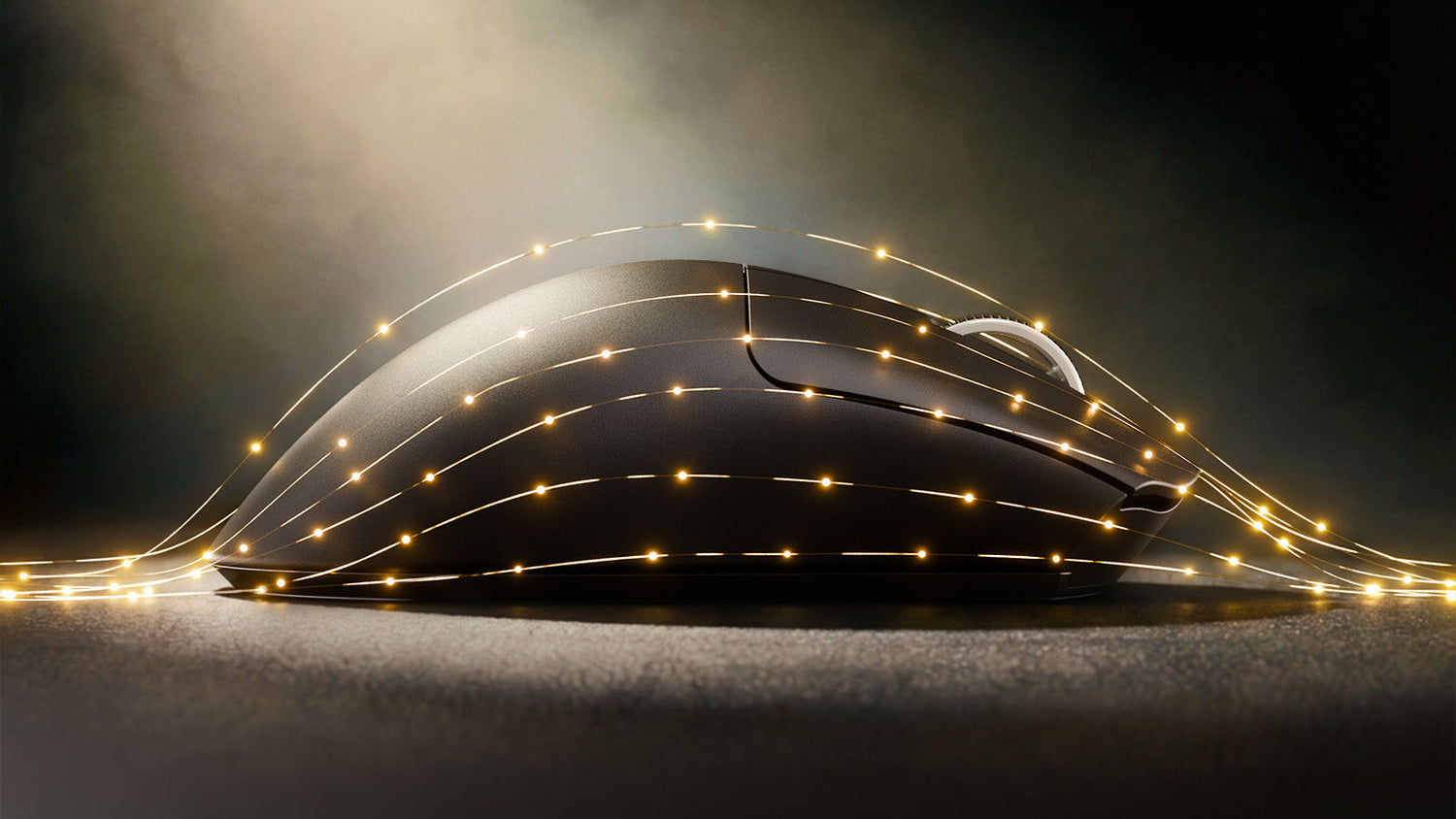
The weight of the mouse is another often-overlooked factor in wrist health. Moving a heavy peripheral thousands of times per day places immense stress on the small muscles of the forearm. Transitioning to a lightweight wireless mouse can significantly reduce this physical load. Modern lightweight wireless mouse designs often weigh less than 60 grams, allowing for effortless micro-adjustments. When you use a lightweight wireless mouse, you rely more on the larger muscles of the arm rather than just the delicate tendons of the wrist, thereby distributing the physical stress more evenly.
Optimize the Keyboard Experience for Shoulder Health
Traditional rectangular keyboards are not designed for human anatomy. They force the shoulders to rotate inward and the wrists to bend outward (ulnar deviation). To address this, many health-conscious users are moving toward an ergonomic gaming keyboard.
An ergonomic gaming keyboard typically features a split layout or a "tented" design where the keys are angled upward in the center. This design allows the hands to rest in a more natural, angled position, similar to how they would fall if placed on a table. Using an ergonomic gaming keyboard reduces the tension in the trapezius muscles and helps prevent the "rounded shoulder" posture that leads to chronic upper back pain. Furthermore, a high-quality ergonomic gaming keyboard often includes mechanical switches that require less actuation force, further protecting the joints from repetitive impact.

Find the Perfect Mouse Alignment
Just as the keyboard affects the shoulders, the mouse determines the health of the forearm and hand. Standard mice require the hand to be "pronated," or turned flat against the desk, which twists the two bones in the forearm (the radius and ulna).
The Handshake Position
Choosing an ergonomic mouse wireless can help maintain the "handshake" position, which is the forearm's most relaxed state. A vertical or semi-vertical ergonomic mouse wireless allows the arm to rest on its side, completely eliminating the twisting motion required by standard mice. When selecting an ergonomic mouse wireless, it is essential to consider the size of the device relative to your hand to ensure that the thumb and fingers can reach the buttons without stretching.
Understanding Mouse Grip Styles
Your physical comfort is also dictated by how you hold your device. There are three primary mouse grip styles: the palm grip, the claw grip, and the fingertip grip.
- Palm Grip: Provides the most support but can lead to "lazy" movements that strain the wrist.
- Claw Grip: Offers better precision but places more tension on the knuckles.
- Fingertip Grip: Offers the most speed but requires the most muscular control.
Understanding these mouse grip styles allows you to choose a peripheral that complements your natural hand behavior. For example, if your preferred mouse grip styles lean toward a claw or fingertip approach, a smaller, more contoured mouse may prevent the cramping associated with larger, flatter models.

ATTACK SHARK V8 Ultra-Light Ergonomic Wireless Gaming Mouse
The Impact of Desk and Chair Height on Spinal Health
While peripherals are vital, the foundation of ergonomics is the relationship between your chair, desk, and monitor. If your monitor is too low, you will naturally develop "tech neck," where the head leans forward, placing up to 60 pounds of extra pressure on the cervical spine. Research from the CDC's NIOSH Ergonomics program confirms that poor workstation alignment is a leading cause of musculoskeletal disorders.
The top of your monitor should be at or slightly below eye level. This encourages the spine to remain in its natural "S" curve. Your chair should provide firm lumbar support, and your feet should be flat on the floor with your knees at a 90-degree angle. If your chair is too high, it places pressure on the back of the thighs, which can restrict circulation.
Daily Habits to Supplement Your Ergonomic Gear
Hardware alone cannot solve every health issue; it must be paired with healthy habits. Even with a perfect ergonomic gaming keyboard and a lightweight wireless mouse, staying in one position for hours is detrimental to the body.
To protect your eyes, look at something 20 feet away for 20 seconds every 20 minutes. To protect your body, stand up and move. Many professionals now use standing desks to alternate between sitting and standing, which helps re-engage the core muscles and improves circulation. For a comprehensive overview of protecting your hands during long sessions, see our guide on how to prevent wrist pain while gaming.
Every few months, check your posture. Over time, we tend to slouch or move our peripherals into awkward positions. Ensure your cloud wrist rest is still providing adequate support and that your ergonomic mouse wireless is positioned so that your elbow remains at a 90-degree angle.
Conclusion: Your Setup Should Work For You, Not Against You
Investing in your setup is an investment in your long-term career and hobby. By switching to an ergonomic gaming keyboard and an ergonomic mouse wireless, you remove the anatomical stressors that lead to permanent injury. Supplementing these tools with a cloud wrist rest for support and a lightweight wireless mouse for ease of movement creates a professional-grade environment that prioritizes wellness. Remember that pain is not a normal part of computing; it is a signal from your body that something needs to change. Address these red flags today to ensure you can continue to work and play comfortably for years to come.

ATTACK SHARK R68 HE Carbon Fiber Wired Rapid Trigger Magnetic Switch Keyboard With C01 Ultra RGB Coiled Cable
FAQs
How can I stop my wrist from hurting while gaming or working?
The most effective solution is to stop the wrist from bending at extreme angles. Use a cloud wrist rest to keep the hand level with the keyboard and switch to an ergonomic mouse wireless to avoid forearm twisting. Additionally, take five-minute breaks every hour to perform gentle wrist stretches.
Does a lightweight wireless mouse really help with RSI?
Yes. A lightweight wireless mouse requires less force to move and stop, which reduces the strain on the tendons in the forearm. Lowering the physical inertia of your movements is one of the most recommended steps for users already experiencing early signs of Repetitive Strain Injury.
Is an ergonomic gaming keyboard better than a mechanical one?
You don't have to choose between the two. The best setup for health is a mechanical ergonomic gaming keyboard. The mechanical switches provide tactile feedback so you don't "bottom out" the keys too hard, while the ergonomic shape protects your shoulder and wrist alignment.
Which mouse grip style is the most ergonomic?
Generally, the palm grip is considered the most ergonomic for long-term use because it allows the hand to rest fully on the mouse. However, regardless of the mouse grip styles you use, the most important factor is avoiding a "death grip" or squeezing the mouse too tightly, which causes immediate muscular fatigue.


Leave a comment
This site is protected by hCaptcha and the hCaptcha Privacy Policy and Terms of Service apply.