


ATTACK SHARK 2nd Anniversary Event: Up to 60% Off & Giveaways
Gamers fed up with jittery mice and laggy input can fix dpi and polling rate issues with ATTACK SHARK anniversary deals up to 60% off. Claim bundles now.
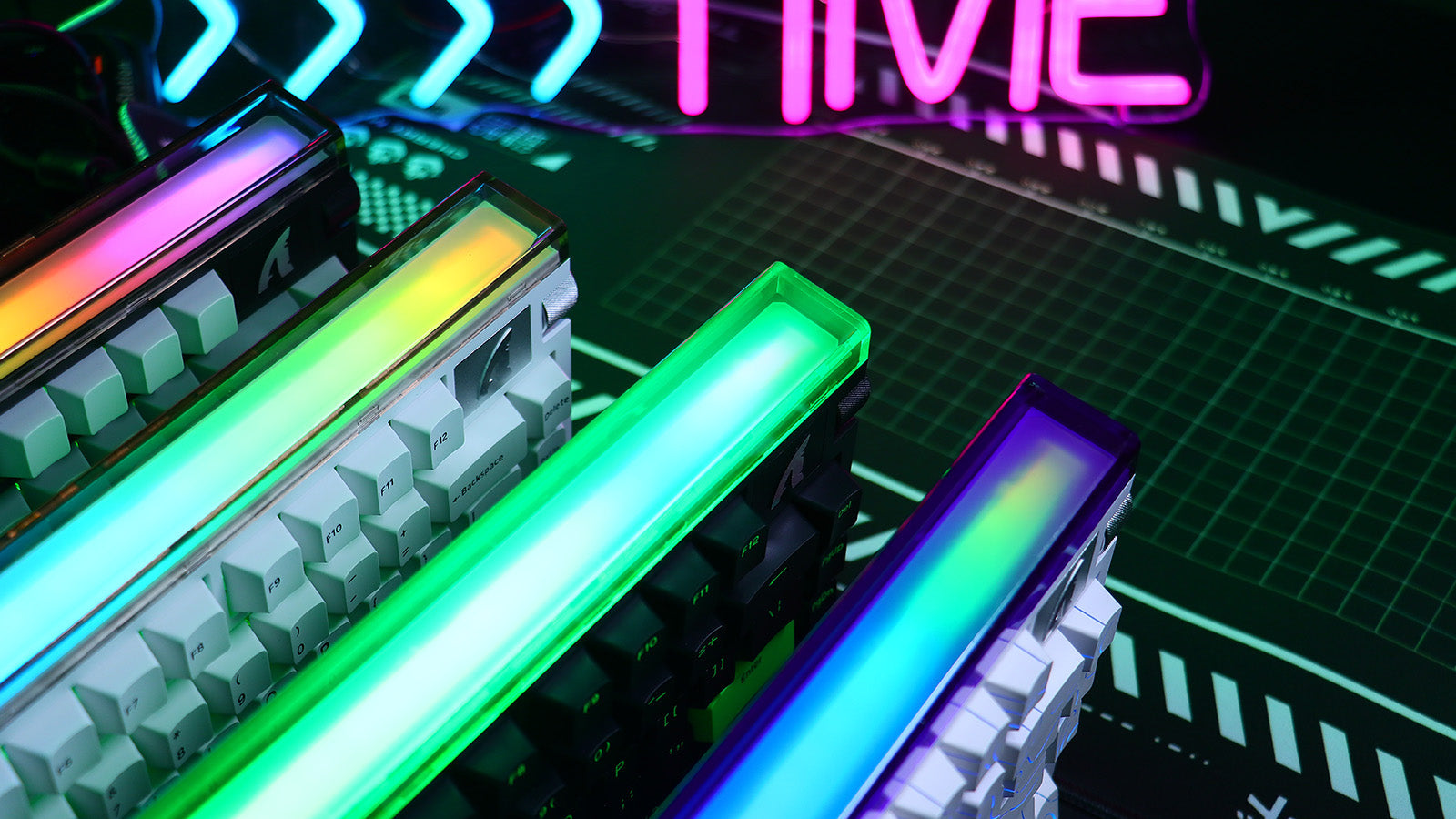
Switching from Console to PC: The Essential Peripheral Checklist
Switching from console? Mouse shape, keyboard layout, cloth pad, and headset matter more than specs. Build a setup that feels natural and consistent.

Budget vs. High-End: Where Should You Actually Spend Your Gaming Money?
Spend on your mouse and mouse pad first. Wireless mice, hot-swap keyboards, and stereo headsets under $80 beat pricey "gaming" gimmicks every time.

How to Travel with Your Gaming Setup
Protect your gear on the road: tips for traveling with gaming gear—use 60% keyboards, hard-shell cases, and carry-on packing to avoid broken switches.

How to Live Without Dedicated Arrow Keys on a 60% Keyboard
Your arrow keys aren't gone — they're hidden. Master Fn layers, tap mode, and QMK remapping to navigate faster on a 60% keyboard than ever before.

How to Build the Ultimate Gaming Room: A Step-by-Step Guide
Get the ultimate gaming room setup right the first time — desk, chair, peripherals, lighting, and cable management, all in one complete step-by-step guide.

Mac Gaming in 2026: The Best Peripherals for Apple Users
Your Mac deserves better gaming peripherals. Find the right mechanical keyboard, wireless mouse, and RGB software that actually work on macOS.
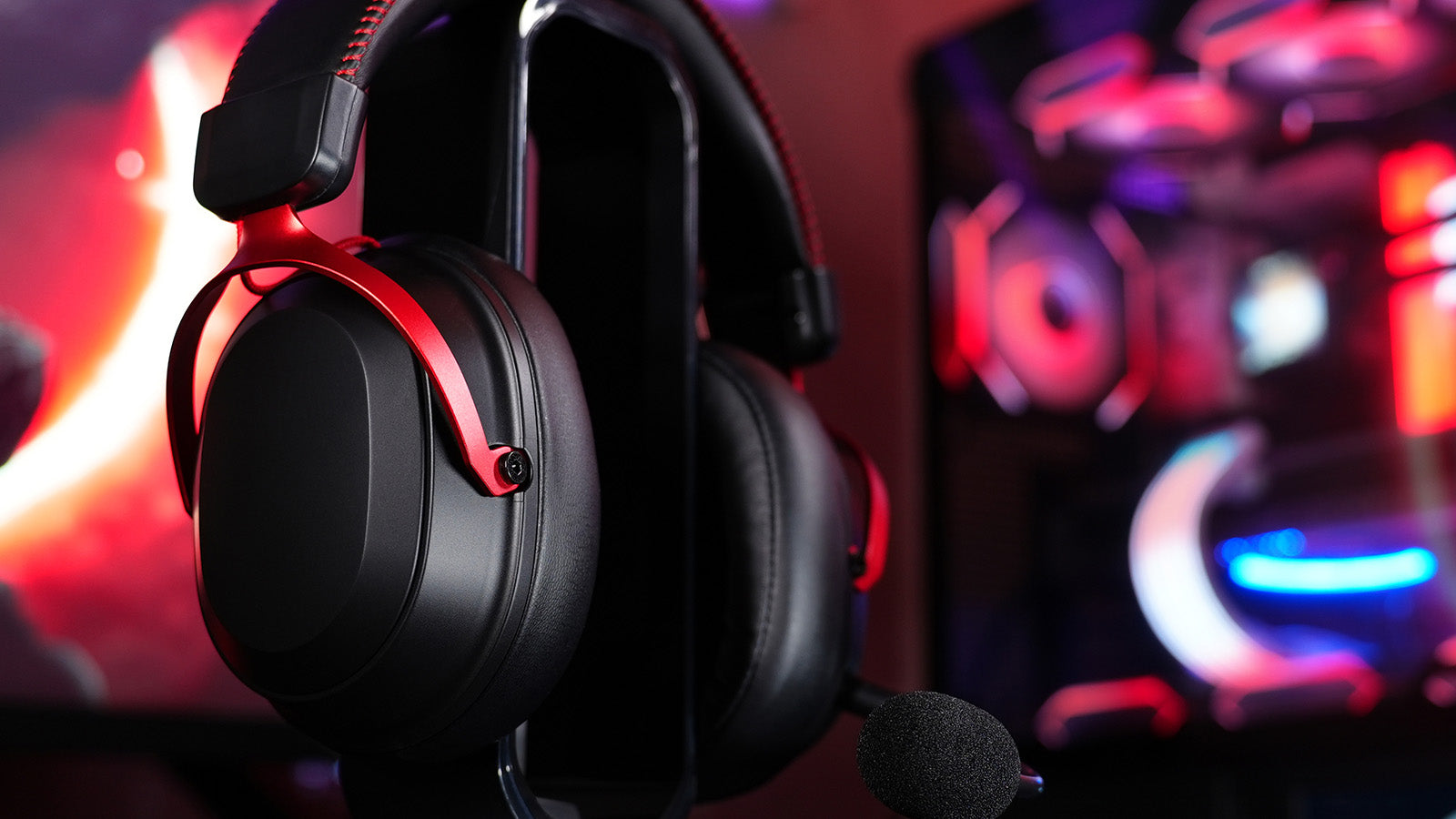
How to Hear Footsteps Better in Warzone and Apex
Don't let bad sound ruin your match! Learn pro-level loudness equalization tweaks and find the best wired gaming mouse to react instantly to enemy footsteps.
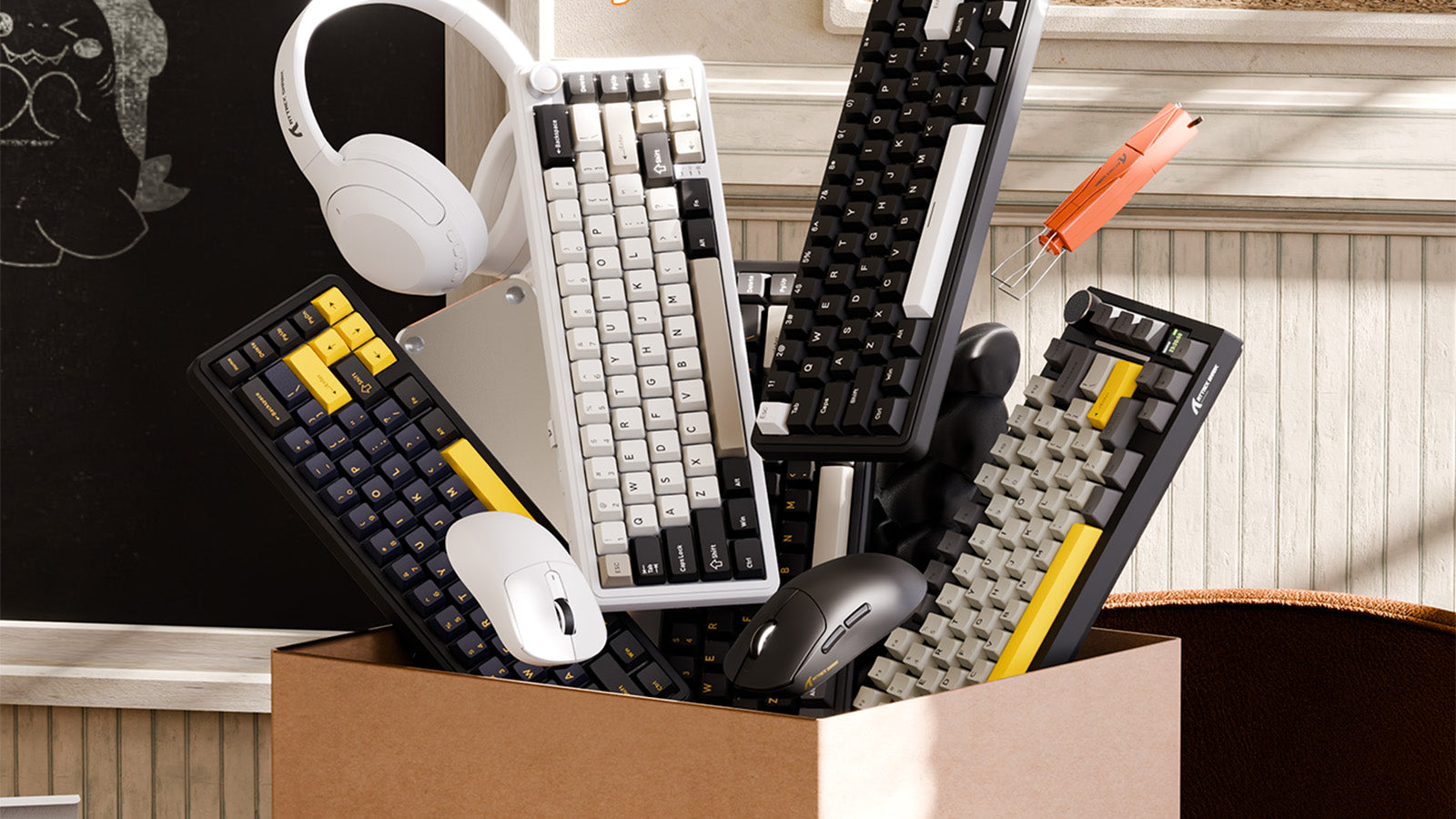
Boost your reaction time instantly! We reveal the truth about wired vs wireless mouse speed and how adjusting your device communication eliminates display lag.
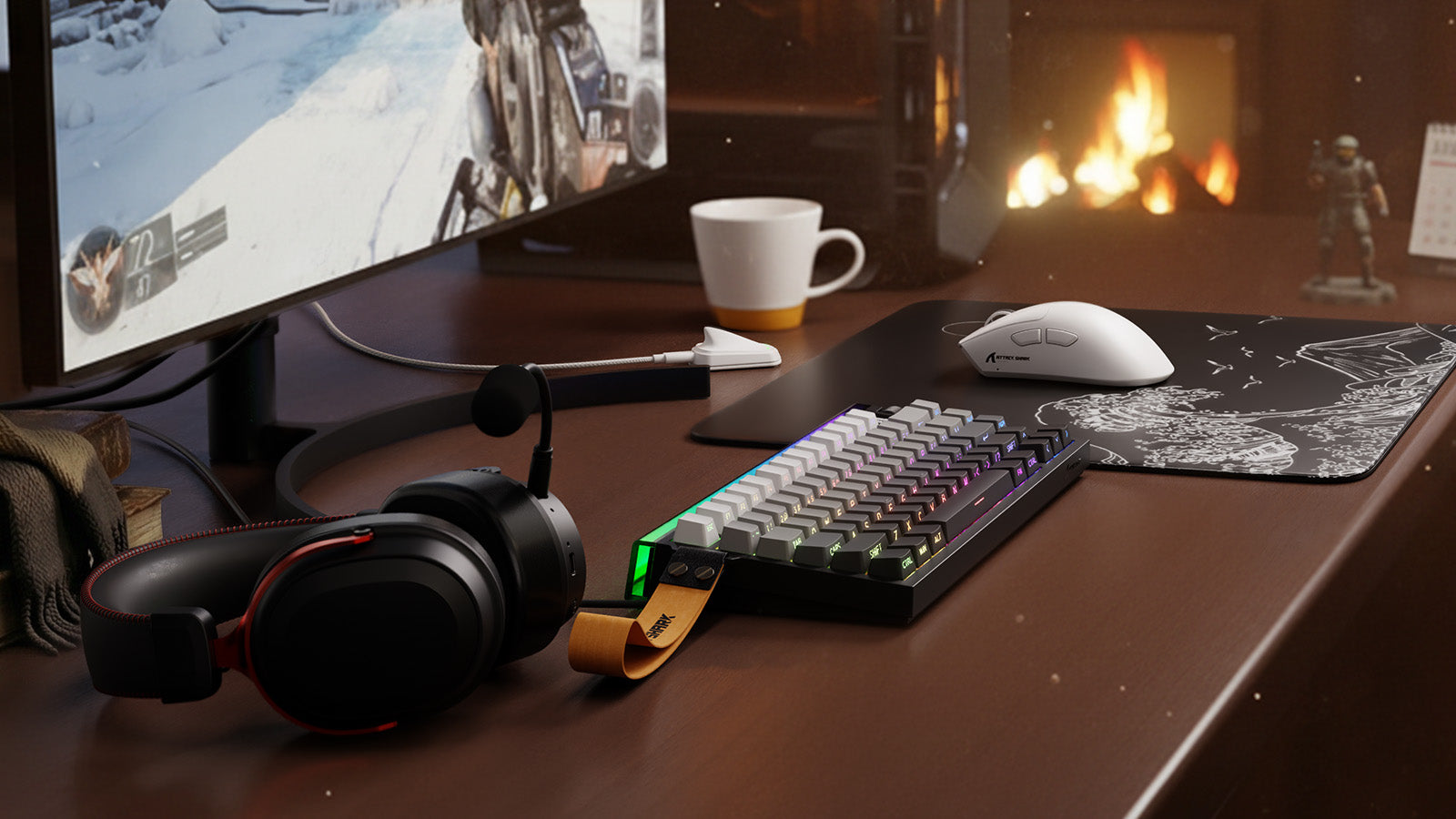
How to Upgrade Your Office to a Gaming Den on a $500 Budget
Say goodbye to wrist pain and bad aim! Build the ultimate budget gaming setup with an acrylic wrist rest, cheap mechanical keyboard, and pro audio gear today.

Why is Everyone Obsessed with Ultra-Lightweight Mice (<50g)?
Ultra-light gaming mice enhance sensor performance, eliminate aim drift, enable precise flick shots, and prevent wrist fatigue without sacrificing durability.

Does RGB Kill Your Wireless Keyboard Battery?
RGB lighting is the biggest battery killer in wireless keyboards. Static colors beat dynamic effects, 50% brightness doubles battery life, and white uses most power.