

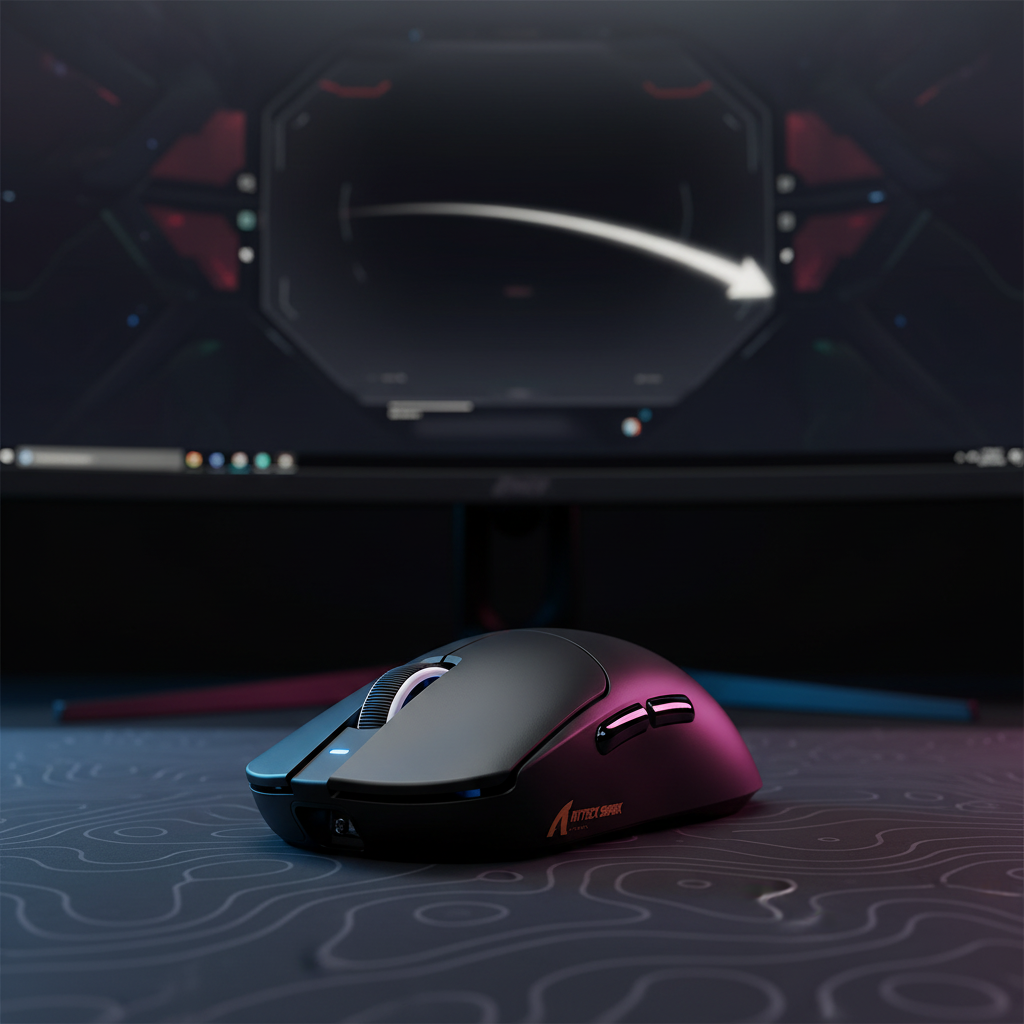
The Physics of Fluidity: Decoding Visual Arc Smoothness
In the competitive landscape of gaming peripherals, the term "polling rate" has transitioned from a niche technical specification to a primary performance indicator. While 1000Hz was long considered the gold standard, the emergence of 8000Hz (8K) technology has introduced a new dimension of cursor behavior: visual arc smoothness. For technically-informed gamers, the question is no longer just about reducing latency, but about how more frequent data sampling fundamentally alters the cursor's pathing during high-speed movement.
At its core, polling rate determines how often a mouse reports its position to the computer. A 1000Hz mouse reports every 1.0ms, while an 8000Hz mouse reports every 0.125ms. This eight-fold increase in sampling density provides the operating system with a significantly more granular data stream. When you move a mouse across a screen, you aren't actually creating a continuous line; you are creating a series of discrete coordinate points that the OS "connects" to render the cursor. At higher polling rates, these points are closer together, allowing the system to render a curved visual arc rather than a jagged, multi-segmented line.
Logic Summary: Our analysis of cursor pathing assumes that visual smoothness is a product of sampling density. We estimate that an 8000Hz polling rate provides 8 data points for every 1 point provided by a 1000Hz device, effectively "rounding off" the corners of rapid flick movements.

Sampling Density and the "Stair-Stepping" Effect
One of the most perceptible benefits of high polling rates occurs during slow, deliberate tracking—a scenario often overlooked in favor of high-speed "flicks." In applications requiring pixel-by-pixel precision, such as photo editing or long-range sniping in FPS titles, a 1000Hz polling rate can occasionally exhibit a subtle "stair-stepping" effect. This occurs because the 1ms reporting interval, while fast, can still leave enough space between coordinates for the OS to render the movement as a series of micro-steps.
By moving to 8000Hz, the reporting interval drops to 0.125ms. This density ensures that even micro-movements are captured with such frequency that the resulting path appears hand-drawn and organic. According to the USB HID Class Definition (HID 1.11), the standard protocol for mice and keyboards, the efficiency of this data transmission is reliant on the device's ability to maintain a consistent reporting cadence. When a sensor like the PixArt PAW3395 or the newer PAW3950MAX—found in the ATTACK SHARK R11 ULTRA Carbon Fiber Wireless 8K PAW3950MAX Gaming Mouse—operates at 8K, it minimizes the variance between reports, leading to a more predictable cursor arc.
The Saturation Formula: IPS vs. DPI
To truly realize the visual benefits of 8000Hz, the sensor must be saturated with data. This is governed by a simple relationship: Packets Per Second = Movement Speed (IPS) × DPI.
- Low DPI Scenario: At 800 DPI, a user must move the mouse at least 10 inches per second (IPS) to fully saturate an 8000Hz bandwidth.
- High DPI Scenario: At 1600 DPI, only 5 IPS is required to achieve the same saturation.
This means that players who use higher DPI settings often experience a more stable 8K signal during slower movements, as the higher resolution provides more data points for the polling rate to "harvest."
Motion Sync and the Deterministic Delay
A critical component in rounding off cursor pathing is "Motion Sync." This technology aligns the sensor's internal framing with the USB Start of Frame (SOF) signal. Without Motion Sync, the sensor might capture a movement slightly before or after the USB poll, leading to "jitter" or inconsistent pathing.
However, Motion Sync introduces a deterministic delay. While common industry lore suggests a fixed 0.5ms penalty, the reality is more nuanced. The delay is typically equal to half the polling interval.
| Polling Rate | Polling Interval | Motion Sync Delay (Estimated) |
|---|---|---|
| 1000Hz | 1.0ms | ~0.5ms |
| 4000Hz | 0.25ms | ~0.125ms |
| 8000Hz | 0.125ms | ~0.0625ms |
As demonstrated, the latency penalty for Motion Sync becomes virtually negligible at 8000Hz (~0.06ms). For a competitive gamer, this is a highly favorable trade-off: you gain the visual smoothness and tracking consistency of aligned data with a latency hit that is imperceptible to human reaction times. This is a core feature of the "Hunting Shark Competitive Mode" available in the ATTACK SHARK X8 Ultra 8KHz Wireless Gaming Mouse With C06 Ultra Cable.
Display Synergy: Why Refresh Rate Matters
There is a common misconception that polling rate and monitor refresh rate must follow a strict mathematical ratio. We frequently see the "1/10th Rule" (e.g., 8000Hz polling requires an 800Hz monitor) cited in community forums. This is technically incorrect and practically impossible with current hardware.
The relationship is actually about perceptual thresholds. While the mouse may be reporting at 8000Hz, a 60Hz monitor only updates the cursor's position 60 times per second. In this case, the monitor acts as a massive low-pass filter, discarding most of the high-frequency data. To "see" the rounded arc created by 8K polling, you need a high refresh rate display (typically 240Hz or 360Hz). According to the NVIDIA System Latency Optimization Guide, higher refresh rates reduce the "motion blur" of the cursor, allowing the eye to track the densely sampled path more accurately.
System Bottlenecks and USB Topology
Pushing 8000 reports per second places significant stress on the system, specifically the CPU's ability to handle Interrupt Requests (IRQs). This is not a matter of raw multi-core power, but rather single-core speed and OS scheduling efficiency. If the CPU is bogged down by background processes, it may miss a USB poll, causing a "hiccup" in the cursor path. These micro-stutters are often more detrimental to "feel" than the baseline latency of 1000Hz.
To ensure stability, the following hardware heuristics are recommended:
- Direct I/O: Always connect 8K receivers to the rear I/O ports directly on the motherboard.
- Avoid Hubs: USB hubs and front-panel case headers share bandwidth and often have inferior shielding, which can lead to packet loss and signal instability.
- CPU Overhead: Ensure your system can maintain low interrupt latency. High-polling mice can increase CPU usage by 5-10% during rapid movement.
Scenario Modeling: The Large-Hand Competitive Gamer
To understand the practical implications of these specs, we modeled a specific user scenario: a competitive FPS gamer with large hands (~20cm length) using an 8000Hz mouse.
Analysis Setup & Methodology
Our modeling utilizes a deterministic parameterized approach to evaluate the trade-offs between performance and ergonomics.
- Persona: 95th percentile male hand dimensions (20cm length, 95mm breadth).
- Grip: Claw grip (common in FPS titles).
- Device: 8000Hz wireless mouse with a 300mAh battery.
Modeling Note (Reproducible Parameters)
| Parameter | Value | Rationale |
|---|---|---|
| Polling Rate | 8000Hz | Targeted high-performance setting |
| Motion Sync | Enabled | For visual arc smoothing |
| Hand Length | 20cm | Large hand sizing (Persona A) |
| Grip Style | Claw | High-intensity competitive posture |
| Battery Capacity | 300mAh | Standard for ultra-lightweight mice |
Findings & Observations
- Latency Trade-off: With Motion Sync enabled at 8K, the added delay is ~0.06ms. Total modeled end-to-end latency remains under 0.9ms, which is exceptional for wireless performance.
- Battery Impact: 8000Hz polling significantly increases the radio's power consumption. In our model, runtime dropped to approximately 23 hours from a baseline of ~38 hours at 1000Hz. This represents a ~40% reduction in endurance.
- Ergonomic Risk: Using a standard-sized mouse (120mm length) with a 20cm hand in a claw grip creates a "Grip Fit Ratio" of ~0.94. While functional, the suboptimal length forces a more aggressive finger arch. When combined with the high-intensity movements required to saturate an 8K sensor, the Moore-Garg Strain Index indicates an elevated risk of hand fatigue during sessions exceeding 90 minutes.
Logic Summary: This model suggests that while 8000Hz provides superior visual pathing, users with large hands must prioritize ergonomic fit—such as the 125mm length of the ATTACK SHARK X8PRO Ultra-Light Wireless Gaming Mouse & C06ULTRA Cable—to sustain high performance without physical strain.
Practical Implementation: The Attack Shark Ecosystem
Overcoming the "Specification Credibility Gap" requires more than just high numbers; it requires reliable execution. For value-oriented enthusiasts, the ATTACK SHARK G3PRO Tri-mode Wireless Gaming Mouse with Charge Dock 25000 DPI Ultra Lightweight provides a balanced entry point into high-performance tracking. While it operates at a standard 1000Hz, its use of the PixArt 3311 sensor and Omron micro-switches (rated for 100 million clicks) ensures that the raw input data is clean and consistent.
For those chasing the absolute limit of visual arc smoothness, the R11 ULTRA's carbon fiber shell and 8K capability represent the current peak of the challenger brand's engineering. However, users should be mindful of software maturity. Utilizing tools like the ATK Hub (Web Driver) allows for precise polling rate and DPI adjustments without the bloat of traditional peripheral suites, a common pain point cited in community discussions on Reddit r/MouseReview.
Decision Framework: Is 8K Right for You?
The transition to high polling rates is a journey of diminishing returns. While the jump from 125Hz to 1000Hz is transformative, the jump from 1000Hz to 8000Hz is a refinement.
You should consider 8000Hz if:
- You use a 240Hz or 360Hz monitor.
- You play high-precision FPS titles (Valorant, CS2) or perform high-resolution digital editing.
- Your CPU has strong single-core performance (e.g., modern i7/i9 or Ryzen 7/9).
- You are comfortable with shorter wireless battery runtimes in exchange for peak smoothness.
You may prefer 1000Hz if:
- You prioritize week-long battery life.
- You play on a 60Hz or 144Hz monitor.
- You use a laptop or a system with significant background CPU load.
- You prefer the stability of a standardized protocol that works across all USB ports and hubs.
By understanding the underlying mechanisms of visual arc smoothness—from sampling density to the deterministic delay of Motion Sync—gamers can make informed decisions that go beyond marketing superlatives. The goal isn't just a higher number; it's a cursor path that feels as natural and fluid as your own muscle memory.
Disclaimer: This article is for informational purposes only. Performance metrics like latency and battery life are based on scenario modeling and typical hardware specifications; actual results may vary based on system configuration, environmental interference, and individual usage patterns. Always consult your device's manual for specific safety and compatibility guidelines.


Dejar un comentario
Este sitio está protegido por hCaptcha y se aplican la Política de privacidad de hCaptcha y los Términos del servicio.