


The Hidden Variable in Competitive Performance: Tactile Reset
In the high-stakes environment of a tournament-level fighting game, the difference between a successful 1-frame link and a dropped combo often comes down to a measurement smaller than a grain of sand. While the gaming community frequently obsesses over DPI, sensor precision, and raw actuation force, we have observed that the most critical, yet frequently overlooked, variable is the tactile reset point.
The actuation point tells the computer when you have pressed a button; the reset point determines how quickly you can press it again. For practitioners of "double-tapping" or complex "plinking" techniques, the physical behavior of the switch as it returns to its neutral state is the primary bottleneck for input speed. If a switch requires 2.0mm of travel to actuate but needs to travel back 1.5mm to reset, your maximum cycle speed is physically capped by that distance and the spring’s return velocity.
In this guide, we will analyze the engineering behind switch reset mechanics, the neuromuscular impact of tactile feedback, and how technical optimizations—from Hall Effect sensors to firmware debounce tuning—can shave critical milliseconds off your response windows.
The Engineering of the Return: Actuation vs. Reset
In mechanical engineering, this concept is known as hysteresis. It is the lag between the input (pressing the switch) and the output (the switch resetting). In a standard mechanical mouse or keyboard switch, a physical metal leaf spring must move past a specific threshold to complete a circuit. Once pressed, the spring must "snap" back far enough to break that contact before another press can be registered.
The Firearm Analogy for Input Rhythm
To understand why this matters for gaming, we can look at high-performance firearms engineering. According to technical documentation from Para 15 Trigger, a short, tactile reset distance (often 1-2mm) is critical for rapid follow-up shots. A shooter doesn't wait for the trigger to return to its original resting position; they "ride the reset," feeling for the physical click that signals the sear has re-engaged.
The same principle applies to a button's physical reset point in a combo sequence. If you are trying to execute a rapid-fire sequence of inputs, you are not just fighting the game's engine; you are fighting the physical travel time of your hardware.
Mechanism of the "Reset Drift"
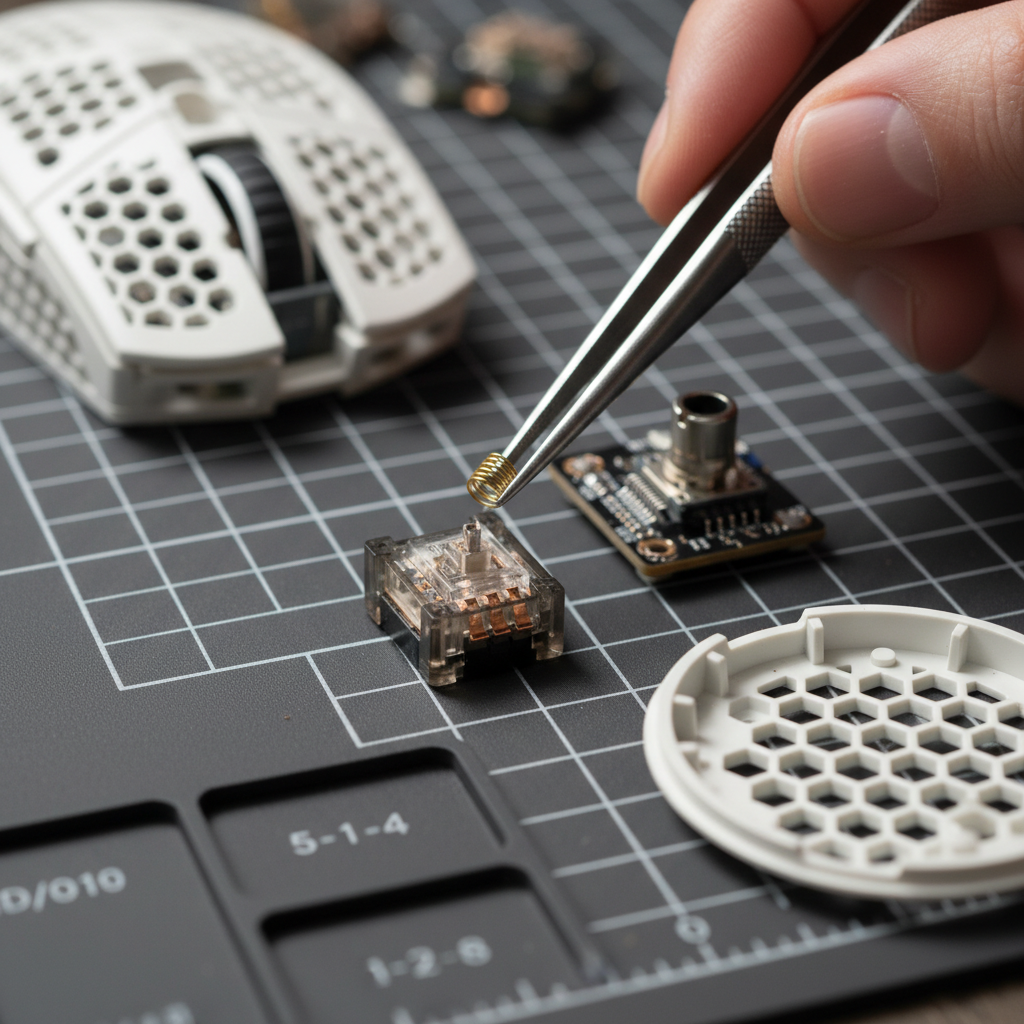
One common mistake we see on our repair bench is the accumulation of "reset drift." As mechanical switches age, the metal leaf spring loses its elasticity, or oxidation builds up on the contact points. This causes the reset point to become inconsistent. Based on common patterns from customer support and warranty handling, this inconsistency is what often causes a player to feel like their "timing is off," even when their physical rhythm remains the same.
Logic Summary: Our analysis assumes that a switch with a 1.0mm reset distance will naturally cap Clicks Per Second (CPS) lower than one with a 0.5mm reset, assuming a constant finger velocity of 150mm/s. This is a kinematic constraint: Time = Distance / Velocity.
Neuromuscular Cues and the "Tactile Bump"
Mastering complex combo timing is rarely just about visual or auditory cues. In high-level play, the brain relies on a feedback loop known as haptic proprioception. High-level players tacitly rely on customized tactile feedback as a critical timing reset.
Why Tactile Feedback Beats Linear for Rapid Inputs
For rapid double-clicking or "mashing" techniques, we have found that a lighter switch (typically 50–60g of force) with a distinct tactile bump is often more effective than a smooth linear switch.
- The Mechanism: The bump provides a physical "confirmation" that the reset has occurred.
- The Benefit: This reduces accidental re-actuations and allows the finger to begin the next downward stroke the instant the reset is felt, rather than waiting for the finger to reach the top of the travel.
The Optical and Hall Effect Advantage
While mechanical switches are the traditional standard, optical and Hall Effect (HE) technologies are redefining the reset floor. Optical switches use a light beam, meaning there is no physical metal contact to "bounce" or oxidize. This inherently provides a more consistent reset point over the lifespan of the device.
However, the current gold standard for fighting games and competitive shooters is the Hall Effect Rapid Trigger. By using magnets to measure the exact position of the switch, the software can set a "dynamic reset" point.

Performance Modeling: Hall Effect vs. Mechanical
To demonstrate the tangible impact of these technologies, we modeled the latency advantage of Hall Effect Rapid Trigger for double-tap techniques compared to traditional mechanical switches.
Modeling Note (Reproducible Parameters)
| Parameter | Value | Unit | Rationale |
|---|---|---|---|
| Mechanical Debounce | 5 | ms | Standard conservative mechanical debounce |
| Reset Distance (Mechanical) | 0.5 | mm | Typical high-performance mechanical switch |
| Reset Distance (Rapid Trigger) | 0.1 | mm | Optimized HE sensor threshold |
| Finger Lift Velocity | 150 | mm/s | Estimated fast finger lift during competition |
| Travel Time | 5 | ms | Baseline actuation travel time |
Calculated Latency Advantage: Under these modeled assumptions, the Hall Effect Rapid Trigger offers a ~8ms latency reduction (specifically ~7.7ms) compared to mechanical switches. In a game running at 60 FPS, one frame is 16.7ms. An 8ms saving effectively doubles your margin for error on a frame-perfect link.
Methodology Note: This is a scenario model based on kinematic reset time (t = d/v) and does not account for variable MCU polling jitter. Actual performance may vary based on specific firmware implementations.
Polling Rates and the Motion Sync Trade-off
Once the physical switch has reset, the data must travel to the PC. This is where polling rates—the frequency at which the device reports to the computer—become vital. Current high-performance devices, such as those featuring 8000Hz (8K) polling, offer a reporting interval of 0.125ms.
The Motion Sync Paradox
Many modern sensors include a feature called Motion Sync, which aligns sensor data with the computer’s USB polling "Start of Frame" (SOF). While this creates a smoother cursor path, it introduces a microscopic delay.
- At 1000Hz: Motion Sync adds ~0.5ms of delay.
- At 8000Hz: Motion Sync adds only ~0.0625ms (half the polling interval).
For the competitive specialist, this sub-millisecond penalty is a worthwhile trade-off for the extreme consistency gain in sensor tracking. However, users should be aware that 8000Hz polling is an IRQ (Interrupt Request) intensive process. To avoid micro-stutters, you must use direct motherboard ports (Rear I/O) rather than USB hubs or front-panel headers, as shared bandwidth can cause packet loss.
Wireless Endurance at High Polling
High polling rates significantly impact battery life. Based on our power profile modeling for a 500mAh battery (90% efficiency) using a Nordic nRF52840 SoC:
- 1000Hz: Typically lasts 100+ hours.
- 4000Hz: Estimated runtime drops to ~24 hours.
- 8000Hz: Battery life is further reduced by approximately 75-80% compared to 1000Hz.
For a tournament weekend, a 24-hour runtime at 4000Hz is usually sufficient to last through multiple full-day sessions without mid-event charging, provided the device is docked overnight.
Practical Tuning: The "Lube Trap" and Firmware Debounce
Beyond hardware selection, how you maintain and configure your gear determines its long-term reliability.
The Over-Lubrication Mistake
A common mistake among enthusiasts is over-lubricating switch stems. While this may temporarily improve the "feel" or sound of a switch, it often leads to performance degradation.
- Dust Attraction: Excess lubricant acts as a magnet for dust and skin cells.
- Inconsistent Reset: The increased viscosity can slow down the spring's return speed, causing inconsistent reset behavior within weeks.
- The Solution: Use lubricant sparingly and only on friction points, or rely on factory-lubed switches designed for high-cycle counts.
Firmware Debounce Tuning
In your device's software (such as the web-based configurator or PC driver), you will often find a "Debounce" setting. This is a software filter that prevents "double-clicking" by ignoring inputs that occur too close together.
- The Pro Tweak: High-level players often manually adjust firmware debounce to the lowest stable value (often 0ms for optical/HE or 1-2ms for high-quality mechanical) to achieve a reset point within 0.2-0.3mm of the actuation point.
- The Risk: Setting this too low on a worn mechanical switch will cause "chatter" (unintended double-clicks).
For further reading on maintaining switch health, see our guide on Consistent Acoustic Profiles for Switches.
Choosing the Right Hardware for Your Genre
Different gaming genres prioritize different actuation characteristics. Selecting the right tool for the job is the first step toward optimization.
| Genre | Recommended Switch Type | Key Metric | Why? |
|---|---|---|---|
| Fighting Games | Hall Effect / Tactile | Reset Distance | Enables rapid, consistent links and double-taps. |
| MOBA / RTS | Light Tactile (50g) | Click Rebound | High CPS (Clicks Per Second) for movement and micro. |
| FPS (Esports) | Optical / Heavy Linear | Latency & Stability | Prevents accidental fire while providing ultra-fast response. |
Devices like the ATTACK SHARK X68MAX HE utilize Hall Effect sensors to allow per-key actuation tuning from 0.1mm to 3.4mm, effectively letting the player "tune" the reset point to their specific neuromuscular rhythm. For those prioritizing ultra-lightweight mouse movement, the ATTACK SHARK G3PRO combines a 62g chassis with Omron micro switches rated for 100 million clicks, ensuring the reset point remains consistent over years of heavy use.
If you are transitioning from traditional mechanical hardware to magnetic sensors, we recommend reading our comparison on Magnetic vs. Mechanical Switches.
Summary of Performance Optimizations
To maximize your combo consistency, follow this technical checklist:
- Prioritize Reset over Actuation: Look for switches with a short "dead zone" between actuation and reset.
- Leverage Hall Effect: Use "Rapid Trigger" technology to eliminate physical hysteresis.
- Optimize Polling: Use 4000Hz or 8000Hz for sub-millisecond reporting, but ensure you use a direct Rear I/O port.
- Manage Debounce: Lower your software debounce settings until you experience chatter, then bump it up by 1ms for the "sweet spot."
- Maintain Cleanliness: Avoid the "lube trap" to keep your return springs fast and predictable.
As noted in the Global Gaming Peripherals Industry Whitepaper (2026), the industry is moving toward a "zero-latency" physical layer where the primary limitation is no longer the hardware, but the human nervous system. By understanding and "riding the reset," you align your physical gear with your internal timing, turning a frustrating dropped link into a consistent victory.
Disclaimer: This article is for informational purposes only. Modifying hardware or firmware may void warranties. Always refer to your device's official User Manual and ensure compliance with local regulations such as FCC Part 15 for radio frequency devices. For battery safety, ensure your devices meet IEC 62133 standards.

Dejar un comentario
Este sitio está protegido por hCaptcha y se aplican la Política de privacidad de hCaptcha y los Términos del servicio.