


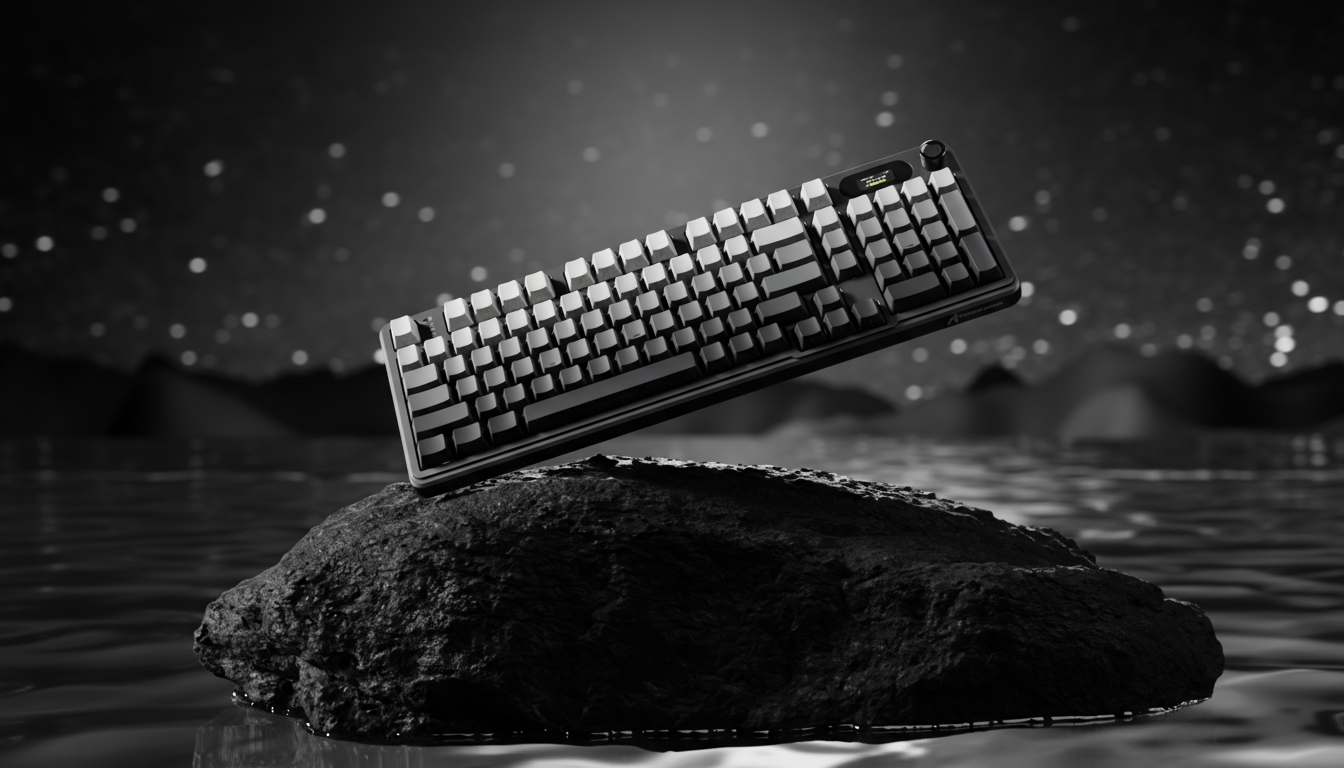
The Evolution of Silent Switches in Competitive Gaming
The pursuit of the "silent" gaming setup has transitioned from a niche modding hobby to a mainstream requirement for streamers, office professionals, and gamers in shared living environments. However, the integration of silent mechanical switches—components designed to dampen the acoustic signature of a keypress—introduces a complex set of physical and psychological variables. While the primary goal is noise reduction, the mechanical modifications required to achieve silence can fundamentally alter the tactile feedback loop and, by extension, a player's execution speed.
The central debate among performance-oriented gamers revolves around "mushiness." This term describes a perceived lack of crispness or a soft bottom-out feel. To determine if this lack of sound impacts reaction times and competitive performance, one must look beyond subjective preference and analyze the underlying mechanics of switch dampening, signal latency, and ergonomic strain.
The Physics of Silence: Dampening and Stem Stability
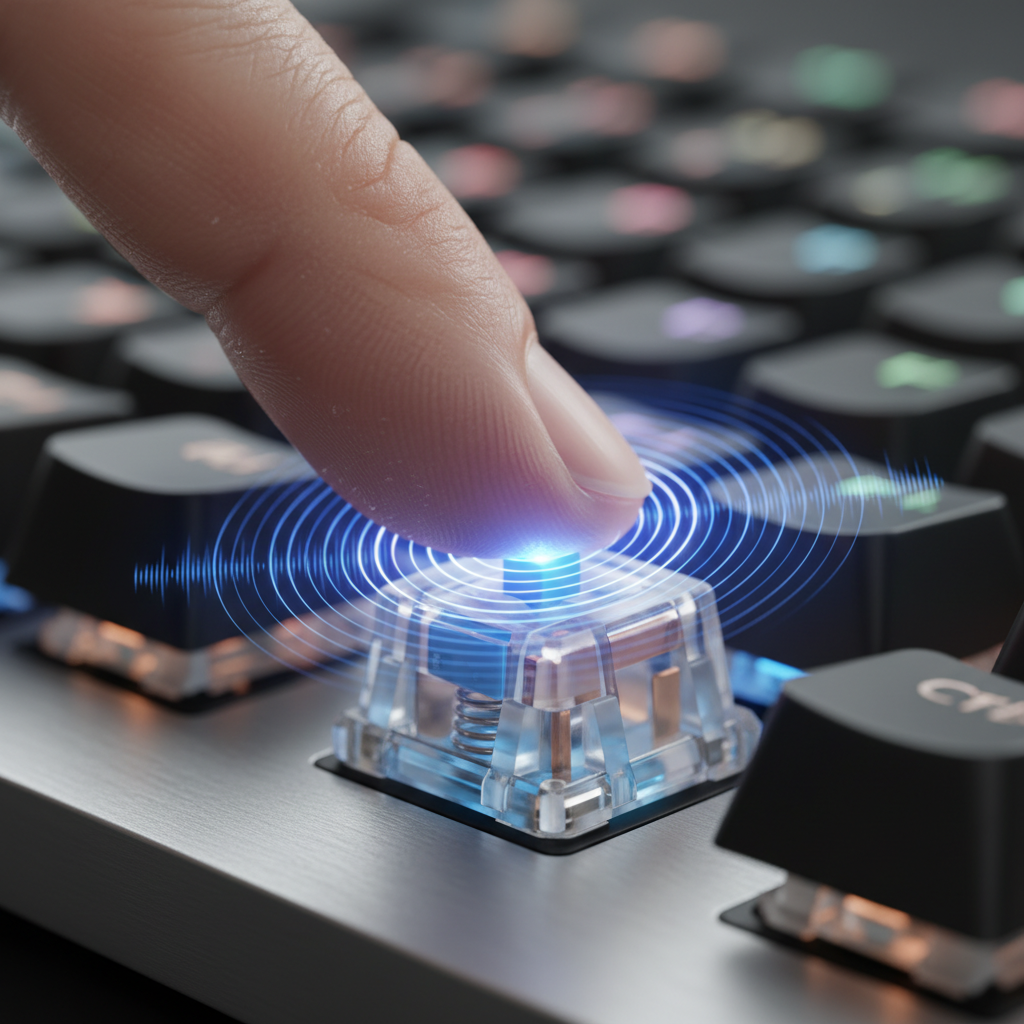
Silent switches achieve their acoustic profile through the addition of internal dampeners, typically made of silicone or soft rubber, located at the top and bottom of the switch stem. These components absorb the impact energy when the switch is fully depressed (bottom-out) and when it returns to its neutral position (top-out).
While effective at reducing decibel levels, this dampening mechanism alters the rigidity of the switch. Our analysis of switch construction indicates that silicone dampeners can create a less rigid stem-to-housing connection. This often leads to increased keycap wobble, as the dampening material provides a "squishy" interface rather than a hard plastic-on-plastic stop.
Table 1: Material Physics and Acoustic Filtering
| Component Layer | Material Physics | Frequency Band Attenuated | Acoustic Result |
|---|---|---|---|
| PC Plate | Low stiffness (E) | Low-pass filter behavior | Shifts fundamental pitch down (deepens sound) |
| Poron Case Foam | Viscoelastic damping | 1 kHz - 2 kHz (mid-highs) | Reduces hollow case ping and resonance |
| Silicone Dampener | Soft Elastomer | High-frequency transients | Eliminates sharp "clack"; introduces "mushy" feel |
This increased wobble introduces variability in the actuation point. During rapid, off-center keypresses—common in high-intensity scenarios like stutter-stepping in FPS titles—the stem may tilt slightly before engaging. This is a quantifiable precision loss that standard travel distance specifications do not capture. Furthermore, the Global Gaming Peripherals Industry Whitepaper (2026) notes that consistency in mechanical travel is a primary pillar of professional-grade hardware.
Quantifying the Performance Gap: Latency and Hysteresis
For the competitive gamer, the most critical metric is the time between the physical intent to press a key and the digital registration of that action. Silent switches can introduce a performance trade-off known as the "mushiness factor," which extends beyond mere feel into the realm of electrical signal registration.
The rubber or silicone dampeners that absorb sound can create hysteresis—a lag between the force applied to the keypress and the switch's electrical signal registration. In some dampened designs, the material compression must reach a certain threshold before the contact leaf or sensor triggers, potentially affecting the timing of rapid taps.
Comparison: Mechanical vs. Hall Effect (HE) Latency
When comparing standard mechanical switches (including silent variants) to modern Hall Effect (magnetic) switches, the latency delta becomes significant. Hall Effect switches utilize magnetic flux sensors to determine the exact position of the stem, allowing for "Rapid Trigger" functionality where the switch resets the instant the finger begins to lift.
- Mechanical Total Latency: ~13ms (Includes ~5ms travel, ~5ms debounce, and ~3.3ms reset time).
- Hall Effect Total Latency: ~6ms (Includes ~5ms travel, ~0.7ms reset, and negligible processing).
- Performance Delta: ~7ms advantage for Hall Effect systems.
Logic Summary: This ~7ms advantage is calculated using kinematic formulas (t = d/v) assuming a finger lift velocity of ~150 mm/s. While a 7ms difference may seem minor, it represents a tangible edge in high-stakes duels where the average human reaction time is approximately 200ms.

The Ergonomic Equation: Strain Index and Large-Hand Personas
The "mushy" feel of silent switches isn't just a performance concern; it carries ergonomic implications, particularly for gamers with larger hands (~20cm or greater). In competitive gaming, players rely on tactile confirmation—the "click" or "thud"—to signal that a keypress was successful. When this feedback is muffled or softened, users often compensate by applying more force than necessary, a phenomenon known as "bottoming out" with excessive pressure.
To quantify this risk, we modeled a scenario involving a competitive gamer with large hands using a claw grip in a high-APM (Actions Per Minute) environment. Using the Moore-Garg Strain Index, a tool for analyzing the risk of distal upper extremity disorders, we found that the increased exertion required for tactile confirmation on mushy switches can lead to a hazardous score.
Modeling Note: Strain Index (SI) for "Mushy" Switches
- Intensity Multiplier: 1.5 (Reflecting increased exertion due to lack of tactile clarity).
- Speed Multiplier: 2.0 (Reflecting fast keypresses in competitive play).
- Resulting SI Score: ~20.
- Risk Category: Hazardous (Scores > 5 are generally considered to indicate increased risk of strain).
Methodology Note: This deterministic scenario model assumes extended daily gaming sessions and moderate wrist deviation. It suggests that for users already prone to "claw cramps," the lack of auditory and tactile feedback in silent switches may exacerbate forearm fatigue.
Acoustic Feedback and Psychological Performance Perception
The relationship between sound and performance is not purely mechanical; it is also psychoacoustic. Sound provides a rhythmic anchor for many players. In games like osu! or fighting games that require precise combo timing, the audible "clack" of a switch acts as a secondary confirmation of execution.
Research into How Keyboard Sounds Improve Focus and Concentration suggests that self-generated audio cues help maintain a rhythmic focus. In high-stress tournament settings, even when wearing noise-canceling headphones, the bone-conduction vibrations of a "thocky" or "clacky" switch provide sensory data that silent switches lack. The absence of these cues can be disorienting, potentially breaking a player's flow state.
The "Thock" vs. "Clack" Threshold
- Thock (< 500 Hz): Deep, muted sounds often achieved with Poron foam and PC plates. Generally preferred for "creamy" typing feel.
- Clack (> 2000 Hz): Sharp, high-frequency sounds often associated with metal plates and long-pole stems. Preferred by some for "crisp" auditory feedback.
- Silence: The removal of these frequency bands, shifting the focus entirely to visual and haptic cues.
Strategic Implementation: The Hybrid Layout Approach
For gamers who must reduce noise but refuse to sacrifice performance, a "Hybrid Layout" is an increasingly popular solution. This involves using different switch types for different keys based on their function and noise contribution.
A common implementation uses silent mechanical switches (such as dampened tactile or linear switches) on the loudest keys—the spacebar, enter key, and modifiers—where stabilizers often create "ping" or "rattle." Meanwhile, the primary alpha keys (W, A, S, D, etc.) utilize standard linear or Hall Effect switches to maintain maximum tactile clarity and speed. This approach, observed in specialized builds like the Womier SK75 TMR, effectively dampens resonance while preserving the performance core of the keyboard.
Optimization Tips for Silent Switches:
- Lubrication: Applying a high-quality lubricant (like Krytox 205g0) to the stem and housing of a silent switch can reduce the friction that contributes to the "scratchy" part of the mushy feel.
- Spring Swapping: Replacing the stock spring with a slightly heavier or "slow-curve" spring can improve the return speed of the dampened stem, mitigating some of the sluggishness.
- Firmware Stability: Ensure your keyboard's firmware is updated to the latest version. For high-performance setups, check for certifications like the ISED Canada Radio Equipment List (REL) or FCC Equipment Authorization to ensure wireless stability if using a tri-mode keyboard.
System Bottlenecks and High Polling Rates
When discussing switch performance, it is essential to consider the rest of the signal chain. A fast switch is only as effective as the keyboard's polling rate. Modern high-performance keyboards are moving toward 8000Hz (8K) polling rates, which reduce the reporting interval from 1.0ms (at 1000Hz) to a near-instant 0.125ms.
However, 8K polling introduces its own set of constraints. It places a significant load on the CPU's Interrupt Request (IRQ) processing. To avoid packet loss, these devices should be plugged directly into the motherboard's rear I/O ports rather than USB hubs or front-panel headers. Furthermore, the visual benefit of an 8K polling rate is most apparent on high-refresh-rate monitors (240Hz+), where the smoother cursor path or key-repeat interval can be visually rendered.
Modeling Transparency and Assumptions
The data presented in this article is based on deterministic scenario modeling designed to highlight performance trade-offs for specific user personas.
| Parameter | Value / Range | Unit | Rationale |
|---|---|---|---|
| Finger Lift Velocity | 150 | mm/s | Fast movement in competitive FPS scenarios |
| Hand Length | 20.5 | cm | 95th percentile male (ANSUR II data) |
| Polling Interval (8K) | 0.125 | ms | Physical law ($T = 1/f$) |
| Mechanical Debounce | 5 | ms | Standard conservative gaming spec |
| Strain Index Threshold | > 5 | Score | ACGIH/OSHA hazardous limit |
Boundary Conditions:
- Latency: Assumes constant finger velocity; actual results vary based on individual muscle twitch speed.
- Ergonomics: The Strain Index is a screening tool, not a medical diagnosis. Individual joint flexibility and pre-existing conditions significantly impact actual injury risk.
- Acoustics: Perceived "mushiness" is subjective and can be influenced by keycap material (PBT vs. ABS) and desk mat thickness.
Summary of Findings
The decision to use silent switches in a competitive environment involves a calculated trade-off. While the noise reduction is substantial, the physical dampening introduces stem wobble and potential latency through hysteresis. For the average gamer, these differences may be negligible. However, for the professional-level player or those with large hands prone to strain, the "mushy" feel can lead to a quantifiable performance penalty and increased physical fatigue.
Ultimately, the goal is to find a balance. Whether through hybrid layouts, specialized modding, or transitioning to Hall Effect technology, the modern gamer has more tools than ever to achieve stealth without sacrificing the split-second reactions required for victory.
Disclaimer: This article is for informational purposes only and does not constitute professional medical, ergonomic, or legal advice. If you are experiencing persistent pain or discomfort while gaming, please consult a qualified healthcare professional or ergonomic specialist.
Sources
- Global Gaming Peripherals Industry Whitepaper (2026)
- How Keyboard Sounds Improve Focus and Concentration (2025 Research)
- Moore, J. S., & Garg, A. (1995). The Strain Index: A proposed method to analyze jobs for risk of distal upper extremity disorders
- Allegro MicroSystems - Hall-Effect Sensor ICs: Principles of Operation
- ISO 9241-410:2008 Ergonomics of human-system interaction -- Part 410: Design criteria for physical input devices

Dejar un comentario
Este sitio está protegido por hCaptcha y se aplican la Política de privacidad de hCaptcha y los Términos del servicio.