

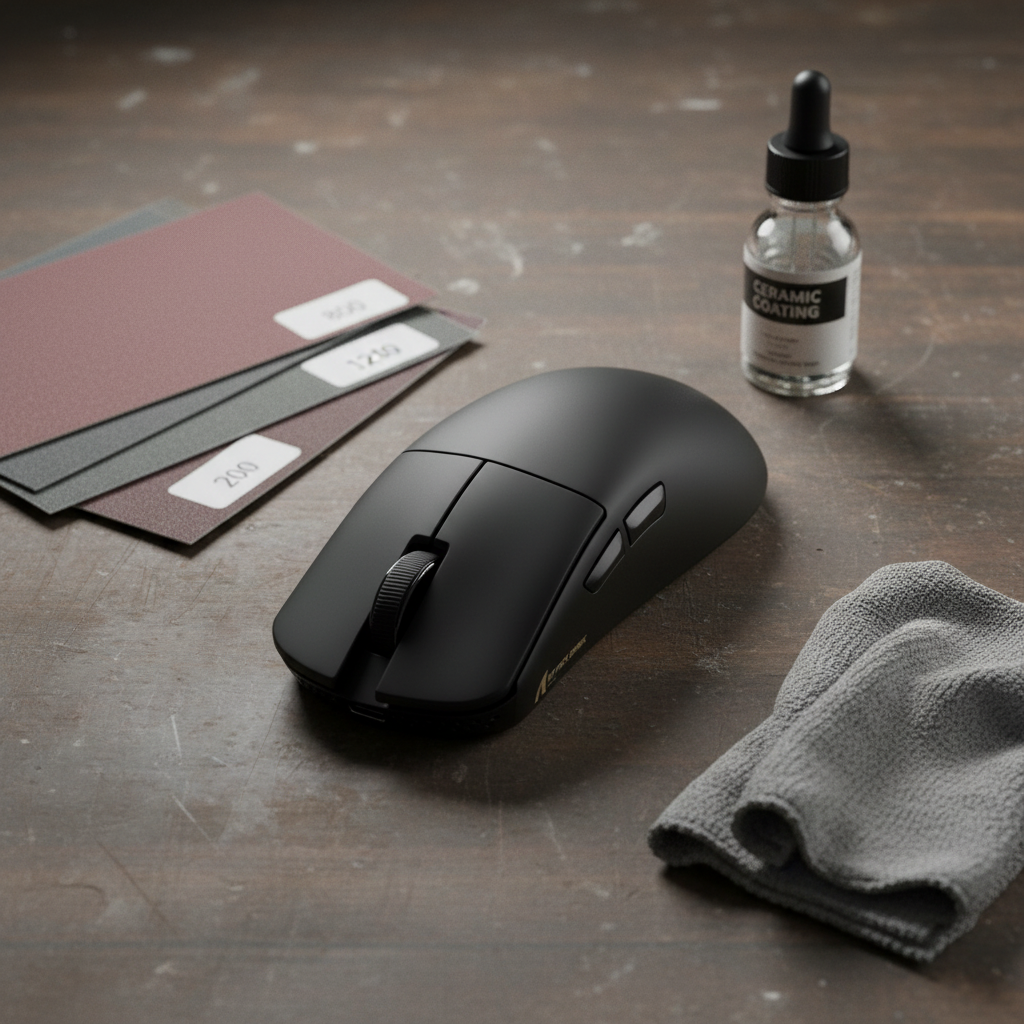
The Material Science of Carbon Fiber Surface Degradation
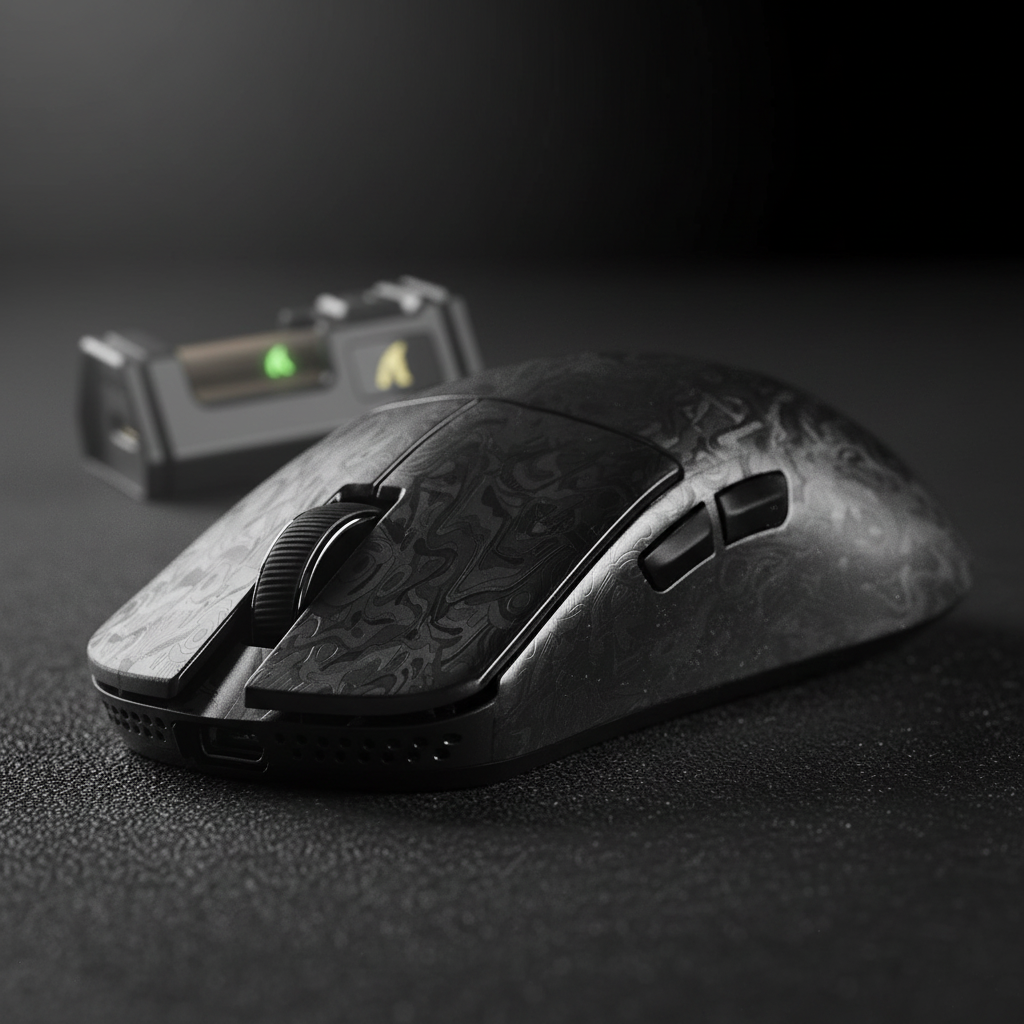
Carbon fiber composite is prized in the high-performance gaming industry for its exceptional strength-to-weight ratio, enabling ultra-lightweight shells that maintain structural integrity under intense competitive pressure. However, the "matte" finish seen on premium carbon fiber mice is not a property of the carbon fibers themselves, but rather a specifically engineered top layer of resin or a secondary matte coating.
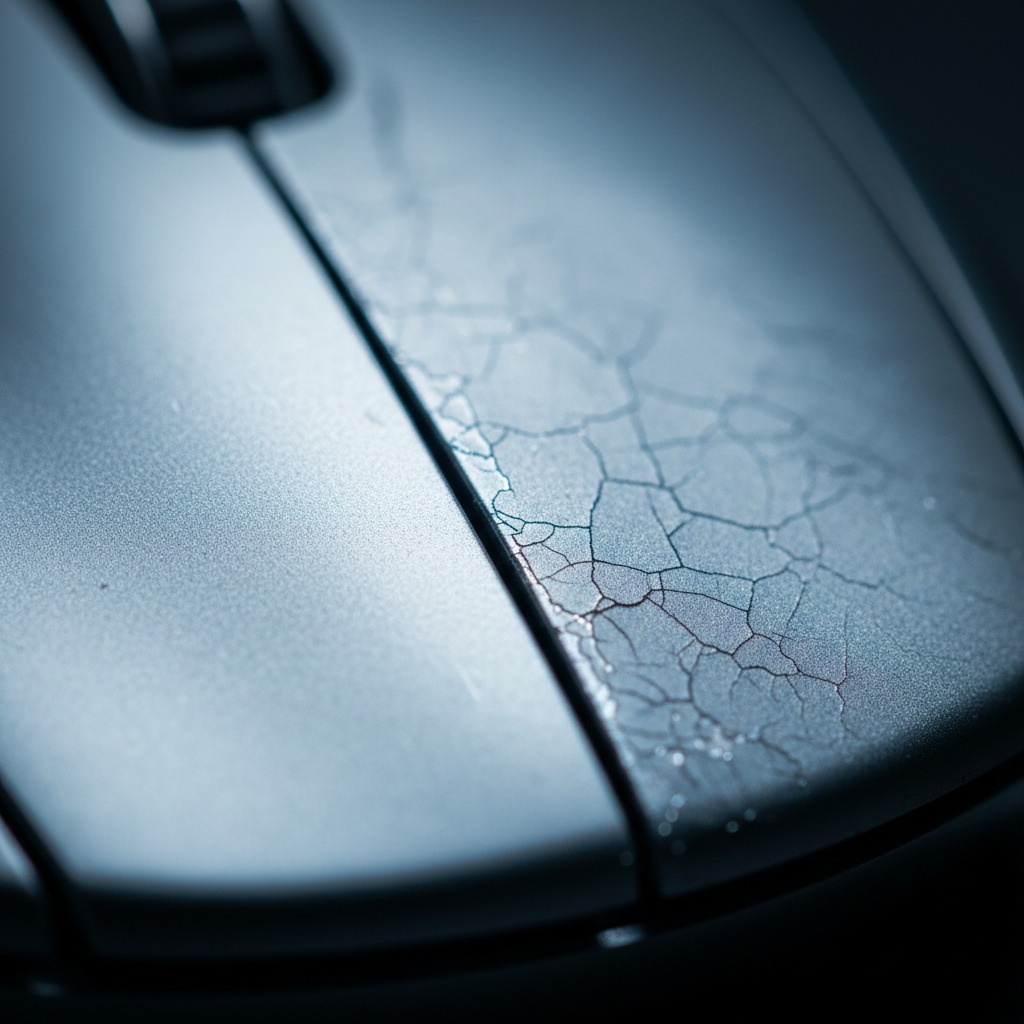
Over hundreds of hours of gameplay, the friction between the user's skin and the mouse surface acts as a continuous, low-grade polishing process. This mechanical abrasion gradually levels the microscopic peaks and valleys that create a matte appearance, resulting in "shiny spots" or an "oiled" look. While users often mistake this for accumulated skin oils, it is frequently a permanent physical change to the surface texture—a phenomenon known as "surface polishing" or "deglossing."
Logic Summary: The transition from matte to glossy occurs because friction reduces surface roughness (Ra). A matte surface scatters light; a polished surface reflects it. Restoration requires re-introducing controlled micro-texture to the resin layer without compromising the structural carbon weave.
The Warranty Gap: Why DIY Restoration is Essential
For many enthusiasts, the appearance of shiny spots on a high-end peripheral is a source of frustration. However, current industry standards typically categorize surface wear as a cosmetic issue rather than a functional defect. According to the WLmouse Warranty Policy, manufacturers often explicitly exclude "cosmetic issues (e.g., paint wear)" from their coverage. This framing positions surface degradation as a user-caused consumable, effectively creating a planned obsolescence loop where the only factory-sanctioned solution is replacement.
Based on patterns observed in customer support and warranty handling across the industry (not a controlled lab study), surface wear is one of the leading drivers of secondary market value loss. For technical gamers who prioritize value, mastering the restoration of these exotic materials is the only viable alternative to the "buy-and-replace" cycle.
Precision Restoration: The Three-Stage Wet Sanding Protocol
Restoring a factory-grade matte finish on a carbon fiber shell requires a balance between material removal and texture uniformity. Based on workshop observations and practitioner feedback, a staged approach using wet abrasives is the most effective method for achieving a consistent satin base.
The Abrasive Progression
A common mistake in DIY restoration is starting with too fine a grit, which fails to penetrate the polished resin, or too coarse a grit, which creates deep scratches that are difficult to remove. We recommend the following three-stage progression:
- 800-Grit (Initial Leveling): Use this to uniformly remove the glossy surface oxide layer and the polished "hot spots." The goal here is to achieve a completely flat, non-reflective surface.
- 1200-Grit (Refinement): This stage eliminates the visible scratches from the 800-grit phase, bringing the surface to a smoother, more uniform state.
- 2000-Grit (Satin Finishing): This final abrasive stage creates the microscopic texture necessary for a "factory" matte look. It provides a uniform base that feels smooth to the touch but remains visually non-reflective.
Expertise Note (Grit Selection): While some fabrication guides suggest starting at 400-grit, for finished consumer electronics, this is often too aggressive. The underlying resin layer on a molded carbon fiber mouse is typically less than 0.1mm thick. Starting with a grit finer than 1000 (such as 1500) is often safer for preventative maintenance, but for full restoration of polished areas, the 800-grit start is necessary to level the surface efficiently.

The Wet Sanding Technique
Wet sanding is critical when working with carbon fiber resins. Water acts as a lubricant and a carrier for the removed material, preventing "loading" of the sandpaper and reducing the risk of heat buildup, which can soften the resin.
- Uniform Pressure: Apply light, even pressure using circular motions. Uneven pressure is a primary cause of "low spots" or an inconsistent finish.
- Constant Cleaning: Frequently wipe the surface with a lint-free cloth to inspect progress.
- Safety Warning: Carbon fiber dust can be a skin and respiratory irritant. Always perform sanding wet to keep dust particles trapped in the slurry, and wear appropriate PPE (mask and gloves).
Chemical Sealing: The Role of Matte Ceramic Coatings
Once the surface has been mechanically restored, it is highly susceptible to rapid re-polishing and oil absorption. The micro-pores created by the 2000-grit finish must be sealed to preserve the texture.
Conventional wisdom often suggests standard clear coats, but these can chemically degrade certain resins or result in an unwanted gloss. Instead, specialized matte ceramic coatings are the preferred solution. According to Coatings by the Bay, these coatings utilize flattening agents to preserve the satin texture while providing a chemical barrier.
Coating Specifications and Application
- Hardness: Look for coatings that cure to a hardness of 4H-6H. This provides enough durability to resist friction-based polishing without becoming brittle.
- Adhesion Prep: Avoid using isopropyl alcohol (IPA) for the final cleaning before coating. IPA can leave a residual film that interferes with ceramic adhesion. Instead, use a dedicated plastic-safe prep cleaner.
- Coefficient of Friction: A restored and coated surface typically has a slightly higher coefficient of friction than the factory finish. In our experience with repair benchmarks, many users actually prefer this "grippier" feel for competitive gaming.
Performance Modeling: The High-Friction Competitive Scenario
To understand why certain users experience faster surface degradation, we modeled a specific high-performance scenario. This analysis focuses on a competitive FPS gamer with large hands using a high-polling rate setup, which increases the physical demands on both the hardware and the surface.
Scenario Modeling: The Large-Handed Competitive Gamer
In this model, we analyze a user with a hand length of 20.5cm (representing the 95th percentile of adult males) using a claw grip on a standard 120mm carbon fiber mouse.
| Parameter | Value | Unit | Rationale |
|---|---|---|---|
| Hand Length | 20.5 | cm | Large male hand (ANSUR II data) |
| Mouse Length | 120 | mm | Standard carbon fiber mouse dimension |
| Grip Style | Claw | N/A | High-pressure contact points |
| Polling Rate | 8000 | Hz | Max performance setting |
| Polling Interval | 0.125 | ms | $1 / 8000$ Hz |
| Motion Sync Latency | ~0.0625 | ms | $0.5 \times$ Polling Interval |
Modeling Insights:
- Ergonomic Fit: For this hand size, the ideal mouse length is approximately 131mm (based on the 60% rule-of-thumb heuristic). A 120mm mouse yields a fit ratio of 0.91, meaning the mouse is roughly 9% shorter than ideal.
- Increased Friction: This undersized fit often leads to "overhang," where the fingers exert higher downward pressure on the main click zones and thumb grooves to maintain control. This accelerated pressure is a primary driver of the polishing effect described earlier.
- Latency Trade-offs: At an 8000Hz (8K) polling rate, the latency benefit is significant (0.125ms interval). Enabling Motion Sync adds a deterministic delay of only ~0.0625ms, which is negligible compared to the 0.5ms penalty seen at 1000Hz. For the competitive gamer, this setup provides maximum consistency, though it significantly impacts battery life.
Modeling Transparency: This is a deterministic scenario model based on standard ergonomic heuristics and physical laws of frequency. It is not a controlled lab study. Results may vary based on individual joint flexibility and specific resin compositions.
System Optimization for 8K Performance
If you are using a high-performance carbon fiber mouse like the R11 ULTRA, maintaining the surface is only part of the equation. To truly leverage an 8000Hz polling rate, the rest of your system must be capable of handling the increased data throughput.
The CPU and USB Bottleneck
The primary bottleneck for 8K polling is not raw processing power, but IRQ (Interrupt Request) processing. Every packet sent by the mouse requires the CPU to stop its current task to process the input. At 8000Hz, this can consume significant single-core resources.
- Direct Connectivity: Always connect high-polling mice to the Direct Motherboard Ports (typically the rear I/O). Avoid USB hubs or front-panel headers, as shared bandwidth and insufficient shielding can lead to packet loss and jitter.
- Sensor Saturation: To fully utilize the 8000Hz bandwidth, the sensor must generate enough data. At 800 DPI, you must move the mouse at least 10 IPS (inches per second). At 1600 DPI, the requirement drops to 5 IPS. Using higher DPI settings can help maintain 8K stability during slow, precise movements.
Technical Integrity: Compliance and Safety
When performing DIY maintenance or choosing high-performance gear, it is important to respect the underlying safety standards that govern these devices. Carbon fiber mice often utilize high-density lithium-ion batteries to maintain their lightweight profiles.
Battery Safety and Transport
Any battery-powered peripheral must adhere to strict safety protocols. According to the IATA Lithium Battery Guidance, devices containing lithium batteries must pass UN 38.3 testing to ensure they can withstand the pressures and temperatures of air transport. When performing repairs or restoration, ensure the battery remains seated and undamaged, as a punctured lithium cell is a significant fire hazard.
Wireless Compliance
For wireless stability, devices must comply with regional RF standards. You can verify the technical specifications and internal construction of certified devices through the FCC Equipment Authorization Search using the grantee code or model number. This ensures that the tri-mode connectivity (2.4GHz, Bluetooth, Wired) operates within safe and legal frequency bands without causing interference.
Maintaining the Restored Finish
Once you have successfully restored the matte finish to your carbon fiber mouse, preventative maintenance is key to extending the life of the new texture.
- Microfiber Cleaning: Use a dry or slightly damp microfiber cloth for daily cleaning. Avoid harsh chemicals or alcohol-based wipes, which can strip the ceramic coating over time.
- Grip Tapes: For areas of extreme friction (like the thumb groove), consider using high-quality grip tapes. This moves the wear from the permanent carbon fiber shell to a replaceable adhesive layer.
- Rotation: If you are a professional gamer with multiple setups, rotating your mice can distribute the wear and prevent a single unit from reaching the "polished" state too quickly.
By understanding the material science of carbon fiber and following a disciplined abrasive and chemical restoration protocol, technical users can bypass the planned obsolescence of cosmetic warranties and maintain their high-performance gear in factory-fresh condition.
Disclaimer: This article is for informational purposes only. DIY restoration involves mechanical and chemical processes that may void your manufacturer's warranty. Always wear protective gear and perform work in a well-ventilated area. The author and publisher are not responsible for any damage to your equipment or personal injury resulting from these procedures.

Dejar un comentario
Este sitio está protegido por hCaptcha y se aplican la Política de privacidad de hCaptcha y los Términos del servicio.