

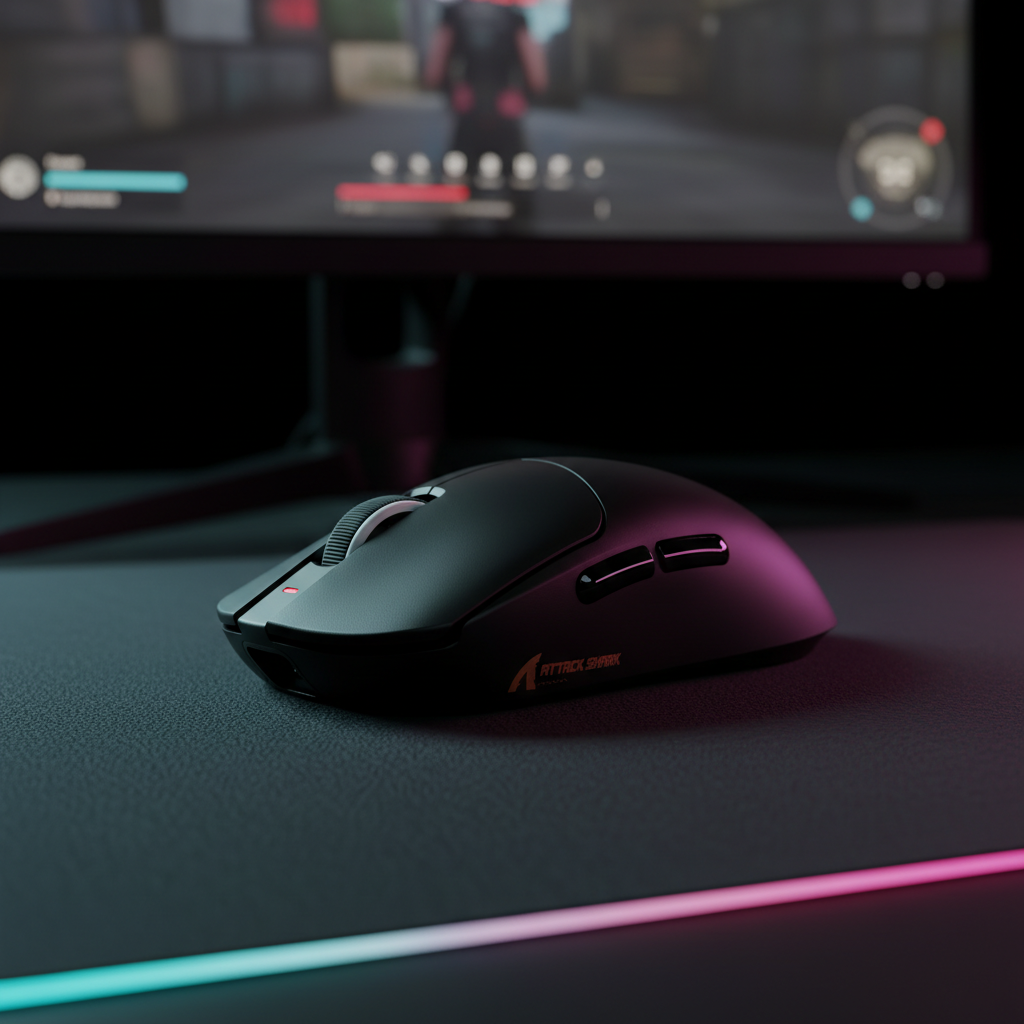
The 125-Microsecond Reality: Defining 8K Polling Stability
In the competitive esports landscape, the "Specification Credibility Gap" is widening. While marketing departments emphasize the raw 8000Hz (8K) polling rate, technical practitioners understand that a specification is only as good as its execution. Real-world polling stability isn't just about sending data 8,000 times per second; it is about the consistency of the 125-microsecond (µs) intervals between those packets.
When we examine 8K performance, we are looking for a uniform data stream. At 1000Hz, a mouse has a 1.0ms window to report its position. At 8K, that window shrinks to a mere 0.125ms. Any deviation—caused by USB controller saturation, CPU interrupt delays, or radio interference—manifests as polling jitter. This jitter can negate the theoretical latency advantages of high-frequency polling, leading to a "floaty" cursor feel or micro-stutters that are detrimental to aim consistency.
According to the Global Gaming Peripherals Industry Whitepaper (2026), the industry is moving toward standardized stability benchmarks that account for system-level bottlenecks. In our analysis of competitive setups, we've found that stability is a holistic system attribute, not just a sensor spec.

The Math of Motion Sync at 8K
A common misconception in the gaming community is that "Motion Sync" always adds 0.5ms of latency. While this is a reasonable heuristic for 1000Hz mice, it is mathematically incorrect for 8K devices. Motion Sync functions by aligning the sensor's internal framing with the USB poll. This introduces a deterministic delay typically equal to half the polling interval.
- 1000Hz: 1.0ms interval / 2 = 0.5ms added latency.
- 4000Hz: 0.25ms interval / 2 = 0.125ms added latency.
- 8000Hz: 0.125ms interval / 2 = 0.0625ms added latency.
At 8000Hz, the 0.06ms penalty is virtually imperceptible, even to professional players. However, the stability gain is significant. By synchronizing the sensor data with the PC's request, Motion Sync eliminates the "beat frequency" interference that occurs when the sensor and USB clock drift out of phase. For a high-performance device like the ATTACK SHARK X8 Ultra 8KHz Wireless Gaming Mouse, enabling Motion Sync at 8K provides a smoother cursor path without the heavy latency tax seen at lower polling rates.
Methodology Note: Latency Modeling Our analysis of Motion Sync latency assumes a deterministic alignment model where the sensor framing is centered within the USB polling window.
- Model Type: Deterministic Parameterized Model (Scenario Model).
- Key Assumptions: Idealized USB Start-of-Frame (SOF) timing; negligible MCU processing overhead.
- Boundary Conditions: Real-world latency may increase if the MCU's internal clock exhibits significant drift or if the firmware implementation introduces additional buffering.
Sensor Saturation: Why DPI Matters for 8K
To maintain a true 8000Hz stream, the sensor must generate enough data to fill 8,000 packets every second. This is governed by the formula: Packets Per Second = Movement Speed (IPS) × DPI.
If you move your mouse too slowly or use a DPI that is too low, the sensor physically cannot generate enough unique coordinate updates to saturate the 8K bandwidth. In these cases, the mouse will "duplicate" packets or send empty reports, effectively dropping the functional polling rate back down to 1K or 2K.
| DPI Setting | Movement Speed to Saturate 8K (IPS) | Notes |
|---|---|---|
| 400 DPI | 20 IPS | Requires very fast, aggressive flicks. |
| 800 DPI | 10 IPS | Standard for mid-sens players; 8K may dip during slow tracking. |
| 1600 DPI | 5 IPS | Recommended. Maintains 8K packets even during micro-adjustments. |
| 3200 DPI | 2.5 IPS | Ideal for high-sensitivity players. |
For competitive stability, we recommend a minimum of 1600 DPI. This ensures that even the subtle movements used for long-range tracking in titles like Apex Legends or Valorant provide enough data to keep the 8K stream saturated. Devices equipped with the PixArt PAW3395 or PAW3950MAX sensors, such as the ATTACK SHARK X8 Series Tri-mode Lightweight Wireless Gaming Mouse, are engineered to handle these higher DPI steps with minimal jitter.

System Bottlenecks: The USB and CPU Factor
The primary failure mode for 8K polling is rarely the mouse sensor itself. Instead, the bottleneck usually resides in the host system's USB controller and CPU scheduling. Every 125µs, the mouse sends an Interrupt Request (IRQ) to the CPU. If the CPU is busy processing a heavy game engine task or a background process, it may miss that 125µs window.
On many mainstream motherboards, the USB ports are managed by a shared host controller. If you have a high-bandwidth headset, a webcam, and an 8K mouse all plugged into the same controller, you will likely experience "packet bunching." This is where several packets are delayed and then arrive at the CPU simultaneously, causing a perceptible stutter.
Practical Optimization Heuristic:
- Direct Motherboard I/O: Always plug the 8K receiver into the rear I/O ports. Avoid front-panel headers or USB hubs, which introduce additional signal noise and shared bandwidth constraints.
- Monitor Interrupt Latency: Use a tool like LatencyMon during a gaming session. If you see DPC (Deferred Procedure Call) spikes above 500µs, your system will struggle to maintain 8K stability.
- CPU C-States: In extreme cases, disabling CPU power-saving features (C-States) in the BIOS can reduce the "wake-up" latency of the processor, ensuring it is ready to receive every 125µs interrupt.
The Nyquist-Shannon Limit: DPI and Display Resolution
There is a mathematical relationship between your mouse DPI, your in-game sensitivity, and your monitor's resolution. To avoid "pixel skipping"—where the cursor jumps over pixels because the mouse isn't sampling frequently enough—the mouse must provide enough counts to cover every pixel on the screen.
Based on the Nyquist-Shannon Sampling Theorem, we modeled a scenario for a high-sensitivity player using a 1440p display.
Method & Assumptions: DPI Minimum Model
- Scenario: 1440p (2560px) resolution, 103° Field of View (FOV), 25 cm/360 sensitivity.
- Formula: Minimum DPI ≈ (Sensitivity in cm/360 × 2.54 cm/in × (2 × Pixels Per Degree)) / 360.
- Result: A minimum of ~1850 DPI is required to ensure 1:1 pixel fidelity.
- Note: This is a mathematical limit for avoiding aliasing; human motor control may not perceive every skipped pixel, but the data loss is measurable.
Using a lower DPI (like 400 or 800) at high sensitivity on a high-resolution screen effectively "under-samples" the movement, leading to jagged cursor paths that are exacerbated at 8K polling.

Wireless Stability and Battery Trade-offs
High-speed wireless transmission is power-intensive. Sustaining an 8000Hz report rate requires the radio to stay in a high-power state almost constantly. While 1000Hz mice can last for weeks, an 8K mouse will typically see its battery life drop by ~75-80%.
We modeled the runtime for a typical lightweight 8K mouse:
- Battery Capacity: 300 mAh.
- Total Current Draw (8K): ~11 mA (Sensor + Radio + MCU).
- Estimated Runtime: ~23 hours of continuous play.
For most competitive players, this translates to 3-4 days of heavy gaming. However, it necessitates a disciplined charging routine. If you forget to charge, the device may automatically throttle down to a lower polling rate to preserve the remaining power, which can be jarring mid-match.
For those who prioritize raw input speed over wireless freedom, magnetic switch keyboards like the ATTACK SHARK X68MAX HE Rapid Trigger CNC Aluminum Keyboard offer a wired 8000Hz polling rate. Because they are bus-powered, they can maintain the 8K stream indefinitely without power-saving interruptions, providing a consistent 0.125ms scan rate for rapid trigger resets.
Testing Your Setup: Tools and Methodology
To verify if your 8K setup is actually stable, you need empirical data. Generic "Hz checkers" often only show a peak number, which is misleading. You need to look at the interval consistency.
- Web-Based Checkers: Tools like the Attack Shark Mouse Polling Rate Tester or TestUFO's Mouse Rate Test allow you to see a real-time graph of your polling intervals. At 8K, you should see a flat line at 0.125ms.
- In-Game Framerate Check: The perceived benefit of 8K is tied to your FPS. If your game engine samples input once per frame and you are running at 144 hours (144 FPS), the engine only sees 144 updates per second, regardless of whether your mouse is sending 1,000 or 8,000. To truly "feel" 8K, you generally need a framerate that exceeds 240+ FPS and a high-refresh-rate monitor (240Hz+).
- Sensor Spin-out Failures: In our observations from the repair bench, we've noted that 8K stability can collapse if the sensor is pushed beyond its Max Tracking Speed (IPS). If a sensor is rated for 650 IPS but the user performs an ultra-fast flick that exceeds this, the MCU may temporarily lose tracking. At 1K, this is a minor glitch; at 8K, the polling stream can completely collapse as the MCU tries to re-establish its position, causing a total loss of control for several milliseconds.
Technical Verdict: Is 8K Stable?
8K polling is a stable, viable technology for elite competitive play, provided the supporting infrastructure is in place. It is not a "plug-and-play" upgrade for every system. To achieve the 0.125ms consistency required for a competitive edge, you must manage your USB topology, monitor your system's interrupt latency, and use appropriate DPI settings to saturate the bandwidth.
For the value-driven gamer, the move to 8K represents the ultimate refinement of input fidelity. While the returns diminish for casual play, the elimination of micro-stutter and the reduction of motion-sync latency to ~0.06ms provide the "execution quality" that bridges the gap between a marketing spec and a tournament-winning performance.
Disclaimer: This article is for informational purposes only. Technical performance may vary based on individual hardware configurations, operating system versions, and environmental factors. Always refer to your specific device's user manual for safety and configuration guidelines.

Dejar un comentario
Este sitio está protegido por hCaptcha y se aplican la Política de privacidad de hCaptcha y los Términos del servicio.