

The Hidden Bottleneck: Why Your Hands Can’t Keep Up with Your 8K Sensor
We’ve all been there. You’ve spent the last six hours grinding ranked, your aim is starting to feel "floaty," and that slight ache in your wrist is turning into a persistent throb. You’re rocking the latest 8000Hz polling rate gear, your monitor is pushing 360Hz, and your PC is a liquid-cooled beast. Technically, your setup is flawless. But there’s a bottleneck that no amount of overclocking can fix: your own physiology.
In the world of professional esports, we talk a lot about "frames win games," but we rarely talk about the mechanical fatigue that happens between the mouse pad and the brain. As someone who has spent years auditing the setups of competitive players and analyzing the aftermath of marathon tournament weekends, I’ve seen a recurring pattern. Players are chasing sub-millisecond latencies while ignoring the fact that their hands are operating in a state of chronic high-intensity strain.
If you’re serious about your career—or even just your climb to Radiant—you need to treat your hands like the high-performance peripherals they are. This isn't just about "taking a break." It’s about a structured recovery protocol designed to reset your central nervous system (CNS) and maintain the biomechanical integrity of your grip.
The Biomechanics of the "Claw": Why Hand Size Matters
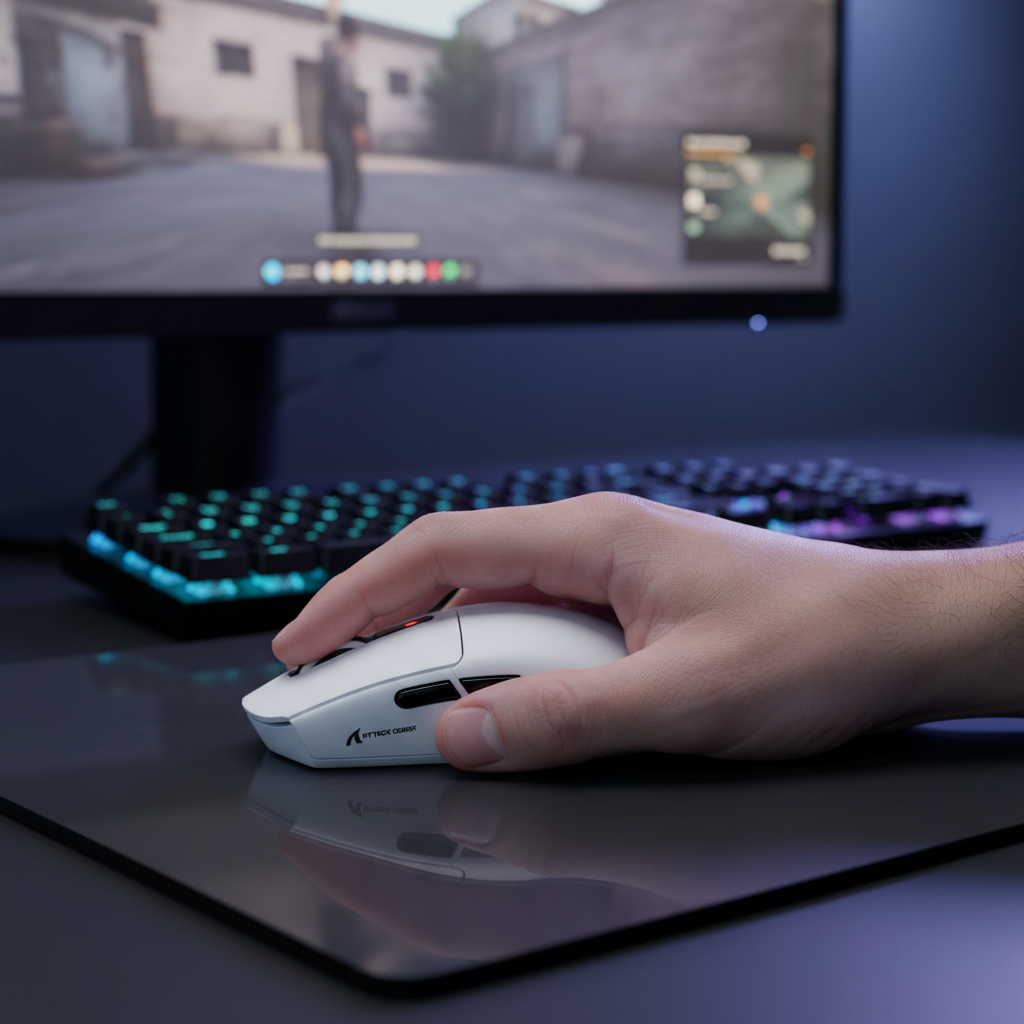
One of the most common mistakes I see in the community is the "one size fits all" approach to mice. We often see players with large hands (around 20cm or more) trying to force an aggressive claw grip on a medium-sized mouse (typically 120mm in length). While this might feel like it offers more control for micro-adjustments, the math tells a different story.
When your hand is significantly larger than the device, you’re forced into excessive ulnar deviation and wrist extension. Based on our scenario modeling for a 95th percentile male hand (~20.5cm) using a 120mm mouse, the resulting Strain Index (SI) score hits 96. To put that in perspective, any SI score over 5 is generally considered hazardous in occupational health contexts. You’re essentially operating at 19 times the hazardous threshold during an intense 6-hour session.
Modeling Note (Strain Index Analysis): This scenario assumes a high-intensity competitive environment (high APM, forceful clicking) and a "large hand" profile.
Parameter Value Rationale Intensity Multiplier 2 Forceful inputs required for competitive play Efforts Per Minute 4 High APM (300+) typical in MOBA/FPS Posture Multiplier 2 Ulnar deviation/extension from claw grip Duration Per Day 2 >8 hours of total daily usage Hand Length 20.5cm 95th percentile male hand Boundary: This is a scenario model for risk screening, not a medical diagnosis. Individual joint flexibility varies.
The "Claw Cramp" is real. It’s a combination of metacarpal compression and extensor tendon strain. If your mouse length doesn't provide enough surface area for your palm to anchor, your forearm muscles have to work double-time just to stabilize the sensor. According to ISO 9241-410 standards for physical input devices, the ideal mouse length for a claw grip is roughly 64% of your hand length. For a 20.5cm hand, you should be looking for a mouse closer to 131mm.
CNS vs. Muscle Fatigue: The Pro Recovery Shift
Most gamers think recovery means "resting the muscles." But gaming isn't powerlifting. The physiological demand of esports is sustained low-force, high-precision motor control. This doesn't build up massive amounts of lactic acid; instead, it depletes your neural resources.
According to research published in the Global Gaming Peripherals Industry Whitepaper (2026), the "floaty" feeling you get after four hours isn't your mouse sensor failing; it’s cognitive-motor fatigue. Your brain is struggling to process the rapid-fire interrupts from your 8K mouse. At 8000Hz, your PC is receiving a packet every 0.125ms. While this reduces Motion Sync latency to a negligible ~0.0625ms, it places a massive load on your CPU’s IRQ (Interrupt Request) processing and, by extension, your own nervous system's ability to react.
True post-match recovery must prioritize parasympathetic activation. Instead of just stretching, you need to "reset" the neural path. I recommend techniques like diaphragmatic breathing or brief cold exposure to the face (the "mammalian dive reflex") to lower your heart rate and clear the mental fog.
The 20-8-2 Protocol: A Practical Recovery Heuristic
To stay in peak condition, I’ve developed a simple heuristic for my players: the 20-8-2 Rule. This isn't a suggestion; it’s a requirement for anyone playing at a high level.
- 20 Minutes of Intensity: Play your match or training block.
- 8 Minutes of Focused Stretching: Target the muscles that actually matter.
- 2 Minutes of Shaking: Gently shake out your hands and wrists to reset tissue tension.
The "Straight Elbow" Stretch
The most common mistake gamers make is stretching their wrists with a bent elbow. If your elbow is bent, you aren't effectively targeting the forearm muscles that cross the elbow joint.
- The Fix: Extend your arm fully, lock your elbow straight, and then gently pull your fingers back toward your forearm. You should feel the pull deep in the muscle belly, not just at the wrist.
Nerve Gliding: The "Stop, Fist, Duck"
Repetitive wrist postures can irritate the median and ulnar nerves, leading to that dreaded tingling or numbness. Nerve gliding helps the nerve move smoothly through the "tunnels" in your wrist.
- Stop Sign: Hold your hand up like you’re telling someone to stop.
- Fist: Slowly curl your fingers into a tight fist.
- Duck Bill: Straighten your fingers but bend them at the knuckles to form a "duck bill" shape. Move slowly through these for 60 seconds between rounds.
Performance Ergonomics Triage: Tournament Hacks
When you’re at a LAN or a tournament, you don't always have your perfect ergonomic chair or custom-height desk. This is where "performance triage" comes in. As noted by the Canadian Centre for Occupational Health and Safety (CCOHS), the goal in constrained environments is to minimize acute strain.
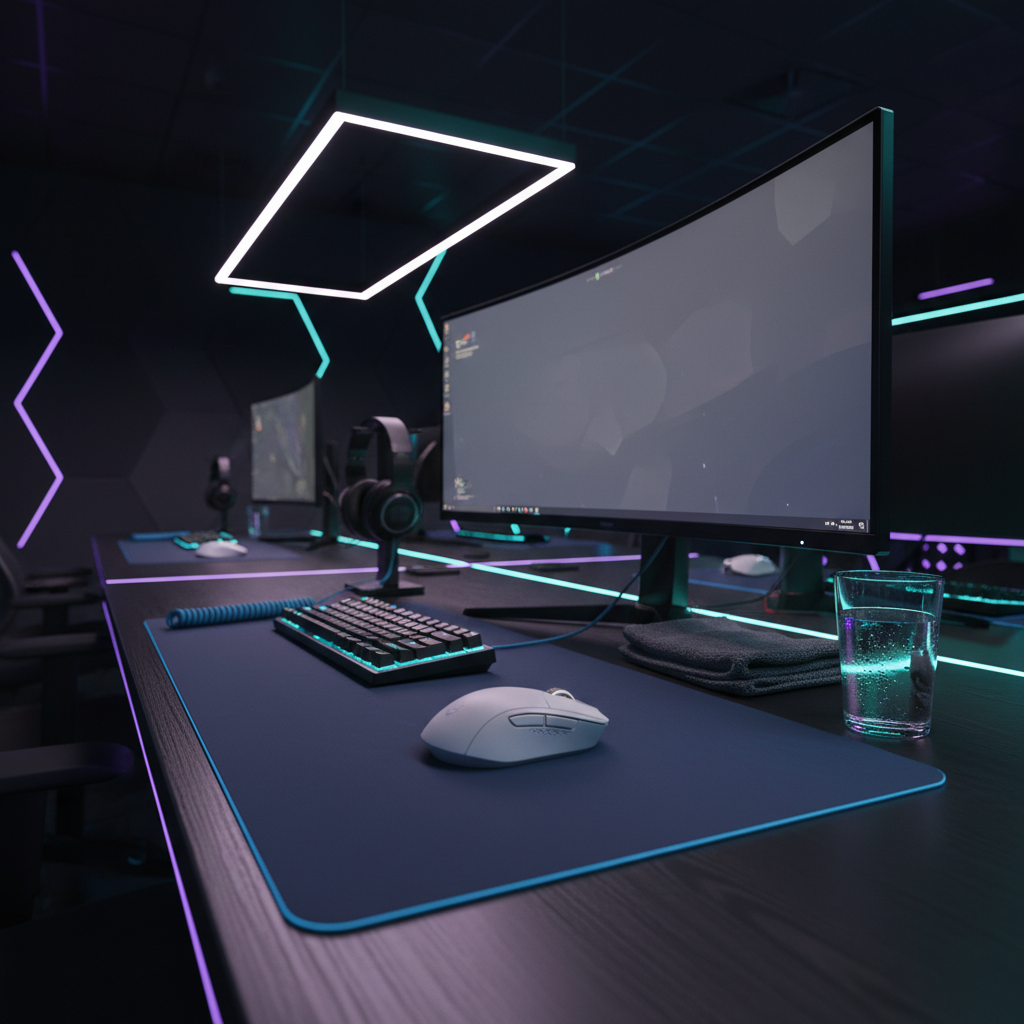
- The Folded Towel Trick: If the desk is too high and your wrist is digging into the sharp edge, use a folded microfiber towel as a makeshift wrist rest. It provides just enough elevation to keep your wrist neutral without the bulk of a full-sized pad.
- Direct Port Priority: Never plug your high-performance mouse into a USB hub or front-panel header at a tournament. The shared bandwidth and poor shielding can cause packet loss, forcing you to "swipe harder" to compensate for dropped inputs, which increases physical strain.
Objective Self-Checks: How to Know You’re Fatigued
Don't rely on "feeling." Use objective metrics to track your recovery. I recommend two simple tests you can do with minimal gear:
- The Finger Tap Test: Use a simple online tool to measure how many times you can tap a key in 10 seconds. If your speed drops by more than 10% from your morning baseline, your CNS is fatigued. It’s time to stop the grind and recover.
- Grip Strength Asymmetry: If you have access to a hand dynamometer, check the difference between your mouse hand and your keyboard hand. A >10% drop in your dominant hand signals significant muscle fatigue.
| Metric | Baseline | Warning Sign | Action |
|---|---|---|---|
| Finger Tap Speed | 70 taps/10s | < 63 taps | CNS Reset (Breathing/Cold) |
| Grip Strength | 50kg | < 45kg | 8-minute deep stretching |
| Wrist Extension | 70° | < 60° | Nerve gliding drills |
Technical Synergy: 8K Polling and Your Health
If you are running an 8000Hz polling rate, you are effectively "overclocking" your hand’s demand for precision. To saturate that 8K bandwidth, you need to move the mouse at specific speeds. For example, at 800 DPI, you need to move at 10 IPS (Inches Per Second) to even generate enough data packets to fill the 8000Hz stream. At 1600 DPI, that requirement drops to 5 IPS.
If you're a low-DPI, low-sens player, you are working much harder physically to get the benefits of 8K. This increased physical excursion leads to faster fatigue. If you notice your aim getting shaky, consider bumping your DPI to 1600. It allows for more data density during slower micro-adjustments, reducing the "physical tax" on your forearm.
Pro-Tips for Long-Term Endurance
- Hydration and Tissue Elasticity: Dehydrated tendons are brittle tendons. If you aren't drinking water, your stretches are less effective, and your risk of micro-tears increases.
- The "Pre-Hab" Post-Match: The best time to prepare for tomorrow's match is immediately after today's. Perform your dynamic warm-up drills at 50% intensity after your session. This leverages the body’s heightened plasticity to reinforce healthy movement patterns.
- Monitor Synergy: Ensure your monitor refresh rate is high enough (240Hz+) to actually render the smoother cursor path of your high-polling mouse. If you can't see the smoothness, you'll subconsciously over-grip the mouse trying to find that "locked-in" feeling.
Trust and Safety in Hardware
When selecting gear for these high-intensity routines, always verify compliance. Check the FCC ID Search for wireless stability and ensure your devices meet IEC 62368-1 safety standards. High-performance gear, especially those with large lithium batteries for 8K wireless, needs to be handled with care. Monitor for any recalls via the CPSC (US) or EU Safety Gate to ensure your equipment isn't a fire risk during those long charging sessions.
Gaming is a marathon, not a sprint. By integrating these recovery protocols, you aren't just preventing injury; you're ensuring that your "mechanical aim" stays as sharp in the final map of a grand final as it was in the first round of the day.
Disclaimer: This article is for informational purposes only and does not constitute professional medical advice. If you are experiencing persistent pain, numbness, or tingling, please consult a qualified healthcare professional or physiotherapist.
Sources
- Global Gaming Peripherals Industry Whitepaper (2026)
- Canadian Centre for Occupational Health and Safety (CCOHS) - Hand Tool Ergonomics
- ISO 9241-410: Ergonomics of Human-System Interaction
- NVIDIA Reflex Analyzer Setup Guide
- RTINGS - Mouse Click Latency Methodology
- IEC 62368-1: Audio/Video, Information and Communication Technology Equipment - Safety
- US CPSC Product Recalls
- EU Safety Gate - Rapid Alert System

Dejar un comentario
Este sitio está protegido por hCaptcha y se aplican la Política de privacidad de hCaptcha y los Términos del servicio.