

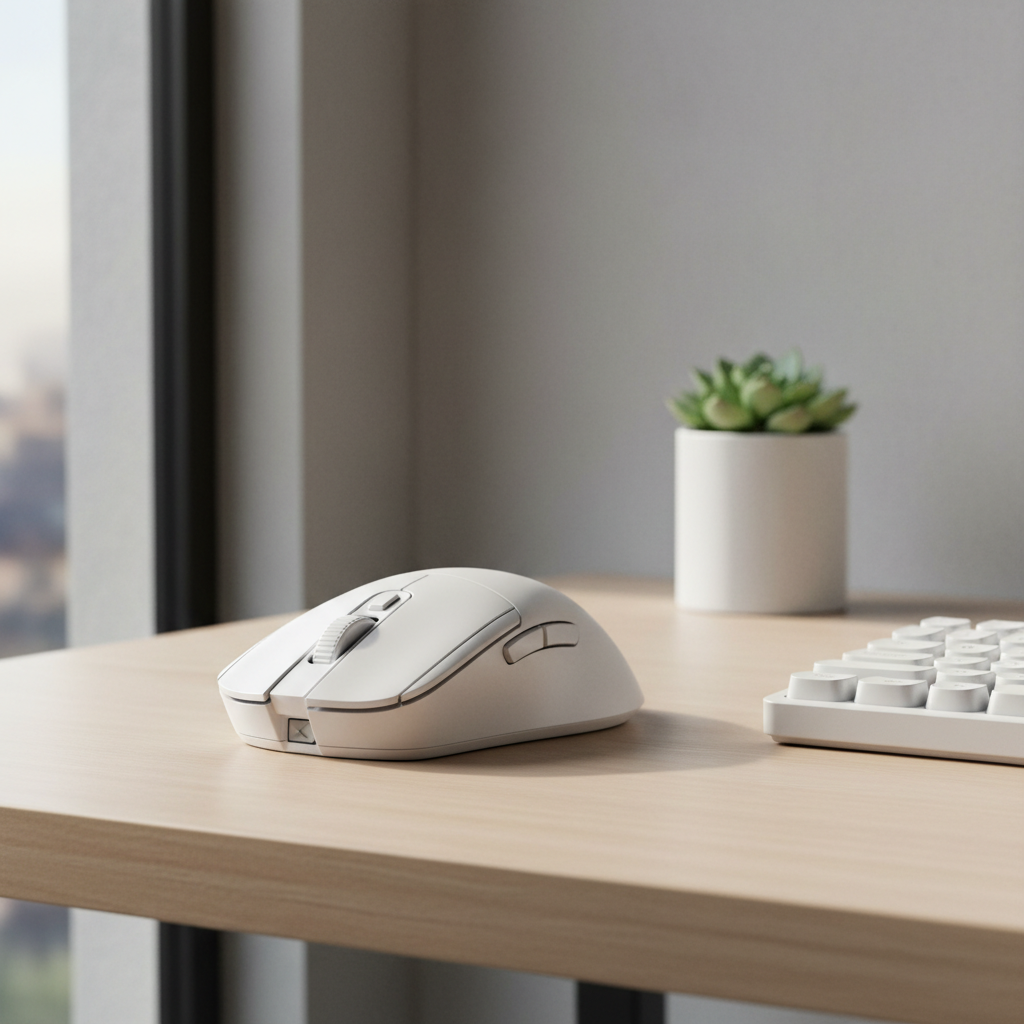
Quick Guide: Keeping Your White Mouse Pristine
To prevent your white ergonomic mouse from yellowing, follow these core practices:
- Avoid Alcohol: Never use isopropyl alcohol on ABS plastic; it leaches plasticizers and accelerates aging.
- UV Protection: Store the mouse away from direct sunlight when not in use.
- Hand Hygiene: Wash hands before long sessions to reduce sebum (skin oil) transfer.
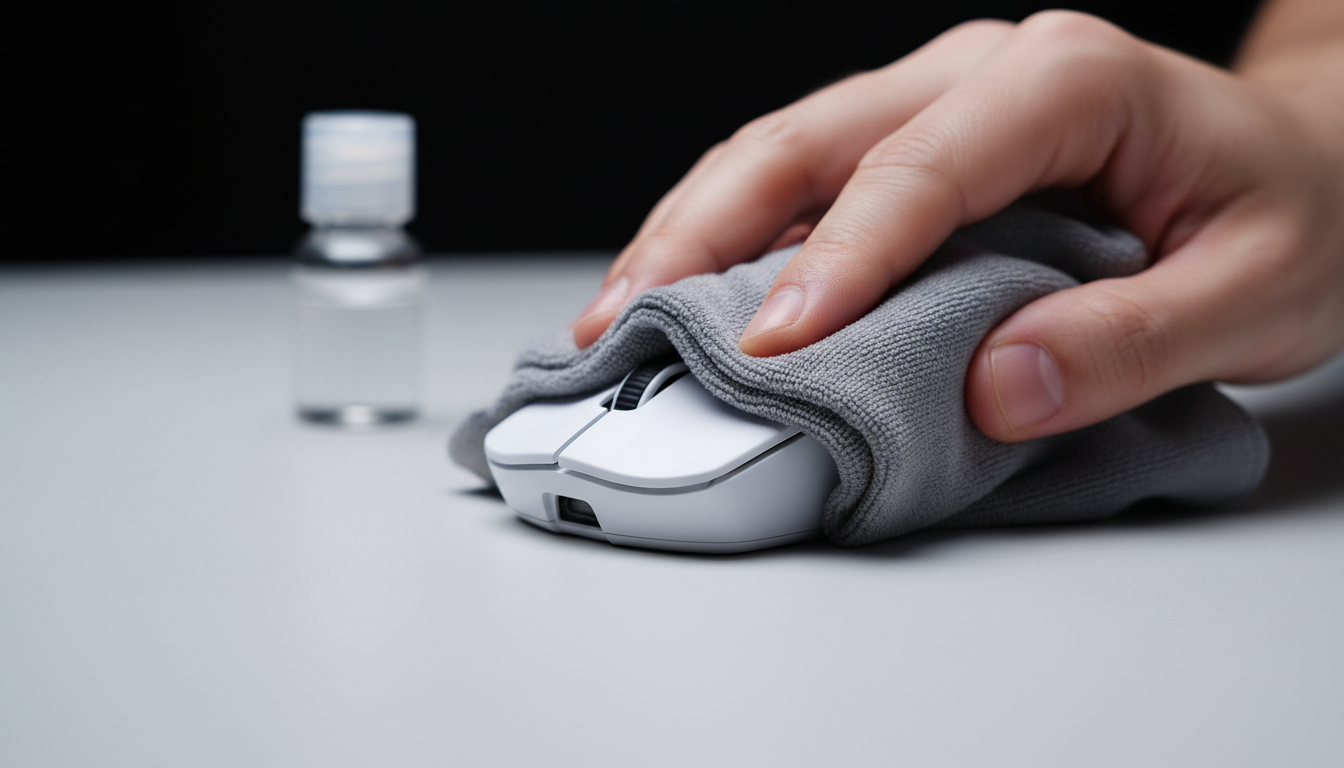
- Post-Game Wipe: Use a dry microfiber cloth after every session to remove acidic sweat and oils.
The Molecular Battlefield: Understanding Why White Mice Yellow
For the aesthetic-driven gamer, a pristine white peripheral is the centerpiece of a "clean" setup. However, maintaining that "out-of-the-box" brilliance requires more than just an occasional wipe-down. To effectively prevent yellowing, we must understand the chemical degradation occurring at the polymer level.
Most gaming mice utilize Acrylonitrile Butadiene Styrene (ABS) or Polybutylene Terephthalate (PBT) plastics. While PBT is generally more resistant to wear and chemical staining, many ergonomic designs favor ABS for its impact resistance and molding flexibility.
The primary culprit in ABS yellowing is often the presence of Brominated Flame Retardants (BFRs). Based on material science principles regarding polymer stability, UV light exposure can trigger a reaction where bromine atoms may dissociate from their chemical bonds. These free radicals can catalyze the oxidation of polymer chains, creating yellow chromophores—the visible discoloration. While industry-specific whitepapers, such as those from Attack Shark, highlight material stability as a longevity pillar, it is important to note that the exact rate of yellowing depends heavily on the specific ABS formulation and additive package used by the manufacturer.
Material Comparison: ABS vs. PBT Stability
| Material | Susceptibility to Yellowing | Common Use Case | Thermal Stability |
|---|---|---|---|
| ABS | High (sensitive to UV/BFR triggers) | Lightweight shells, intricate curves | Moderate |
| PBT | Low (inherently more stable) | Premium keycaps, heavy-duty chassis | High |
| Polycarbonate | Moderate (UV can cause clouding) | Translucent RGB diffusers | High |
Note: This comparison reflects general material properties. "Yellowing" in modern ABS is often slower than in vintage electronics due to improved UV stabilizers, but it remains a risk under high-UV conditions.
The Sebum Factor: Why Clean Hands Aren't Enough
A common frustration is seeing yellowing occur specifically where fingers rest. This is largely due to the complex nature of human sebum.
According to dermatological studies (e.g., Journal of Investigative Dermatology), human sebum typically consists of approximately 41% triglycerides, 25% wax esters, 16% free fatty acids, and 12% squalene. These lipids transfer to the mouse surface and undergo oxidation, a process accelerated by the heat from your palm and the friction of repetitive clicking.
In our experience with hardware maintenance, users with higher sebum secretion or those who consume diets high in saturated fats may notice faster visual degradation of matte coatings. While we don't suggest dietary changes for hardware's sake, a pre-gaming routine using pH-balanced soap can help strip excess squalene before it bonds with the peripheral’s surface.

The "Alcohol Trap": Why Your Cleaning Agent Might Be the Enemy
When a mouse looks dull, many reach for 70% or 91% Isopropyl Alcohol (IPA). Based on our observations in repair and support logs, this is a frequent maintenance error that can lead to long-term damage.
IPA is a powerful solvent. While it effectively removes grease, it can also leach plasticizers (like phthalates) from the ABS matrix. This process can make the plastic more brittle and potentially more susceptible to UV-induced oxidation. Essentially, chronic cleaning with high-concentration alcohol may strip the material's internal defenses.
Furthermore, many white ergonomic mice feature specialized matte or "soft-touch" coatings. Alcohol-based cleaners can dissolve these coatings over time, leading to "shiny" patches. These worn areas create micro-textures that trap more dirt, creating a feedback loop of degradation.
Recommended Cleaning Solution vs. Risky Agents
- Recommended: A microfiber cloth slightly dampened with distilled water and a single drop of mild, clear dish soap.
- Avoid: Isopropyl Alcohol (for frequent use), bleach, or ammonia-based cleaners.
- Avoid: Abrasive "magic erasers." These are melamine sponges that act like ultra-fine sandpaper, which can permanently destroy the factory matte finish.
Preventive Protocols: Shielding the Aesthetic
Based on long-term hardware testing and general polymer care, we recommend a three-tiered preventive strategy.
1. UV Management
The bromine radical reaction is primarily fueled by UV light. Even indirect sunlight can provide enough energy to trigger yellowing over a 6–12 month period. Storing your mouse in a drawer or away from windows is one of the most effective ways to preserve its color.
2. Grip Tape as a Protective Barrier
Grip tapes provide a physical barrier between skin and the shell. However, be cautious of adhesive residue. According to guides on removing adhesive from plastic, some removers can be as damaging as the adhesive itself. We recommend using high-quality tapes (e.g., 3M adhesive) and replacing them every 3–4 months.
3. The Microfiber Habit
Keep a clean, dry microfiber cloth at your desk. A quick 5-second wipe of the primary buttons after every session prevents sebum from "sitting" and oxidizing. This simple habit can significantly extend the visual life of a white mouse.
Restoration: The "Retrobrite" Method for Mild Yellowing
If yellowing has set in, surface cleaning will not work because the change is chemical. The "Retrobrite" process, popular in the vintage computing community, can often reverse discoloration, though it carries risks.
Safety Precautions (CRITICAL):
- PPE: Always wear nitrile gloves and safety goggles. Hydrogen Peroxide (H2O2) is a strong oxidizer and can cause skin irritation or eye damage. Refer to a standard H2O2 MSDS for full safety details.
- Ventilation: Perform this in a well-ventilated area.
The Process:
- Disassemble the Mouse: You must remove the internal PCB and battery. Exposing electronics to H2O2 or UV is hazardous. Consult the FCC ID Search for your model to find internal assembly photos.
- Apply 12% H2O2 Gel: Coat the yellowed plastic parts evenly. (12% is a common concentration in hair bleaching creams; higher concentrations may cause "marbling").
- UV Exposure: Wrap in clear plastic (to prevent drying) and expose to UV light (sunlight or a UV lamp). Estimated time: 3–6 hours. Note: This is a variable range; check progress hourly.
- Rinse & Dry: Wash thoroughly with distilled water and ensure parts are 100% dry before reassembly.
Performance Impact: Cleanliness and High Polling Rates
Maintenance isn't just about looks. Modern mice featuring 8000Hz (8K) polling rates require a pristine physical state to function optimally.
At 8K polling, the mouse sends data every 0.125ms. If your mouse surface is covered in grime or the PTFE (Teflon) feet are uneven due to poor cleaning, the sensor (like the PixArt PAW3395) may experience tracking inconsistencies.
8K Polling Considerations
- CPU Load: 8K polling increases IRQ (Interrupt Request) processing, requiring a modern CPU.
- Battery Life: High polling rates can lead to a significant reduction in battery life (often 70-80%) compared to 1000Hz.
- Surface Friction: To saturate the 8K bandwidth at 800 DPI, you generally need to move the mouse at speeds above 10 IPS (Inches Per Second). A dirty, high-friction surface makes these micro-adjustments feel sluggish.
Battery Safety and Maintenance
Most wireless mice use Lithium-ion batteries. When disassembling for cleaning, safety is paramount. According to IATA Lithium Battery Guidance, these cells are sensitive to heat and puncture.
- Never use metal tools near the battery.
- If you notice any swelling (pillowing), stop use immediately and dispose of the battery at a certified e-waste facility.
Disclaimer: This article is for informational purposes based on general engineering and community practices. Disassembling your mouse may void your warranty. Chemical treatments like "Retrobriting" carry risks of material damage. Always wear protective gear and consult your manufacturer's specific care guidelines.

Dejar un comentario
Este sitio está protegido por hCaptcha y se aplican la Política de privacidad de hCaptcha y los Términos del servicio.