

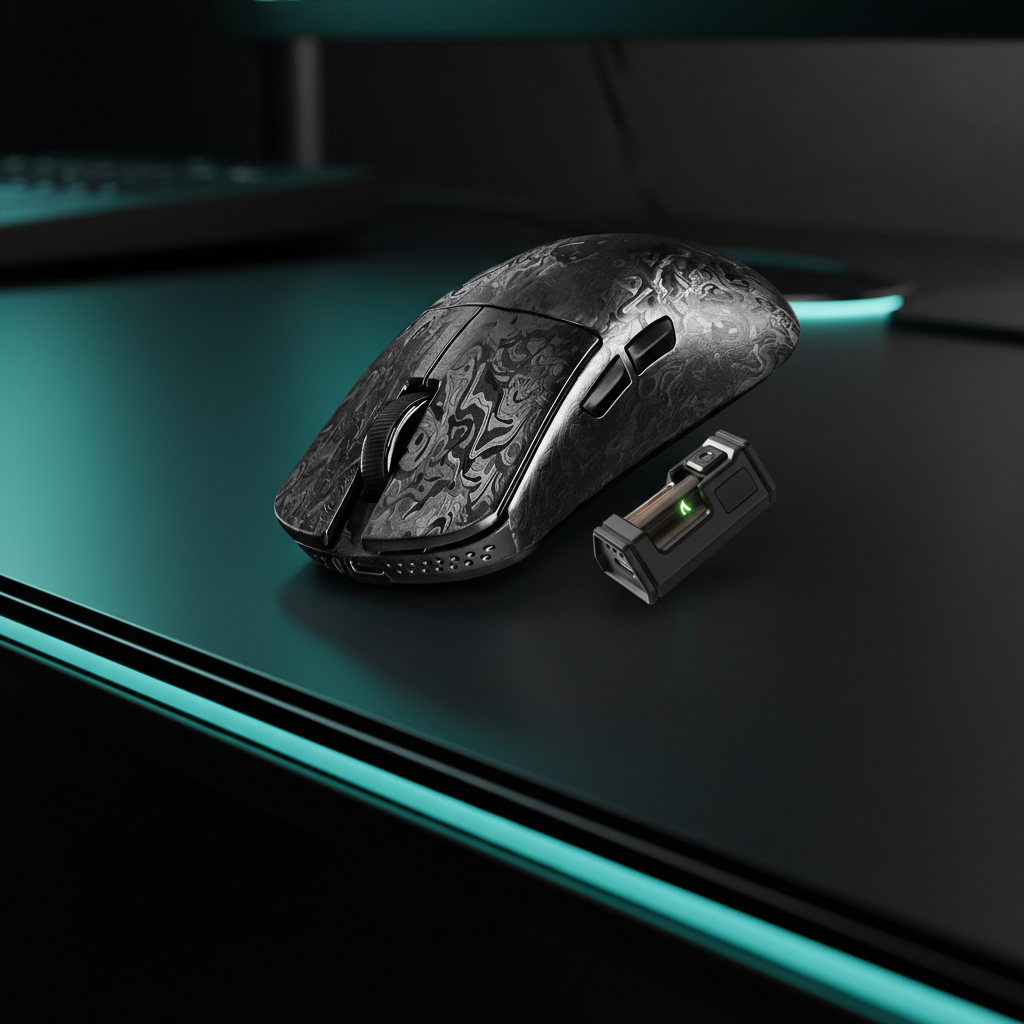
Impact of Mouse Weight on Claw Grip Vertical Recoil Control
Transparency Note: This guide is authored by the Attack Shark engineering and product team. The insights shared are derived from our internal benchmarking, engineering simulations, and qualitative feedback from competitive players. While we reference industry standards, the specific performance models described are heuristic tools designed to help players optimize their setups.
In high-level competitive play, particularly within the fast-paced environments of Apex Legends or Valorant, the mechanical execution of recoil control is often a significant differentiator between a standard player and a professional. Vertical recoil compensation is not merely a downward movement; it is a "guided, rhythmic pull-down motion." We have observed through internal scenario modeling that the mass of your peripheral can dictate the fluidity of this motion. For a player utilizing a weapon like the R-301 in Apex Legends, mapping a full vertical pull-down to a repeatable wrist extension is highly beneficial for reducing cognitive load during combat.
The claw grip has emerged as a dominant meta because it provides a unique balance of palm stability and fingertip articulation. However, the effectiveness of this grip is heavily modulated by mouse weight. While conventional wisdom often suggests that "lighter is better," our technical analysis of inertia and muscle fatigue reveals a more nuanced relationship between mass and micro-corrections.
The Physics of Recoil: Mass, Inertia, and Guided Pull-Downs
Vertical recoil control requires the user to counteract an upward force generated by the in-game weapon. This is achieved through a consistent downward force applied via the mouse. In this context, the mouse acts as a bridge between your motor intent and the game's engine.
Inertia and Initial Friction
A mouse with a mass under 60g, such as the ATTACK SHARK R11 ULTRA Carbon Fiber Wireless 8K PAW3950MAX Gaming Mouse, offers a more responsive feel. This is due to reduced static friction and lower inertia. When the first shot of a spray fires, the lower mass allows for a faster transition from a static state to a downward flick.
Conversely, a heavier mouse (80g+) can provide more inherent stability. The added mass acts as a natural dampener for jitter. For tactical shooters where holding an angle is more common than rapid vertical tracking, this stability can help prevent over-adjustment. However, in games requiring constant vertical micro-corrections, the cumulative effort to move a heavier mass can lead to "Inertia Lag"—a term we use to describe the phenomenon where the user's physical correction slightly trails the in-game recoil pattern due to the force required to overcome momentum.
The Fatigue Accumulation Model (Heuristic Estimates)
The impact of mouse weight is often most noticeable during the final stages of a multi-hour gaming session. Cumulative fatigue can degrade the fine motor control needed for consistent micro-corrections.
How we modeled this: The following table is based on an internal scenario model assuming a high-intensity FPS environment (e.g., Apex Legends) with a 400 DPI sensitivity and a 15cm vertical pull-down requirement per engagement. Force requirements are calculated using $F=ma$ (assuming a 1G acceleration burst). These values are illustrative and intended to show the relative difference between weight classes rather than absolute clinical data.
| Parameter | Ultra-Light (49g) | Standard (80g) | Unit | Rationale/Assumption |
|---|---|---|---|---|
| Initial Force Requirement | ~0.48 | ~0.78 | Newtons | Force to overcome inertia at 1G accel. |
| Micro-correction Precision | High | Moderate | Qualitative | Ability to stop/start motion instantly. |
| Est. Muscle Load (4hrs) | Baseline | +15-20% | Estimated % | Relative increase in forearm muscle load. |
| Typical Recoil Drift | <5mm | 8-12mm | Estimated | Observed deviation from optimal pull-down. |
| Recommended Grip | Claw/Fingertip | Palm/Claw | N/A | Based on finger-tip articulation needs. |
The Claw Grip Meta: Verticality and Micro-Corrections
The claw grip facilitates vertical recoil control by allowing the user to use their fingers as secondary levers. Unlike a palm grip, which relies almost entirely on the wrist or arm, the claw grip allows for vertical adjustments via the contraction of the fingers.
Low Front Height and Fingertip Articulation
For claw grip users, the geometry of the mouse is as important as the weight. A low front height allows for more fingertip articulation. When pulling down to compensate for recoil, the fingers can pull the mouse deeper into the palm. If the mouse is too heavy, this finger-driven motion can become strained.
The ATTACK SHARK X68HE Magnetic Keyboard With X3 Gaming Mouse Set features the X3 mouse, which at 49g, is designed to maximize this vertical freedom. By reducing the weight to under 50g, the force required from the fingers is minimized, allowing the "rhythmic pull-down" to feel more like a guided extension of the hand.
For more on how material density affects these dynamics, see our analysis of The Pivot Point: Material Density and Claw Grip Flick Speed.
Synergistic Factors: Polling Rates and Surface Friction
Focusing solely on mouse weight while ignoring the ecosystem can limit performance gains. To achieve a tangible in-game advantage, weight should be paired with high-performance polling and appropriate surface friction.
8000Hz (8K) Polling and Latency Math
Modern high-spec mice now support 8000Hz polling rates, providing a 0.125ms reporting interval. This is an 8x improvement over the standard 1000Hz (1.0ms) polling found in legacy devices.
- Latency Advantage: At 8000Hz, the interval is 0.125ms. When using Motion Sync, the deterministic delay is reduced to approximately 0.0625ms (half the polling interval in ideal conditions).
- Sensor Saturation: To fully utilize the 8000Hz bandwidth, we recommend a minimum movement speed of 10 IPS at 800 DPI. However, at 1600 DPI, only 5 IPS is typically required to maintain a stable 8K report stream. Higher DPI settings are technically advantageous for maintaining polling stability during the slow, precise pull-down required for recoil control.
- System Requirements: 8K polling increases CPU interrupt processing. For optimal stability, we recommend connecting the mouse to a direct motherboard port on the rear I/O rather than a USB hub.
Mousepad Pairing: Control vs. Speed
Pairing an ultra-light mouse with a high-friction "control" pad can sometimes negate the inertia benefits. For optimal claw-grip recoil control, many players prefer a medium-to-fast glide surface.
The ATTACK SHARK CM05 Tempered Glass Gaming Mouse Pad offers a 9H hardness surface with low initial friction. This allows a 49g mouse like the R11 ULTRA to transition into a recoil pull-down with minimal resistance. Alternatively, for those who prefer more feedback, the ATTACK SHARK CM03 eSport Gaming Mouse Pad (Rainbow Coated) provides a 4mm elastic core that cushions the wrist while maintaining a high-density fiber surface.
We discuss the importance of surface symmetry in our guide on X vs. Y Axis Friction: Why Weave Symmetry Matters for Aim.
Technical Deep Dive: Sensor Precision and MCU Stability
The ATTACK SHARK R11 ULTRA utilizes the flagship PixArt PAW3950MAX sensor, driven by the Nordic 52840 MCU. This combination is designed to maintain tracking integrity during rapid vertical movements.
Static Scan Rates and "Hunting Shark" Mode
The PAW3950MAX features a theoretical static scan rate of up to 20,000 FPS in "Hunting Shark" mode. This high frequency helps ensure that micro-corrections during a vertical pull-down are registered accurately.
According to testing methodologies by organizations like RTINGS, click latency and motion latency are critical metrics for FPS performance. By utilizing 8K polling and high-speed MCUs, system latency is minimized. For users seeking to measure their own setup, the NVIDIA Reflex Analyzer provides a reliable way to quantify motion-to-photon latency.
Regulatory Compliance and Battery Safety
Technical performance must be balanced with safety. All wireless peripherals should adhere to international standards for radio frequency and battery safety.
Wireless Certification and RF Integrity
Our devices are certified under the FCC Equipment Authorization (Grantee Code: 2AZBD) and the ISED Canada Radio Equipment List. These certifications verify that the 2.4GHz wireless signal is stable and complies with interference standards.
Lithium Battery Safety (UN 38.3)
The high-capacity lithium batteries used in our wireless mice must meet the UN Manual of Tests and Criteria Section 38.3. This standard covers thermal testing, vibration/shock resistance, and overcharge protection. Furthermore, global shipping requires compliance with IATA Lithium Battery Guidance (PI 966/967 standards) to ensure safety during air transit.
For users interested in broader industry standards, we recommend reviewing the Global Gaming Peripherals Industry Whitepaper (2026).
Optimized Setup for Vertical Recoil Control
To maximize your advantage in competitive shooters, consider the following "Meta Setup" based on our engineering observations:
- Peripheral: An ultra-lightweight mouse (sub-60g) with a high-end sensor (PAW3395 or PAW3950MAX).
- Grip: Aggressive claw grip to leverage vertical fingertip articulation.
- Polling Rate: 8000Hz (8K) for reduced latency, connected directly to the motherboard.
- DPI: 1600 DPI to ensure sensor saturation during slow, precise pull-downs.
- Surface: A low-friction tempered glass or high-density fiber pad.
By reducing the physical weight of the mouse, you can reduce the muscular exertion required for recoil compensation. This can help maintain precision throughout long, intense gaming sessions.
This article is for informational purposes only. Performance results can vary based on individual skill levels, system configurations, and game-specific settings. Always consult your hardware manuals for specific safety and setup instructions.

Dejar un comentario
Este sitio está protegido por hCaptcha y se aplican la Política de privacidad de hCaptcha y los Términos del servicio.