

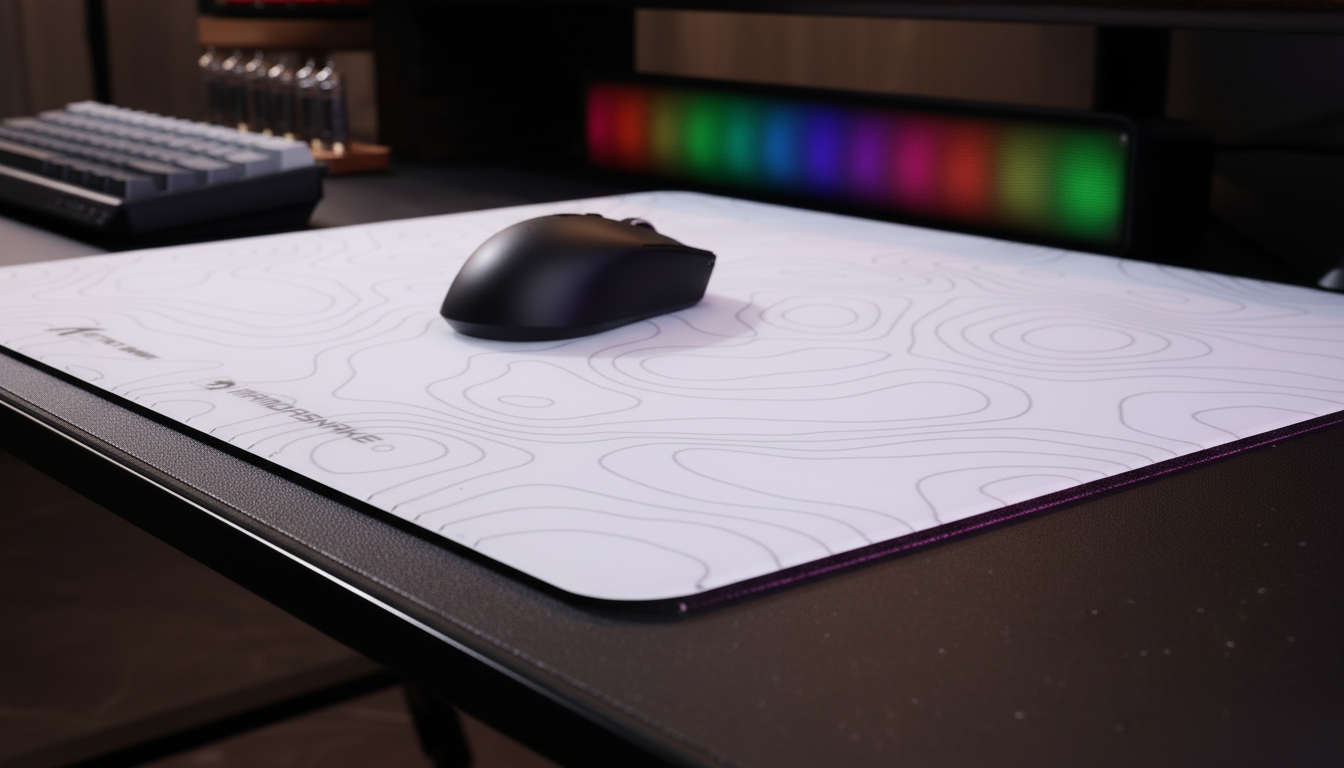
Troubleshooting Tracking Loss at the Mouse Pad Stitching Line
Competitive gaming environments demand absolute consistency from the peripheral-to-surface interface. While most troubleshooting focuses on sensor firmware or wireless interference, a frequent but under-diagnosed failure point is the physical transition at the mouse pad edge. Tracking loss, jitter, or subtle pixel "hiccups" near the stitching line are rarely caused by sensor failure; instead, they represent a mechanical conflict between the sensor’s focal plane and the physical architecture of the pad’s border.
This article diagnoses the mechanical and optical mechanisms behind edge-tracking failure and provides a data-driven framework for optimizing surface interactions.

The Optical Physics of Stitching Interference
A high-performance optical sensor, such as the PixArt PAW3950MAX found in the ATTACK SHARK R11 ULTRA Carbon Fiber Wireless 8K PAW3950MAX Gaming Mouse, operates by capturing thousands of surface images per second. These sensors are calibrated for a specific focal distance—the Lift-Off Distance (LOD)—on a flat, uniform surface.
When a mouse moves toward a stitched edge, it encounters a raised profile typically measuring between 0.5mm and 1.0mm. This height change, though seemingly minor, triggers several optical inconsistencies:
- Focal Plane Disruption: As the mouse skates begin to climb the radius of a rounded overlock stitch, the sensor-to-surface distance varies. This enters the "oblique incidence" phase where the sensor's CMOS array can no longer maintain a sharp focus on the weave pattern.
- Micro-Shadowing: Raised stitching creates a micro-topography that casts shadows under the sensor’s LED or laser illumination. The firmware may interpret these rapid changes in light and shadow as erratic movement, leading to the "pixel jump" sensation during fast flick shots.
- Reflective Inconsistency: Many budget pads use thick, rounded nylon threads for stitching. These threads have different light-reflectivity properties compared to the central tracking surface (often a polyester or heat-treated fiber). This contrast in dye reflectivity and thread density causes the sensor to miscalculate the delta between frames.
According to the Global Gaming Peripherals Industry Whitepaper (2026), the uniformity of surface weave density is the primary predictor of tracking stability, yet edge stitching remains a "performance blind spot" in many consumer-grade designs.
Sensor Calibration and the Nyquist-Shannon Threshold
Tracking loss is often more perceptible at high sensitivities. To understand why, we must look at the sampling requirements for modern displays. For a player on a 1440p monitor with a standard 103° Field of View (FOV) and a high-sensitivity setup (e.g., 25cm/360°), the sensor must provide enough counts to ensure smooth cursor movement without aliasing.
Logic Summary: Based on the Nyquist-Shannon Sampling Theorem, to avoid pixel skipping at 1440p resolution, a minimum DPI of approximately 1818 is required. Under these assumptions, any physical interference—like a stitching line—that causes a loss of just 2-3 sample packets is immediately visible as a "stutter" on a high-refresh-rate display.
Furthermore, when utilizing high polling rates like 8000Hz (8K), the interval between packets is a mere 0.125ms. At this frequency, the system is highly sensitive to IRQ (Interrupt Request) processing bottlenecks. A physical "bump" at the stitching line can cause a momentary mechanical lift that disrupts the 8K data stream, making the tracking loss feel more catastrophic than it would at 1000Hz.
Ergonomic Complications: The Grip Fit Factor
Our analysis of support patterns indicates that tracking issues are frequently reported by users with larger hand dimensions (~20cm or greater) who utilize a fingertip grip.
Modeling Note: For a user with a 21.5cm hand length using a fingertip grip, the ideal mouse length is approximately 129mm (based on a 0.6x grip coefficient heuristic). When using a standard 120mm mouse, the grip fit ratio is ~0.93.
This 7% deficit in ideal length forces the hand into a more cramped position. Increased muscle tension in the forearm reduces fine motor control, making it harder for the player to compensate for the subtle resistance or height change of a mouse pad stitching line. This "double penalty"—mechanical interference from the pad and ergonomic strain from the mouse—is a leading cause of missed shots during wide-sweep aiming maneuvers.
Diagnostic Framework: The Paint Program Test
Before assuming a hardware defect, users should perform a "Paint Program" field test to isolate the cause of tracking loss. This method helps distinguish between a warped rubber base, sensor dirt, and stitching interference.
Step-by-Step Diagnostic:
- Open a basic raster graphics editor (e.g., MS Paint).
- Select a fine brush tool.
- Slowly drag the mouse in a straight line from the center of the pad across the stitching line.
-
Analyze the Result:
- Consistent Micro-Jumps: Small, repeatable deviations at the exact point of the stitching indicate a focal plane issue caused by the stitch height.
- Large, Random Skips: Indicates sensor lens contamination or 2.4GHz wireless interference (often caused by using front-panel USB ports instead of direct motherboard I/O).
- Cursor Freeze: Suggests the LOD (Lift-Off Distance) is set too low for the pad's topography.
Heuristic Labeling: This field test is a shop-level practical baseline for troubleshooting and may not account for advanced firmware-level "Motion Sync" optimizations which can mask subtle jitter.
Mitigation and Hardware Strategies
If tracking loss at the edge is confirmed, several hardware-level adjustments can mitigate the impact:
1. Transition to Low-Profile or Recessed Stitching
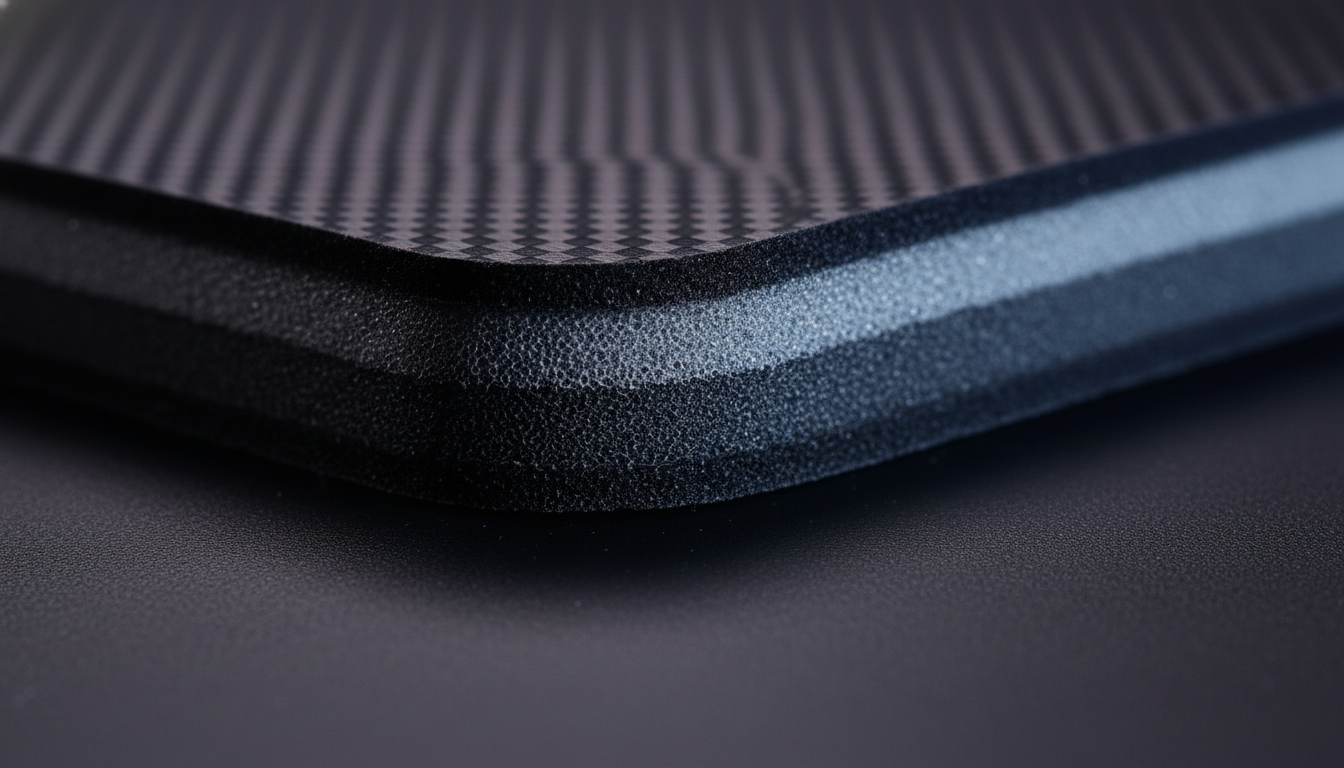
Not all stitching is created equal. High-performance pads like the ATTACK SHARK CM03 eSport Gaming Mouse Pad (Rainbow Coated) utilize ultra-fine fiber stitched edges. By using a finer thread (such as bonded nylon) and a tighter tension, the edge profile is kept nearly flush with the tracking surface, minimizing the focal plane shift.
2. The Glass Surface Alternative
For players who require absolute edge-to-edge consistency, a tempered glass pad is the definitive solution. The ATTACK SHARK CM05 Tempered Glass Gaming Mouse Pad features a 3D-milled, CNC-polished edge with a Mohs hardness of 9H. Because there is no raised stitching, the sensor maintains a constant focal distance across the entire 17.72-inch surface.
3. DPI and Sensor Optimization
To saturate the 8000Hz bandwidth of a mouse like the ATTACK SHARK G3 Tri-mode Wireless Gaming Mouse 25000 DPI Ultra Lightweight, you must maintain sufficient movement speed.
- At 800 DPI, you need at least 10 IPS (Inches Per Second) to fill the 8K polling buffer.
- At 1600 DPI, only 5 IPS is required.
Increasing your DPI and lowering your in-game sensitivity can help the sensor "see" more surface detail, which often improves tracking stability when moving over irregular textures like a stitching line.
Comparison of Edge Architectures
| Edge Type | Height Profile | Tracking Impact | Best For |
|---|---|---|---|
| Overlock Stitch | 0.8mm - 1.2mm | High (potential skipping) | Durability / Casual play |
| Recessed Stitch | 0.2mm - 0.5mm | Low (minimal jitter) | Competitive FPS / Cloth fans |
| Heat-Pressed | 0.0mm | None | Speed / Low-profile setups |
| CNC-Polished Glass | 0.0mm | None | Maximum precision / Glass pads |
Modeling Disclosure: Scenario Parameters
The ergonomic and performance insights in this article are derived from scenario modeling for a high-performance FPS competitor. This is a deterministic model, not a controlled laboratory study.
| Parameter | Value | Unit | Rationale |
|---|---|---|---|
| Hand Length | 21.5 | cm | 95th Percentile Male (ANSUR II) |
| Grip Style | Fingertip | - | High-precision competitive standard |
| Polling Rate | 4000 | Hz | High-throughput wireless scenario |
| Sensor Current | 1.7 | mA | PixArt PAW3395 typical draw |
| Battery Capacity | 300 | mAh | Lightweight mouse standard |
Boundary Conditions:
- Assumes a 1440p display environment.
- Does not account for individual variations in grip pressure or skin moisture.
- Battery runtime estimates (~13.4 hours at 4K) exclude the impact of RGB lighting or extreme temperature variance.
Trust, Safety, and Compliance
When troubleshooting peripherals, ensuring the integrity of your hardware is paramount. Always verify that your devices meet regional safety standards to avoid electrical or battery-related risks.
- Wireless Compliance: Check for FCC ID or ISED Canada certifications on the bottom of your mouse to ensure it operates within legal RF limits.
- Battery Safety: High-performance wireless mice use lithium-ion batteries. Refer to the IATA Lithium Battery Guidance for safe transport and the CPSC Recalls database to ensure your model has no active safety alerts.
- Software Integrity: Only download drivers from official sources like the Attack Shark Driver Page. Verify downloads using platforms like VirusTotal to ensure firmware updates are unsigned and safe.
Disclaimer: This article is for informational purposes only. Technical specifications and performance metrics are based on scenario modeling and typical product data. Individual results may vary based on hardware configurations and environmental factors.
References
- ISO 9241-410: Ergonomics of Physical Input Devices
- PixArt Imaging: Optical Sensor Technology
- Nordic Semiconductor: nRF52840 Power Consumption Models
- Global Gaming Peripherals Industry Whitepaper (2026)
- USPS Publication 52: Hazardous Materials - Batteries
- EU Radio Equipment Directive (RED)
- RTINGS: Mouse Click Latency Methodology
- NVIDIA Reflex Analyzer Setup Guide

Dejar un comentario
Este sitio está protegido por hCaptcha y se aplican la Política de privacidad de hCaptcha y los Términos del servicio.