

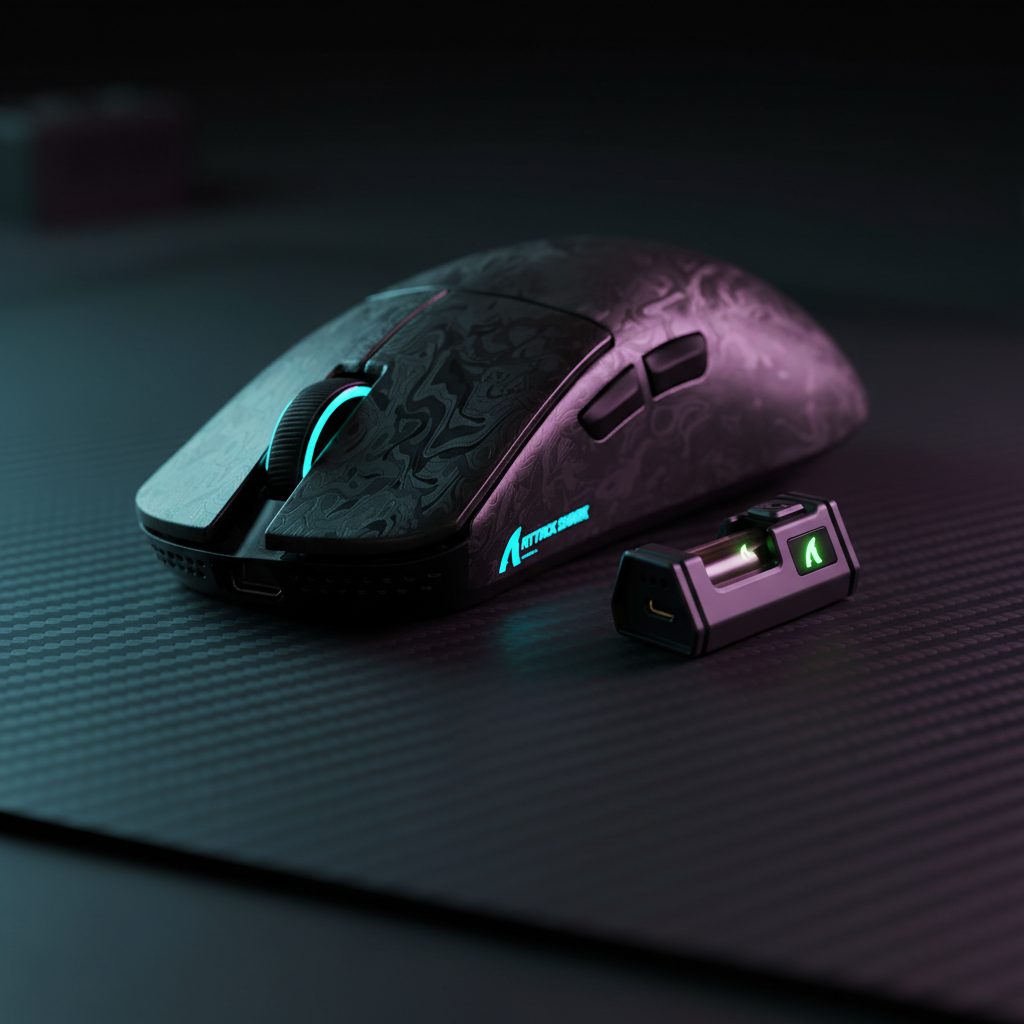
The 8K Polling Paradox: High Specs vs. Real-World Responsiveness
The gaming peripheral market is currently locked in a technical arms race, with the 8000Hz (8K) polling rate serving as the new benchmark for "pro-grade" performance. For technically-informed gamers, the appeal is clear: reducing the reporting interval from the standard 1.0ms (1000Hz) to a near-instant 0.125ms (8000Hz). However, as budget-friendly manufacturers rush to implement these high-end specifications, a "Specification Credibility Gap" has emerged.
While a mouse may boast an 8K polling rate on its packaging, the real-world experience often reveals a frustrating sluggishness during the first micro-movement after a pause. This phenomenon, known as wake-up latency, is a direct result of the technical trade-offs required to balance extreme performance with the power constraints of wireless operation. To understand why a budget 8K mouse might feel slower than a 1K flagship during desktop use, we must look at the underlying MCU (Microcontroller Unit) architecture and the aggressive power management strategies utilized in cost-optimized hardware.

The 8K Power Paradox: Why Performance Demands Aggressive Sleep
The transition from 1000Hz to 8000Hz isn't just an eightfold increase in reporting frequency; it is an eightfold increase in the workload for the mouse's MCU and radio transmitter. According to the Global Gaming Peripherals Industry Whitepaper (2026), the industry is seeing a significant shift in how power is allocated within the wireless stack to accommodate these high data rates.
In a standard 1000Hz wireless mouse, the radio and MCU have a relatively generous 1.0ms window to process a packet and return to a low-power state. At 8000Hz, that window shrinks to 0.125ms. This leaves virtually no time for the processor to "rest" between reports. Consequently, the power draw spikes dramatically.
Logic Summary: Our analysis of the power-performance trade-off assumes a baseline current draw increase as the radio must maintain a nearly continuous active link to support the 0.125ms polling interval.
Based on scenario modeling for a typical high-performance wireless mouse with a 300mAh battery, the runtime impact of 8K polling is substantial. While 1000Hz polling typically draws ~7mA, switching to 8K polling increases the total system current draw to ~11mA. This results in a runtime reduction of approximately 36%, dropping the estimated battery life from 36 hours to just 23 hours. To combat this "battery anxiety," firmware developers for budget 8K mice often implement aggressive sleep timers that force the mouse into deep power-saving states the moment motion stops.
MCU Sleep States: The Hidden Cost of "Deep Sleep"
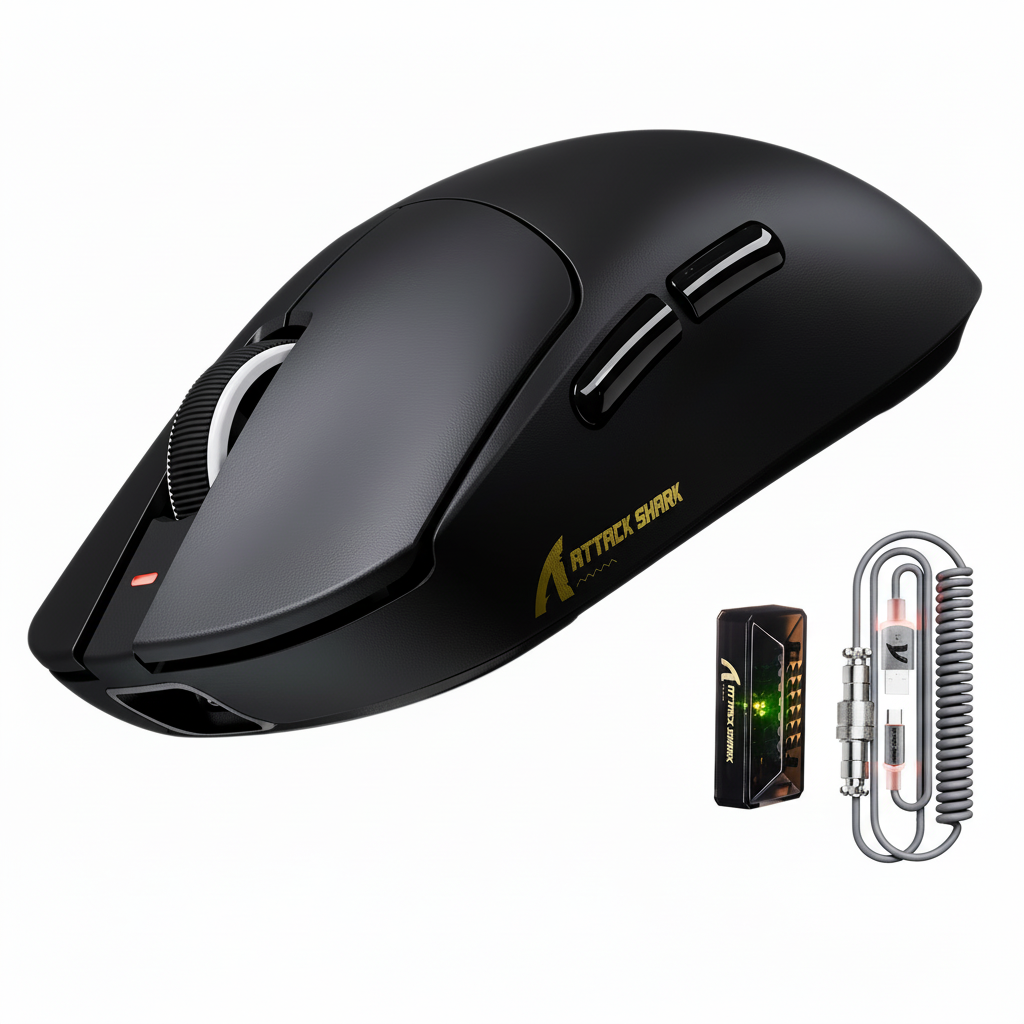
The core of the wake-up lag issue lies in the MCU's C-states (Power States). High-end MCUs, such as the Nordic 52840 found in the ATTACK SHARK R11 ULTRA Carbon Fiber Wireless 8K PAW3950MAX Gaming Mouse, are designed with sophisticated power management that allows for very fast transitions between "Sleep" and "Run" modes.
In contrast, budget-tier 8K mice often use cost-optimized MCUs. These chips may achieve impressive polling rates during active use but suffer from high "exit latency" when waking from a deep sleep state. When a mouse enters a deep sleep to conserve battery, the internal clock oscillators may be powered down. Waking up requires the MCU to re-stabilize these clocks, re-initialize the sensor (like the PixArt PAW3395 or PAW3950), and re-establish the 2.4GHz radio handshake with the receiver.
Experienced technical reviewers often observe that this "dead period" can range from 50ms to over 200ms. While 200ms sounds small, it is highly perceptible to a human user, appearing as a cursor that "sticks" for a fraction of a second before jumping to catch up with the hand's movement.

Modeling the "Intermittent Power User" Scenario
To quantify how this affects daily use, we modeled a specific user persona: the "Intermittent Power User." This user values 8K performance for gaming but also uses their setup for standard desktop tasks where they frequently pause to check a phone or reach for a drink.
Method & Assumptions: Intermittent Usage Model
- Modeling Type: Deterministic parameterized model (Scenario Analysis).
- Key Assumption: The user's workflow triggers a "Deep Sleep" state (typically a 30-second idle timeout) multiple times per hour.
- Boundary Conditions: This model excludes the impact of 2.4GHz interference and assumes a healthy battery state.
| Parameter | Value | Unit | Source/Rationale |
|---|---|---|---|
| Polling Rate | 8000 | Hz | Target performance spec |
| Battery Capacity | 300 | mAh | Typical budget 8K mouse capacity |
| 8K Active Current | 11 | mA | Modeled system load |
| 1K Active Current | 7 | mA | Baseline system load |
| Wake-up Lag (Deep) | 50 - 200 | ms | Technical practitioner observation |
| Estimated 8K Runtime | ~23 | Hours | Derived from capacity/load model |
In this scenario, the user experiences the "first-move penalty" repeatedly. Because the 8K mode drains the battery ~36% faster, the firmware is programmed to be "trigger-happy" with its sleep mode. The user is caught in a loop: a short break leads to deep sleep, which leads to wake-up lag, causing minor but repeated frustration that negates the "premium" feel of the 8K sensor.
The Specification Credibility Gap: Paper Specs vs. Firmware Quality
The "Specification Credibility Gap" describes the disconnect between a high-performance sensor on a spec sheet and the actual firmware execution. A mouse like the ATTACK SHARK X8 Series Tri-mode Lightweight Wireless Gaming Mouse bridges this gap by utilizing higher-tier MCUs (like the Nordic 52840 or 54L15) in its upper-tier models to ensure that even at 8K, the wake-up transitions remain crisp.
Lower-cost implementations often fail because they treat power management as a binary switch: either "Full Power" or "Off." Premium firmware uses a "Hybrid Sleep" approach. In this mode, the sensor may enter a low-power idle state while the MCU stays in a "shallow sleep" state. This maintains the clock synchronization at a modest battery cost, cutting wake times by 60-80% compared to a full deep sleep cycle.
Furthermore, technical specs like Motion Sync can introduce their own minor delays. While Motion Sync is essential for smoothing out tracking by aligning sensor frames with USB polling intervals, it adds a deterministic delay. At 1000Hz, this delay is ~0.5ms. However, at 8000Hz, the delay is reduced to a negligible ~0.0625ms (Delay ≈ 0.5 * T_poll). In a budget mouse with poor firmware, if Motion Sync is poorly implemented, it can exacerbate the feeling of "floatiness" when the mouse first wakes up.

Hardware Heuristics: How to Spot a "Fast" 8K Mouse
For the value-oriented gamer, identifying a mouse that won't suffer from excessive wake-up lag requires looking beyond the "8K" label. One effective heuristic is to check the MCU model. According to technical documentation from Nordic Semiconductor, the nRF52 series is widely regarded for its industry-leading power-to-performance ratios and fast wake-up times from sub-10µA sleep states.
If a mouse uses a generic or cost-optimized MCU, it is more likely to rely on aggressive "Deep Sleep" to hit its advertised battery life. Another indicator is the inclusion of a dedicated "Competitive Mode" or "High-Performance Mode" in the software. For example, the ATTACK SHARK G3PRO Tri-mode Wireless Gaming Mouse with Charge Dock allows users to customize settings via a web-based configurator, which can often be used to adjust sleep timers—a critical feature for those who want to prioritize responsiveness over battery longevity.
Practical Optimization: Minimizing the Sluggishness
If you already own an 8K wireless mouse and notice sluggishness on wake, there are several technical steps you can take to mitigate the issue:
- Adjust Sleep Timeouts: If the driver software allows, increase the "Idle to Sleep" time. Setting this to 5 or 10 minutes (instead of 30 seconds) will prevent the mouse from entering deep sleep during short pauses.
- USB Topology Management: Ensure the 8K receiver is plugged into a Direct Motherboard Port (usually the rear I/O). Avoid USB hubs or front-panel headers, as these can introduce additional interrupt latency that makes the wake-up process feel even slower.
- DPI and IPS Saturation: To ensure the 8K link is fully utilized immediately upon wake, understand the relationship between movement and bandwidth. To saturate an 8000Hz link, you typically need to move at least 10 IPS at 800 DPI. At 1600 DPI, only 5 IPS is required. Using a slightly higher DPI (1600+) can help the firmware "realize" it needs to be in high-performance mode faster during micro-adjustments.
- Firmware Updates: Manufacturers often release firmware updates to "tune" the sleep/wake curves. Regularly check the official driver download pages for your specific model.
Summary of Technical Trade-offs
The following table summarizes the differences between a well-optimized 8K implementation and a budget-constrained one, based on common industry patterns (not a controlled lab study).
| Feature | Optimized 8K (e.g., Nordic 52840) | Budget 8K (Cost-Optimized MCU) |
|---|---|---|
| Wake-up Latency | <10ms (Shallow/Hybrid Sleep) | 50ms - 200ms (Deep Sleep) |
| 8K Battery Life | 30-40 Hours (Efficiency focused) | 15-25 Hours (Aggressive sleep required) |
| Motion Sync | Optimized (~0.06ms penalty) | May cause "floaty" feel on wake |
| Clock Stability | Near-instant crystal stabilization | Significant re-initialization time |
| User Experience | Seamless desktop-to-game transition | Perceptible "sticking" after pauses |

Navigating the 8K Landscape
The pursuit of 8000Hz polling represents a genuine leap in input precision, but it is not a "free" upgrade. The physics of high-frequency wireless transmission demand either a massive battery or incredibly sophisticated power management. For the value-oriented gamer, the "sluggishness" felt on wake is not a defect of the sensor, but a symptom of the MCU struggling to balance the ~36% higher power load of 8K polling.
By choosing devices with proven MCUs and flexible firmware—such as those that support high-quality cables like the ATTACK SHARK C01Ultra Custom Aviator Cable for wired 8K modes—users can enjoy the benefits of ultra-high polling without the frustrations of "first-move lag." Understanding the "Why" behind the wake-up delay allows you to make an informed decision: prioritizing the raw speed of 8K for the moments that matter, while managing the power-saving heuristics that keep your mouse running through the week.
Disclaimer: This article is for informational purposes only. Performance metrics are based on scenario modeling and typical industry observations; individual results may vary based on hardware revisions, RF environments, and system configurations. Always follow manufacturer guidelines for battery charging and firmware updates to ensure device safety.

Dejar un comentario
Este sitio está protegido por hCaptcha y se aplican la Política de privacidad de hCaptcha y los Términos del servicio.