


Correcting Nose-Diving: Balancing Front-Heavy Gaming Mice
In the pursuit of competitive performance, the physical equilibrium of a gaming mouse is as critical as its sensor resolution or polling rate. "Nose-diving"—a phenomenon where the front of the mouse tilts downward during lift-off actions—is a common frustration for high-intensity players, particularly those employing a fingertip or aggressive claw grip. While often overlooked in mainstream reviews, an unbalanced center of gravity (CoG) introduces non-linear friction and inconsistent tracking, forcing the musculoskeletal system to compensate for mechanical deficiencies.
This article provides a technical framework for identifying, measuring, and correcting front-heavy imbalances through internal weight redistribution and structural modification. By grounding DIY techniques in ergonomic modeling and physical principles, enthusiasts can transition from standard factory configurations to a peripheral tailored for specific anatomical constraints and playstyles.
The Mechanics of Imbalance: Why Nose-Diving Occurs
Nose-diving is rarely the result of a single design flaw. Instead, it is typically an emergent property of several engineering trade-offs. According to the Global Gaming Peripherals Industry Whitepaper (2026), manufacturers often prioritize structural integrity and click consistency over perfect static balance.
Structural Integrity vs. Equilibrium
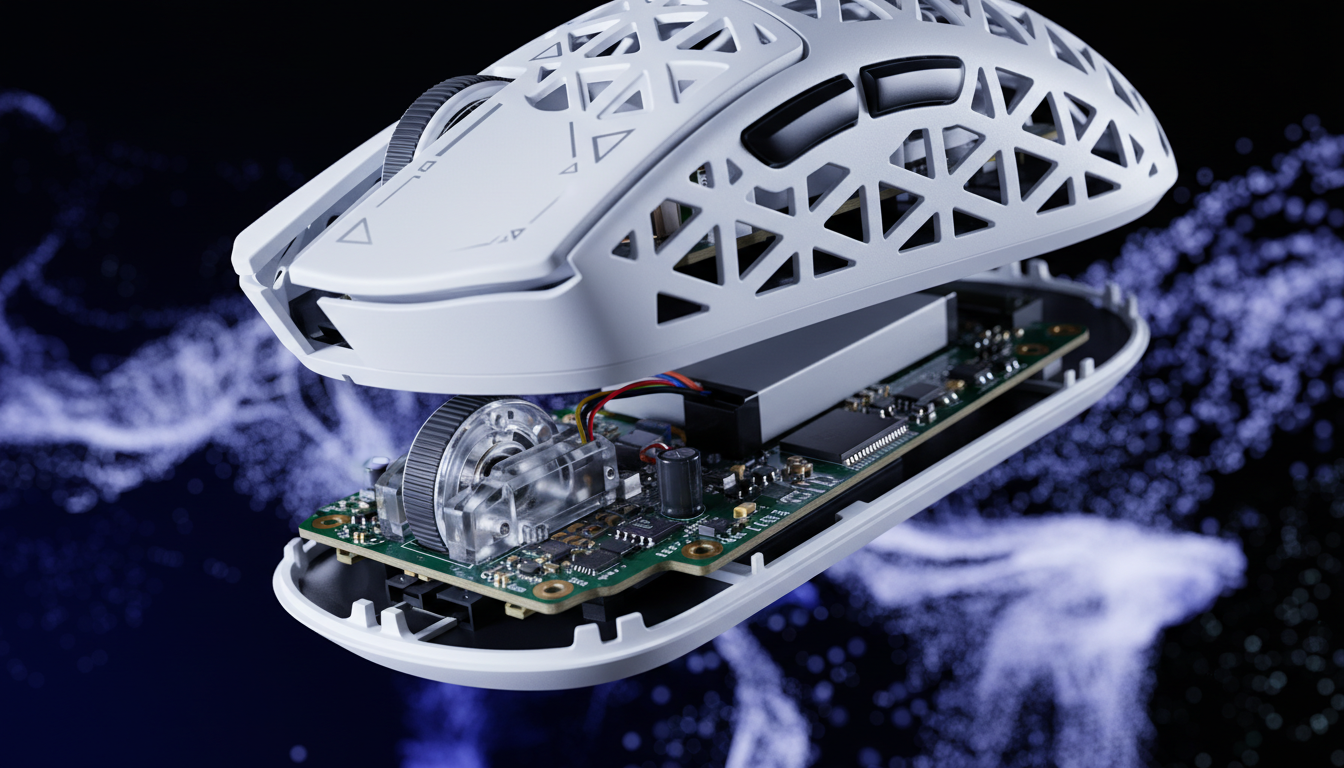
To ensure a crisp, tactile click without shell flex, the front portion of a mouse shell is often reinforced with additional plastic ribbing. Furthermore, the placement of main switches (e.g., mechanical or optical micro-switches) forward of the sensor creates a front-biased mass distribution. In many wireless models, the fixed position of the PCB and the proximity of the scroll wheel assembly—comprising the encoder, wheel, and mounting housing—concentrate significant mass in the leading third of the device.
Friction and Surface Interaction
The impact of a front-heavy bias is most perceptible during micro-adjustments. On a control-oriented cloth surface, a front-heavy mouse can increase initial movement force (stiction) by an estimated 15–25% (based on friction science principles discussed by Wallhack). This occurs because the uneven downward pressure increases the "sink" of the leading PTFE skates into the fabric, creating a non-uniform glide that disrupts the muscle memory of low-sensitivity arm aimers.
Modeling the Impact: Ergonomic Strain and Hand Size
To quantify the necessity of balance correction, we must look at how a user’s hand dimensions interact with the mouse’s physical geometry. For users with large hands (~20–21.5cm), standard mice often present a significant ergonomic mismatch.
Scenario Analysis: The Large-Handed Fingertip Gripper
Consider a user with a hand length of 21.5cm using a 120mm mouse with a fingertip grip. Our scenario modeling indicates a Grip Fit Ratio of 0.93, meaning the mouse is approximately 7% shorter than the ideal length for this hand size.
| Parameter | Value | Unit | Rationale |
|---|---|---|---|
| Hand Length | 21.5 | cm | P95 Percentile (Male) |
| Mouse Length | 120 | mm | Typical "Medium" Chassis |
| Grip Style | Fingertip | N/A | High-Precision Aiming |
| Fit Ratio | 0.93 | Ratio | < 1.0 indicates undersized |
| Moore-Garg Strain Index | 48 | Score | Hazardous (> 5) |
Logic Summary: This model assumes high-intensity competitive gameplay (frequent flick shots) and extended sessions (2–3 hours). The "Hazardous" strain index is driven by the aggressive fingertip grip required to control an undersized, front-heavy chassis, which increases exertion in the distal upper extremities.
In this scenario, the user naturally pinches the front corners of the mouse. If the CoG is biased forward, this grip mechanically amplifies the sensation of the nose dropping during every lift-off. This leads to "wrist snap" fatigue, as the user must exert extra force to keep the mouse level during reset movements.

Identifying the Pivot Point: The Pen Test
Before initiating any invasive modifications, a practitioner must establish a baseline for the current CoG. A reliable, reproducible method is the "Balance Test."
- Preparation: Remove any external cables (if testing a wired-capable mouse).
- The Pivot: Place a narrow, cylindrical object (such as a pen or a thin screwdriver) on a flat surface.
- Equilibrium Check: Rest the mouse on the cylinder, moving it back and forth until it balances perfectly without tipping.
- Documentation: Mark this point on the side of the shell with a piece of tape.
If the balance point is forward of the sensor's lens, the mouse is front-heavy. For optimal tracking consistency, most enthusiasts aim for a CoG that is either perfectly centered over the sensor or slightly rear-biased (1–2mm), which facilitates easier lift-offs during fast-paced resets.
Strategic Modding: Weight Redistribution Techniques
Correcting a front-heavy mouse requires a choice between weight reduction (removing mass from the front) and weight redistribution (moving existing mass or adding counterweights to the rear).
1. Scroll Wheel and Encoder Optimization
The scroll wheel assembly is a primary contributor to front-end mass. Swapping a standard mechanical encoder for a lighter, magnetic variant, or replacing a heavy rubberized wheel with a hollowed-out polycarbonate version, can shift the CoG rearward by 1–2mm. This is often enough to be perceptible during high-velocity flick shots.
2. Battery Relocation (Wireless Models)
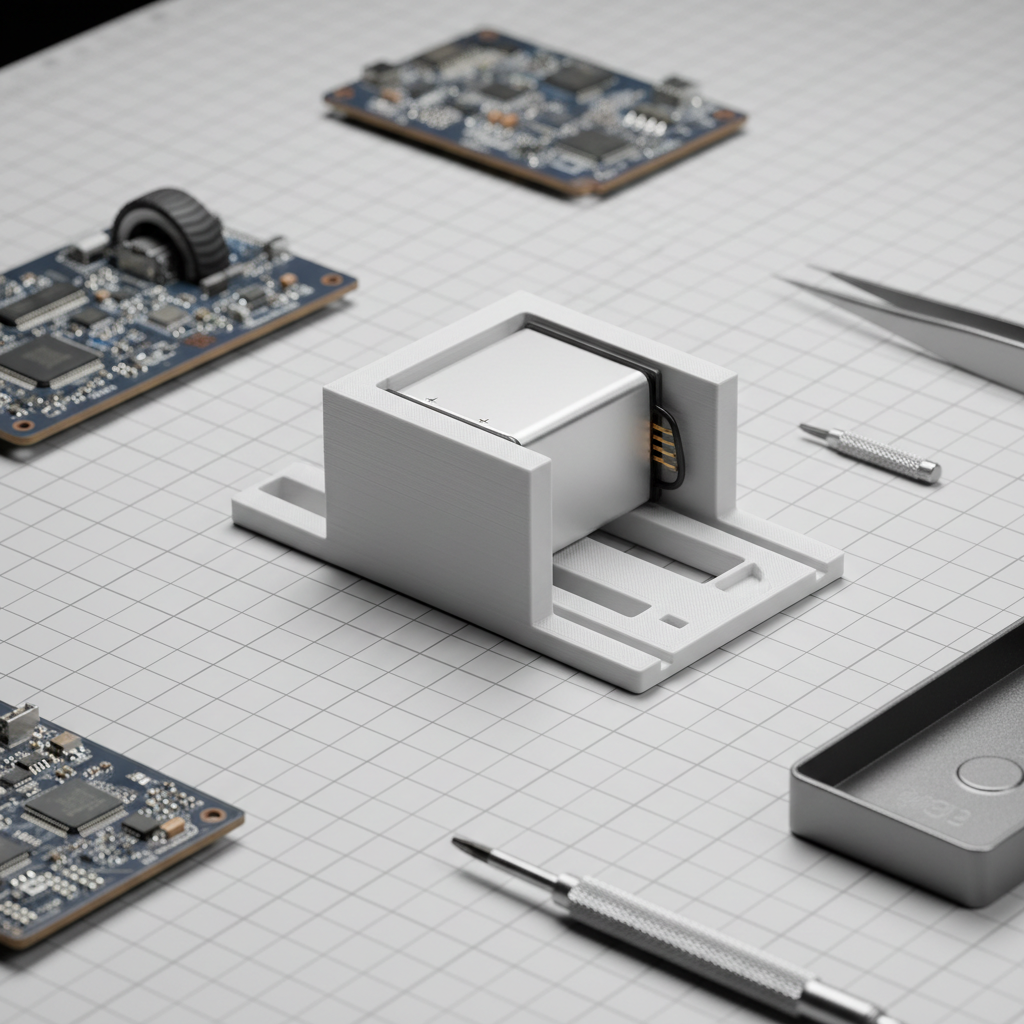
For most modern wireless mice, the battery is the single heaviest internal component. In many factory configurations, the battery is mounted toward the center-front. Relocating the battery to the rear of the PCB is a highly effective mod, but it carries risks.
- Safety Warning: Modifying battery mounts can compromise the internal shielding required for FCC Equipment Authorization.
- The 5–7mm Rule: Based on practitioner heuristics, relocating internal mass by more than 5–7mm can alter the sensor's relationship with the shell, potentially affecting lift-off distance (LOD) or causing sensor "spin-outs" if the PCB alignment is disturbed.
3. Adhesive Counterweights (The Blu-Tack Method)
If weight reduction is not possible—or if the user prefers a specific total mass—adding a counterweight to the rear is the most accessible solution.
- Material Choice: Practitioners typically prefer Blu-Tack (reusable adhesive putty) over double-sided tape. Blu-Tack is denser, malleable, and allows for incremental adjustments of 0.5g to 1.0g.
- Placement: Applying the putty to the inside of the rear "hump" provides the maximum leverage to counteract a heavy nose.
Counter-Consensus Note: While adding rear weight solves the balance issue, it increases the total inertia of the device. For low-sensitivity arm aimers, increasing total mass by even 5–10g can increase muscular fatigue more than the original front-heavy torque. In such cases, weight reduction (e.g., Internal Weight Redistribution) is the superior approach.
Technical Synergy: Balance and 8000Hz Polling
The importance of balance is magnified when using ultra-high polling rates, such as 8000Hz (8K). At 8K, the mouse sends data every 0.125ms. This level of precision demands a perfectly consistent glide.
8K Polling Constraints
- Motion Sync: At 8000Hz, Motion Sync latency is reduced to approximately ~0.0625ms, making it nearly negligible. However, any micro-stutter caused by a front-heavy nose-dive will be captured by the sensor and transmitted at this high frequency, leading to perceived "jitter" in the cursor path.
- Saturation: To fully utilize the 8K bandwidth, movement must be fluid. At 1600 DPI, a user only needs to move at 5 IPS (Inches Per Second) to saturate the polling rate. A balanced mouse ensures that these slow, precise movements are not hindered by front-end stiction.
- USB Topology: High polling rates stress the system's IRQ (Interrupt Request) processing. We strongly recommend using Direct Motherboard Ports (Rear I/O) to avoid the packet loss associated with USB hubs or front-panel headers.
Safety, Compliance, and Warranty Considerations
DIY modding, while rewarding, intersects with several regulatory and safety frameworks. Opening a mouse and modifying its internals typically voids the manufacturer's warranty and may impact the device's compliance status.
Battery Safety
When relocating or replacing lithium-ion batteries, practitioners must adhere to safety standards similar to those found in the UN Manual of Tests and Criteria (Section 38.3). A damaged or improperly secured battery poses a fire risk. Always ensure the battery is shielded from sharp internal plastic edges and secured with non-conductive adhesive.
Regulatory Markers
Devices sold in international markets carry certifications like the CE mark (EU), UKCA (UK), and RCM (Australia). These certifications are based on the device's original technical documentation. Invasive mods that alter the RF (Radio Frequency) shielding or internal wiring could, in theory, invalidate these certifications for the modified unit.
| Standard / Authority | Focus Area | Relevance to Modders |
|---|---|---|
| FCC Part 15 | RF Interference | Internal layout affects signal |
| UN 38.3 | Battery Safety | Critical for battery relocation |
| IEC 62368-1 | ICT Safety | General electrical safety |
| EU RED (2014/53/EU) | Wireless Compliance | Tri-mode connectivity standards |
Implementation Checklist: Correcting Your Balance
If you have determined that your mouse requires a balance correction, follow this structured approach:
- Identify Grip Friction: Determine if your front-heaviness is causing stiction on your specific mousepad surface. (See The Pivot Point: Material Density and Claw Grip Flick Speed).
- Conduct the Pen Test: Locate the current CoG and mark the target (usually 1–2mm behind the sensor).
- Evaluate Internal Space: Open the shell (carefully preserving the PTFE feet) and identify the position of the battery and scroll wheel assembly.
- Execute Incremental Changes: Move mass in 0.5g increments. If relocating the battery, ensure it stays within the 5–7mm safe zone to avoid sensor misalignment.
- Verify Tracking: After reassembly, use a tool like the NVIDIA Reflex Analyzer or a standard polling rate checker to ensure no packet loss or jitter was introduced.
Summary of Modeling and Assumptions
The recommendations in this article are based on the following scenario model and practitioner heuristics.
Modeling Note (Reproducible Parameters):
- User Persona: Large-handed competitive FPS player (Hand Length: 21.5cm, Breadth: 10.5cm).
- Device Context: 120mm symmetrical wireless mouse, center-front battery mount.
- Measurement Tool: Moore-Garg Strain Index (SI) and ISO 9241-410 derived Grip Fit Ratio.
- Boundary Conditions: This model assumes high-intensity, repetitive movement. Results may vary for casual users or those with smaller hand dimensions. The "5–7mm rule" is a community heuristic and not a manufacturer-guaranteed limit.
Correcting a front-heavy bias is more than a cosmetic tweak; it is a fundamental optimization of the human-machine interface. By aligning the mouse's center of gravity with the user's natural pivot point, gamers can reduce ergonomic strain and achieve the consistent, fluid tracking required for elite-level play.
Disclaimer: This article is for informational purposes only. Internal modification of electronic devices carries risks of electrical shock, fire, and permanent hardware damage. Performing these modifications will void your manufacturer's warranty. Always consult a professional if you are unsure about handling lithium-ion batteries or sensitive electronic components.


Dejar un comentario
Este sitio está protegido por hCaptcha y se aplican la Política de privacidad de hCaptcha y los Términos del servicio.