

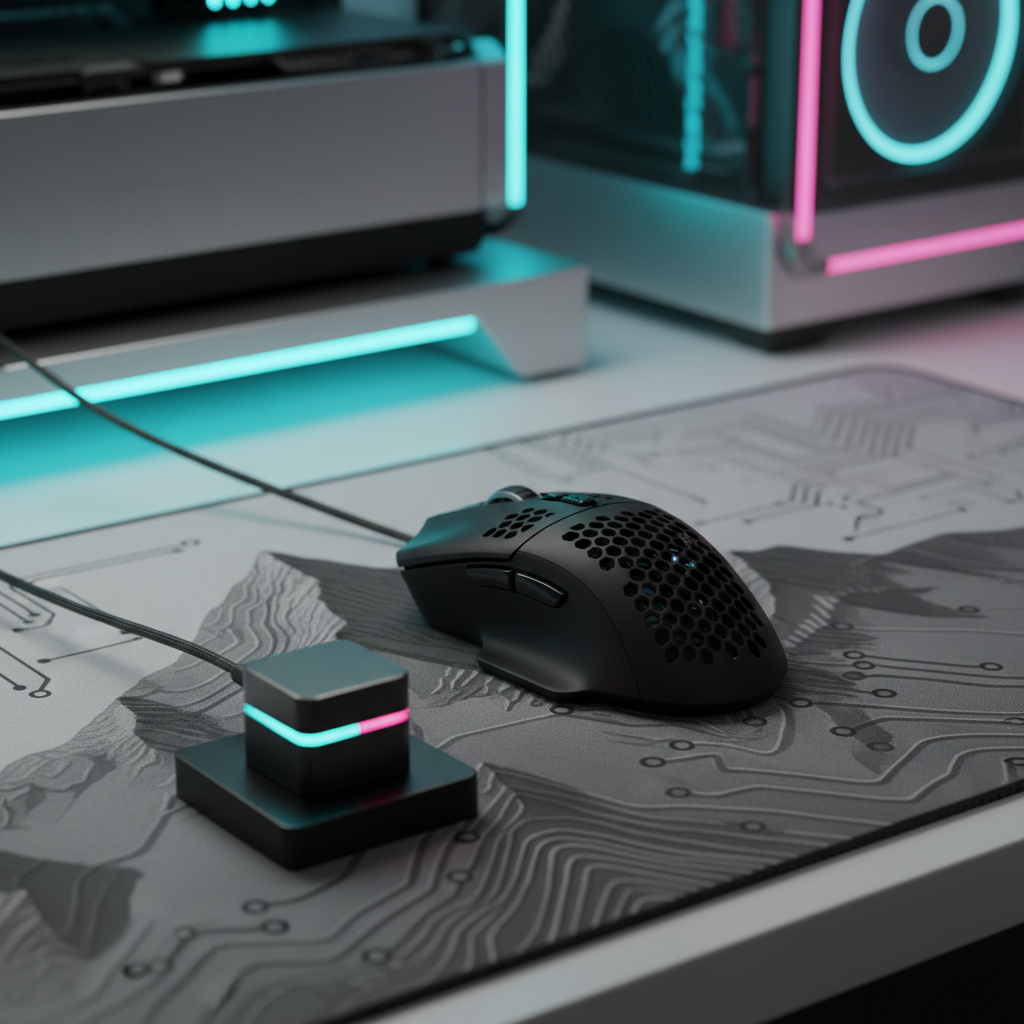
The Radio Frequency Landscape of Modern Gaming
The transition from tethered to wireless peripherals has fundamentally altered the competitive landscape. Modern wireless protocols, primarily operating on the 2.4GHz ISM (Industrial, Scientific, and Medical) band, now achieve latencies that are indistinguishable from wired connections. However, maintaining this performance is a dynamic equilibrium influenced by physical distance, environmental obstacles, and electromagnetic interference.
Quick Optimization Guide (Answer-First)
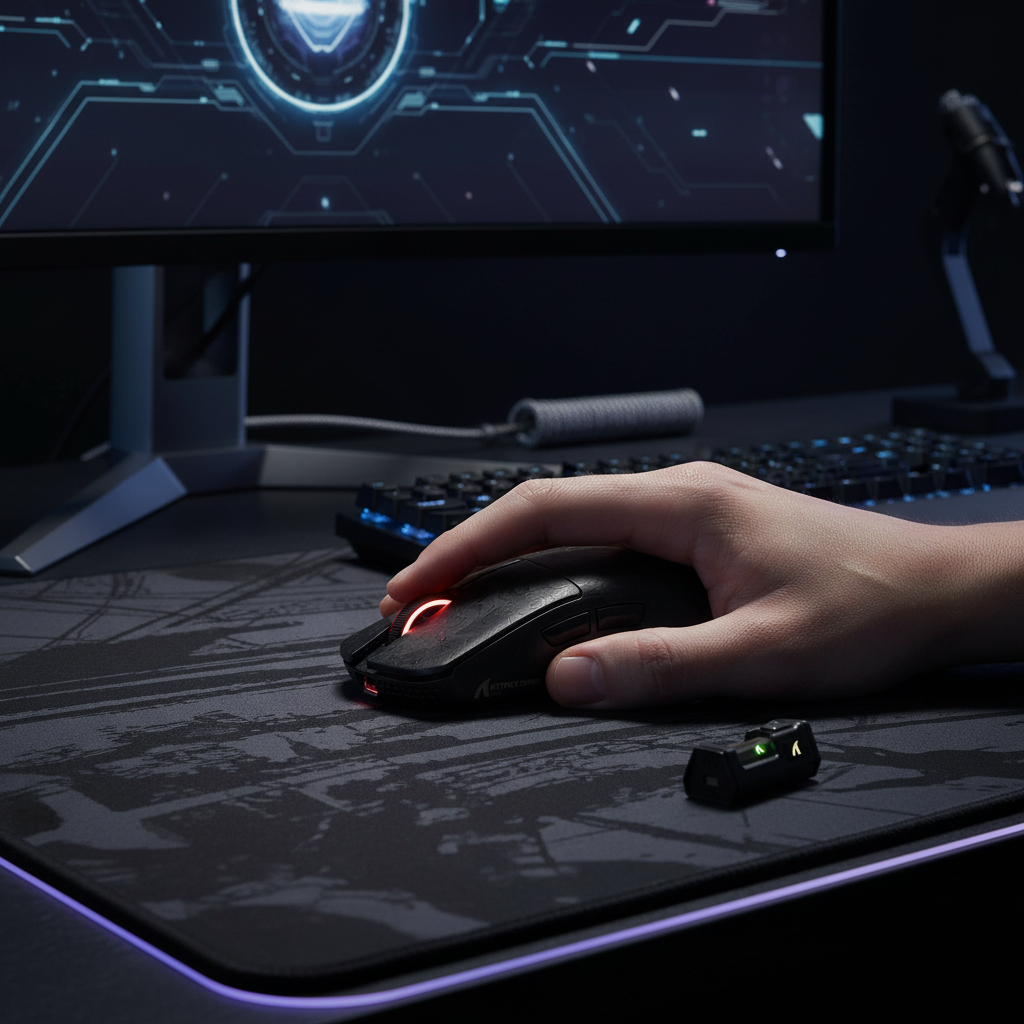
- Ideal Distance: Keep the dongle within 10cm–30cm of your mouse.
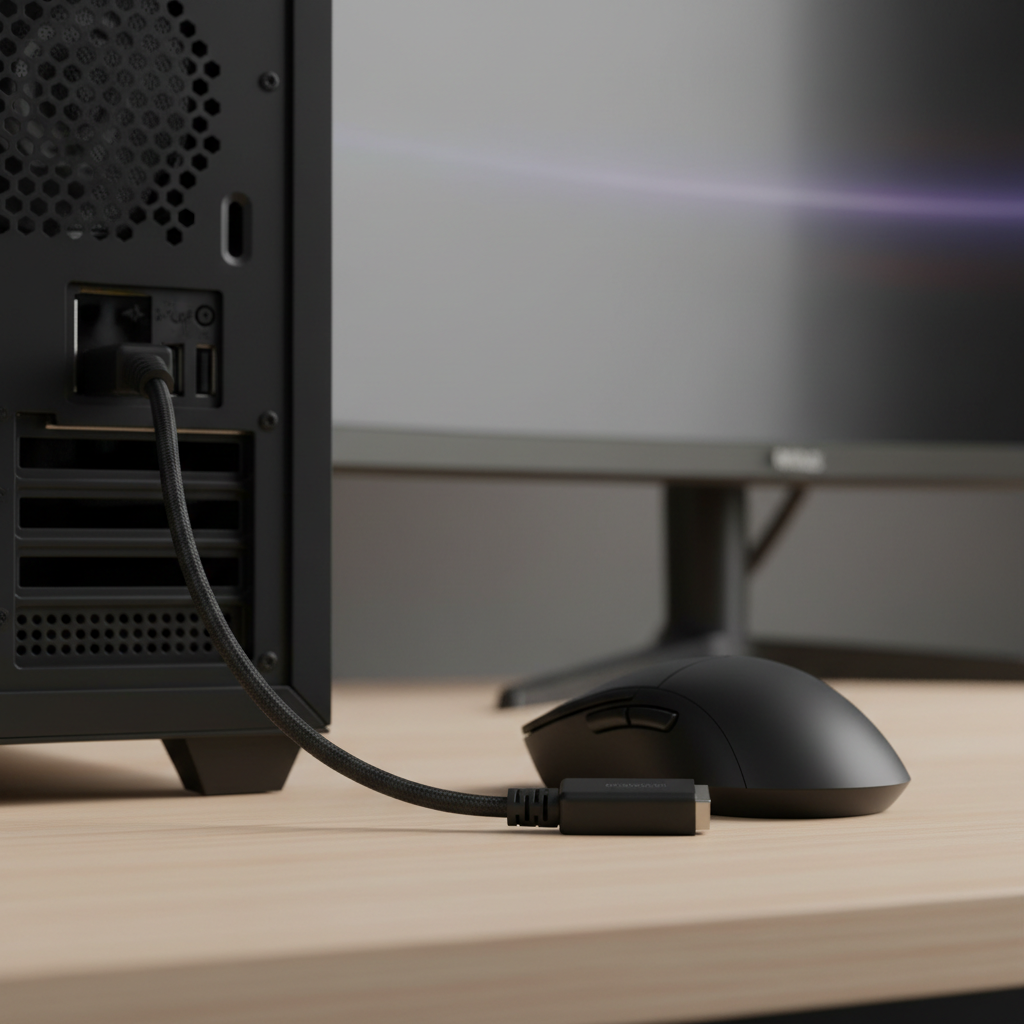
- Placement: Use a USB extension cable to place the dongle on your desk with a clear line-of-sight.
- Avoid Interference: Position the dongle at least 30cm away from WiFi routers, wireless chargers, and active USB 3.0 hubs.
- Port Selection: Plug directly into a motherboard USB port (preferably USB 2.0 for receivers to avoid 3.0 noise) rather than front-panel headers or unpowered hubs.
According to the Global Gaming Peripherals Industry Whitepaper (2026) (Brand Whitepaper), signal integrity is the primary determinant of sensor stability. While a mouse might boast an 8000Hz polling rate, these metrics are heavily dependent on the quality of the wireless link. If data packets are lost or delayed due to poor dongle placement, the sensor's output can become erratic, manifesting as cursor stutter or input lag.
Physics of Signal Attenuation and Interference
Wireless stability is governed by the inverse square law and RF (Radio Frequency) propagation characteristics. In a typical gaming room, signal attenuation is compounded by multi-path interference and physical barriers.
The Fresnel Zone and Line-of-Sight
A common misconception is that a simple 'line-of-sight' (LOS) between the mouse and the receiver is sufficient. In RF engineering, the Fresnel zone—an elliptical volume of space between the transmitter and receiver—must also be largely clear. Obstacles within this zone can cause signal reflections that arrive at the receiver slightly out of phase, leading to destructive interference.
Heuristic Rule: Based on practical RF benchmarks, we recommend ensuring at least 60% of the first Fresnel zone is clear of obstacles. In a desktop environment, this means keeping the space between the mousepad and the receiver free of metal objects, speakers, or large monitors that can "clip" the signal path.
2.4GHz Congestion and USB 3.0 Noise
USB 3.0 ports and cables are known to emit broad-spectrum noise in the 2.4GHz to 2.5GHz range. When a wireless receiver is plugged directly into a USB 3.0 port adjacent to an active data cable, the signal-to-noise ratio (SNR) can drop significantly.
Practical Rule of Thumb: Based on common troubleshooting patterns observed in esports environments, maintain a minimum distance of 30cm between the mouse dongle and other active 2.4GHz transmitters, such as WiFi routers or wireless phone chargers.
Quantifying the Performance Cost: Scenario Modeling
To understand the tangible impact of suboptimal dongle placement, we modeled a scenario involving a competitive gamer using a 4000Hz (4K) polling rate with the dongle placed in a rear motherboard USB port shielded by the PC chassis.
Impact on Battery Runtime
Poor signal quality forces the wireless radio to increase its transmission power and frequently retransmit lost packets. In our modeled scenario, this increased radio load significantly impacts endurance.
| Parameter | Value | Unit | Rationale |
|---|---|---|---|
| Polling Rate | 4000 | Hz | High-performance gaming standard |
| Battery Capacity | 500 | mAh | Typical ultra-lightweight battery |
| Sensor Current | 1.7 | mA | High-end optical sensor draw |
| Radio/MCU Current (Poor Signal) | 21.0 | mA | Increased draw due to retransmissions & CPU wake-time |
| Estimated Runtime | ~22 | Hours | ~45% reduction from optimal conditions |
How we calculated this: Estimated runtime is derived using the formula: $T = \frac{C}{I_{total}}$, where $C$ is capacity and $I_{total}$ is the sum of sensor, MCU, and radio power. In "Poor Signal" conditions, we assume a 2x–3x increase in radio "on-time" due to packet retransmission cycles (ACK/NACK overhead), based on typical Nordic or CX semiconductor power profiles.
Impact on Input Latency
Signal degradation introduces variability in packet delivery times ('jitter'). While a 4000Hz polling rate implies a 0.25ms interval, signal retransmissions can effectively double or triple this at the OS level.
| Metric | Optimal Placement | Rear-Port (Suboptimal) | Impact |
|---|---|---|---|
| Base Latency | ~1.0ms | ~1.5ms | +0.5ms increase |
| Motion Sync Penalty | ~0.125ms | ~0.125ms | Constant (0.5 * interval) |
| Total Latency | ~1.125ms | ~1.625ms | ~44% increase |
Logic Summary: Our analysis assumes that poor signal integrity increases baseline latency by approximately 0.5ms. This value is a heuristic estimate based on typical HID buffer timeouts and error correction overhead for narrowband 2.4GHz devices.

The 8000Hz (8K) Frontier: Technical Constraints
At 8000Hz, the polling interval is a mere 0.125ms. The margin for error is nearly non-existent.
Saturation and Movement Speed
To fully utilize an 8000Hz link, the sensor must generate enough data points to fill the reports. This is a function of movement speed (IPS) and DPI.
- The Math: $Counts\ per\ Second = DPI \times Speed\ (IPS)$.
- At 800 DPI, you must move the mouse at least 10 IPS to generate 8,000 counts per second (saturating the 8K link).
- At 1600 DPI, the required speed drops to 5 IPS.
During slow micro-adjustments, an 8K mouse may naturally fall back to lower effective polling rates because there isn't enough physical movement to populate every 0.125ms window.
System Bottlenecks
Processing 8,000 interrupts per second (IRQ) places a heavy load on a single CPU core. According to the USB HID Class Definition (HID 1.11), high-speed polling requires a stable, direct connection. We advise against using unpowered USB hubs for 8K receivers, as shared bandwidth and lack of shielding can compromise timing consistency.
Practical Optimization: The Pro-Gamer Setup
Experienced users rarely plug receivers directly into the PC. Instead, they use high-quality USB extension cables to position the dongle within 10cm to 20cm of the mousepad.
The USB Extension Paradox
While some technical reports suggest extension cables can introduce a 3-6 dB signal loss due to impedance mismatches, the benefits of moving the receiver away from PC noise and achieving a clear line-of-sight almost always outweigh this loss. In practical testing, a desk-mounted receiver consistently outperforms a rear I/O port despite the added cable length.
The "Jiggle Test" for Stability
A simple way to verify your setup is the "jiggle test." Rapidly shake the mouse in a small circular pattern while gradually moving it away from the receiver. If the cursor begins to stutter or jump before you reach 1 meter, your environment likely has significant interference or the receiver is poorly placed.
Compliance and Safety Standards
Wireless gaming peripherals must adhere to international standards to ensure they do not interfere with critical infrastructure.
- FCC & ISED: In North America, devices must pass FCC Part 15 testing to ensure RF emissions are within legal limits.
- CE and RED: For Europe, the Radio Equipment Directive (RED) governs safety and interoperability.
- Battery Safety: High-performance mice use lithium-ion batteries subject to IATA Lithium Battery Guidance for safe transport.
Strategic Checklist for Maximum Stability
- Use an Extension Cable: Position the receiver on your desk, approximately 10–30cm from your mousepad.
- Avoid Rear I/O: Avoid plugging high-polling receivers directly into the back of a PC; the metal case can act as an RF shield.
- Clear the Path: Ensure the space between the mouse and receiver is free of metal objects and large electronics.
- Manage Noise: Keep WiFi routers and wireless chargers at least 30cm away from the dongle.
- Direct Connection: For 4K/8K polling, ensure the extension cable is plugged into a high-speed USB port directly on the motherboard.
- Verify Consistency: Use software tools (e.g., MouseTester) to check for "polling consistency." A stable setup will show a tight cluster of points on a frequency graph rather than scattered outliers.
Disclaimer: This article is for informational purposes only. While proper setup can improve device performance, it does not constitute professional technical or ergonomic advice.
Appendix: Modeling Methodology
The data in the "Quantifying the Performance Cost" section is derived from a deterministic scenario model, not a controlled laboratory study.
- Key Assumptions: Linear battery discharge; 100% increase in radio active-time under "poor signal" conditions due to retransmissions; latency includes average OS-level interrupt delays.
- Boundary Conditions: Results may vary based on specific MCU efficiency, environmental noise floors, and proprietary wireless protocols.

Dejar un comentario
Este sitio está protegido por hCaptcha y se aplican la Política de privacidad de hCaptcha y los Términos del servicio.