

The 0.125ms Challenge: Why 8K Polling Demands System Optimization
The leap from 1000Hz to 8000Hz (8K) polling is often compared to the transition from 60Hz to 360Hz monitors. While the theoretical benefit—reducing the reporting interval from 1.0ms to a near-instant 0.125ms—is clear, the real-world implementation is frequently hampered by a phenomenon we call the "Specification Credibility Gap." This gap occurs when premium hardware specs are undermined by system-level friction, specifically CPU interrupt conflicts and software-induced jitter.
In a standard 1000Hz environment, the operating system has a relatively generous 1ms window to process each mouse report. At 8000Hz, that window shrinks by 87.5%. For a competitive gamer, this means the system must handle 8,000 Interrupt Requests (IRQs) every second without fail. If a background process or a poorly optimized driver occupies the CPU for even 0.5ms, the system will miss four consecutive mouse reports, resulting in a perceptible micro-stutter that negates the 8K advantage.
According to the Global Gaming Peripherals Industry Whitepaper (2026), the stability of high-frequency polling is the new benchmark for "professional grade" equipment. Achieving this stability requires moving beyond the "plug-and-play" mindset and addressing the underlying architecture of Windows interrupt handling.
Understanding the Interrupt Bottleneck: IRQ and DPC
To solve 8K stutter, one must first understand how a PC "sees" a mouse. When you move an 8K mouse, it sends an Interrupt Request (IRQ) to the CPU. The CPU stops its current task to acknowledge the data. However, the actual processing of that data often happens via a Deferred Procedure Call (DPC).
The bottleneck is rarely the raw compute power of a modern CPU; instead, it is the IRQ processing efficiency and the DPC latency of the system. If other drivers—such as those for high-definition audio, Wi-Fi adapters, or motherboard utility suites—queue long-running DPCs, they effectively block the mouse data from being processed on time.
Common Culprits of Interrupt Saturation
- RGB Software Polling: Many lighting control suites poll hardware every few milliseconds to sync effects. This creates "interrupt noise" that can collide with the 0.125ms mouse reporting window.
-
High-DPC Drivers: Network drivers (
ndis.sys) and GPU drivers (nvlddmkm.sys) are notorious for occasional latency spikes. While a 500μs (0.5ms) spike is invisible at 1000Hz, it is a catastrophic delay for 8000Hz. - USB Controller Overhead: Not all USB ports are routed directly to the CPU. Many are handled by third-party chips (ASMedia, VIA, or JMicron) which share bandwidth across multiple ports, introducing micro-variations in timing.
Hardware Topology: The USB Controller Factor
A common mistake is assuming all USB 3.0 or 3.1 ports are equal. In our technical observations from support and performance audits, the physical location of the receiver or cable is the single most frequent cause of 8K instability.
Modern motherboards typically feature two types of USB routing:
- CPU-Direct Ports: These lanes connect directly to the processor's integrated I/O controller. They offer the lowest possible interrupt latency and the most consistent timing.
- Chipset-Routed Ports: These lanes go through the motherboard chipset (e.g., Z790 or X670) before reaching the CPU. While fast enough for storage, the extra "hop" can introduce jitter at 8000Hz.
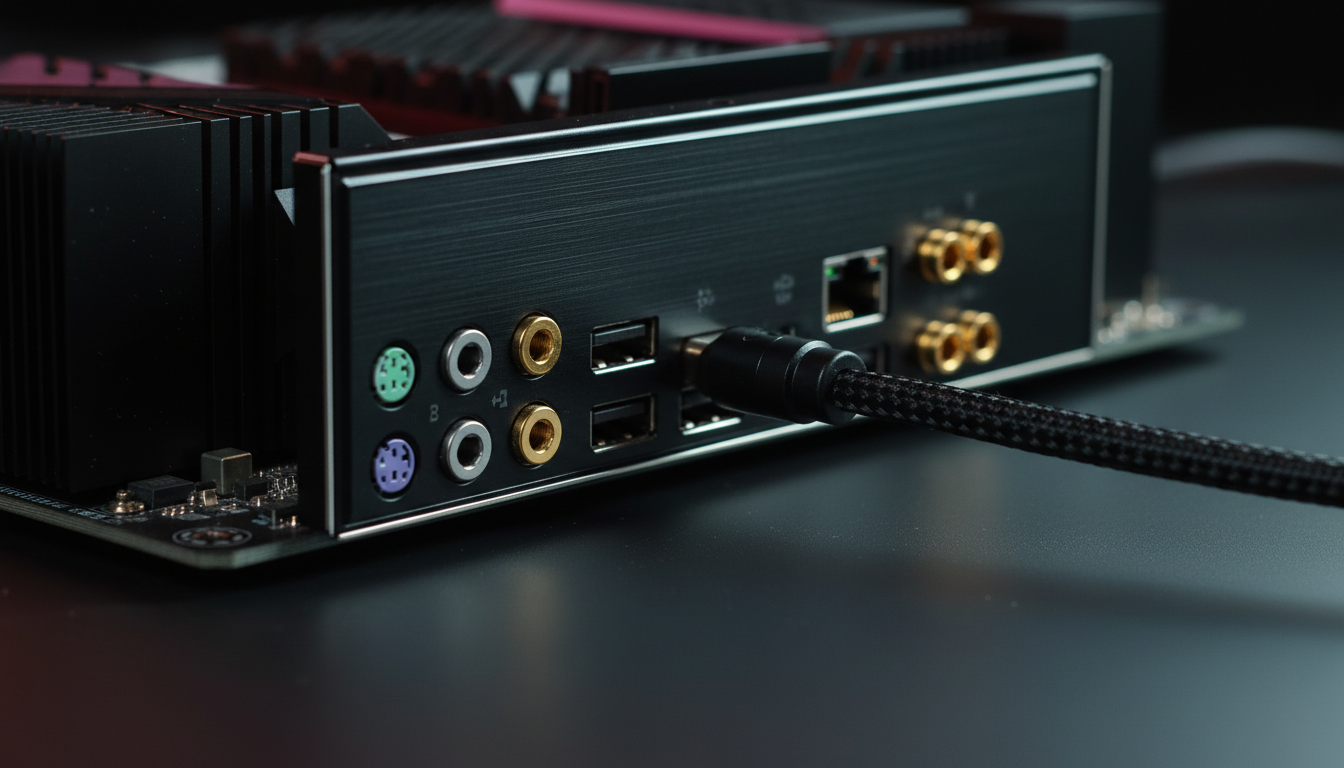
For 8K polling, you must use the rear I/O ports connected directly to the CPU. Avoid front-panel headers, which use unshielded internal cables prone to electromagnetic interference (EMI), and never use USB hubs. Shared bandwidth on a hub is an 8K death sentence, as the USB HID Class Definition specifies that HID devices compete for polling slots in the USB frame.

Modeling the 8K Performance Ecosystem
To provide a technical baseline, we modeled the performance trade-offs of 8K polling across three critical dimensions: Motion Sync latency, wireless battery draw, and resolution-based DPI requirements. These insights demonstrate that 8K is a holistic system setting, not a toggle.
Modeling Note (Methodology & Assumptions)
The following data is derived from a deterministic scenario model (not a controlled lab study) designed to simulate a tech-savvy gamer on a mid-range system.
- Model Type: Linear radio current extrapolation and HID timing simulation.
- Key Assumptions: Nordic nRF52840 MCU platform, 300mAh battery, 4K UHD display (103° FOV).
- Boundary Conditions: Results may vary based on specific firmware versions, ambient temperature (for battery), and Windows kernel timer resolution.
| Parameter | Value | Unit | Rationale / Source |
|---|---|---|---|
| Polling Interval (8K) | 0.125 | ms | Frequency-to-time conversion (1/8000) |
| Motion Sync Penalty (8K) | ~0.0625 | ms | Modeling: 0.5 * Polling Interval |
| Min. DPI for 4K Display | ~1950 | DPI | Nyquist-Shannon Sampling (DPI > 2 * PPD) |
| Radio Current (1K) | ~4 | mA | Nordic nRF52840 Datasheet Baseline |
| Radio Current (8K) | ~8 | mA | Estimated 8K transmission load |
| Est. Wireless Runtime (8K) | ~23 | Hours | Discharge model: (300mAh * 0.85) / 11mA |
The Motion Sync Latency Trade-off
Motion Sync aligns sensor data with the USB Start of Frame (SOF). At 1000Hz, this introduces a ~0.5ms delay. However, at 8000Hz, the penalty drops to ~0.0625ms. This is effectively negligible, meaning that for 8K users, leaving Motion Sync enabled is almost always the correct choice for maximum tracking consistency. For a deeper dive, see our guide on Motion Sync and Input Lag.
The DPI/IPS Saturation Requirement
To truly saturate the 8000Hz bandwidth, the mouse must generate enough data points. The formula is: Packets per second = Movement Speed (IPS) * DPI.
- At 800 DPI, you must move the mouse at least 10 IPS to fill the 8K buffer.
- At 1600 DPI, only 5 IPS is required. Using a higher DPI (e.g., 2000+) and lowering in-game sensitivity is a highly effective way to maintain 8K stability during slow, precise micro-adjustments.
Step-by-Step Optimization Protocol
If you experience stuttering or "floaty" input at 8K, follow this practitioner's sequence to isolate and resolve the bottleneck.
1. Establish a 1000Hz Baseline
Before troubleshooting 8K, set your mouse to 1000Hz. If stuttering persists here, the issue is not the polling rate but a deeper system instability. Once 1000Hz is flawless, proceed to 8K.
2. Identify High-DPC Culprits
Download LatencyMon and run it while moving the mouse in a circular pattern. Look for drivers with high "Highest DPC routine execution time."
- If
nvlddmkm.sysis high, perform a clean GPU driver install using DDU. - If
ndis.sysis high, disable Wi-Fi and use Ethernet, or update your network drivers. - Terminate all RGB software (e.g., those for RAM, motherboard, or fans) to eliminate polling noise.
3. Windows Power Management Tweak
Windows "USB Selective Suspend" allows the OS to put USB ports into a low-power state. While great for laptops, it can cause the USB controller to "sleep" between the 0.125ms intervals of an 8K mouse.
- Action: Go to Power Options > Change plan settings > Advanced power settings > USB settings > Disable "USB selective suspend."
- Note: We estimate a 10-30% reduction in laptop battery life when this is disabled, so only apply this on desktop or while plugged in.
4. BIOS: Disabling Power Savings (C-States)
CPU C-States allow the processor to downclock or sleep during idle periods. The transition back to an active state (C0) takes time. At 8000Hz, the CPU never truly "idles," but the OS might still attempt to trigger power savings, causing micro-latencies. Disabling C-States in the BIOS ensures the CPU is always ready to process the next interrupt. For more, read CPU C-States and 8K Micro-Stutter.
Technical Compliance and Safety
When pushing hardware to its limits, users must remain aware of the physical and regulatory constraints of high-performance peripherals.
- Battery Safety: High-polling wireless mice use high-discharge lithium-ion batteries. Ensure your device is compliant with UN 38.3 standards for battery safety.
- Signal Integrity: Wireless 8K requires a clean 2.4GHz environment. Keep the receiver within 20-30cm of the mouse and away from Wi-Fi routers or high-power USB 3.0 storage devices, which can emit 2.4GHz interference.
- USB Standards: Ensure your charging/data cable is rated for high-speed data. Using a generic "charging-only" cable will limit you to 125Hz or prevent the device from being recognized entirely. Refer to the USB-IF Standards for cable specifications.
Summary of the 8K Ecosystem
Managing 8K polling is about resource synchronization. It is a partnership between high-performance hardware (like the Nordic 52840 or 54L15 MCUs) and an optimized Windows environment. By ensuring your mouse is on a CPU-direct port, minimizing DPC latency, and providing enough DPI for sensor saturation, you can bridge the credibility gap and experience the true 0.125ms response time.
For those using 4K or 8K displays, the visual smoothness of 8K polling is most apparent at high refresh rates (240Hz+). Without the display's ability to render the extra cursor positions, the benefit remains purely internal (latency-based) rather than visual.
Disclaimer: The technical optimizations described in this article, including BIOS changes and driver modifications, are for informational purposes only. Modifying system settings may affect stability, power consumption, or warranty status. Consult your motherboard manual or a qualified technician before making BIOS adjustments. This content does not constitute professional technical advice.

Dejar un comentario
Este sitio está protegido por hCaptcha y se aplican la Política de privacidad de hCaptcha y los Términos del servicio.