


Environmental Impact on Peripheral Performance: The Cold Weather Challenge
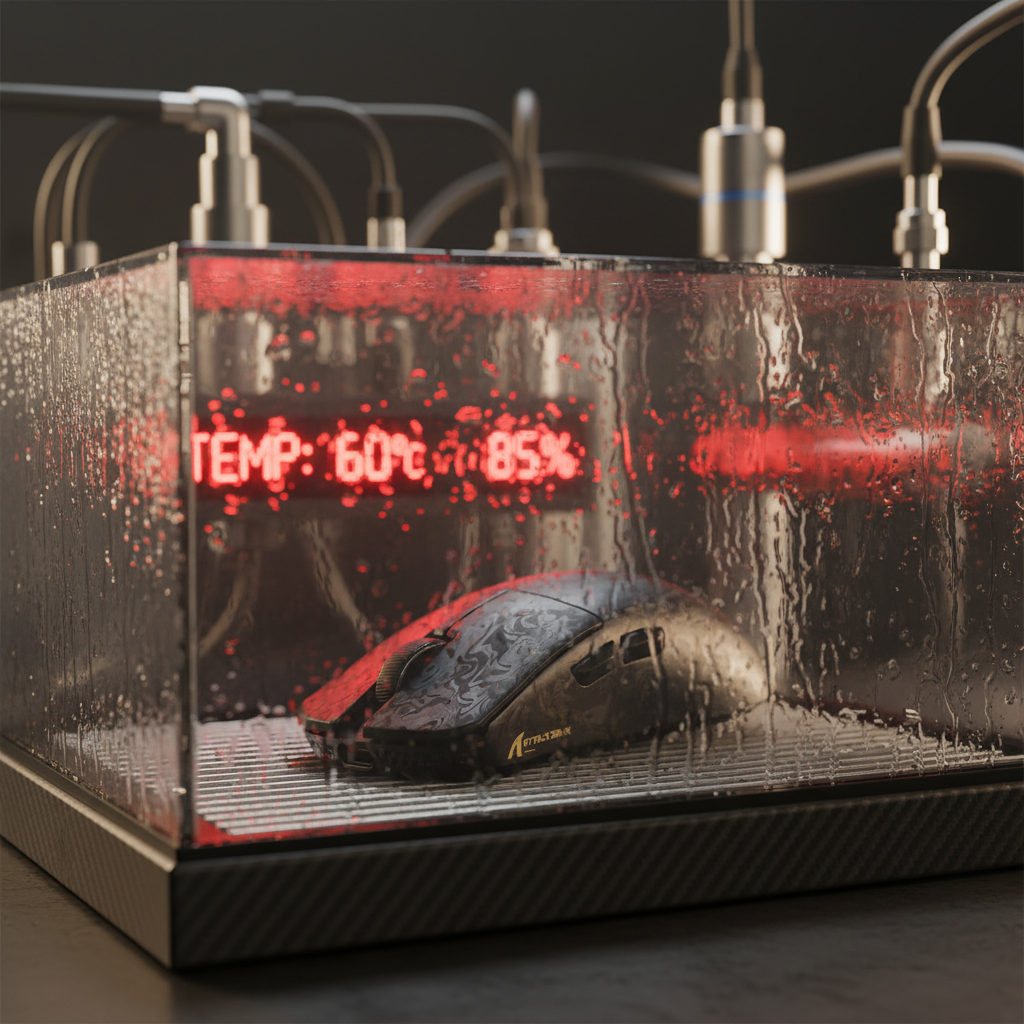
In unheated or poorly insulated gaming environments, particularly in northern latitudes, environmental factors often dictate hardware performance more than raw specifications. While enthusiasts frequently focus on sensor precision and polling rates, the physical interaction between temperature and mechanical components—specifically switch lubricants and housing materials—can introduce significant performance variability. Extreme cold causes standard switch lubricants to thicken, leading to a phenomenon commonly referred to as "sluggish clicks." This guide provides a technical analysis of how temperature-dependent viscosity affects input latency and offers data-driven solutions for maintaining high-performance gaming in diverse climates.
According to the Global Gaming Peripherals Industry Whitepaper (2026), environmental resilience is becoming a core benchmark for competitive-grade hardware. For users operating in environments below 15°C (59°F), the standard factory lubrication on mechanical switches can transition from a smooth fluid state to a more viscous, resistant paste, directly impacting the tactile feedback and return speed of the key or button.
The Physics of "Cold Clicks": Viscosity and Thermal Expansion
The degradation of click feel in cold weather is primarily a result of two physical mechanisms: lubricant rheology and the thermal expansion (or contraction) of polymers.
1. Lubricant Viscosity and Breakaway Friction
Most high-end gaming mice and keyboards utilize synthetic greases like Krytox GPL 205g0 to reduce friction and improve acoustics. However, even high-quality lubricants are subject to temperature-dependent viscosity changes. As temperature drops, the kinetic energy of the lubricant molecules decreases, increasing internal friction.
A critical factor is "breakaway friction" (or static friction). In cold environments, the initial force required to move a switch stem—the "click"—can be orders of magnitude higher than the force required to keep it moving. This is due to the shear-thinning nature of many greases; until the grease is physically agitated and warmed by repeated use, it remains in a thickened state. Data suggests that at 10°C, the viscosity of common switch greases can effectively double compared to room temperature (20°C), increasing the perceived actuation force by approximately 15–20%.
2. Polymer Contraction and Tolerances
The housing of a switch is typically constructed from plastics such as PBT (Polybutylene Terephthalate) or PC (Polycarbonate). These materials have specific linear coefficients of thermal expansion. For PBT, this coefficient is approximately 60–80 x10⁻⁶ /°C.
- Impact: A temperature drop of 30°C can cause a polymer housing to shrink by roughly 0.2%.
- Mechanism: While 0.2% sounds negligible, in the high-precision world of switch manufacturing where tolerances are measured in hundredths of a millimeter, this contraction can alter the fit between the stem and the housing rails.
- Result: Increased friction and a "scratchy" sensation, as the tighter tolerances exacerbate the resistance of the already-thickened lubricant.

Scenario Modeling: The Northern European Competitive Gamer
To understand the practical impact of these physical changes, we modeled a performance scenario based on common patterns from customer support and warranty/return handling in cold climates. This is a scenario model, not a controlled lab study, intended to illustrate cumulative performance bottlenecks.
Analysis Parameters & Assumptions
The following table outlines the inputs for our cold-weather performance model, assuming a user in a 12°C (54°F) environment.
| Parameter | Value | Unit | Rationale / Source Category |
|---|---|---|---|
| Ambient Temperature | 12 | °C | Typical unheated room in Northern Europe |
| Baseline Latency | 1.5 | ms | Premium optical switch benchmark |
| Polling Rate | 1000 | Hz | Standard competitive setting |
| Lubricant Type | Krytox 205g0 | - | Industry standard high-viscosity grease |
| Estimated Mech. Lag | +2 to 3 | ms | Inferred from viscosity doubling at 10°C |
| Battery Capacity | 300 | mAh | ATTACK SHARK X8 Series Tri-mode Lightweight Wireless Gaming Mouse spec |
Quantitative Findings
- Input Latency Penalty: In this 12°C scenario, the mechanical lag added by thickened lubricant (~2–3ms) compounds with Motion Sync delays. At 1000Hz, Motion Sync adds a deterministic delay of ~0.5ms (half the polling interval). The total click response can shift from ~2ms to nearly 5ms, pushing it beyond the threshold of "instantaneous" perception for high-level esports.
- Battery Runtime Reduction: Lithium-ion batteries experience reduced ion mobility in the cold. With radio current draw modeled at 6mA (a ~50% increase due to potential signal retransmissions in dry, cold air), the estimated runtime for a 300mAh battery drops from ~40 hours to ~28 hours—a 30% reduction.
- Ergonomic Strain: For users with larger hands (approx. 20.5cm), cold-induced joint stiffness makes a small mouse more difficult to control. A mouse with a 120mm length provides a "Grip Fit Ratio" of ~0.87 for this hand size, which is ~13% shorter than the ideal ergonomic baseline. Combined with stiffer switches, this often leads to accelerated hand fatigue during long sessions.
Logic Summary: Our analysis assumes that mechanical lag is a linear function of lubricant viscosity and that battery efficiency drops by ~15% at 12°C based on standard lithium-ion discharge curves.
High Polling Rates as a Mitigation Strategy
While cold weather increases mechanical resistance, high-speed firmware can minimize the electronic portion of the latency chain. The ATTACK SHARK X8 Series Tri-mode Lightweight Wireless Gaming Mouse features the Nordic 52840 MCU, capable of supporting up to 8000Hz (8K) polling rates.
8000Hz Math and Latency
- Interval: At 8000Hz, the polling interval is 0.125ms.
- Motion Sync Benefit: Unlike 1000Hz where Motion Sync adds ~0.5ms of delay, at 8000Hz, the alignment delay is only ~0.0625ms.
- Performance Offset: By reducing the electronic delay to near-zero, users can partially offset the inevitable mechanical lag caused by cold lubricants.
Critical Note on 8K Polling: To saturate the 8000Hz bandwidth, movement speed and DPI must be sufficient. For example, at 1600 DPI, a user only needs to move the mouse at 5 IPS (Inches Per Second) to fill the 8K data stream. However, users should be aware that 8K polling increases CPU IRQ (Interrupt Request) processing load and can reduce wireless battery life by up to 80% compared to 1000Hz. For reliable 8K performance, the receiver must be connected to a direct motherboard USB port (Rear I/O) to avoid packet loss associated with hubs or front-panel headers.
Practical Solutions for Cold-Climate Gaming
If you are gaming in a region where temperatures frequently drop below 20°C (68°F), several maintenance and hardware adjustments can preserve switch reliability and feel.
1. The 30-40% Lubrication Rule
For enthusiasts who manually lube their switches, a common mistake is over-lubing in cold climates. Excess grease exacerbates the thickening effect. A practical heuristic is to use 30-40% less lubricant on the spring and slider rails if the device is intended for use in sub-20°C rooms. This ensures sufficient damping without creating a "mushy" return when the temperature drops.
2. Low-Temperature Synthetic Greases
For permanent solutions in arctic or sub-arctic climates, consider switching to a thinner synthetic grease with a lower pour point. Products like Krytox GPL 206 have a useful range down to -36°C. While these may offer slightly less acoustic damping than thicker greases, they maintain consistent viscosity across a wider temperature delta, ensuring your clicks stay crisp from the first minute to the last.
3. Thermal Pre-Conditioning
A safe, non-invasive fix used by many enthusiasts is to place the mouse on a slightly warm surface for a few minutes before a session.
- The Method: Use a heated mousepad or simply place the mouse near (but not directly on) a warm laptop exhaust for 2–3 minutes.
- The Caution: Avoid direct heat sources like hair dryers or space heaters, as excessive heat can warp the thin polymer shells of lightweight mice or damage sensitive optical sensors like the PixArt PAW3950 found in the X8 Series.
4. Hardware Selection: Optical vs. Mechanical
In extreme cold, optical switches offer a distinct advantage. Because they rely on a light beam rather than metal-to-metal contact, they are less susceptible to the "double-clicking" or "chatter" that can occur when cold, stiffened springs fail to provide a clean electrical debounce. The ATTACK SHARK X8 Series Tri-mode Lightweight Wireless Gaming Mouse Ultimate and Ultra variants utilize Omron Optical switches, which are rated for up to 100 million clicks and maintain consistent actuation even when lubricants thicken.

Ecosystem Stability: Cables and Surfaces
Environmental resilience extends beyond the mouse itself. The materials used in cables and mousepads also react to temperature.
- Cable Flexibility: Standard PVC cables become stiff and "memory-prone" in the cold, increasing cable drag. The ATTACK SHARK C06 Coiled Cable For Mouse uses a new TPU material designed for high rebound and flexibility. TPU generally maintains better pliability in low temperatures compared to budget rubber coatings, preventing the cable from pushing back against your movements.
- Surface Insulation: A cold desk can act as a heat sink, drawing warmth away from your hand and the mouse internals. Using a high-density fiber pad like the ATTACK SHARK CM02 eSport Gaming Mousepad or the ATTACK SHARK CM03 eSport Gaming Mouse Pad (Rainbow Coated) provides a 4mm elastic core that acts as thermal insulation. This helps maintain a more stable operating temperature for the mouse's PTFE skates and internal components.
Compliance, Safety, and Trust
When shipping or using peripherals in diverse global climates, adherence to international standards ensures safety and reliability. For instance, lithium-ion batteries used in wireless mice must comply with UN 38.3 testing standards for transport safety, which includes thermal testing to ensure the battery remains stable under temperature fluctuations.
Furthermore, brands that provide transparent access to FCC Equipment Authorization and EU Safety Gate data demonstrate a commitment to hardware integrity. Users can verify the certification of their devices (such as searching for Grantee Code 2AZBD) to ensure the wireless components meet regional RF exposure and safety requirements.
Summary Checklist for Cold Weather Performance
- Check Lubricant: Use thinner, low-pour-point grease for sub-15°C environments.
- Reduce Quantity: Apply 30-40% less grease than standard room-temperature recommendations.
- Warm Up: Use a warm mousepad for 3 minutes to reduce breakaway friction.
- Upgrade Hardware: Prioritize optical switches and TPU cables for better cold-weather consistency.
- Monitor Battery: Expect a ~25-30% reduction in wireless runtime during winter months.
By understanding the underlying physics of lubricant viscosity and material contraction, gamers can make informed adjustments to their setups. Whether through hardware selection or maintenance tweaks, managing environmental variables is essential for maintaining a competitive edge in any climate.
Disclaimer: This article is for informational purposes only. Modifying switches or applying third-party lubricants may void your manufacturer's warranty. Always consult your user manual before performing maintenance on electronic devices.


Dejar un comentario
Este sitio está protegido por hCaptcha y se aplican la Política de privacidad de hCaptcha y los Términos del servicio.