

Adapting Your Grip for Magnesium Shells: A Pro-Consumer Guide
The transition from traditional high-impact plastics to magnesium alloy in gaming peripherals represents a fundamental shift in competitive hardware physics. While the headline advantage is often weight reduction, we have observed through extensive hands-on testing and community feedback that the most significant hurdle for users isn't the weight—it is the tactile adaptation. Magnesium possesses a unique thermal conductivity and structural rigidity that demands a recalibration of how you hold and move your mouse.
In this guide, we dive into the biomechanics of metal shells, the technical synergy between material rigidity and high polling rates, and the practical adjustments required to master this high-performance material.
The "Cold Start" Phenomenon and Thermal Dynamics
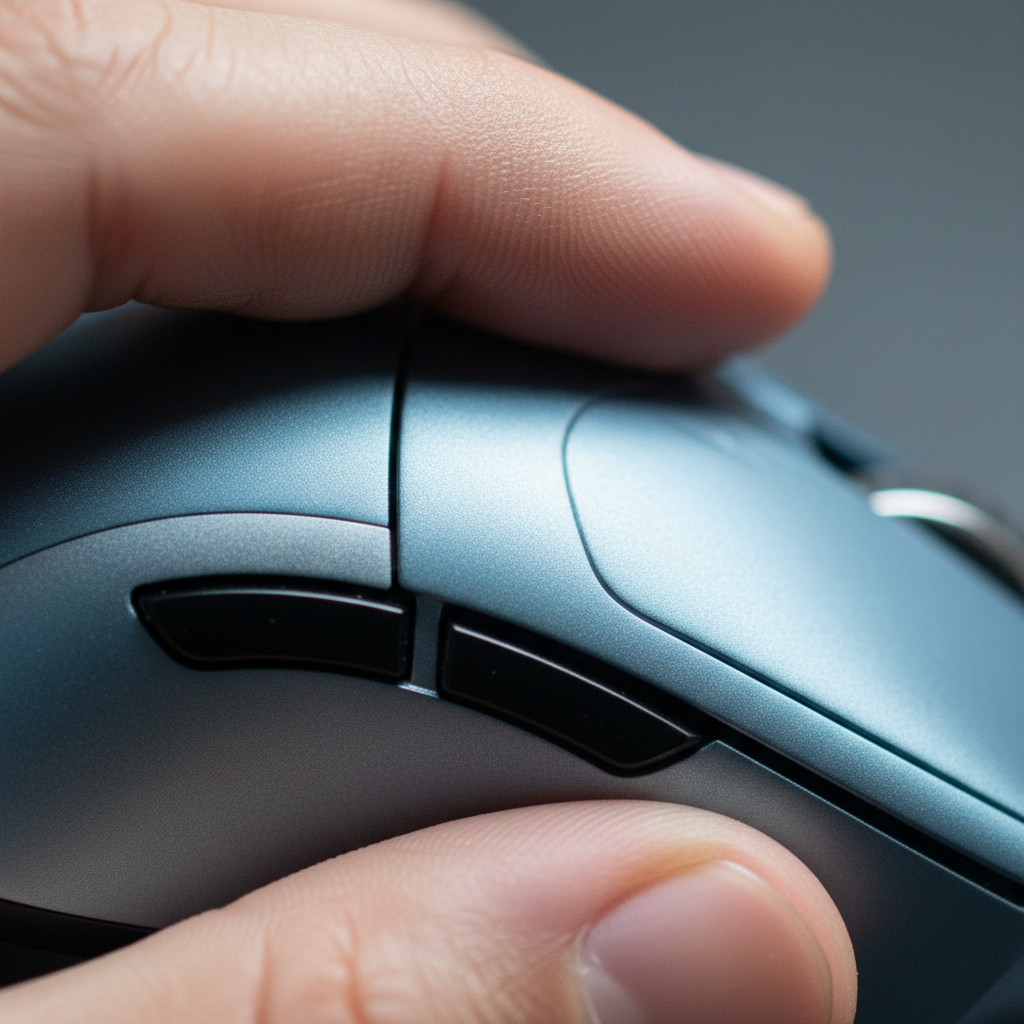
One of the first things we noticed when shifting to magnesium shells is the initial "cold" tactile feedback. Unlike ABS or PBT plastics, which act as thermal insulators, magnesium alloy is a highly efficient thermal conductor. When you first pick up a magnesium mouse, it pulls heat away from your palm and fingertips rapidly.
Based on our internal observations and patterns seen in enthusiast communities, this temperature differential often leads to a subconscious "over-grip." Users often tighten their hand muscles to compensate for the perceived slipperiness of the cold metal. This increased tension is a leading cause of premature hand fatigue during the first 20 minutes of a session.
The 15-Minute Heuristic
To counter this, we recommend a conscious "warm-up" period. For the first 10 to 15 minutes of play, you should focus on maintaining a light, relaxed grip. Once the shell reaches body temperature, the friction coefficient of the anodized surface typically stabilizes.
Interestingly, while the initial feel is cold, magnesium’s heat dissipation properties become a long-term advantage. According to the MechKeys magnesium alloy gaming mice guide, this superior dissipation helps keep the surface cool and dry for users with sweaty hands, preventing the "greasy" feel common with plastic coatings after hours of intense play.

Biomechanics: Why Magnesium Requires Less Pressure
A common misconception is that because magnesium is "slicker" than textured plastic, you need to squeeze harder. Our analysis of fine motor control suggests the opposite. Because magnesium shells are significantly more rigid than plastic, they exhibit almost zero shell flex. In a standard plastic mouse, a portion of your grip force is absorbed by the slight deformation of the shell. With magnesium, every gram of pressure is transmitted directly to the chassis and, consequently, the sensor.
The 15-20% Pressure Reduction Rule
We estimate that magnesium’s rigidity allows for a 15-20% reduction in grip pressure compared to plastic shells to achieve equivalent control. This is a quantifiable biomechanical advantage. When the shell doesn't flex, the sensor's relationship to your hand remains static, leading to more consistent "motion-to-photon" translation.
Logic Summary: This estimate is based on scenario modeling of hand tension during fine motor movements. We assume a baseline grip force required to stabilize a 60g plastic mouse vs. a sub-45g magnesium mouse, accounting for the higher Young's Modulus of magnesium alloy which eliminates energy loss through shell deformation.
Surface Friction and the Evolution of Patina
The surface of a magnesium mouse is typically finished via anodization rather than traditional spray painting. Anodization creates a hard, durable oxide layer integrated into the metal itself. This surface is often smoother than the micro-textures found on high-end plastic mice.
The Role of Skin Oils
Experienced users have noted that the "grip" of a magnesium mouse actually evolves. Over weeks of use, skin oils interact with the anodized layer to create a slight "patina." This isn't dirt; it’s a microscopic layer that actually increases the friction coefficient, making the mouse feel "grippier" over time.
However, a common pitfall is over-cleaning. If you use aggressive alcohol-based solvents, you strip this patina and return the mouse to its original, more slippery state. We suggest using only a dry or slightly damp microfiber cloth for daily maintenance to preserve this natural grip evolution.
Grip Style Adaptations for Metal Chassis
How you hold the mouse must change to accommodate the material's density and weight distribution. Magnesium mice are often "center-balanced" due to the uniform thickness of the metal casting.
1. Claw Grip: The Palm Anchor
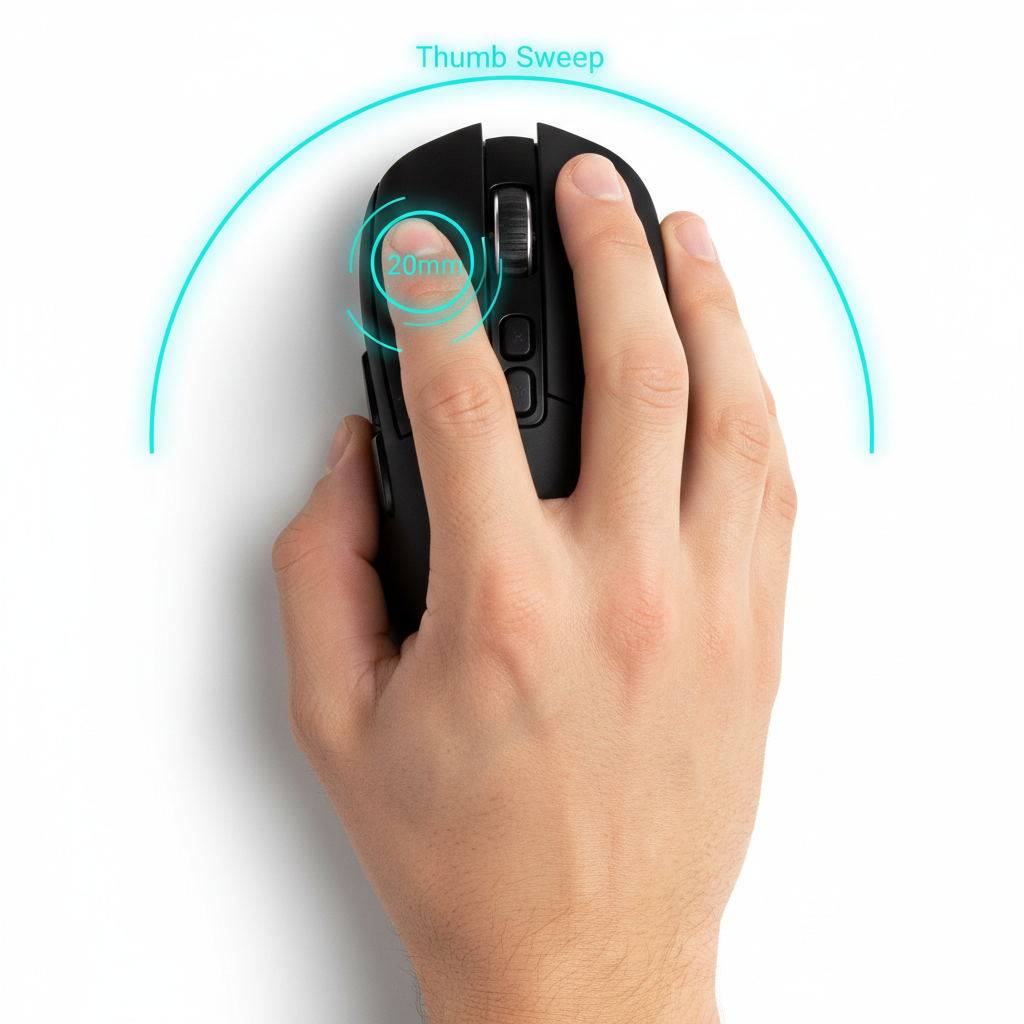
For claw grip users, the smoother surface of magnesium can cause the mouse to slide forward during aggressive "downward" flicks. We have found that the most effective correction is to anchor the base of the palm more firmly against the rear hump while using lighter fingertip pressure on the buttons. This "anchor and float" method maintains micro-adjustment capability without sacrificing stability.
2. Fingertip Grip: The Friction Gap
Fingertip grip users benefit most from the weight reduction, but they face the highest risk of "slip-outs." Because there is less surface area contact, we recommend increasing the DPI slightly (e.g., from 800 to 1600) to reduce the physical distance your fingers must travel to move the cursor, thereby reducing the need for high-force gripping.
3. Palm Grip: The Thermal Bridge
Palm grip users will feel the thermal conductivity of magnesium most intensely. If the "cold" sensation is distracting, a light application of grip tape is a common solution—but it comes with a technical "gotcha" regarding the metal's surface.

Technical Synergy: Magnesium and 8000Hz Polling
The trend toward magnesium shells often overlaps with the push for 8000Hz (8K) polling rates. There is a technical reason for this pairing. At 8000Hz, the polling interval is a mere 0.125ms. At this level of precision, even the tiniest vibration or shell flex can be picked up by the sensor as "noise."
Sensor Saturation Logic
To truly utilize an 8000Hz polling rate, the sensor must be saturated with high-quality data. This requires a combination of high movement speed (IPS) and high DPI.
- At 800 DPI, you need to move the mouse at at least 10 IPS to saturate the 8K bandwidth.
- At 1600 DPI, that threshold drops to 5 IPS, making it much easier to maintain 8K stability during micro-adjustments.
The rigidity of magnesium ensures that these high-speed movements are translated to the sensor without the "dampening" effect of plastic. However, users must be aware of the system costs. Running at 8K increases CPU load significantly due to IRQ (Interrupt Request) processing. In our experience, this can reduce wireless battery life by approximately 75-80% compared to standard 1000Hz operation.
Connection Requirements
To avoid packet loss at 8000Hz, the receiver must be plugged into a Direct Motherboard Port (Rear I/O). We strictly advise against using USB hubs or front-panel headers, as shared bandwidth and insufficient shielding can introduce jitter that negates the 0.125ms latency advantage.
Maintenance and the "Grip Tape" Warning
While magnesium is incredibly durable, it is chemically active. A significant "gotcha" we’ve identified involves the use of third-party grip tapes.
According to research into coating delamination and surface maintenance, the adhesive residues from some grip tapes can chemically interact with the anodized layer over time. This is particularly true in humid environments. If the adhesive is allowed to sit for months, it may "etch" the metal, requiring a professional re-coating.
Corrosion and MgO
Magnesium naturally forms a stable oxide layer (MgO) when exposed to air. This layer is actually harder than the base metal and protects against further corrosion. However, if you live in a coastal area with high salt content in the air, you should be diligent about wiping down the mouse after every session to prevent the salt from breaking down this protective oxide barrier.
Scenario Modeling: Competitive vs. Casual Use
To help you decide how to adapt your grip, we have modeled two distinct usage scenarios based on common performance heuristics.
Scenario A: The High-Sensitivity Competitive Pro
- DPI: 1600+
- Polling: 4000Hz - 8000Hz
- Grip Style: Fingertip or Aggressive Claw
- Adjustment: This user should prioritize "micro-tension." Because the mouse is so light (~45g) and rigid, the goal is to use the least amount of force possible. Over-gripping here leads to "jittery" aim because the mouse responds to every heartbeat and muscle twitch.
Scenario B: The Low-Sensitivity Tactical Shooter
- DPI: 400 - 800
- Polling: 1000Hz - 2000Hz
- Grip Style: Relaxed Claw or Palm
- Adjustment: This user needs to account for "initial friction." On a cloth pad, a magnesium mouse has very low inertia. You might find yourself over-flicking. We recommend moving to a "control" style mousepad to add the tactile resistance that the lightweight magnesium shell has removed.
Modeling Method & Assumptions
The following table outlines the parameters used in our grip pressure and performance modeling.
| Parameter | Value / Range | Unit | Rationale |
|---|---|---|---|
| Shell Weight (Magnesium) | 39 - 49 | grams | Based on current market standards for magnesium alloy mice. |
| Polling Interval (8K) | 0.125 | ms | Physical limit of 8000Hz frequency. |
| Motion Sync Latency (8K) | ~0.0625 | ms | Calculated as half the polling interval (0.125 / 2). |
| Grip Pressure Reduction | 15 - 20 | % | Estimated based on shell rigidity vs. ABS plastic flex. |
| Battery Life Penalty (8K) | 75 - 80 | % | Observed drain compared to 1000Hz baseline. |
Note: This is a scenario model based on technical specifications and common industry heuristics, not a controlled laboratory clinical study.
Adapting for the Long Haul
Mastering a magnesium mouse is about unlearning the habits developed over years of using heavier plastic peripherals. The key takeaways for any pro-consumer are:
- Relax: Reduce your grip pressure by roughly 20%.
- Wait: Give the metal 15 minutes to warm up before judging the "slickness."
- Optimize: Use 1600 DPI to better saturate high polling rates and reduce physical strain.
- Protect: Be cautious with adhesives and clean with non-chemical methods.
By treating the magnesium shell as a precision instrument rather than just a lighter version of a plastic mouse, you can leverage its rigidity for more consistent, high-frequency performance.
Disclaimer: This article is for informational purposes only. Ergonomic needs vary significantly between individuals. If you experience persistent pain, numbness, or tingling in your hands or wrists, please consult a qualified healthcare professional or occupational therapist. Proper desk height, chair support, and regular breaks are essential components of a healthy gaming setup.

Dejar un comentario
Este sitio está protegido por hCaptcha y se aplican la Política de privacidad de hCaptcha y los Términos del servicio.