


For over a decade, the 1000Hz polling rate served as the gold standard for gaming peripherals. This frequency, providing a 1ms reporting interval, was widely considered the ceiling of human perception and hardware capability. However, as monitor refresh rates climbed toward 360Hz and 540Hz, the limitations of 1000Hz became apparent through micro-stuttering and input inconsistency. The emergence of 8000Hz (8K) polling represents a fundamental shift in how input data is processed, moving from millisecond-level precision to sub-millisecond granularity.
Understanding 8K polling requires a transition from marketing terminology to rigorous signal analysis. This article dissects the engineering principles, system requirements, and measurable performance gains of high-frequency polling for technically savvy gamers who demand maximum performance-per-dollar.
The Physics of 8K Polling: Frequency vs. Time
The polling rate of a gaming mouse determines how frequently it sends data packets regarding movement and button clicks to the computer. This relationship is governed by the formula: Interval (ms) = 1000 / Frequency (Hz).
As frequency increases, the time between reports decreases exponentially. While the jump from 125Hz to 1000Hz saved 7ms of latency, the jump from 1000Hz to 8000Hz offers a tighter, more consistent data stream.
| Polling Rate | Reporting Interval | Theoretical Latency Reduction (vs. 1K) |
|---|---|---|
| 125 Hz | 8.0 ms | +7.0 ms (Penalty) |
| 500 Hz | 2.0 ms | +1.0 ms (Penalty) |
| 1000 Hz | 1.0 ms | 0.0 ms (Baseline) |
| 4000 Hz | 0.25 ms | 0.75 ms |
| 8000 Hz | 0.125 ms | 0.875 ms |
Note: Latency values represent the time between physical movement and the OS receiving the data packet.
According to the RTINGS Mouse Click Latency Methodology, standardized testing using USB protocol analyzers confirms that while the absolute reduction is less than 1ms, the primary benefit lies in the reduction of "input lag spikes." At 1000Hz, a movement might occur just after a report is sent, forcing a nearly 1ms wait for the next cycle. At 8000Hz, that maximum wait time drops to a mere 0.125ms, ensuring that the game engine receives the most current data possible.
Sensor Synergy: Motion Sync and Saturation
A common misconception in the enthusiast community is that 8K polling works in isolation. In reality, it is deeply dependent on the sensor's ability to generate data and the Microcontroller Unit's (MCU) ability to sync that data.
The Motion Sync Trade-off
Motion Sync is a feature found in high-end sensors like the PixArt PAW3395 and PAW3950. It synchronizes the sensor's internal data collection with the PC's polling requests. While this creates a smoother cursor path, it introduces a deterministic delay.
Crucially, this delay is not fixed. It is typically equal to half the polling interval. At 1000Hz, Motion Sync adds approximately 0.5ms of latency. However, at 8000Hz, this delay scales down to ~0.0625ms. This makes 8K polling the ideal environment for Motion Sync, providing the benefits of perfectly aligned data with a negligible latency penalty.
Bandwidth Saturation (IPS and DPI)
To actually utilize the 8000 reports sent every second, the sensor must generate enough unique data points. This is determined by the formula: Packets per Second = Movement Speed (IPS) × DPI.
If a user moves the mouse at a low speed or a very low DPI, the mouse may send "empty" or duplicate packets because the sensor hasn't detected enough movement to update the coordinates.
| DPI Setting | Minimum Speed to Saturate 8K (IPS) | Real-World Context |
|---|---|---|
| 400 DPI | 20 IPS | Fast Flick |
| 800 DPI | 10 IPS | Moderate Movement |
| 1600 DPI | 5 IPS | Micro-adjustments |
| 3200 DPI | 2.5 IPS | Precise Aiming |
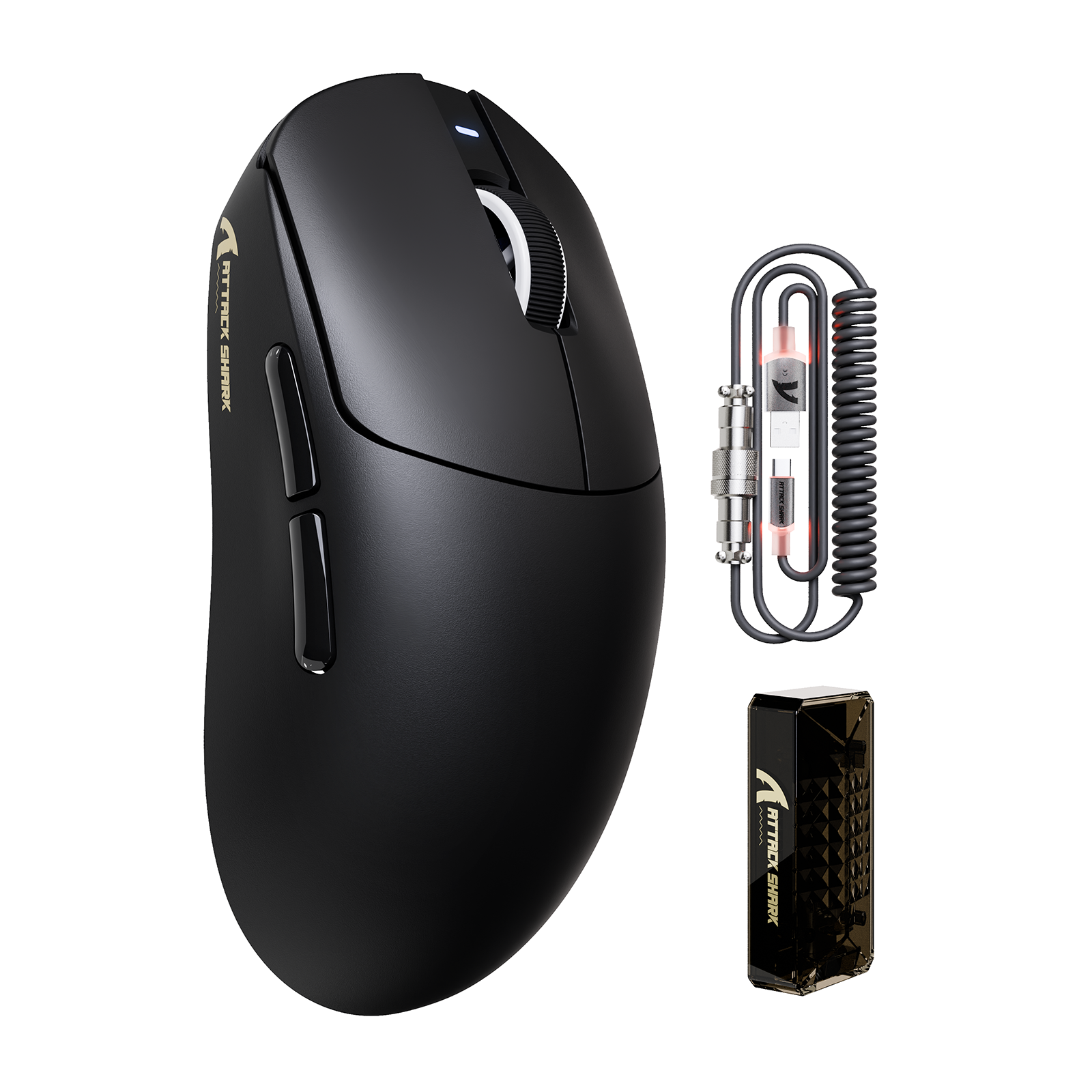
For enthusiasts using the ATTACK SHARK R11 ULTRA Carbon Fiber Wireless 8K PAW3950MAX Gaming Mouse, operating at 1600 DPI or higher is recommended to ensure the 8K bandwidth is fully saturated during subtle aiming corrections.

System Bottlenecks: CPU and USB Topology
The transition to 8K polling places significant stress on the host system. Each report triggers an Interrupt Request (IRQ) that the CPU must process.
CPU Load and Process Priority
In practical testing on mid-range systems (e.g., recent i5 or Ryzen 5 processors), enabling 8K polling adds a consistent 2-4% background CPU load. While this sounds minimal, it can cause frame-time fluctuations in CPU-bound titles like Counter-Strike 2 or Valorant.
To mitigate this, a critical expert-level tweak is to set the process priority of the mouse driver software to "High" in the Windows Task Manager. This reduces variability in reporting times, which can otherwise add up to 0.2ms of jitter.
USB Topology Requirements
USB bandwidth is shared across controllers. For 8K stability, the following rules are non-negotiable:
- Direct Motherboard Ports: Always use the rear I/O ports. Front panel headers and external USB hubs introduce signal noise and packet loss.
- USB 2.0 vs. 3.0: While 8K works on both, many competitive players report higher stability on dedicated USB 2.0 ports for wireless receivers, as USB 3.0 ports can sometimes cause 2.4GHz interference.
- Spectrum Management: High-polling wireless requires a clean 2.4GHz environment. Placing the receiver as close to the mouse as possible—ideally within 12 inches—is vital for maintaining a stable 8K connection.
According to the NVIDIA Reflex Analyzer Setup Guide, measuring system latency requires a clean signal chain. Any interference in the USB path will negate the sub-millisecond gains provided by the high polling rate.
Scenario Analysis: Who Benefits from 8K?
To determine if the hardware investment is justified, we must look at different user profiles and their specific hardware environments.
Scenario A: The Competitive Professional
- Hardware: 360Hz+ Monitor, High-end GPU, low-latency mechanical keyboard.
- Benefit: High. At 360Hz, the monitor refreshes every 2.7ms. A 1000Hz mouse reports every 1ms, meaning there are only ~2.7 reports per frame. At 8000Hz, there are 22 reports per frame. This drastically reduces micro-stuttering and ensures the cursor's visual position on the screen is perfectly aligned with the hand's physical movement.
Scenario B: The Value-Conscious Enthusiast
- Hardware: 144Hz Monitor, Mid-range CPU.
- Benefit: Moderate. While the visual smoothness is less apparent at 144Hz, the ATTACK SHARK X8PRO Ultra-Light Wireless Gaming Mouse & C06ULTRA Cable still provides a more consistent click response. The reduction in "input lag spikes" during fast, non-linear flicks is perceptible even if the monitor cannot display every single micro-adjustment.

Wireless 8K: The Battery Trade-off
One of the most significant "gotchas" with 8K polling is the impact on battery life. Wireless transmission at high frequencies requires the radio to remain in a high-power state with almost no sleep cycles.
Based on technical power draw analysis, a wireless mouse with a 500mAh battery (common in ultra-light models) will see its runtime drop significantly.
- 1000Hz Polling: ~120-150 hours of continuous use.
- 8000Hz Polling: ~35-40 hours of continuous use.
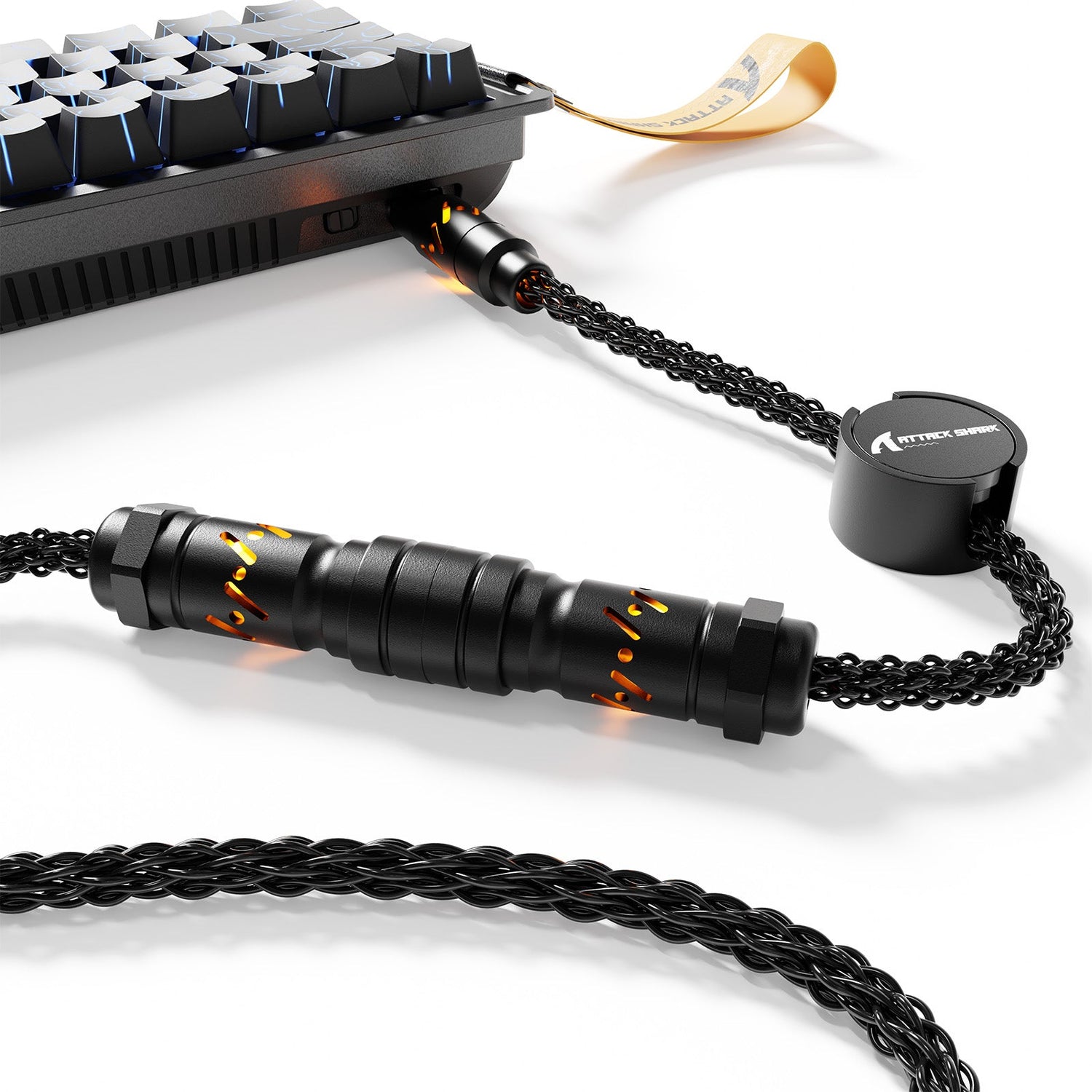
This represents a ~75% reduction in battery efficiency. For users who prioritize performance, this is a manageable trade-off, but it necessitates more frequent charging. Utilizing a high-quality, low-resistance cable like the ATTACK SHARK C07 Custom Aviator Cable for 8KHz Magnetic Keyboard for both charging and wired 8K modes ensures that signal integrity is never compromised.
Optimization Checklist for 8K Polling
To ensure your setup is actually delivering 0.125ms intervals without system instability, follow this expert checklist:
- Verify Polling Rate: Use an online tool or the Attack Shark Official Driver to confirm the mouse is reaching 8000Hz during fast movement.
- Disable Windows Enhance Pointer Precision: This adds artificial acceleration which conflicts with high-frequency raw data.
- Use Raw Input: Ensure your game settings are set to "Raw Input: On" to bypass Windows OS mouse processing.
- DPI Adjustment: Set your mouse to at least 1600 DPI to provide enough data granularity for the 8K polling rate to track accurately.
- Receiver Placement: Use the included extender cable to place the 8K receiver directly in front of your mousepad.
Engineering for the Future
The shift to 8K polling is not just about a single number; it is about the maturation of the entire gaming peripheral ecosystem. It requires more powerful MCUs, more efficient sensors like the PAW3950MAX, and more robust wireless protocols.
While the theoretical latency reduction is 0.875ms, the real-world value lies in the consistency of input delivery. By minimizing the variance between reports, 8K polling eliminates the "floaty" feeling that can occur during intense, high-speed gaming sessions. For the technically savvy gamer, this level of precision provides a measurable competitive edge that was previously impossible in wireless configurations.

Disclaimer: This article is for informational purposes only. Enabling high polling rates increases CPU demand and may impact system stability on older hardware. Users should ensure their cooling and power management settings are optimized for high-performance tasks.
References
[1] RTINGS, "Mouse Click Latency Methodology," rtings.com/mouse/tests/control/latency [2] NVIDIA, "Reflex Latency Analyzer Setup Guide," nvidia.com/en-us/geforce/news/reflex-latency-analyzer-360hz-g-sync-monitors/ [3] FCC Equipment Authorization Database, "Grantee Code 2AZBD / 2BNJR Technical Reports," fcc.gov/oet/ea/fccid [4] PixArt Imaging, "PAW3950 High Performance Sensor Specifications," pixart.com/products/

Dejar un comentario
Este sitio está protegido por hCaptcha y se aplican la Política de privacidad de hCaptcha y los Términos del servicio.