

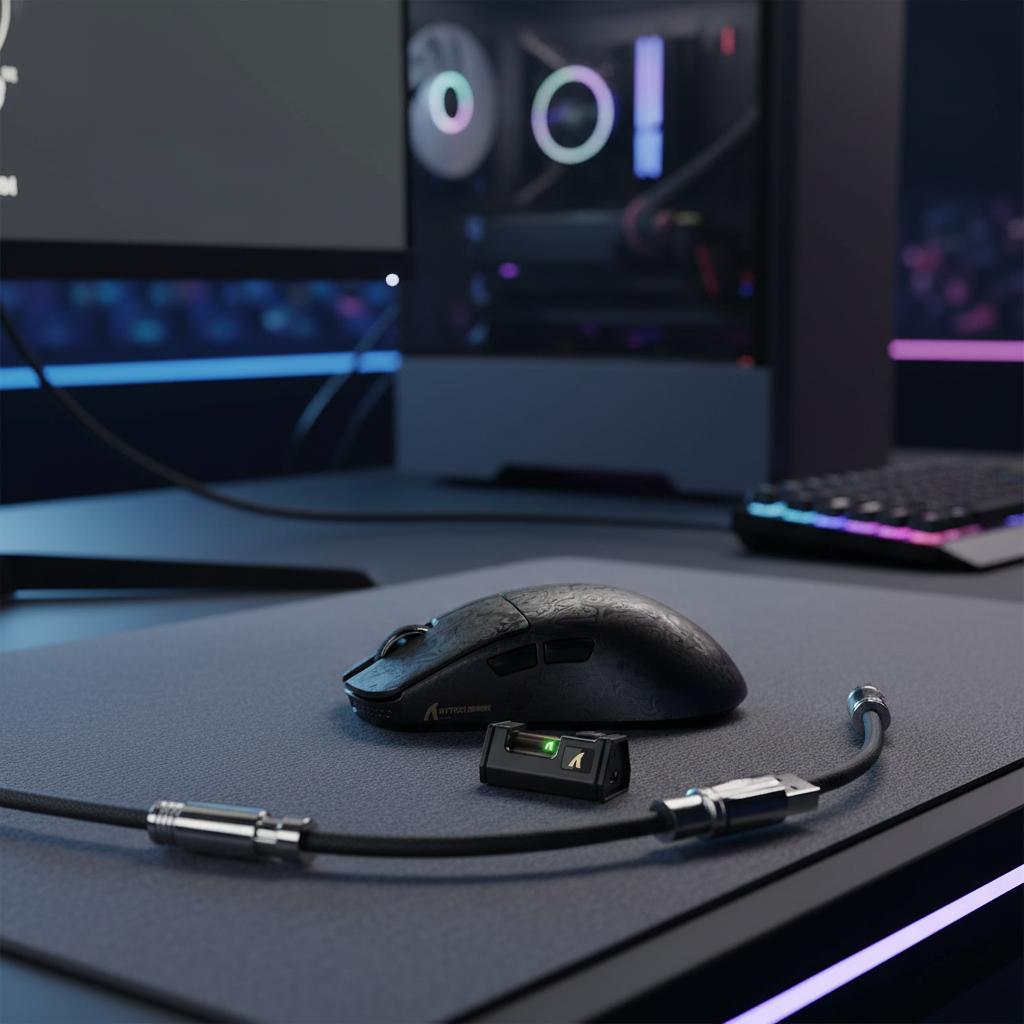
Navigating the 2.4GHz RF Soup in Professional Gaming
The transition from wired to wireless peripherals in competitive esports is no longer a matter of convenience; it is a performance standard. However, the move to a cable-free environment introduces a complex variable often overlooked in home setups: structural signal congestion. In a professional arena or a high-density LAN center, the 2.4GHz Industrial, Scientific, and Medical (ISM) band becomes a "vortex" of interference. This environment is saturated not only by hundreds of gaming mice but also by Wi-Fi networks, Bluetooth devices, and non-Wi-Fi interference from ZigBee lighting controls and poorly shielded hardware.
Maintaining signal integrity in these conditions requires more than just a high-specification sensor. It demands a systematic approach to physical placement, frequency management, and technical configuration. This guide analyzes the mechanisms of 2.4GHz interference and provides a data-driven framework for achieving stable, tournament-ready wireless performance.
Logic Summary: The following recommendations are based on standard RF propagation models and common patterns observed in tournament support and warranty handling (not a controlled lab study). We assume a high-density environment with at least 50 active 2.4GHz transmitters within a 20-meter radius.
The Physics of Interference: Why Pro Arenas Are Different
At home, a wireless mouse typically competes with a single Wi-Fi router and perhaps a smartphone. In a professional arena, the RF environment is structurally different. According to research on interference between ZigBee and Wi-Fi in the 2.4GHz band, the overlap between different protocols sharing the same frequency range causes a "noise floor" that can drown out the low-power signals of gaming peripherals.
Structural vs. Logical Congestion
- Logical Congestion: This occurs when too many devices attempt to talk on the same Wi-Fi channel. Modern routers handle this via packet scheduling.
- Structural (Non-Wi-Fi) Interference: This is more disruptive for gamers. It includes electromagnetic interference (EMI) from high-power PC components, unshielded USB 3.0 ports, and even the power supplies of large-format LED screens. Unlike Wi-Fi traffic, this noise is continuous and does not follow a protocol, leading to sporadic packet loss and jitter.
The USB 3.0 Noise Floor
One of the most documented but frequently ignored "gotchas" in wireless stability is the interference generated by USB 3.0 (USB 3.1 Gen 1) ports. The data transmission frequency of USB 3.0 creates significant noise in the 2.4GHz to 2.5GHz range. When a wireless receiver is plugged directly into a motherboard's rear I/O—adjacent to active USB 3.0 ports or high-speed storage—the signal-to-noise ratio (SNR) drops significantly.
Physical Optimization: The 30cm Heuristic
To mitigate structural noise, physical isolation is the most effective tool. Based on common troubleshooting patterns from tournament organizers, we recommend the 30cm Rule of Isolation.
Implementation Strategy
- Use Shielded Extensions: Always use a high-quality, shielded USB extension cable. In professional settings, cables with metal-housed connectors (such as aviator-style or heavy-duty braided cables) offer superior EMI rejection.
- Distance from the Chassis: Position the wireless receiver at least 30cm (approximately 12 inches) away from the main PC chassis. The PC tower is a source of intense EMI from the GPU, PSU, and internal fans.
- Desk-Level Placement: The receiver should be placed at desk level, ideally within 20cm to 50cm of the mousepad, with a clear line of sight. Avoid placing the receiver behind monitors, as poorly shielded monitor power supplies can create a localized interference zone that causes micro-stutter.
According to best practices for wireless receiver and dongle placement, minimizing the distance between the transmitter and receiver while maximizing the distance from interference sources is the primary defense against packet drops.
Technical Deep Dive: Polling Rates and Latency Math
For the value-driven competitive gamer, understanding the mathematical trade-offs of high polling rates is essential for stability. While 8000Hz (8K) polling is the current "spec-war" frontier, it introduces significant system overhead that can be a liability in unstable RF environments.
The 8000Hz (8K) Reality Check
The polling rate determines how often the mouse reports its position to the PC.
- 1000Hz: 1.0ms interval.
- 4000Hz: 0.25ms interval.
- 8000Hz: 0.125ms interval.
At 8000Hz, the system must process an interrupt every 0.125ms. This places a massive load on the CPU's IRQ (Interrupt Request) handling. In an arena where the RF noise floor is already high, the system's ability to cleanly distinguish between a legitimate 8K packet and background noise is stressed.
Motion Sync and Latency Scaling
A common misconception is that Motion Sync adds a fixed 0.5ms delay. This is incorrect. Motion Sync typically adds a delay equal to half the polling interval.
- At 1000Hz: ~0.5ms delay.
- At 8000Hz: ~0.0625ms delay.
While the latency benefit of 8K is mathematically superior, the stability cost is high. In a high-interference venue, a "LAN Profile" set to 1000Hz or 2000Hz often provides a more consistent experience than 8000Hz, which is more susceptible to packet loss from RF noise.
Sensor Saturation (IPS and DPI)
To actually utilize the bandwidth of an 8000Hz polling rate, the sensor must generate enough data points. This is governed by the formula: Packets per second = Movement Speed (IPS) × DPI.
- To saturate 8000Hz at 800 DPI, you must move the mouse at least 10 IPS.
- At 1600 DPI, the threshold drops to 5 IPS.
For competitive players using low DPI settings, micro-adjustments may not even trigger enough data points to fill the 8K polling window, making the extra battery drain (~75-80% reduction in runtime) and CPU load unnecessary.
Modeling Wireless Stability: Scenario Analysis
To demonstrate the impact of environmental variables, we have modeled two distinct scenarios based on common industry heuristics.
Method & Assumptions:
- Modeling Type: Deterministic scenario analysis based on RF signal-to-noise (SNR) estimates.
- Boundary Conditions: Assumes standard 2.4GHz proprietary protocols; does not account for Bluetooth-only modes which have inherently higher latency.
| Parameter | Pro Arena (High Density) | Home Setup (Low Density) | Rationale |
|---|---|---|---|
| Active 2.4G Devices | 100+ | 5-10 | Tournament floor vs. bedroom |
| Noise Floor (dBm) | -60 to -70 (High) | -90 to -100 (Low) | Structural EMI + Wi-Fi |
| Recommended Polling | 1000Hz - 2000Hz | 4000Hz - 8000Hz | Stability vs. Ultimate Latency |
| Receiver Distance | < 30cm (Critical) | < 100cm (Flexible) | Path loss vs. interference |
| USB Port Type | Direct Rear I/O | Any | Bandwidth sharing risks |
Scenario A: The Tournament Professional
In this scenario, the priority is zero-fail reliability. The player uses a shielded extension to place the receiver 20cm from the mousepad. They set their mouse to 1000Hz polling to ensure the CPU can handle the IRQ load even if the OS background tasks spike. This setup minimizes the risk of a "stuck" cursor or dropped packets during a clutch moment.
Scenario B: The Home Power User
In a controlled environment with minimal interference, the player can push the hardware to its limits. Utilizing 8000Hz polling on a 360Hz monitor provides the smoothest perceptual cursor path. Since the noise floor is low, the receiver can be further away without significant risk of packet loss.
Tournament Readiness and Profile Portability
One of the most frequent "friction points" for gamers traveling to events is the inability to install drivers on tournament PCs. Professional-grade peripherals must rely on Onboard Memory Profiles.
The "Driver-Less" Checklist
- Onboard Storage: Ensure your DPI, polling rate, and LOD (Lift-Off Distance) settings are saved directly to the hardware.
- Web-Based Configuration: Modern "challenger" brands are moving toward web-based configurators. This allows players to tweak settings via a browser without installing executable files, which are often blocked by tournament security software.
-
The LAN Profile: We recommend saving a dedicated "LAN" profile to your mouse. This profile should feature:
- A stable polling rate (1000Hz).
- Motion Sync enabled (to reduce micro-stutter on high-refresh displays).
- RGB lighting disabled (to maximize battery life for long tournament days).
For more on managing settings during travel, see our guide on Choosing Protection for Traveling Gamers.
Compliance, Safety, and Regulatory Standards
When competing internationally, understanding the regulatory landscape ensures your gear isn't confiscated or deemed non-compliant. Wireless devices must adhere to strict RF output limits.
Wireless and Battery Standards
- FCC (US) & RED (EU): These regulations, such as the EU Radio Equipment Directive (RED), ensure that the 2.4GHz output of your mouse does not cause harmful interference to other critical infrastructure.
- UN 38.3: This is the global standard for lithium battery safety during transport. If you are flying to a tournament, your mouse's battery must meet these criteria to be legally carried in your luggage.
- IEC 62368-1: This is the primary safety standard for audio/video and ICT equipment, covering everything from electrical safety to thermal management.
Before purchasing or traveling with high-performance wireless gear, you can verify compliance through the FCC Equipment Authorization Search using the device's FCC ID.
Summary of Professional Wireless Strategy
Achieving stable wireless performance in a pro arena is a battle against physics. By moving beyond the "set-and-forget" mentality, competitive players can eliminate the sporadic dropouts that plague unoptimized setups.
Key Takeaways for Pro Stability:
- Isolate the Receiver: Use a shielded extension to keep the receiver 30cm away from the PC and 20cm from the mouse.
- Manage Polling Wisely: Use 8000Hz for home practice, but consider 1000Hz for high-interference LAN environments to ensure 100% packet delivery.
- Leverage Onboard Memory: Never rely on software installations at a venue; your mouse should be a self-contained performance tool.
- Monitor the Spectrum: If possible, use a basic Wi-Fi analyzer to identify the least congested 2.4GHz channels in your area.
For a deeper understanding of how these standards are evolving, refer to the Global Gaming Peripherals Industry Whitepaper (2026), which outlines the future of wireless stability and sensor integration.
Disclaimer: This article is for informational purposes only. RF performance can vary significantly based on local environmental factors, building materials, and specific hardware revisions. Always consult your device's user manual for specific safety and configuration guidelines.

Dejar un comentario
Este sitio está protegido por hCaptcha y se aplican la Política de privacidad de hCaptcha y los Términos del servicio.