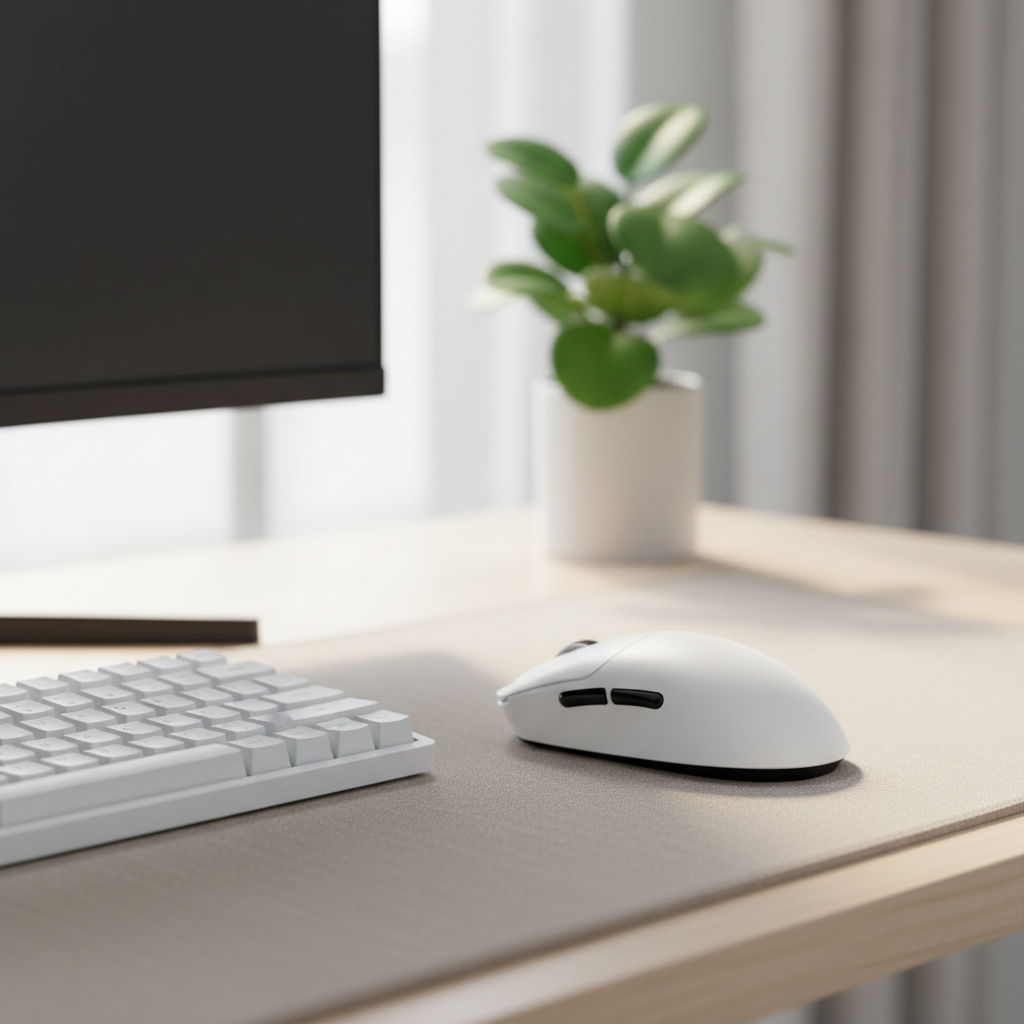
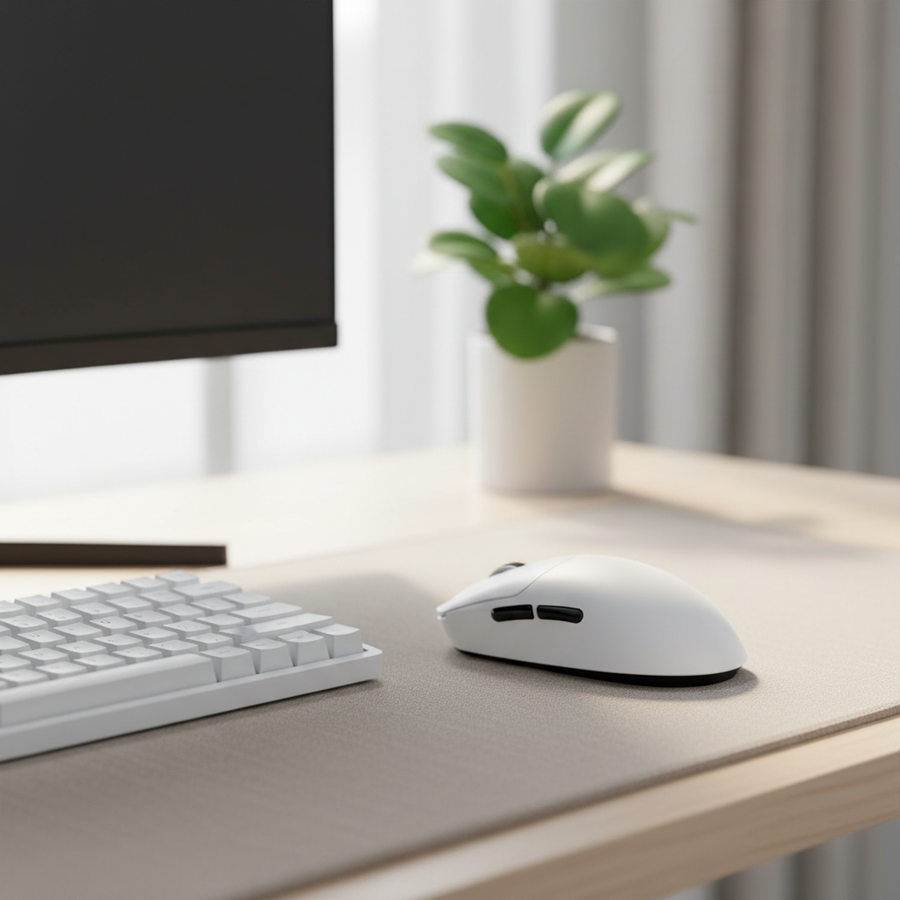
La arquitectura del híbrido trabajo-juego
La frontera tradicional entre hardware para juegos y herramientas profesionales se está desvaneciendo. Para el jugador consciente del valor, la filosofía de "un solo dispositivo" es una respuesta pragmática tanto a las limitaciones presupuestarias como a la necesidad de un espacio de trabajo simplificado. Sin embargo, adaptar un ratón de alto rendimiento para juegos a un entorno de oficina de 8 horas revela una "Brecha de Credibilidad en las Especificaciones". Aunque una tasa de sondeo de 8000Hz o un sensor de 42,000 DPI suenan impresionantes en una hoja técnica, su utilidad en una hoja de cálculo o suite de diseño depende completamente de la implementación ergonómica y la madurez del software.
En nuestro análisis de reconocimiento de patrones a partir del soporte al cliente y manejo de garantías, hemos observado que la frustración más común para usuarios híbridos no es la falta de velocidad bruta, sino la "fricción ergonómica": la fatiga física que aparece cuando un dispositivo diseñado para ráfagas cortas e intensas de juego se usa para tareas productivas prolongadas y estáticas.
Heurísticas ergonómicas: El Punto Dulce de Estabilidad de 60-80g
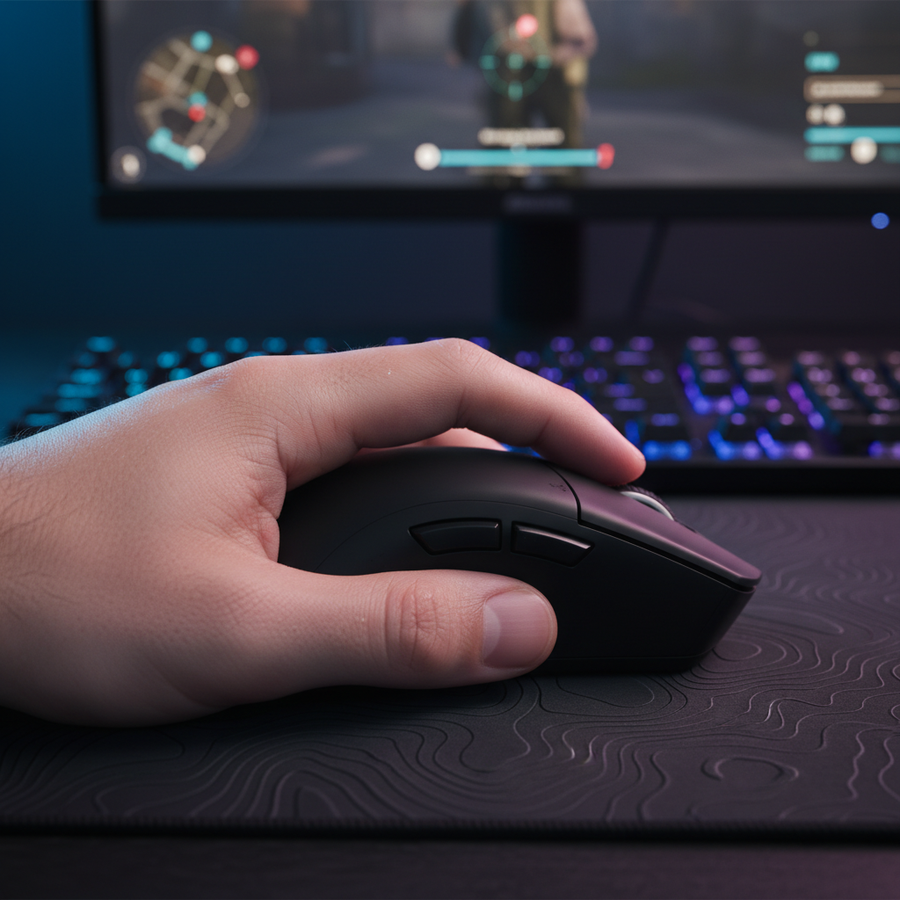
En la escena competitiva de esports, la tendencia hacia ratones ultra-ligeros (menos de 60g) es dominante. Aunque esto reduce la inercia para disparos rápidos en títulos FPS, puede ser contraproducente para el trabajo profesional. Según Ergonomía del ratón de computadora - chairs-advisor.com, los principios de salud ocupacional priorizan una postura neutral de la muñeca y el contacto completo de la palma para distribuir la presión.
Basándonos en nuestro modelado de escenarios para entornos híbridos, hemos identificado un "Punto Dulce de Estabilidad" entre 60g y 80g.
- Menos de 60g: A menudo carece de la masa inherente necesaria para una colocación estable y precisa del cursor en edición fotográfica de alta resolución o trabajo CAD. La falta de resistencia puede provocar "microtemblores" en la mano, ya que los músculos trabajan más para estabilizar un objeto sin peso.
- De 60g a 80g: Proporciona suficiente retroalimentación física para ayudar en el control fino de los movimientos, mientras se mantiene lo suficientemente ligero para evitar la tensión en el trapecio asociada con ratones de oficina antiguos de más de 100g.
- Más de 90g: Generalmente dificulta el rendimiento en juegos de alta velocidad y aumenta el riesgo de lesiones por esfuerzo repetitivo durante sesiones largas.
Resumen lógico: Esta heurística se basa en un análisis equilibrado de la carga muscular estática (oficina) frente a la aceleración dinámica (juegos). Asume un tamaño estándar de mano adulta (aprox. 18-20 cm) y puede variar según los estilos de agarre individuales.
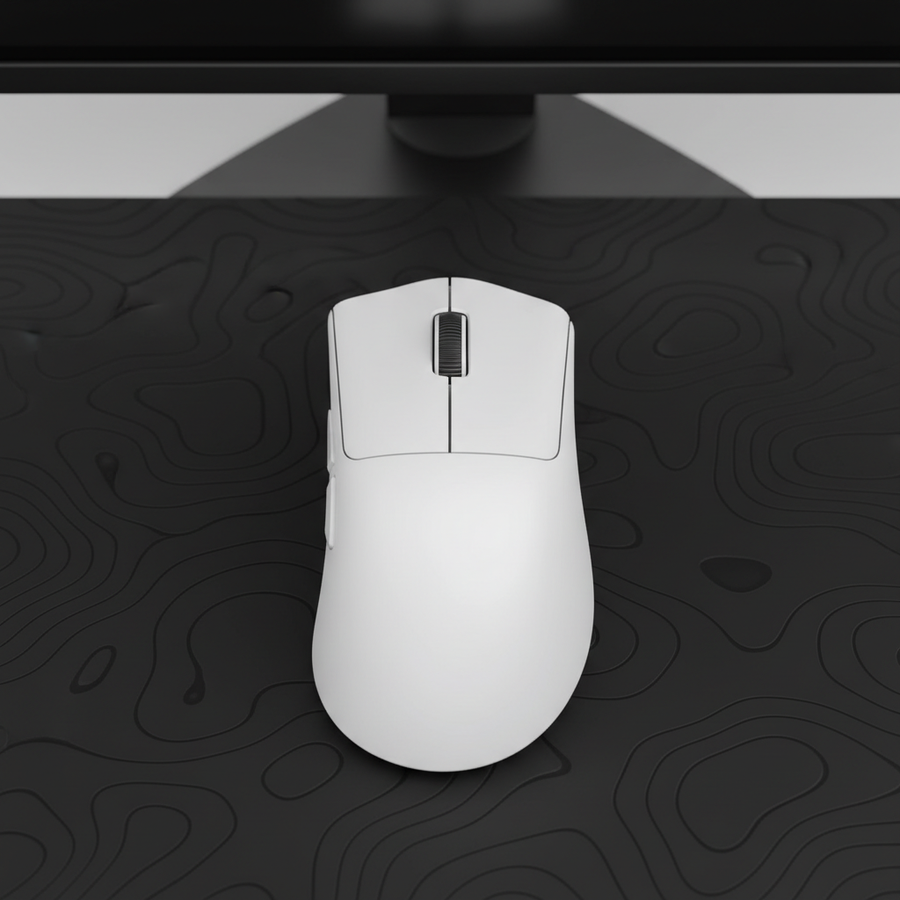
Para usuarios que buscan este equilibrio, el ATTACK SHARK X8 Series Tri-mode Lightweight Wireless Gaming Mouse ofrece una forma contorneada para diestros que se alinea con las pautas ergonómicas para la prevención de RSI mientras mantiene un perfil de peso competitivo.

La Física de la Precisión: Sondeo 8K y Vibración DPI
Un punto significativo de confusión en el mercado híbrido es la relación entre las frecuencias de sondeo y la productividad. Los ratones para juegos de grado profesional ahora ofrecen hasta 8000Hz (8K) de sondeo. Para entender el impacto, debemos analizar las matemáticas básicas:
- 1000Hz: intervalo de 1.0ms.
- 8000Hz: intervalo de 0.125ms.
Aunque un intervalo de 0.125ms proporciona tiempos de respuesta casi instantáneos para ventajas competitivas en juegos, genera un estrés único en el sistema. Las altas frecuencias de sondeo aumentan la carga de la CPU mediante el procesamiento de IRQ (Solicitud de Interrupción). En un entorno profesional, donde aplicaciones en segundo plano como videoconferencias o instancias pesadas de navegador están activas, el sondeo 8K puede causar tartamudeo si el sistema no está optimizado.
Además, existe una "Paradoja DPI" en el trabajo de oficina. Mientras que sensores como el PixArt 3950 encontrado en el ATTACK SHARK X8 Series Tri-mode Lightweight Wireless Gaming Mouse pueden alcanzar 42,000 DPI, usar una sensibilidad tan alta en una hoja de cálculo a menudo introduce vibraciones.
Frecuencia de Sondeo y Lógica de Saturación del Sensor
Para mantener una señal estable de 8000Hz, el sensor debe generar suficientes puntos de datos. La fórmula para paquetes enviados por segundo es: $Velocidad de Movimiento (IPS) \times DPI$.
- A 800 DPI, debe mover el ratón a 10 IPS para saturar el ancho de banda 8K.
- A 1600 DPI, solo se requieren 5 IPS.
Para usuarios híbridos, recomendamos un "Perfil de Trabajo" dedicado configurado a 1600 DPI y 1000Hz de frecuencia de sondeo. Esto asegura un seguimiento fluido sin sobrecargar la CPU ni causar un drenaje de batería durante la jornada laboral. Según el Whitepaper Global de la Industria de Periféricos para Juegos (2026), la integración de un cambio de modo inteligente y transparente es la próxima frontera para dispositivos híbridos.
Conectividad y el Entorno Corporativo
La libertad inalámbrica es una prioridad para una estética de escritorio limpio, pero el entorno corporativo de 2.4GHz es notoriamente "ruidoso". Los edificios de oficinas suelen estar saturados de señales Wi-Fi y otros periféricos inalámbricos, lo que puede causar interrupciones intermitentes.
Los usuarios experimentados priorizan un receptor robusto con blindaje de alta calidad. El ATTACK SHARK V3PRO Ultra-Light Tri-Mode Gaming Mouse con base de carga aborda esto incluyendo una base de carga dedicada que también funciona como extensor del receptor. Al colocar el receptor más cerca del ratón, se minimiza la relación señal-ruido y se evita el retraso durante llamadas de video críticas o partidas de juego.
Gestión de batería en uso híbrido
Un error común es permanecer en "Modo rendimiento" (muestreo 8K) durante las horas de oficina. Esto puede reducir el tiempo de uso inalámbrico en ~75-80% comparado con el uso estándar de 1000Hz.
- Modo juego (8K): Alto rendimiento, baja duración de batería (~10-20 horas).
- Modo oficina (1K): Alta eficiencia, larga duración de batería (~60-100+ horas).
Estética profesional e ingeniería de superficies
Una estética de juego "ruidosa" con RGB excesivo puede no encajar en una reunión profesional. La tendencia actual en ratones híbridos es un acabado mate, ligeramente texturizado. Esto no es solo por apariencia; un recubrimiento de alta calidad resiste mejor los aceites de la piel y el sudor que los acabados brillantes, manteniendo una apariencia profesional durante años de uso.
Para complementar el ratón, la elección de la superficie es fundamental. Aunque las alfombrillas de tela son estándar, una superficie de vidrio templado como la ATTACK SHARK CM05 Alfombrilla de ratón para juegos de vidrio templado ofrece una experiencia "sin arrastre" que es excepcionalmente silenciosa, una característica vital para oficinas de espacio abierto. Su dureza 9H asegura que no se desgastará como las alfombrillas tradicionales, proporcionando un deslizamiento constante tanto para juegos como para tareas de diseño de precisión.

Cumplimiento y seguridad: la columna vertebral de E-E-A-T
Al comprar hardware de alta especificación de marcas emergentes, es esencial verificar la credibilidad técnica. Recomendamos cotejar el hardware con bases de datos oficiales de certificación:
- Autorización FCC: Busque el ID FCC (por ejemplo, Código de concesionario 2AZBD) para verificar la exposición a RF y los informes de cumplimiento.
- ISED Canadá: Utilice la Lista de Equipos de Radio (REL) para el mapeo regulatorio en Norteamérica.
- Seguridad de la batería: Asegúrese de que las baterías internas de litio cumplan con los estándares UN 38.3 para un transporte y uso seguros, según lo establecido en la Guía de baterías de litio de IATA.
Para software, siempre usa fuentes oficiales como la Descarga de Drivers de Attack Shark y verifica los archivos a través de VirusTotal para asegurar que el firmware no esté firmado y sea seguro.
Método y Suposiciones (Modelado de Escenarios)
Para proporcionar las estimaciones en este artículo, utilizamos un modelo parametrizado determinista basado en patrones comunes de uso en oficina y juegos.
| Parámetro | Valor / Rango | Unidad | Justificación |
|---|---|---|---|
| Tamaño de Mano (Longitud) | 175 - 200 | mm | Rango promedio adulto (aprox. percentiles 50-75) |
| Uso Diario en Oficina | 8 | Horas | Jornada laboral estándar a tiempo completo |
| Uso Diario de Juegos | 2 - 4 | Horas | Sesión típica de jugador recreativo |
| Frecuencia de Sondeo (Trabajo) | 1000 | Hz | Estándar de la industria para estabilidad/eficiencia |
| Frecuencia de Sondeo (Juego) | 4000 - 8000 | Hz | Estándar de alto rendimiento para esports |
Condiciones de Frontera:
- Especificaciones del Sistema: El análisis asume una CPU equivalente a un Intel i5/Ryzen 5 o superior para manejar la sobrecarga IRQ de sondeo 8K.
- Superficie: Las estimaciones de deslizamiento asumen una superficie limpia y no reflectante (patines de PTFE sobre vidrio o tela de alta calidad).
- Conectividad: Se asume conexión directa al puerto USB de la placa base (I/O trasero) según las Directrices de NVIDIA Reflex Analyzer.
Resumen de Criterios para Selección Híbrida
Elegir un híbrido trabajo-juego es cuestión de gestionar compensaciones. No necesitas el dispositivo más caro, pero sí uno que respete las demandas fisiológicas de una jornada laboral de 8 horas.
- Prioriza la Forma sobre el Peso: Un ratón ergonómico de 70g es mejor para tu muñeca que uno ambidiestro de 50g si pasas todo el día en Excel.
- Gestiona tu Frecuencia de Sondeo: Reserva el rendimiento 8K para el fin de semana; 1K es más que suficiente para productividad y ahorra batería.
- Invierte en el Ecosistema: Pequeñas adiciones como un ATTACK SHARK C06 Cable Enrollado para Ratón para cargar o una alfombrilla de vidrio pueden mejorar significativamente la "sensación" de tu configuración.
Aviso Legal: Este artículo es solo para fines informativos y no constituye asesoramiento médico o ergonómico profesional. Si experimenta dolor persistente o síntomas de Lesión por Esfuerzo Repetitivo (RSI), consulte a un profesional médico calificado o terapeuta ocupacional.
Referencias
- Ergonomía del ratón de computadora - chairs-advisor.com
- Autorización de Equipos FCC (Búsqueda de FCC ID)
- Lista de Equipos de Radio de ISED Canadá (REL)
- Libro Blanco de la Industria Global de Periféricos para Juegos (2026)
- Guía de Configuración de NVIDIA Reflex Analyzer
- Documento de Orientación sobre Baterías de Litio de IATA